CyberPanel Community

Installed GhostCMS on Docker but got 404 not found

Bm
Belhachemia mohammed #1

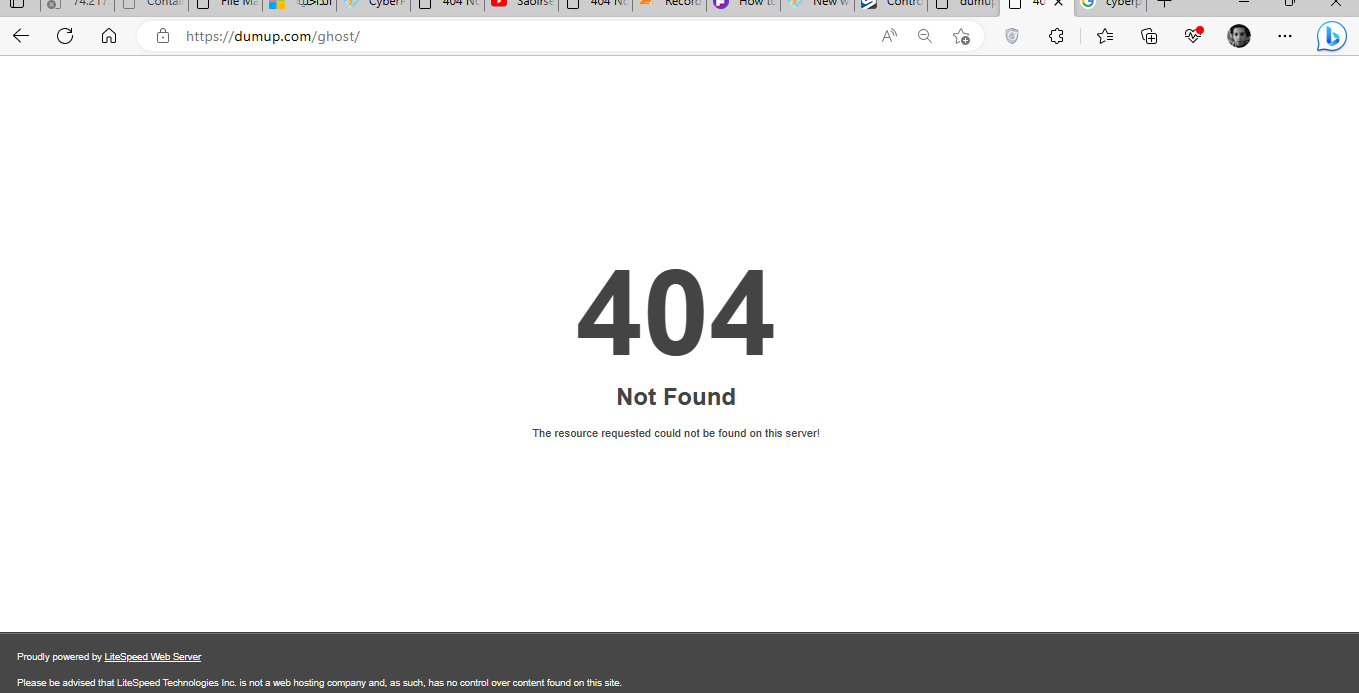
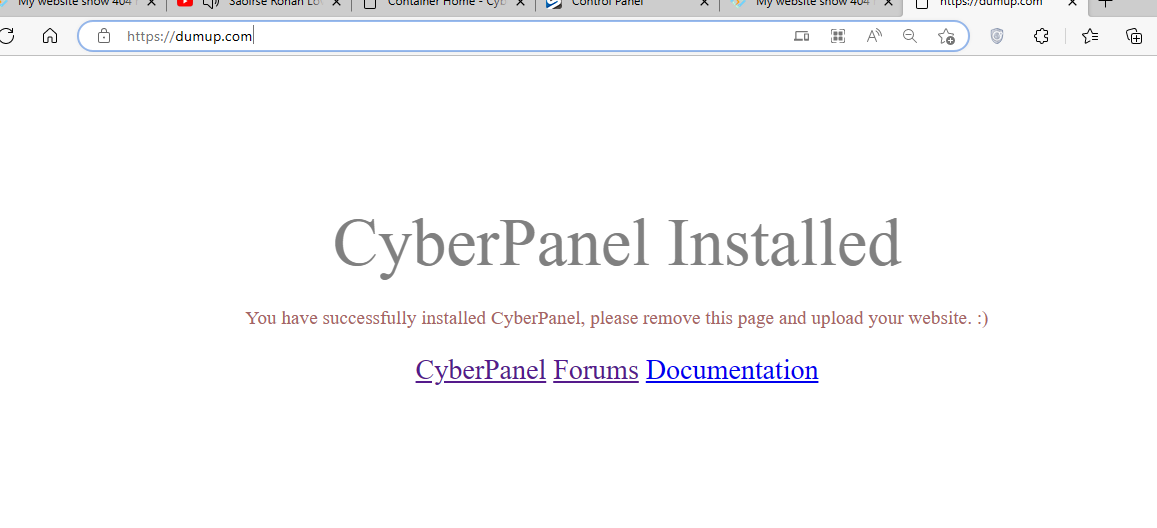
I install wordpress and then try to replace my current website with a ghost platform, but my website shows 404 error,
ubuntu 18

My system and cyberversion 
Current Version:

2.3

Build:

4

Current Commit:

93bf01922d2f4a9cb52a375809f94e0ed293cc2a

Latest Version:

2.3

Latest Build:

4

Latest Commit:

93bf01922d2f4a9cb52a375809f94e0ed293cc2

a
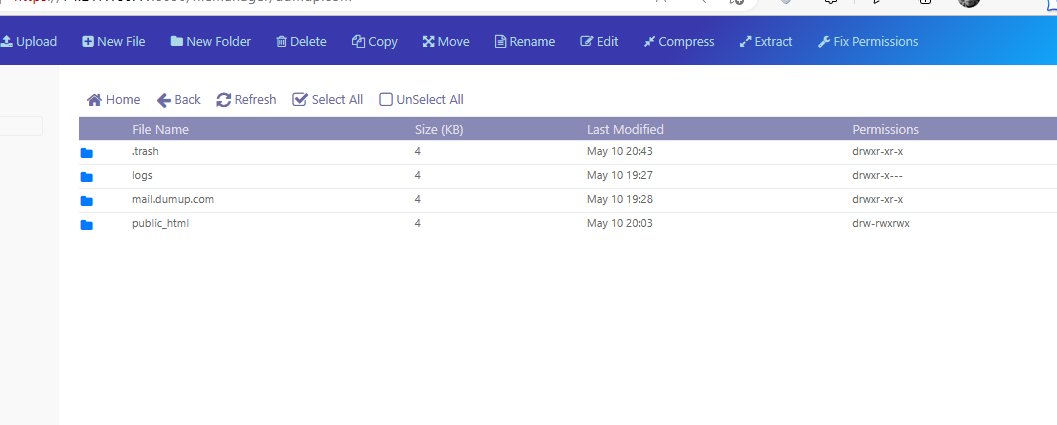
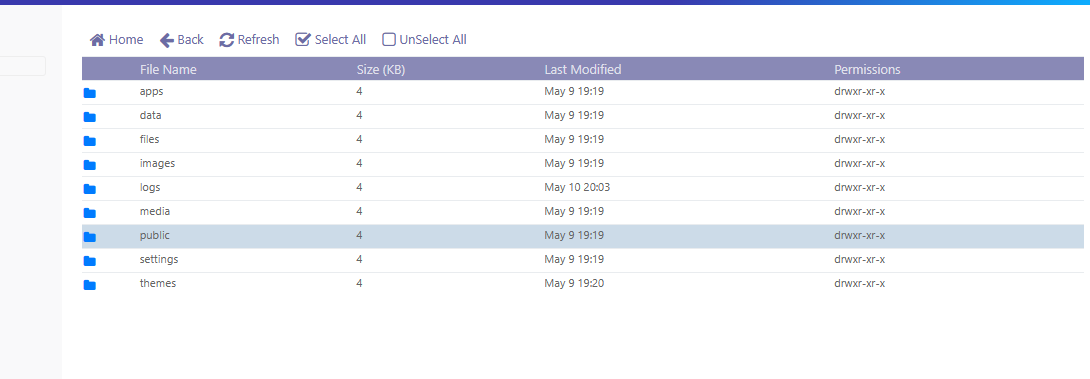
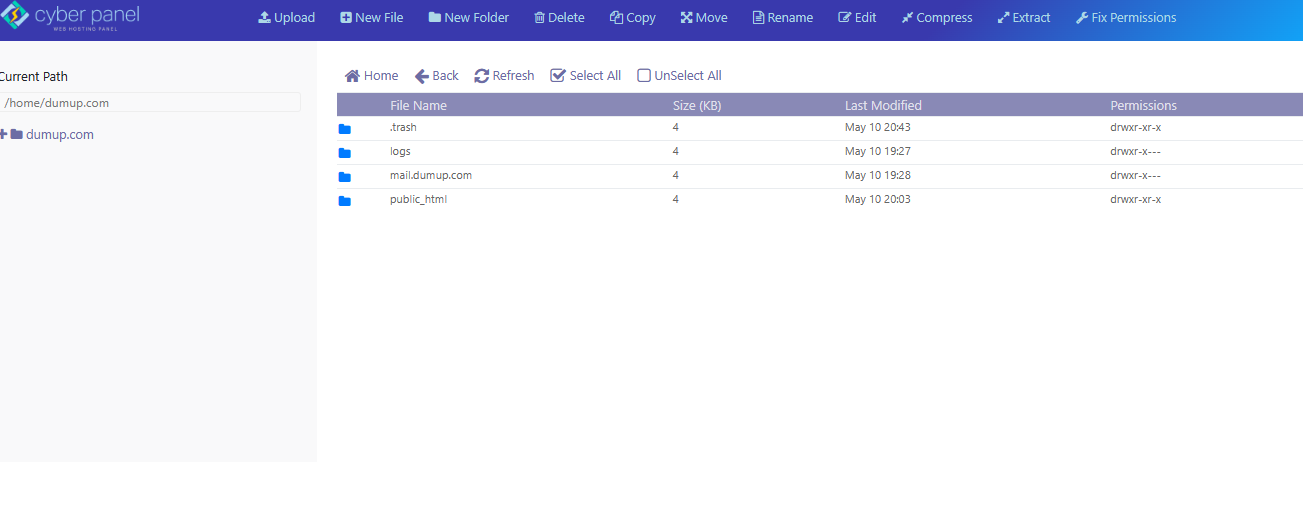
You can check the FileManger

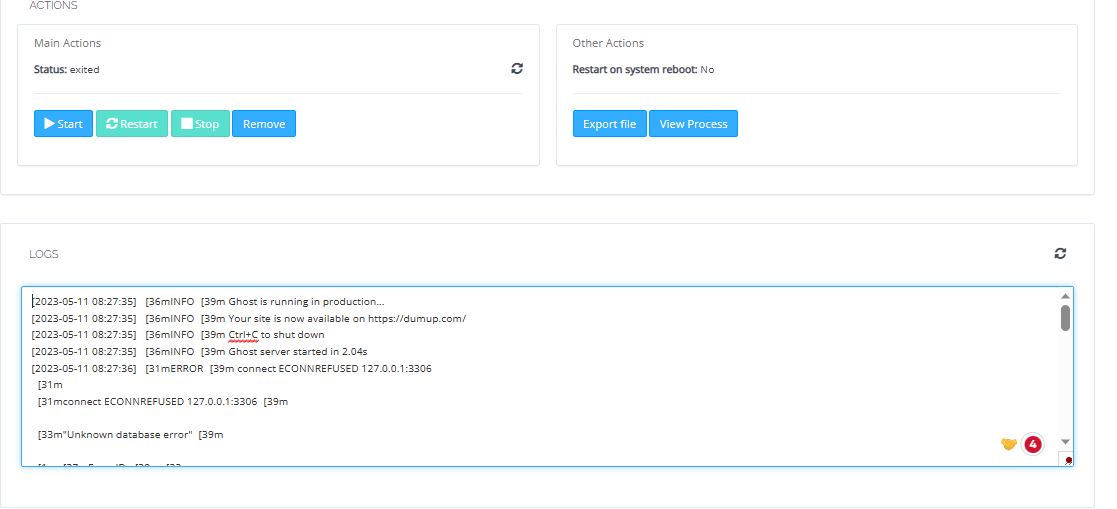
Check the eroor message


My ghost show everthing running noraml

20 replies
jo
josephgodwinke #4

Have you tried to deploy using pm2 process manager it will tell you what is going on ?

Also make sure you are not using any version below v5.22.7 there is security vulnerability

jo
josephgodwinke #6

Clearly you did not follow any advice we gave you.

Why are you using wordpress manager ?

Are you using docker ?

For example How to install & setup Ghost on Ubuntu 20.04 or 22.04 it states

Before getting started you should set up a working DNS A-Record from you domain, pointing to the server’s IP address. This must be done in advance so that SSL can be configured during setup.

This means you just create a website for your domain and that is it.

Then Install Ghost-CLI read the docs on how to do this

Then skip the install Ghost process as Ghost comes with NGINX and SSL setups of its own this I can see you knew how to get around this. Just to highlight it for the community its usually running:

$ ghost setup --no-setup-nginx --no-setup-systemd --no-setup-ssl --no-start

Reboot your server or just run systemctl restart lsws

Now for good measure install PM2 read the tutorials I highlighted above to know what is wrong with your installation if any. With ghost cli you will hardly ever need pm2 because they all monitor the app and can restart, start and stop it.

Bm
Belhachemia mohammed #7

yes, I install docker then fellow some toturial online How to install ghost cms using ceyberpanel then I found some issue related about lite speed firewall. Any steps or commands to undertsand why the error stuck 404

jo
josephgodwinke #8

Did you follow any tutorial here? If any highlight it here

Did you pull this image Docker or what image are you using to create your container ?

If you are running a web application in your Docker Container you may want to reverse proxy traffic from main webserver (OpenLiteSpeed or LiteSpeed Web server Enterprise) to docker container.

Did you see this Reverse Proxy Traffic to Docker Container on CyberPanel ?

Tried to explore an example like this How to install NextCloud on CyberPanel with Docker

Post a screenshot of this issue

jo
josephgodwinke #10

Copy paste here the logs you see down there. All of them

Bm
Belhachemia mohammed #11
[2023-05-11 09:21:52] e[36mINFOe[39m Ghost is running in production...
[2023-05-11 09:21:52] e[36mINFOe[39m Your site is now available on https://dumup.com/
[2023-05-11 09:21:52] e[36mINFOe[39m Ctrl+C to shut down
[2023-05-11 09:21:52] e[36mINFOe[39m Ghost server started in 9.914s
[2023-05-11 09:21:54] e[31mERRORe[39m connect ECONNREFUSED 127.0.0.1:3306
e[31m
e[31mconnect ECONNREFUSED 127.0.0.1:3306e[39m

e[33m"Unknown database error"e[39m

e[1me[37mError ID:e[39me[22m
    e[90m500e[39m

e[1me[37mError Code: e[39me[22m
    e[90mECONNREFUSEDe[39m

e[90m----------------------------------------e[39m

e[90mError: connect ECONNREFUSED 127.0.0.1:3306
    at /var/lib/ghost/versions/5.47.0/node_modules/knex-migrator/lib/database.js:57:19
    at TCPConnectWrap.afterConnect [as oncomplete] (node:net:1278:16)e[39m
e[39m
[2023-05-11 09:21:54] e[35mWARNe[39m Ghost is shutting down
[2023-05-11 09:21:54] e[35mWARNe[39m Ghost has shut down
[2023-05-11 09:21:54] e[35mWARNe[39m Your site is now offline
[2023-05-11 09:21:54] e[35mWARNe[39m Ghost was running for a few seconds
type or paste code here

jo
josephgodwinke #12

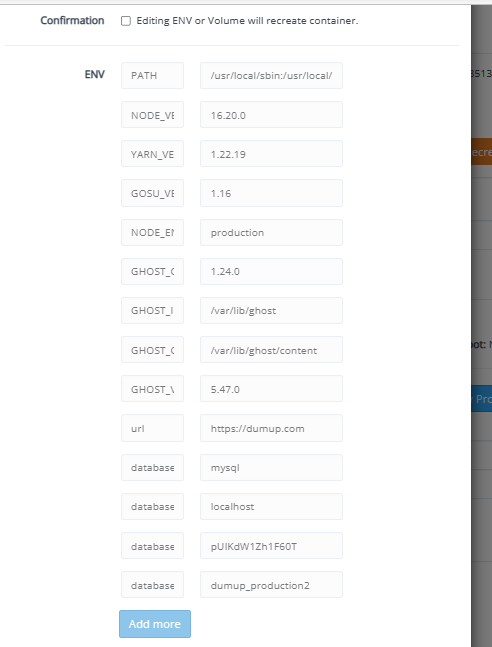
What are your docker mysql settings post a picture here seems you didnot use another port for this because your whole cyberpanel installation is running mariadb on that port

Bm
Belhachemia mohammed #13

I use

Container ID: 00a3e05851383d0784453cc0eb3431f5e6083ad86daae8d1695baa026738f44c
Image: ghost:latest
Ports:
2368/tcp to 2368
jo
josephgodwinke #14

Did you try to restart the container ? Would you use sqlite to see if it works ?

Bm
Belhachemia mohammed #15

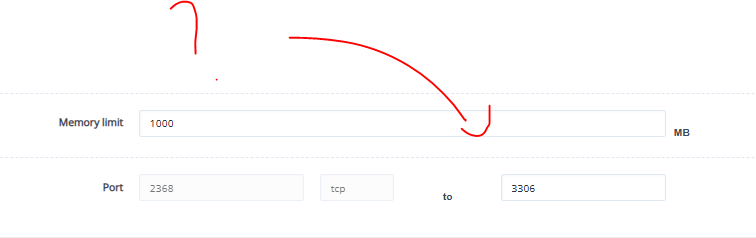
Yes I try check my domain name works and use index.html, If I remove the file the whole website show 404 error. Can I try to modify the port to 3306 ?
https://dumup.com

Bm
Belhachemia mohammed #17

How do I do that? any option, how to point my domain into my ghost folder and not the index?html

jo
josephgodwinke #20

If you have changed cyberpanel mysql port from 3306 or its open, yes try that.

Sign in to reply