CyberPanel Community

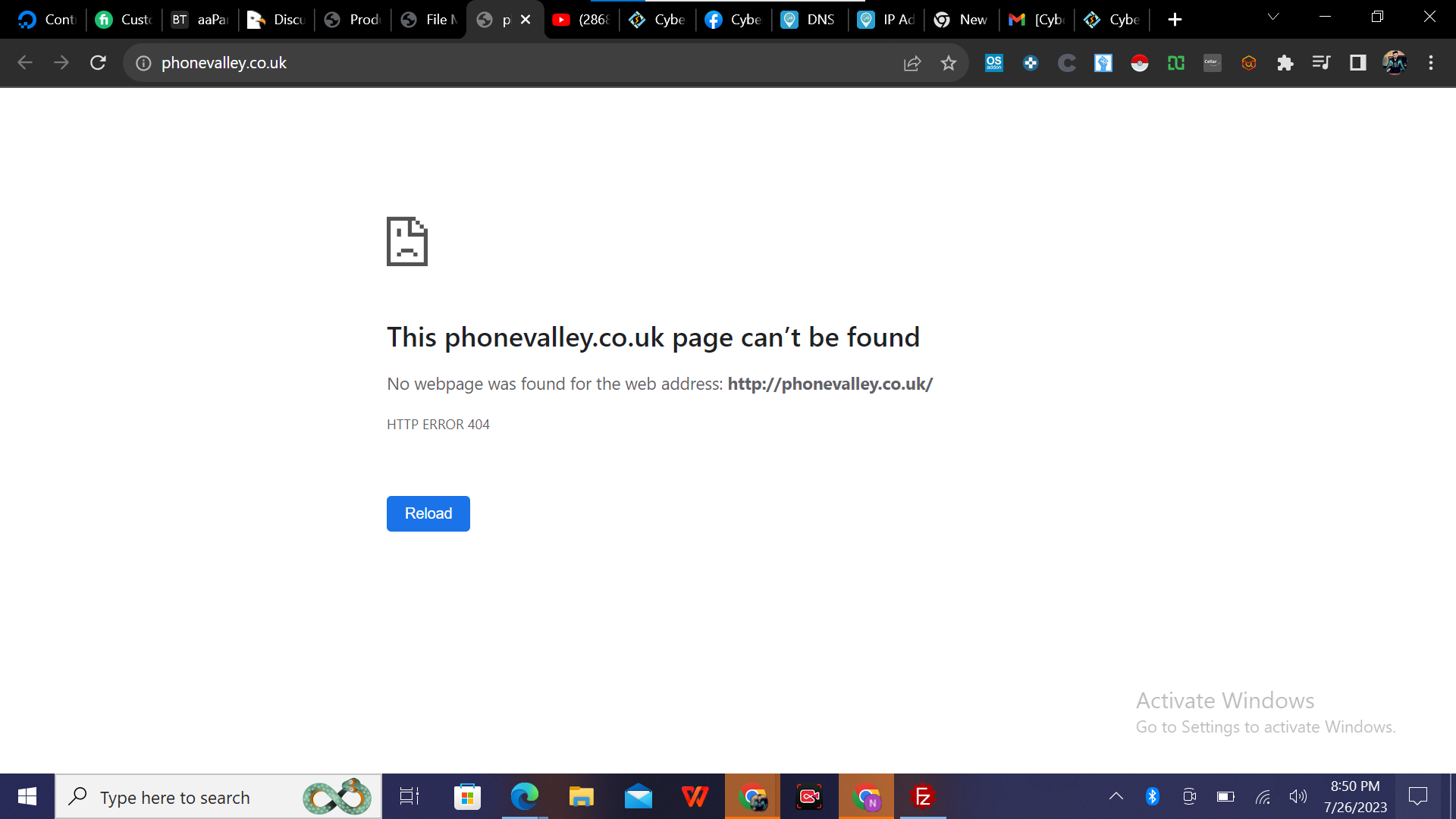
Page can't be found

MA
Manzoor Ahmad #1

Hi Sir
I hope you are doing well
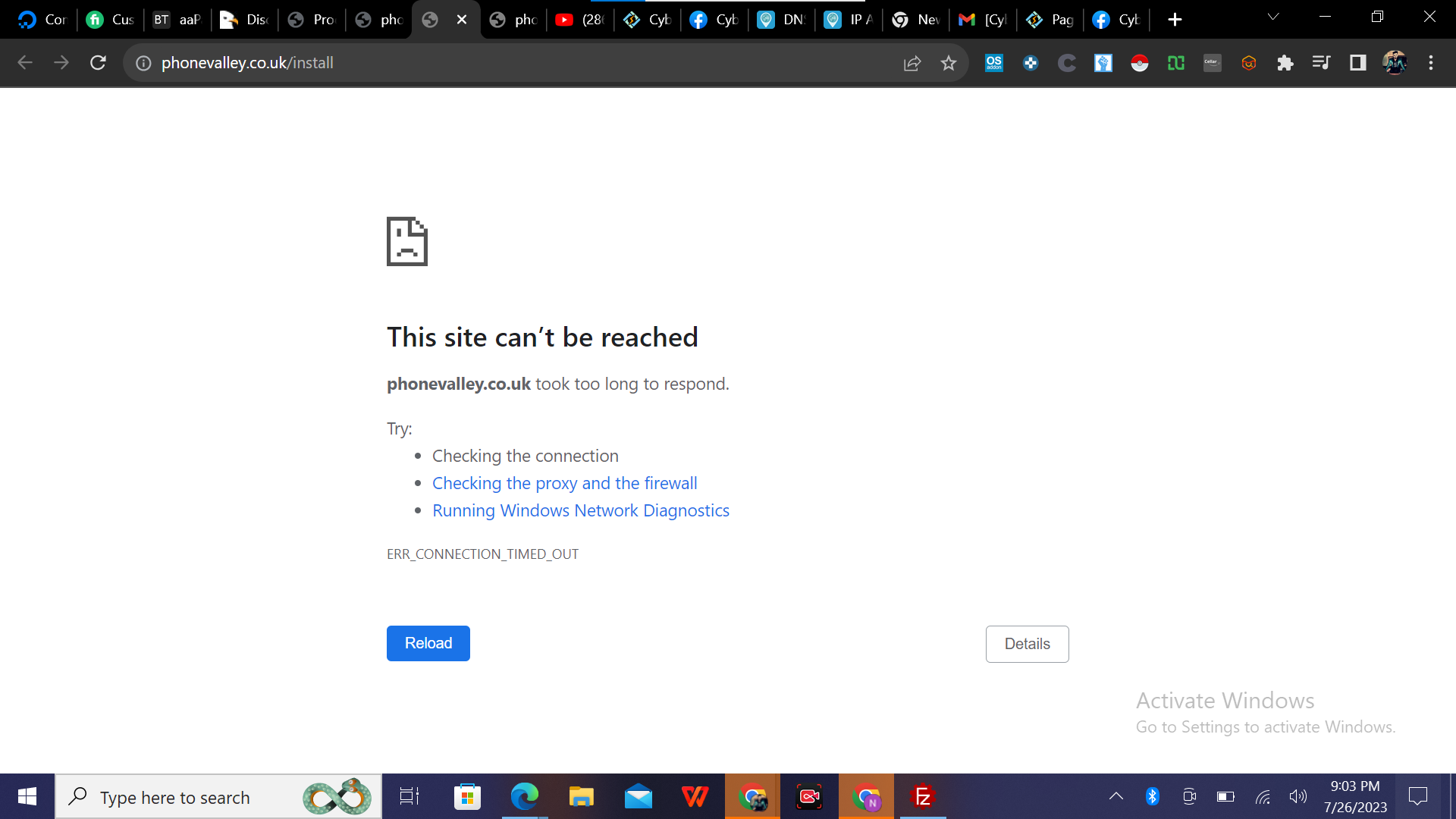
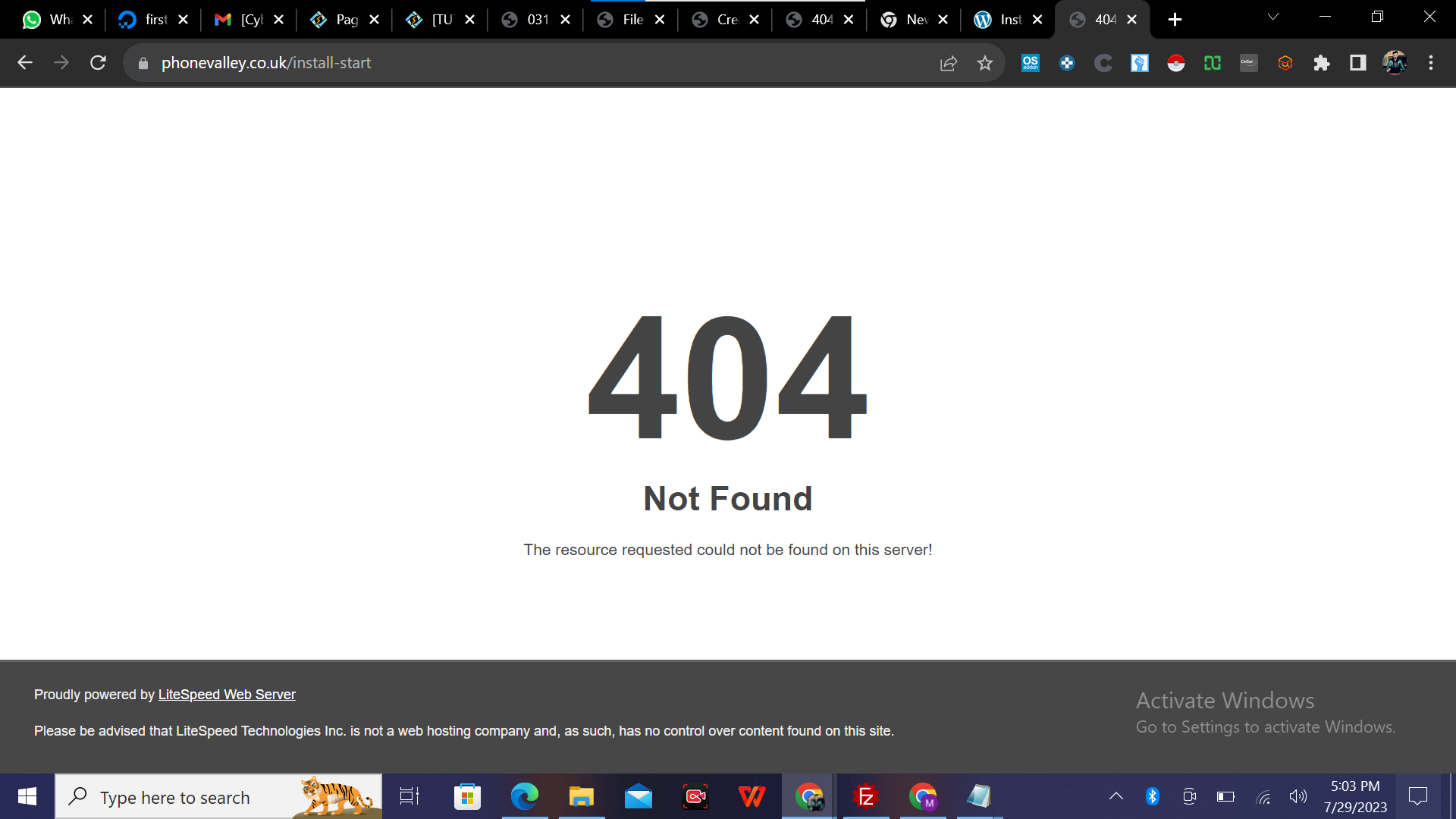
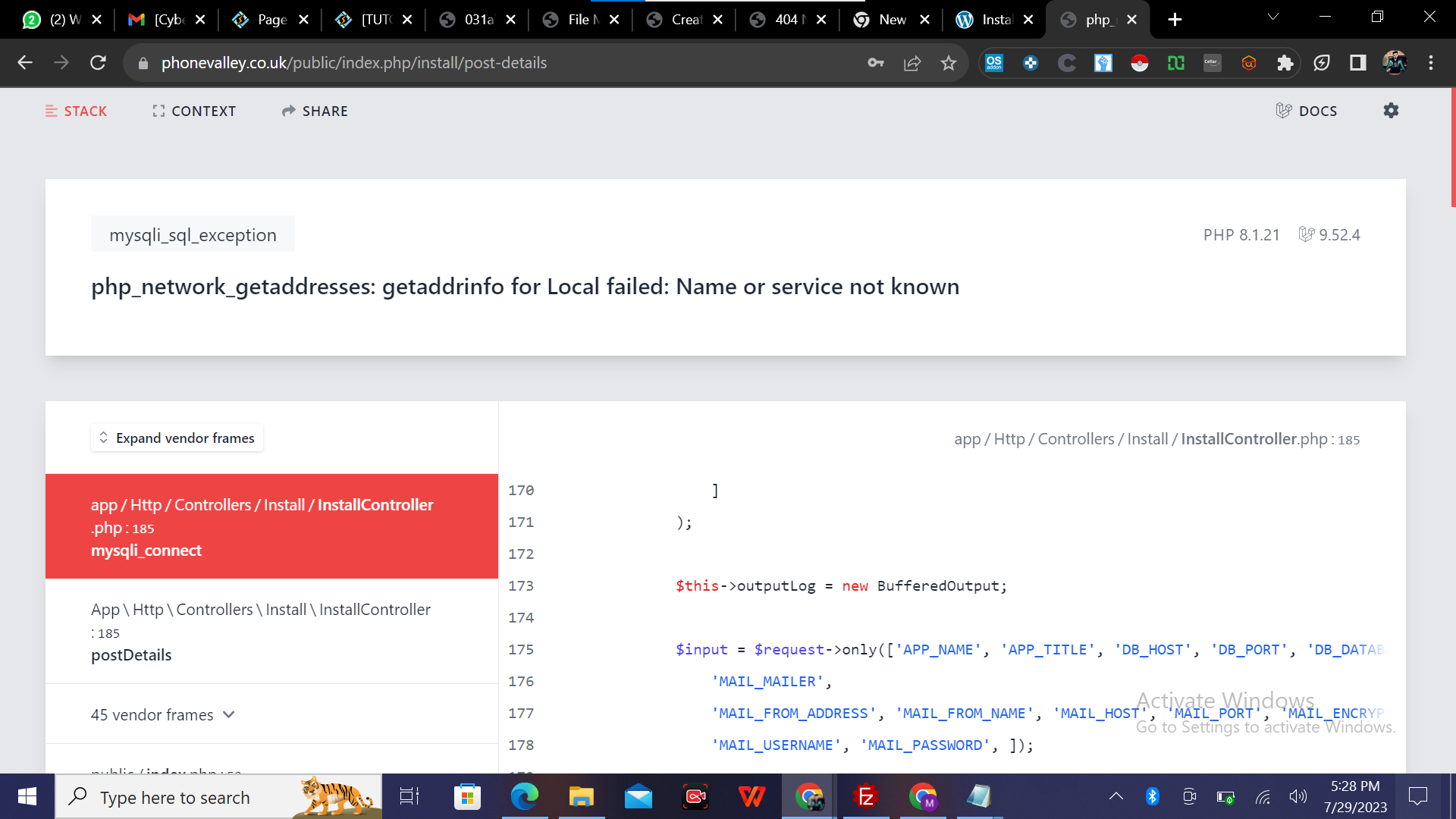
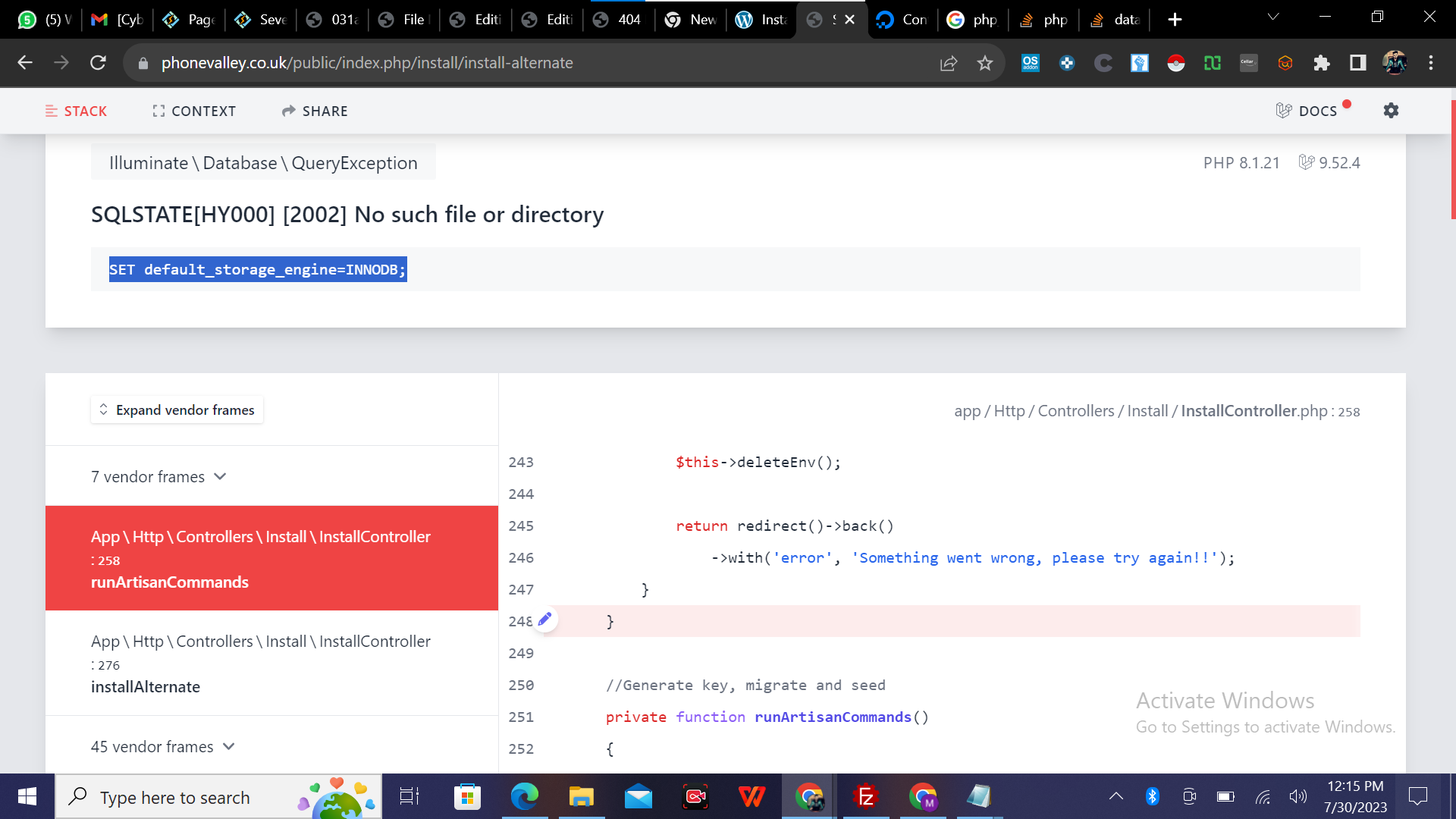
I have tried a lot to install php script on cyber panel but it shows the following error shown in the screenshot.

I have install the cyberpanel on digital ocean droplet in the start it was showing that Cyberpanel is Successfully installed. but as i have uploaded the script and attached the domain to digital ocean droplet then it shows the given error.

I have configured the domain you can check that out.
if you need the login details of any of them i can provide but please help me to solve the issue
I will be very thankful.

domain: phonevalley.co.uk
Server IP: 170.64.149.50

Regards,
Manzoor Ahmad
17 replies
jo
josephgodwinke #2

Welcome @ahm Happy you are here

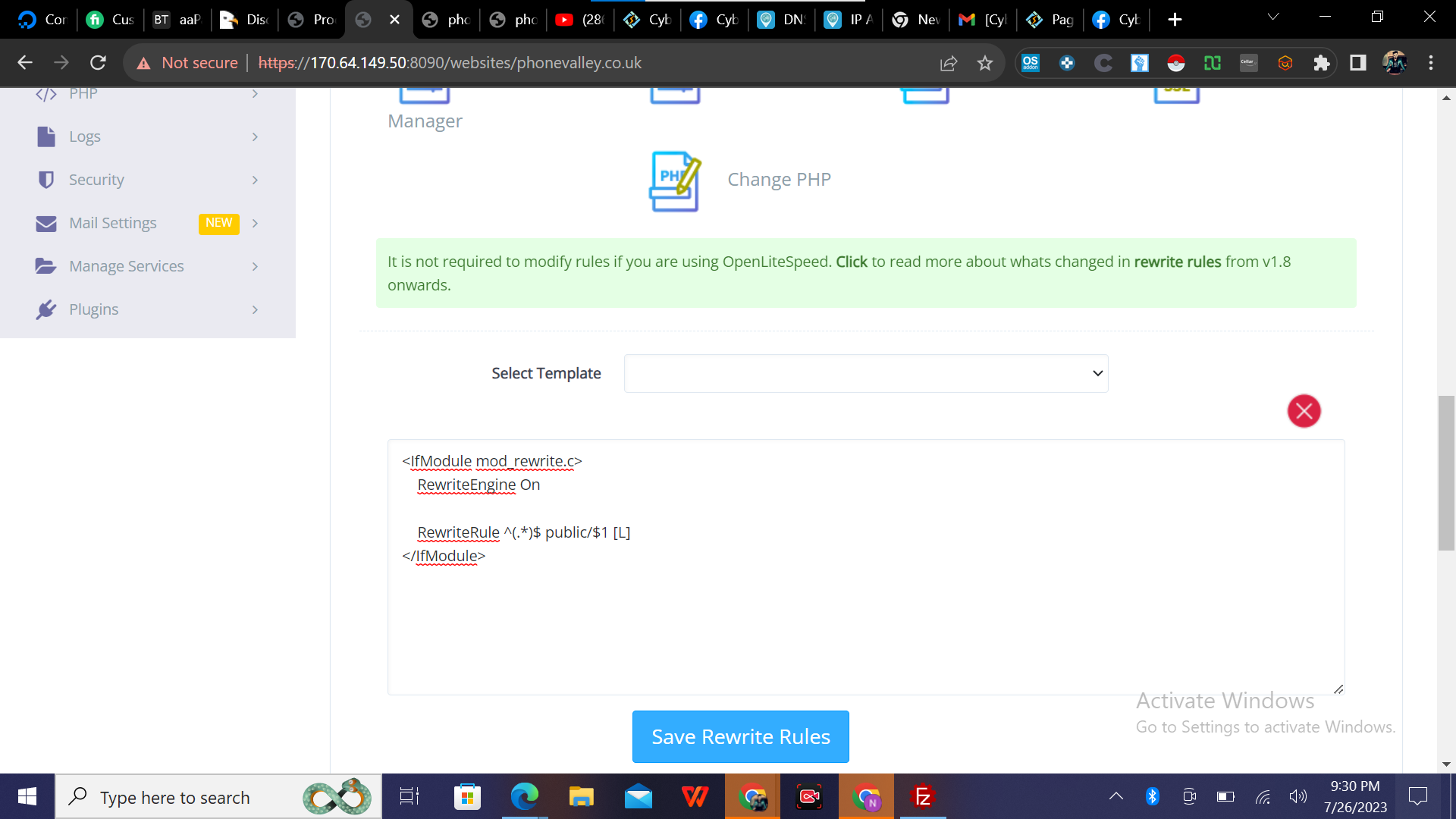
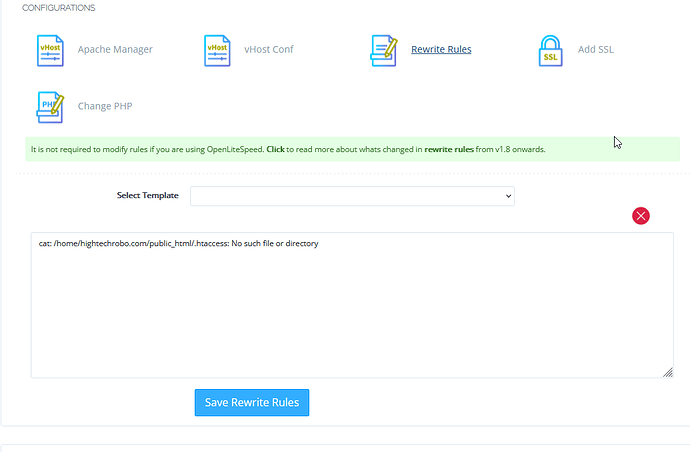
Check .htaccess or Rewrite Rules under website manager

jo
josephgodwinke #4

Delete all that and select HTTP->HTTPS template from Select Template i.e

### Rewrite Rules Added by CyberPanel Rewrite Rule Generator

RewriteEngine On
RewriteCond %{HTTPS}  !=on
RewriteRule ^/?(.*) https://%{SERVER_NAME}/$1 [R,L]

### End CyberPanel Generated Rules.
jo
josephgodwinke #6

Look at the address bar its going straight to install folder.

If this is a script you bought from codecanyon refer to documentation as to instructions to install the script. You can also use the script owner’s support if your license is valid for 30 days or so depending on what they offer.

MA
Manzoor Ahmad #7

Yes Sir this is code canyon script it is working fine on other platforms like hostinger and go dady but i want to install it on a vps server so they told me to ask the panel support team they will sort the issue :confused:

and this should be install first so the address bar is correct but not loading.

jo
josephgodwinke #8

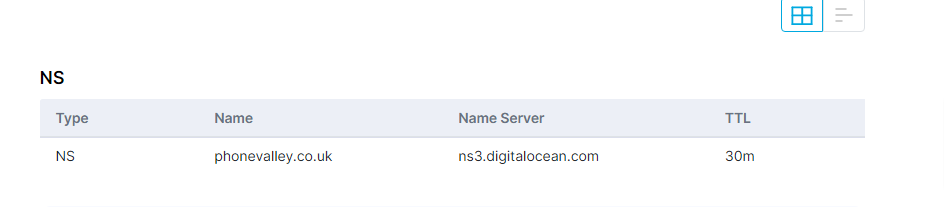
Check your dns records they are not pointing to your private nameservers

OO
Oluwatobi Owolabi #9

Check OLS if the website is there.
I had a similar experience recently and had to manually create the domain in OLS.

MA
Manzoor Ahmad #10

Sir I have tried a simple index.html file in the directory of public_html that was showing perfectly.
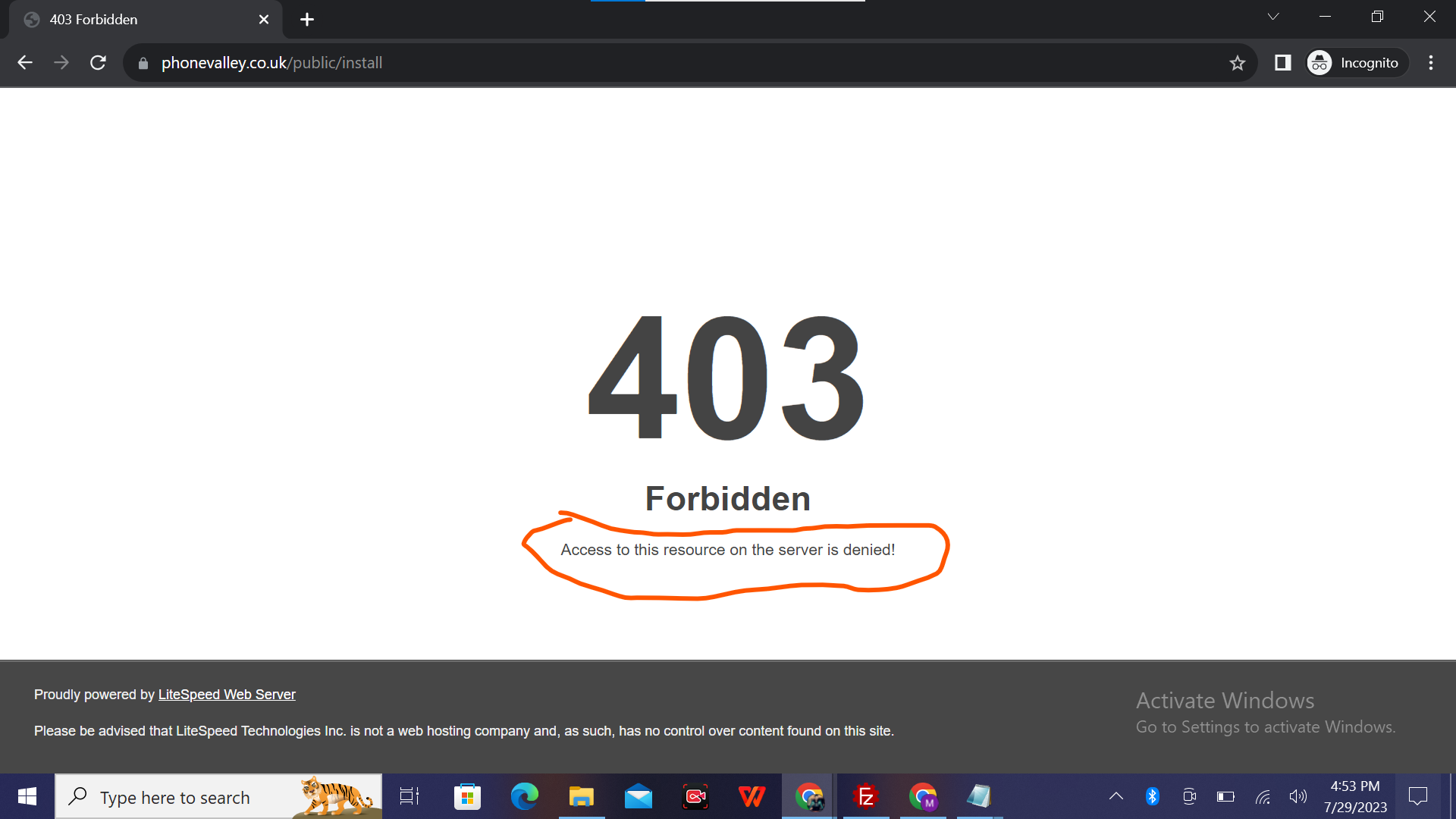
but when I want to install the script that i have uploaded that shows the following error given in the screenshot.
I think there is problem of permission now…
can you please help me to solve the issue please :pray:

I’ll be very thankful

jo
josephgodwinke #11

Go to wbesite manager → file manager → fix file permissions

jo
josephgodwinke #15

This points to DNS issues. Make sure you setup your website correctly

MA
Manzoor Ahmad #17

Sir I’m still stuck in this last step please how can i sort it out…?

MA
Manzoor Ahmad #19

Sir please help me how i can solve it please :pray: :fearful:

Sign in to reply