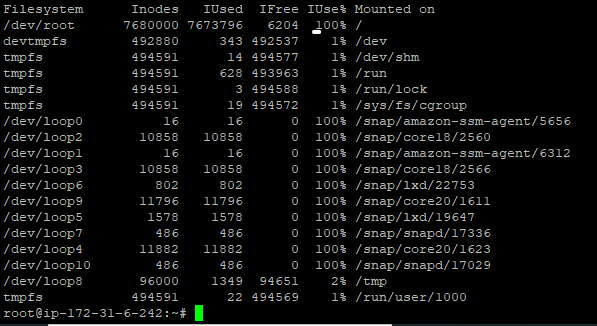
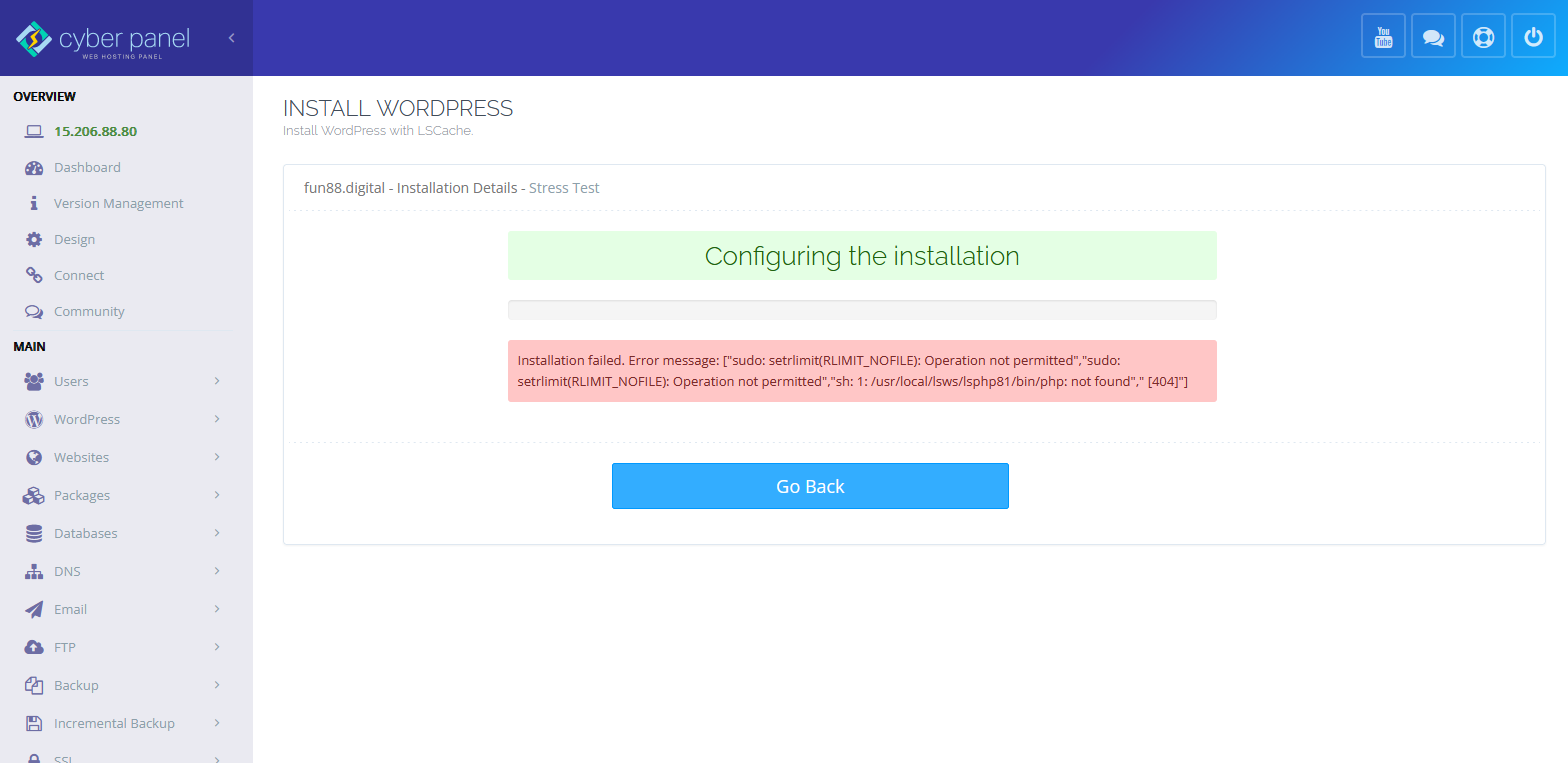
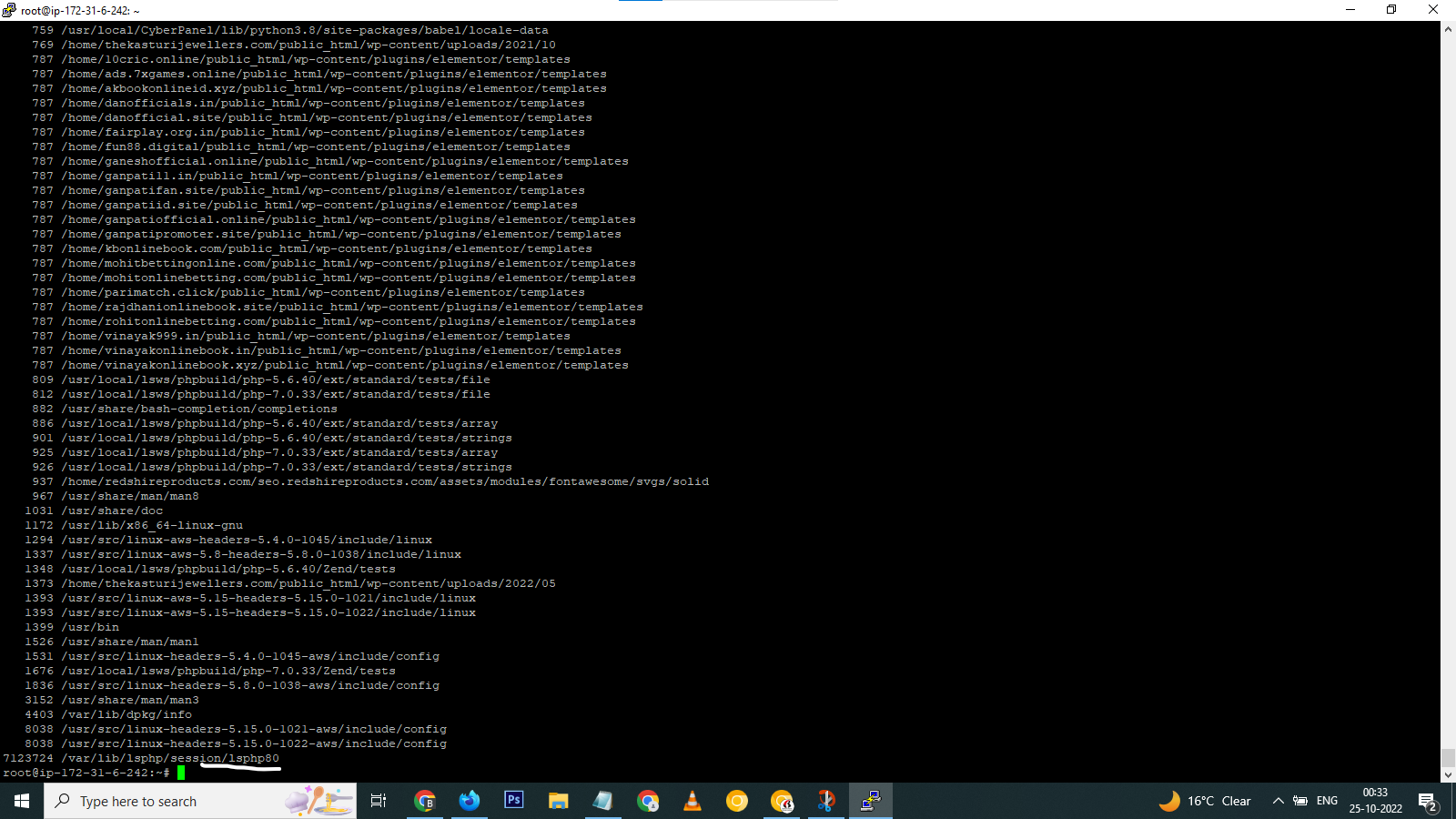
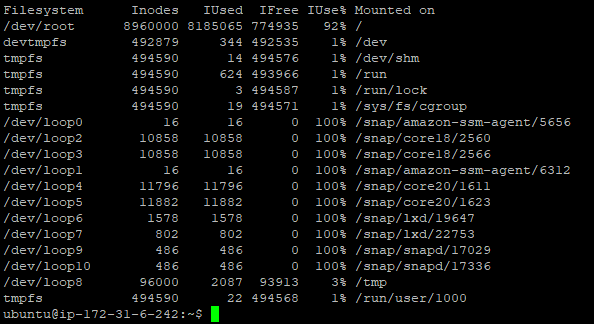
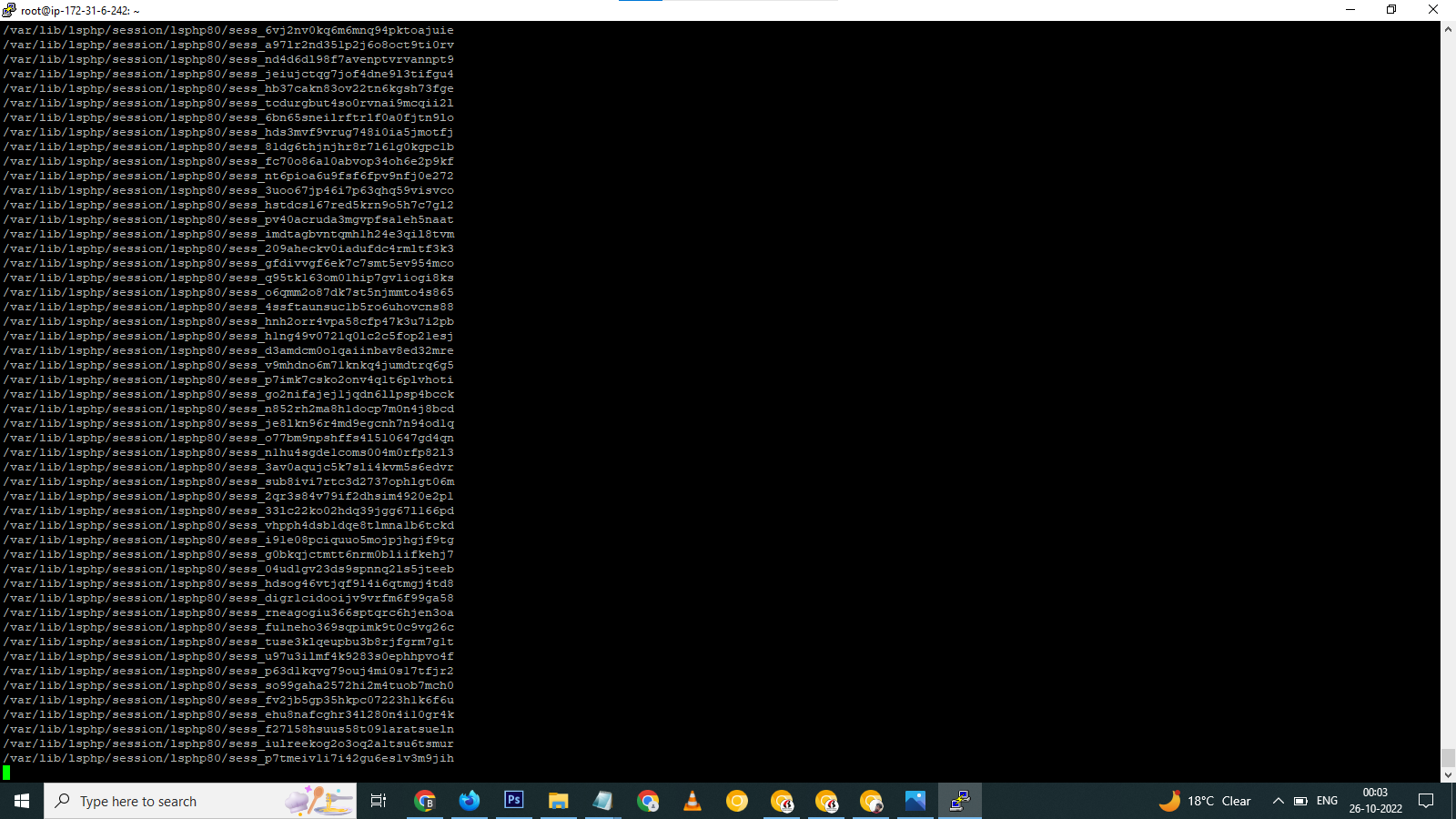
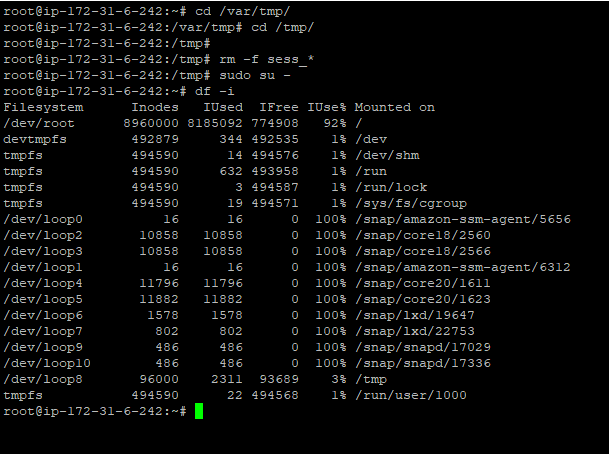
He didn’t fix it sadly as I see there.


He ignored the setting from php.ini file by hardcoding a value of 120.
So the way he “fixed it” will only delete files that were modified exactly 120 minutes ago when the script runs.
Won’t delete files that were changed 119, 118, 121, 150, and such minutes ago.
The php.ini settings use values in seconds, ctime in minutes.
To properly fix it, edit this file:
/usr/local/CyberCP/bin/cleansessions
With this content:
#!/bin/bash
for version in $(ls /usr/local/lsws|grep lsphp); do echo ""; echo "PHP $version"; session_time=$(/usr/local/lsws/${version}/bin/php -i |grep -Ei 'session.gc_maxlifetime'| grep -Eo "[[:digit:]]+"|sort -u); find -O3 "/var/lib/lsphp/session/${version}" -ignore_readdir_race -depth -mindepth 1 -name 'sess_*' -type f -cmin +$((session_time / 60)) -delete; done
This will properly read the session_time that is set up in your php.ini (default 14400 seconds = 240 minutes = 4 hours) and will use that value to delete sessions older than that time.
You can then also execute it directly by running:
bash /usr/local/CyberCP/bin/cleansessions
You can edit the setup_php_sessions.sh to reflect those changes.
But keep in mind that every time you run the cyberpanel update script, this changes will be replaced (unless you use that code to make a script outside of cyberpanel logic and crontab it, which I recommend)