Hi there,
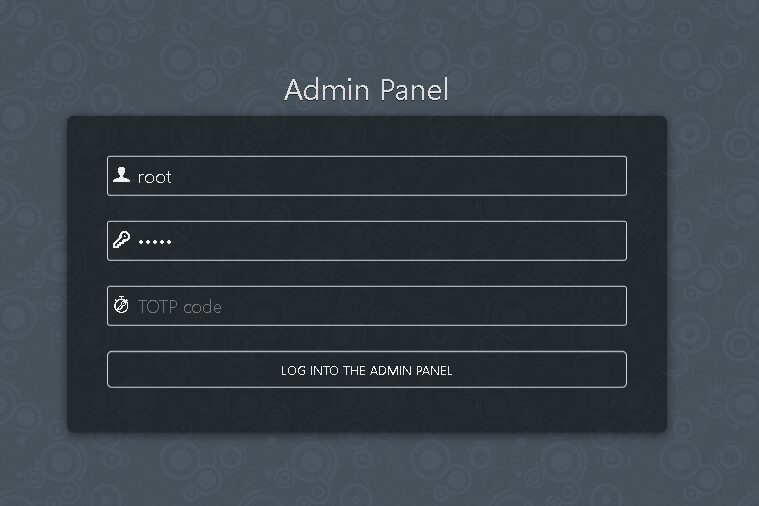
I have installed a fresh CyberPanel on my server with the latest version 2.4.4 and Ubuntu 24.04. After checking some features, I found an admin panel for Snappymail URL https://mycomain.com:8090/snappymail/?admin, but I was unable to log in with certain credentials, such as SSH and Cyberpanel.
I have followed some reference
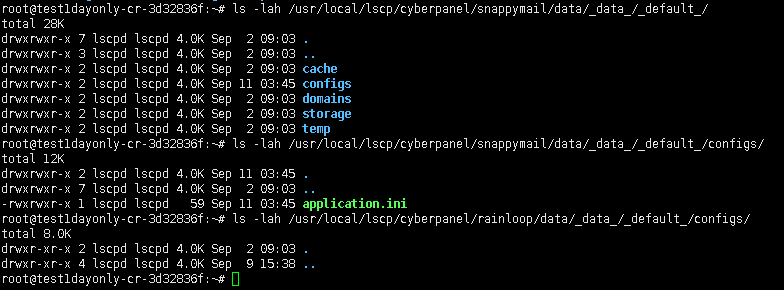
But there is no file mentioned that was generated. The only configuration that I found is here:
cat /usr/local/lscp/cyberpanel/snappymail/data/data/default/configs/application.ini
[security]
admin_login = “admin”
admin_password = “12345”
Kindly need your help to find or maybe reset the default password for SnappyMail Admin panel.

Thank you in advance.
Warm Regards,
Feri