
CyberPanel Community

SSH Root Problem

Su
Surya #1

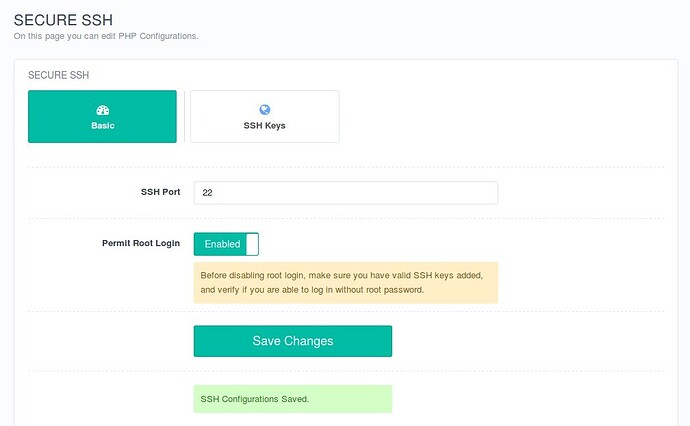
I have activated the root user in the cyber panel then I am unable to open my cyber panel,
ff6ee4783e9709c92f6c5ff0aed1e8206b8250ce_2_690x426

after activating this I am Unable to login in my panel

This site can’t be reached

https://65.1.47.154:8443/ is unreachable.

ERR_ADDRESS_UNREACHABLE
11 replies
Su
Surya #3

I have contacted to aws support they told me that I have my system access using a terminal so you need to fix it with cyber panel, I have hosted my important website here please help us

jo
josephgodwinke #4

Using ssh or vnc or Root File Manager addon for cyberpanel edit /etc/ssh/sshd_config and set directive PermitRootLogin yes

Su
Surya #5

I have already set this but still not get any solution

jo
josephgodwinke #6

Look at the image what is the error alert in red under permit root login. If you do not have valid ssh keys then dont expect to login to you server.

Change the following:

PubkeyAuthentication no

PasswordAuthentication yes

Try to reboot your server

Su
Surya #7

Thank you For your response After changing this now using ssh asking for a password but I don’t have a password because was previously not, I have only .pem key and still I am unable to access my cyber panel because there is nothing showing
my cyber panel address is https://65.1.47.154:8090/

jo
josephgodwinke #8

There is no such thing as an ssh password. Which password were you given by your service provider to access your server ? This circles back to SSH Root Problem - #2 by josephgodwinke

Su
Surya #9

I was using a Key pair file,
if I detach this volume from one instance and then connect this with other instance as a secondary volume so should I can migrate my all c panel data to other cyber panel with all DNS record and everything

JR
Jeysson Rostran #10

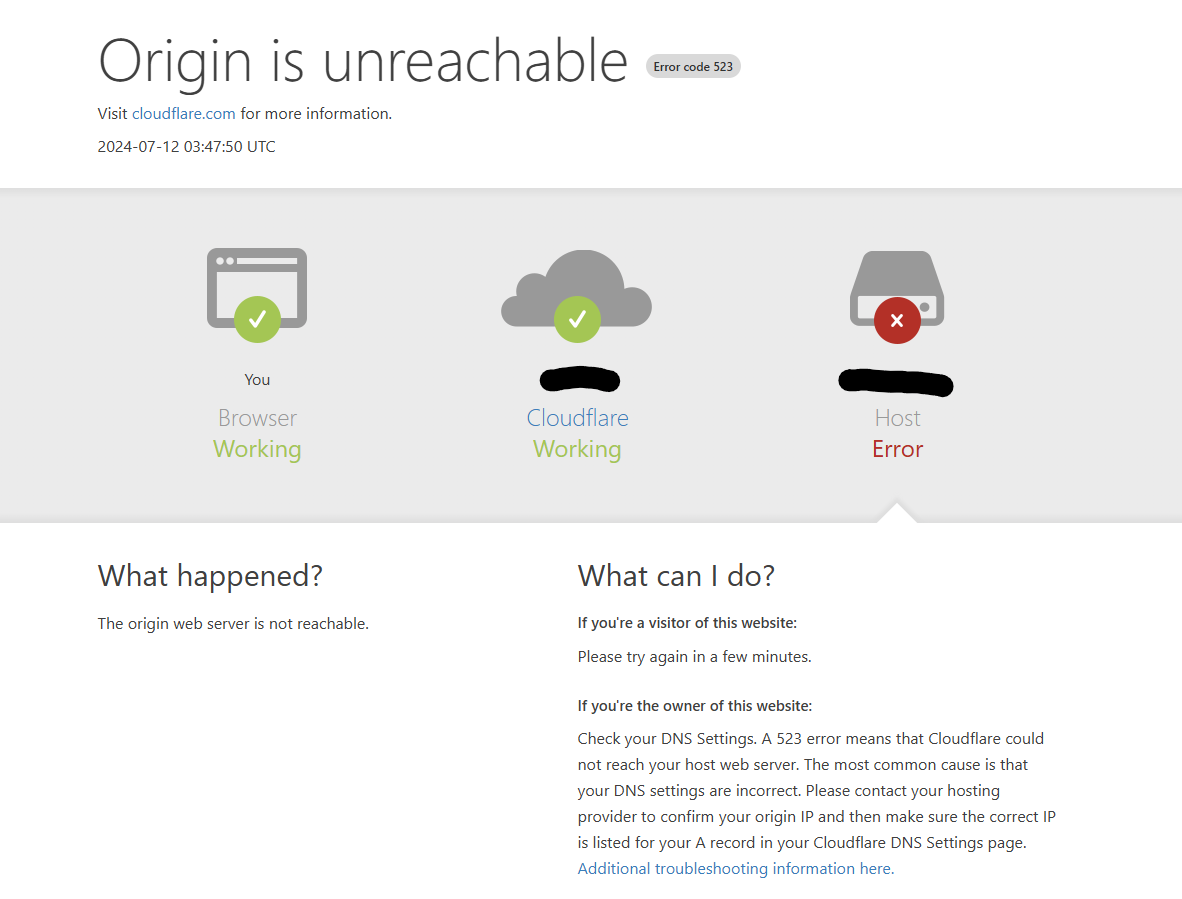
I’m encountering the same


issue with SSH and website accessibility after enabling SSH within CyberPanel. My server is hosted on Oracle Cloud and uses Cloudflare as the DNS provider.

Initially, I couldn’t access the server via SSH even though I had a valid key configured. Enabling SSH through CyberPanel allowed me to connect via SSH, but unfortunately, this made my CyberPanel inaccessible.

Ma
Master3395 #11

Cloudflare requires you to use special ports.
Port 8090 isn’t really supported.
Port 2087 however is supported by Cloudflare.

JR
Jeysson Rostran #12

You’re right; however, I’m using a port that’s allowed.
Again, it was working previously I enable SSH and stop working :frowning:

Sign in to reply