FK
Faheem Kiani
#1
 Community
Hello @faheemkiani
Unfortunately, this has nothing to do with cyberpanel. There can be a number of issue causing this:
You need to check your connection, flush your dns cache and disable the above
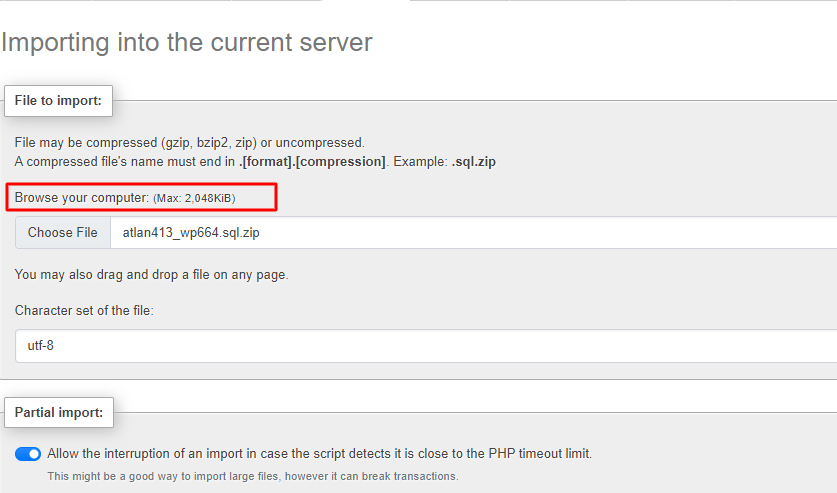
Follow this guide 4 - Change Upload Limit for phpMyAdmin see if it can help
I tried this method but still not working
Have you increased your timeout limit ?
How much should i increase the timeout limit?
I changed the timeout limit but still same
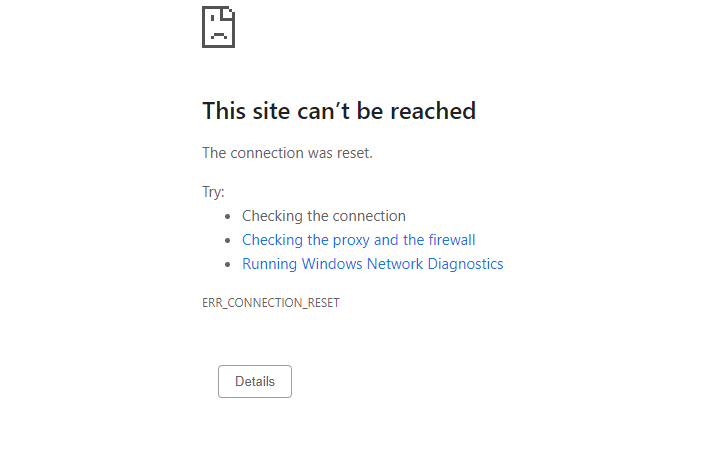
Did you check all of the above ERR_CONNECTION_REFUSED Error trying to import database sql on phpmyadmin - #2 by josephgodwinke
Is this still CentOS7?
Can you tell me how to give full privileges to a user of a database in VPS ?
I am getting this error now at terminal because i am trying to import the database using teriminal
“access denied for user ‘root’@‘localhost’ (using password yes)”
Can you guide me how to fix this?
You can check root mysql password here /usr/local/CyberCP/CyberCP/settings.py
DATABASES = {
...
    'rootdb': {
        'ENGINE': 'django.db.backends.mysql',
        'NAME': 'mysql',
        'USER': 'root',
        'PASSWORD': 'cyberpanel',
        'HOST': 'localhost',
        'PORT': '',
    }
}
but at terminal i did not put any password due to which i saw this error
Can you tell me how to find this folder at backend of cyberpanel?
Use the Root File Manager addon or SSH or VNC to access the folder
how can i access via SSh or Terminal then reset the password?
Use bitvise ssh client. They have good documentation on how to get started.
i accessed the terminal.
can you tell me the command how to reset the mysql password?