FK
Faheem Kiani
#1
 Community
Hello @faheemkiani
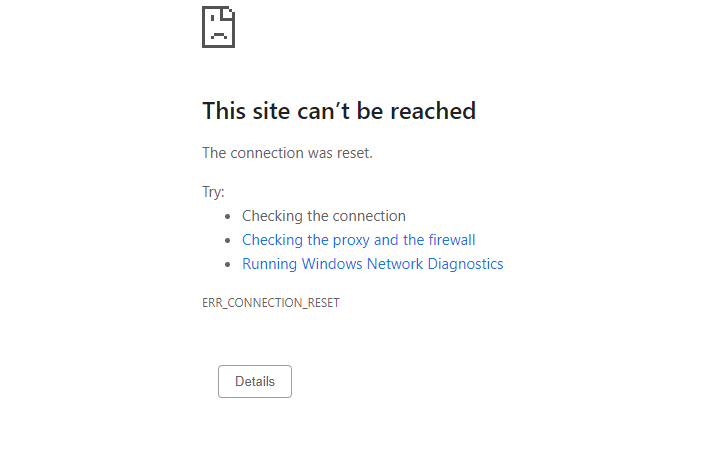
Unfortunately, this has nothing to do with cyberpanel. There can be a number of issue causing this:
You need to check your connection, flush your dns cache and disable the above
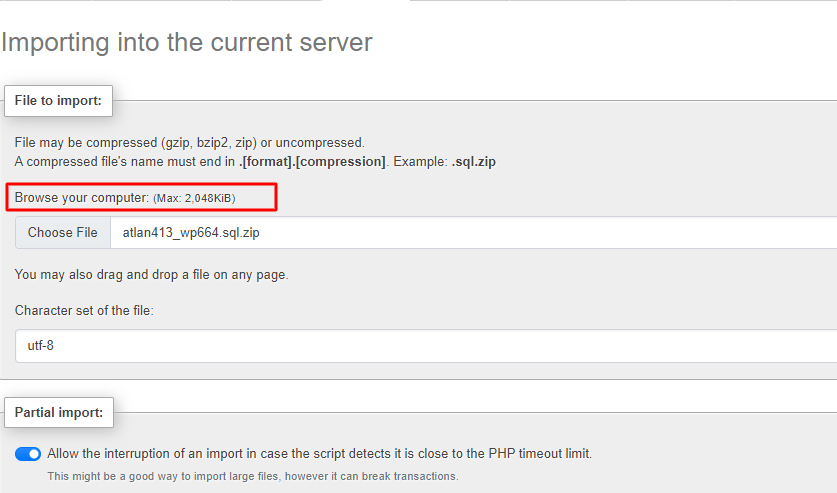
Follow this guide 4 - Change Upload Limit for phpMyAdmin see if it can help
I tried this method but still not working
Have you increased your timeout limit ?
How much should i increase the timeout limit?
I changed the timeout limit but still same
Did you check all of the above ERR_CONNECTION_REFUSED Error trying to import database sql on phpmyadmin - #2 by josephgodwinke
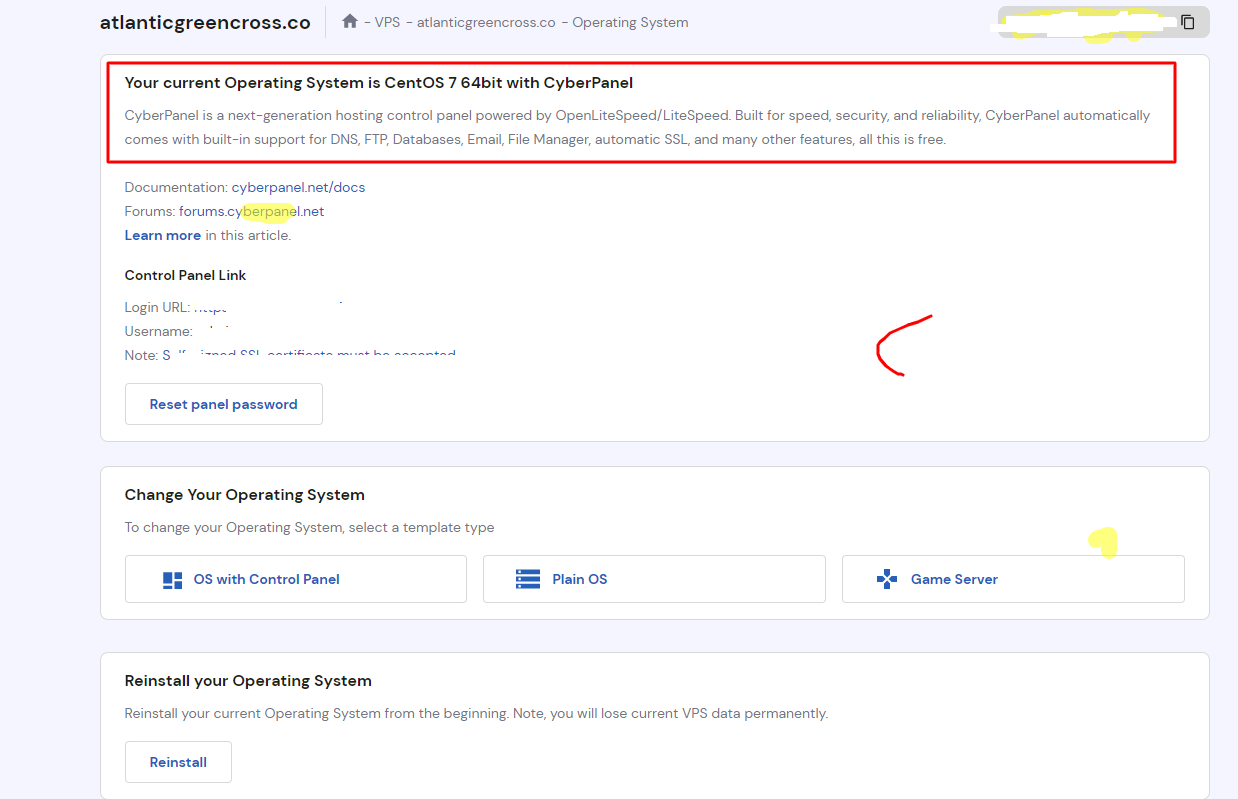
Is this still CentOS7?
Can you tell me how to give full privileges to a user of a database in VPS ?
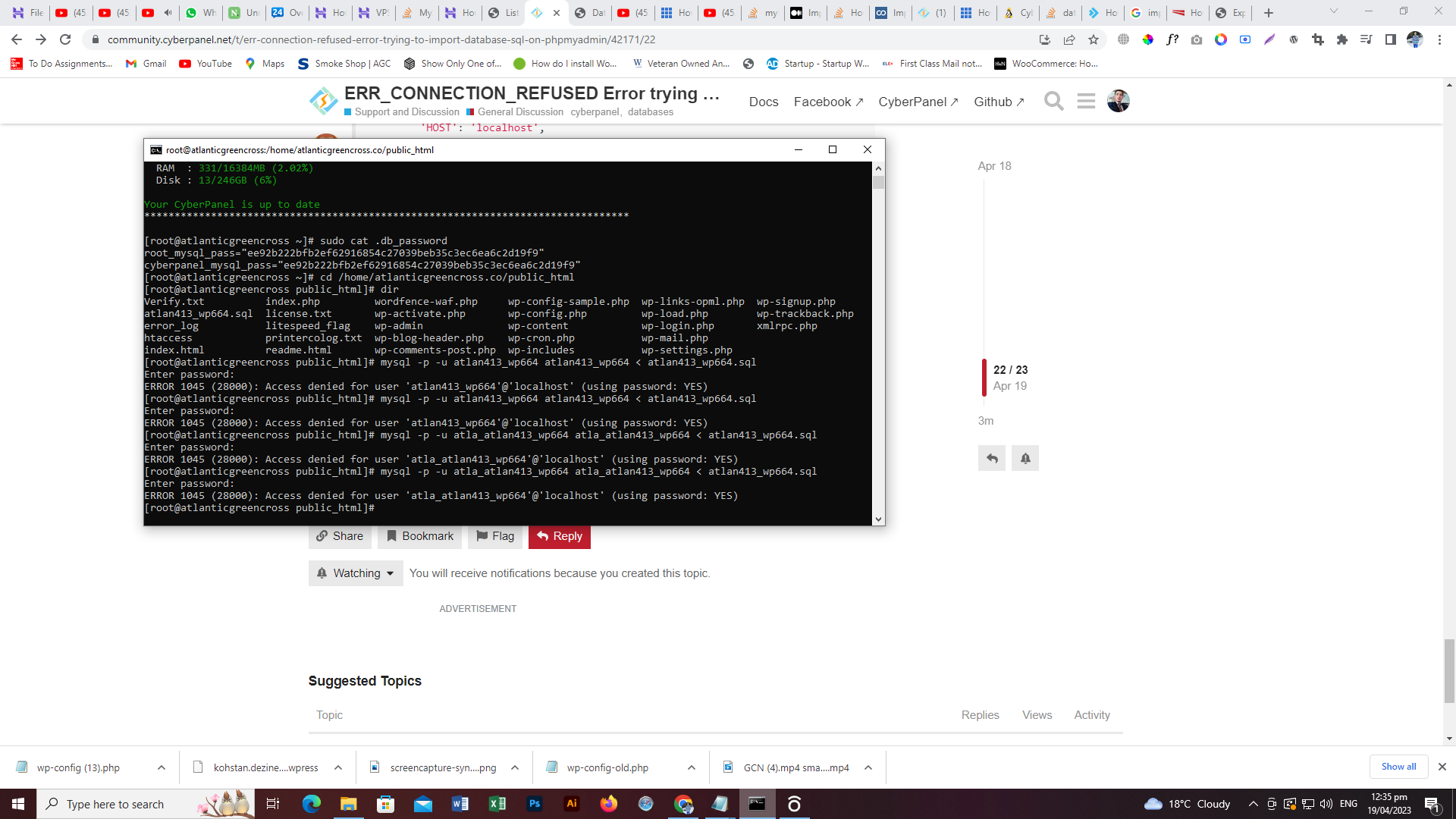
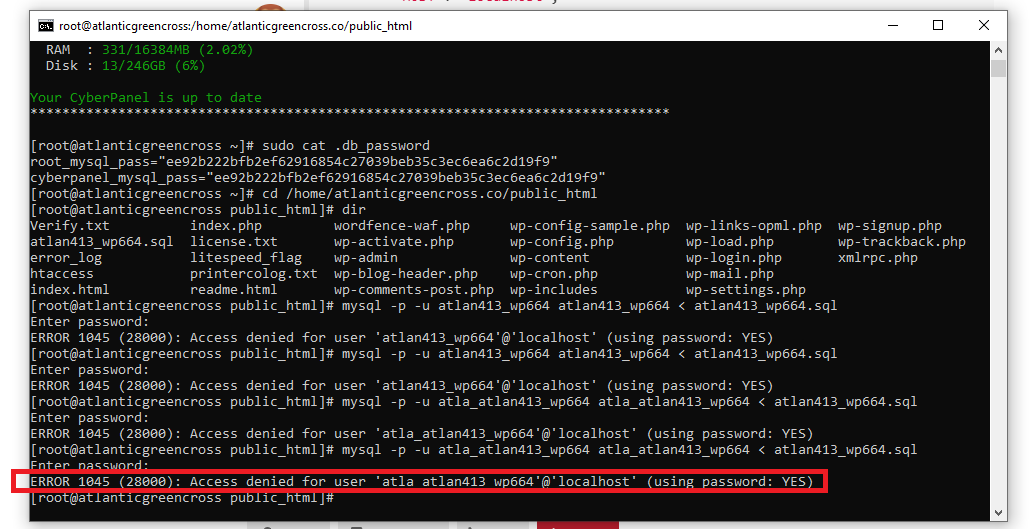
I am getting this error now at terminal because i am trying to import the database using teriminal
“access denied for user ‘root’@‘localhost’ (using password yes)”
Can you guide me how to fix this?
You can check root mysql password here /usr/local/CyberCP/CyberCP/settings.py
DATABASES = {
...
    'rootdb': {
        'ENGINE': 'django.db.backends.mysql',
        'NAME': 'mysql',
        'USER': 'root',
        'PASSWORD': 'cyberpanel',
        'HOST': 'localhost',
        'PORT': '',
    }
}
but at terminal i did not put any password due to which i saw this error
Can you tell me how to find this folder at backend of cyberpanel?
Use the Root File Manager addon or SSH or VNC to access the folder
how can i access via SSh or Terminal then reset the password?
Use bitvise ssh client. They have good documentation on how to get started.
i accessed the terminal.
can you tell me the command how to reset the mysql password?
Do you know how to give full privileges to a user for the database in VPS?
I mean if there any way to Grant full access to user for a specific database in VPS
You do not need to reset your mysql password when you do not even know it
Run in terminal nano /usr/local/CyberCP/CyberCP/settings.py check for
Root mysql user has full access or rights to all databases created on your server
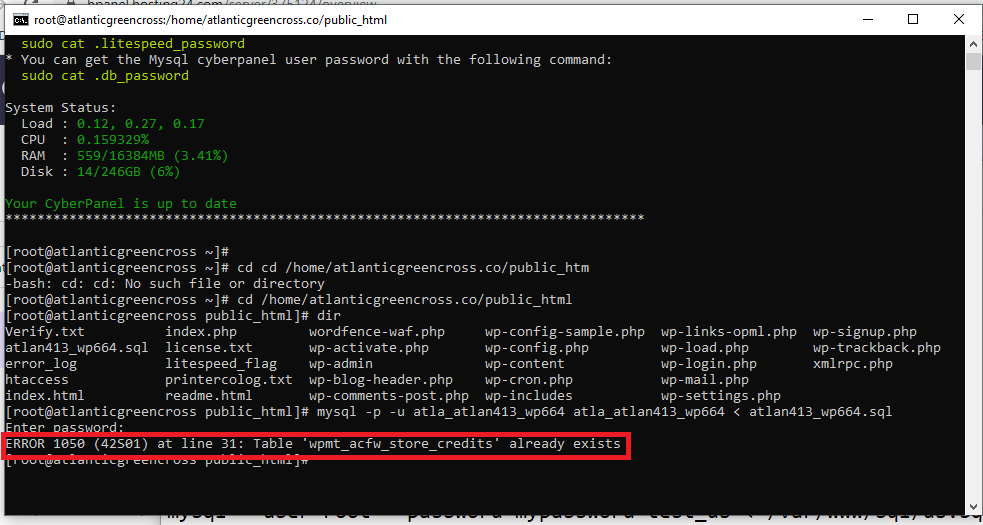
can you guide me what i am doing wrong here?
You need to reset the password for the wordpress database user in mysql console
> ALTER USER 'wpuser_wpuser'@'localhost' IDENTIFIED BY 'mynewpassword';
Thanks for your support
I successfully imported the database to the PHPMyAdmin
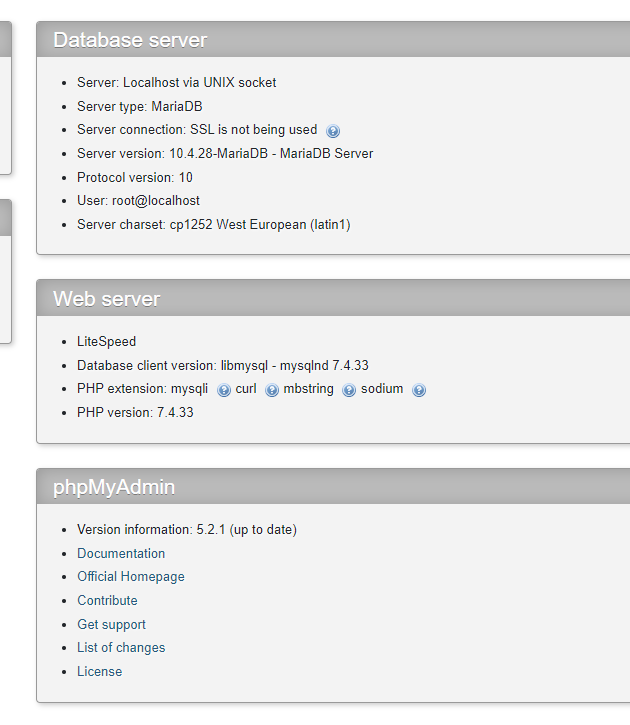
Now my next concern is that i cannot see the litespeed webserver installed on my cyberpanel plan.
How to install litespeed server now?
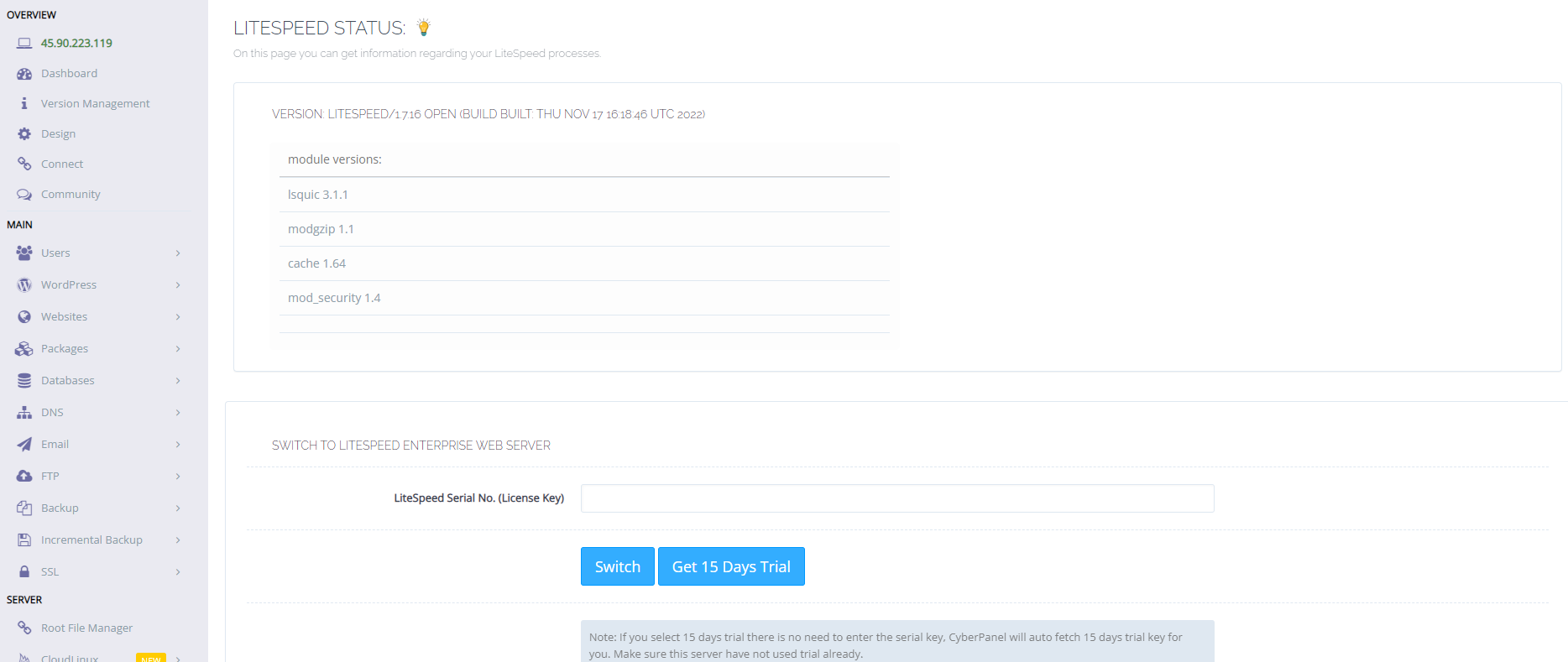
Go to https://SERVER_URL:8090/serverstatus/litespeedStatus and get the 15 days trial or add a key for cyberpanel litespeed bundle
WARNING: You cannot revert back to OpenLiteSpeed if you choose not to purchase a LiteSpeed Enterprise license after the 15 day trial period. We recommend you test the Enterprise trial on a separate server.
Just got an answer back, it seems my cpanel already comes with litespeed webserver (doesn’t require license)
now how to configure it in my VPS Cpanel Plan now?
CPanel and cyberpanel are two different products that do the same thing. This is the cyberpanel forum
Yes…i purchsed cyberpanel…
if there is already available option of litespeed webserver than where to find it in Cyberpanel?
Did you get a chance to install cyberpanel yourself or it came preinstalled on your server ?
You would need to contact hostinger support for this information
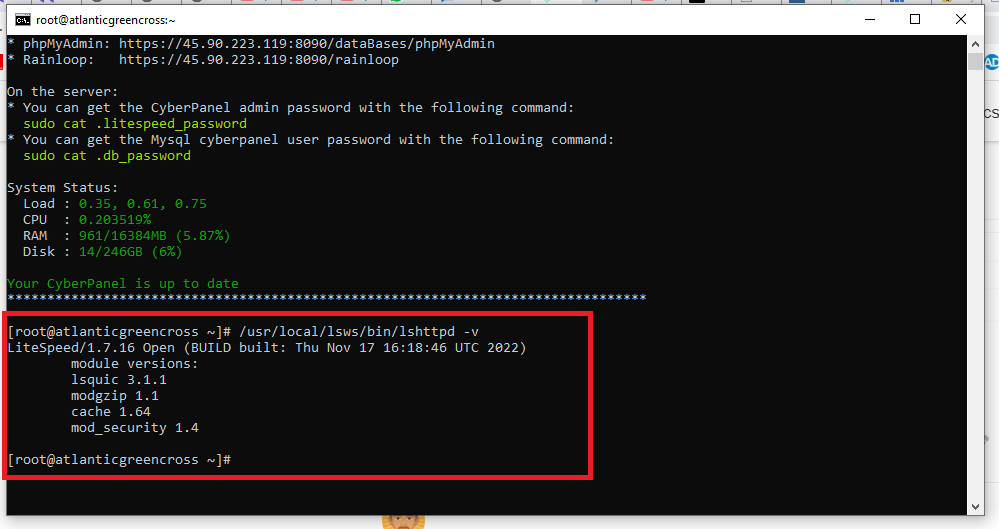
Run in terminal
/usr/local/lsws/bin/lshttpd -v
Post results or screenshot here
You will need to purchase LiteSpeed license or use the 15 day trial which you cannot go back to OLS once you activate it
You will need to purchase LiteSpeed license or use the 15 day trial which you cannot go back ERR_CONNECTION_REFUSED Error trying to import database sql on phpmyadmin - #30 by josephgodwinke
did my preinstalled litespeed server is not working ?
why i need to buy it as i already have the litespeed ?
Because you should get a result of say Litespeed Web Server Enterprise 5.4.12 not LiteSpeed/1.7 Open
ok…how much its cost?
Choose any plan here Shopping Cart - LiteSpeed Technologies the “most popular” is Web Host Essential with CyberPanel but for me its best because of unlimited RAM and caching is supported . However Web Host Lite with CyberPanel is sufficient is most cases where you are running not so many websites or critical apps
I believe you should still contact Hostinger support about liability for switching to litespeed. You might not get support I believe just ask them
you mean my already working litespeed server is enough but i have to purchase the other one for good result.right?
No. You have OpenLiteSpeed not LiteSpeed Enterprise. These two are different. LiteSpeed enterprise is obviously better by all means Products | Web Infrastructure Software - LiteSpeed Technologies but OpenLiteSpeed is sufficient for most usecases
Opting for LiteSpeed enterprise is a choice
ok in short it means OpenLiteSpeed is sufficient for current website…right?
but for better result i can change it
Yes its sufficient
ok sure i will keep this for now than i will see other options if i needed.