Ca
Carlos
#1
Where do I view the disk usage of my website? I’m having a problem, my website uses 37 GB of disk space so I don’t see where it is, how can I calculate if it’s through ssh or what
 Community
Where do I view the disk usage of my website? I’m having a problem, my website uses 37 GB of disk space so I don’t see where it is, how can I calculate if it’s through ssh or what
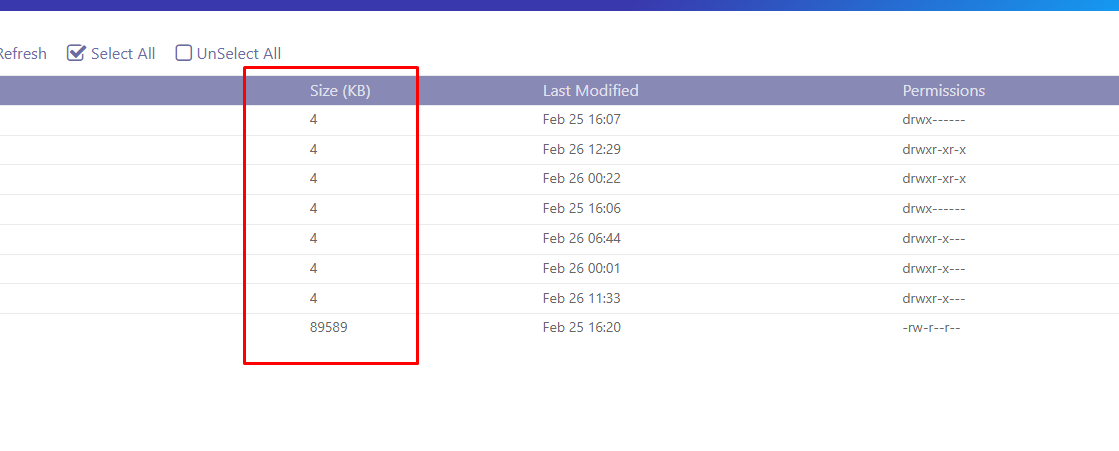
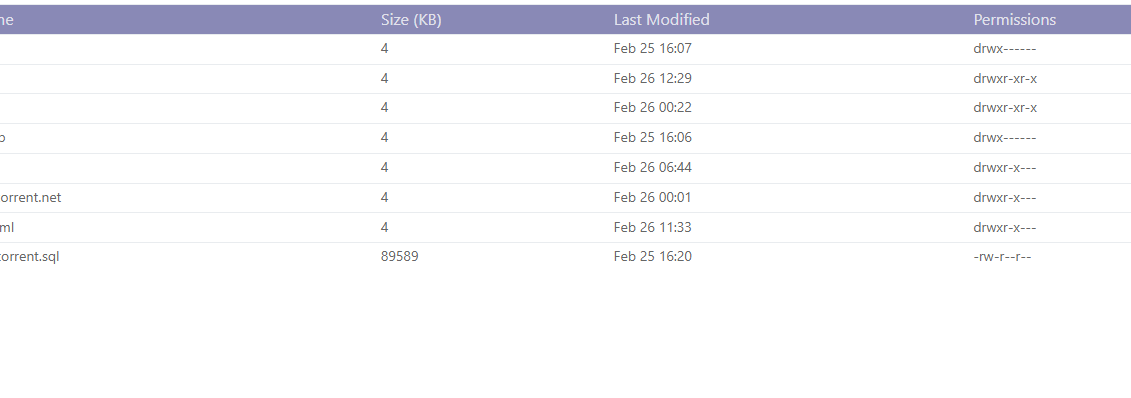
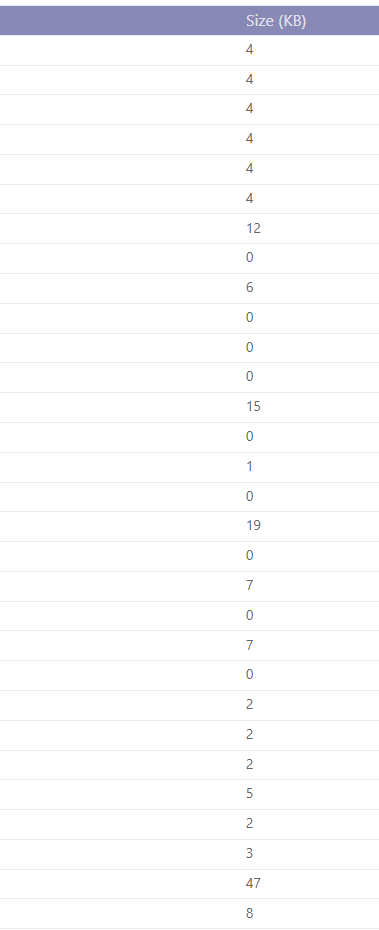
If I understand that part when I enter the domain files I don’t see the website’s disk usage anywhere, I only see KB
Kindly post a screenshot
Now I understand your question. You can check the size of every file in public_html or your Document Root by running this command in ssh terminal:
du -a
or
# tree depth reduced to 1 level
du -d 1
or using blocks
# use a block size of one megabyte
du -m
I already executed everything and now what do I do?
You still cannot confirm this ? Post a screenshot of Where do I view the disk usage of my website? - #6 by josephgodwinke
Is this a php website ?
is wordpress
SSH as root user to your server.
Now to see the files that are using the most disk space/are the largest, use this -
du / -ah | sort -n -r | head -n 20
Or this -
du /home -ah | sort -n -r | head -n 20
You might wanna try this command in different directories to understand more.
Clean php sessions by running these commands and reboot your server to see if issue is fixed
# start here copy line bleow me
rm -f /var/lib/lsphp/session/lsphp71/* && rm -f /var/lib/lsphp/session/lsphp72/* && rm -f /var/lib/lsphp/session/lsphp73/*
# then copy line below me
rm -f /var/lib/lsphp/session/lsphp74/* && rm -f /var/lib/lsphp/session/lsphp80/* && rm -f /var/lib/lsphp/session/lsphp81/*
I use php 8.0 Is it the same or what? my question
Run that command only
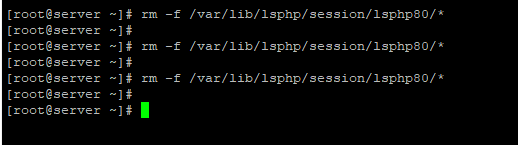
Do you see if your issue is resolved ?
No check through Where do I view the disk usage of my website? - #2 by josephgodwinke