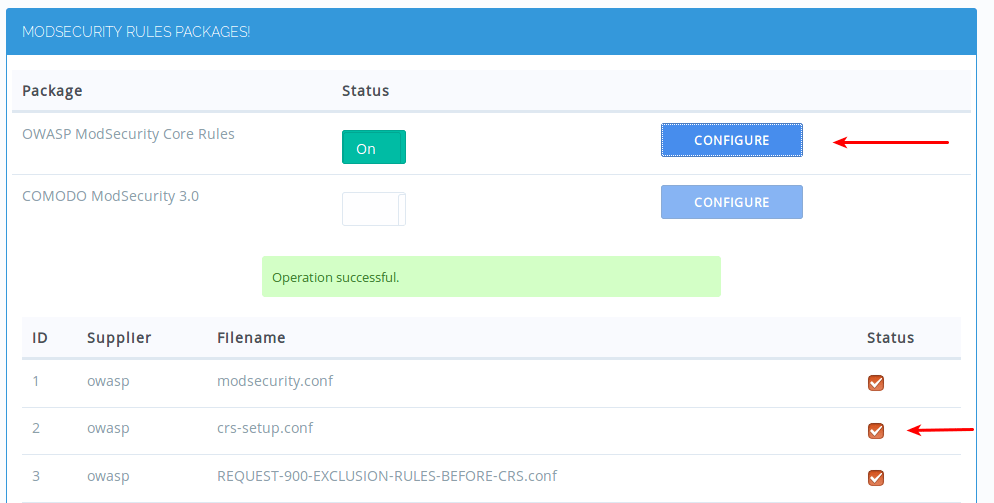
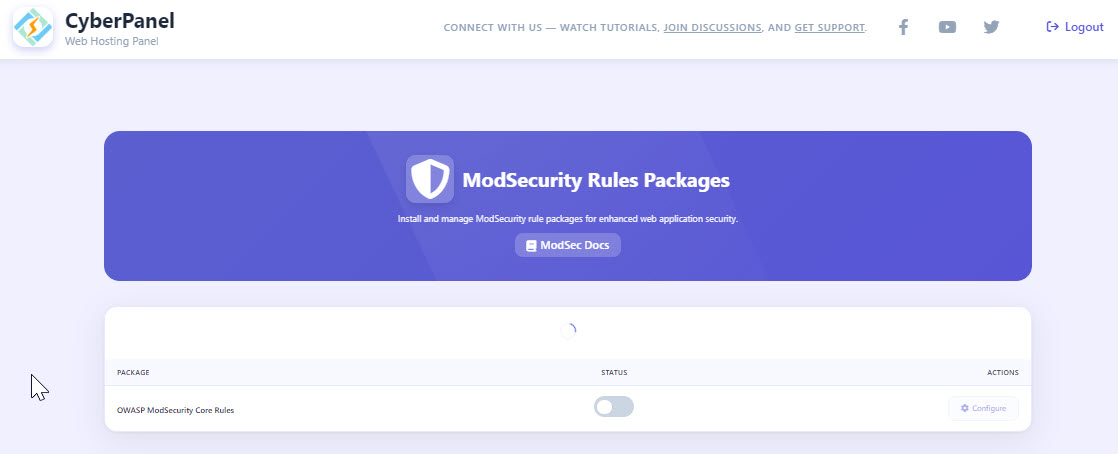
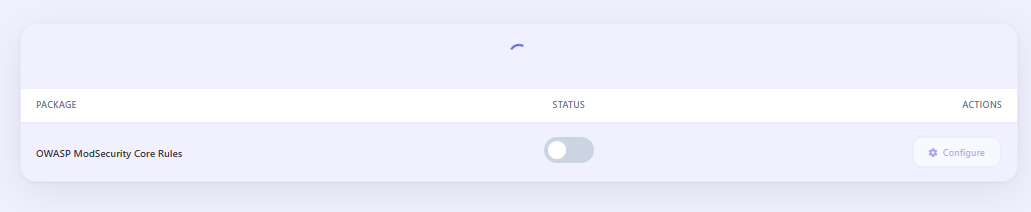
I also can agree, its not working. When toggling the OWASP, it looks like its turned on, but nothing happens. When the page is refreshed, its turned off again.
I detected that owasp directory doesn’t exist..This is a fresh install of CyberPanel..
ubuntu@host:~$ sudo ls -l /usr/local/lsws/conf/modsec total 4 -rw-r–r-- 1 root root 100 Nov 23 17:54 rules.conf ubuntu@host:~$ ubuntu@host:~$ sudo ls -l /usr/local/lsws/conf/modsec/owasp-crs ls: cannot access ‘/usr/local/lsws/conf/modsec/owasp-crs’: No such file or directory ubuntu@host:~$
Alright, I managed to get OWASP CRS working properly and confirmed it’s just a CyberPanel UI bug.
Fresh CyberPanel installs don’t ship with the owasp-crs folder at all, so the toggle will never stay enabled. You have to create it manually.
Here’s what I did:
sudo mkdir -p /usr/local/lsws/conf/modsec/owasp-crs
cd /usr/local/lsws/conf/modsec/owasp-crs

sudo wget https://github.com/coreruleset/coreruleset/archive/refs/heads/v3.3/master.zip -O crs.zip
sudo apt install unzip
sudo unzip crs.zip
sudo mv coreruleset-*/ rules

# Fix permissions so LSWS can read it
sudo chown -R lsadm:lsadm /usr/local/lsws/conf/modsec/owasp-crs

# Add CRS include lines
sudo nano /usr/local/lsws/conf/modsec/rules.conf
Add these at the bottom if they aren’t already there:
Include /usr/local/lsws/conf/modsec/owasp-crs/crs-setup.conf
Include /usr/local/lsws/conf/modsec/owasp-crs/rules/*.conf
Then restart: sudo systemctl restart lsws
OWASP CRS loads fine after that (confirmed in the logs), even though the CyberPanel toggle still flips back to OFF. That part is definitely a UI bug and should be fixed by CP team.
Quick test (you should get blocked if CRS is working):
Visit something like: https://your-domain.com/?test=<script>alert(1)</script>
OWASP will block it even though the toggle still turns OFF.
So CRS works, the UI toggle is the bug.
Above the guide you given was useful and I used it on many servers to fix the same now after the latest build 2.4.5 its not working.
I tried to apply it on my server after update it not works even the the default not works right now. In 2.4.5 ui toggle works fine but its not blocking the request like you given in the sample.
If you install fresh cyberpanel and install and activate ModSecurity WAF
Then you activate the OWASP ModSecurity Core Rules.
It does not block the requests
See this I also have reported the issue their is another user who reported it 4 days before me.
See if you can help with it. Currently Ui toggle is active and it shows packs but it does not block or ban ips.
I find this very strange, that something as old and unchanging as modsecurity isn’t functional from a baseline install.
I’m concerned about using workarounds to patch something like this.
I might as well skip the panel and just go back to my nginx self compiled approach.
Cause with fatal issues like this, I have to tell my staff “don’t click on this, oh yea that’s broken, use the “v2” of this and “regular” version of that in left-nav, and yes the purple popup at the top will not go away deal with it”.
All of which is really really concerning to me.
is this product maintained?
Even the documentation on official website has broken images throughout, and all the SEO links from outside link to an old docs page that was moved, so they didn’t even properly put 301’s in place or a dynamic rule for it.
It’s just literally everything about this product is screaming for me to run away.
A new CyberPanel install and I’ve followed your instructions, but just like @iabdulrehman, dodgy URLs aren’t being blocked.
@usmannasir it’s almost six months on from @shahz sharing his findings - given this issue is security related shouldn’t this be a high priority item to fix? Appreciate you letting us know when it’ll be fixed.