sa
savre
#1
 Community
Welcome @savre Happy you are here
Do you have Current Commit: 7427667c14c2ddbc2fcb7bfa35870155d4a343dc in the https://SERVER_URL:8090/base/versionManagment
Yes
7427667c14c2ddbc2fcb7bfa35870155d4a343dc
Post the contents of https://<IP Address>:8090/serverstatus/cyberCPMainLogFile
[10.25.2022_06-57-07] Status Code: 200 for: http://www.metrojournalmatrimony.com/.well-known/acme-challenge/metrojournalmatrimony.com
[10.25.2022_06-57-08] Status Code: 200 for: http://metrojournalmatrimony.com/.well-known/acme-challenge/metrojournalmatrimony.com
[10.25.2022_06-57-26] /root/.acme.sh/acme.sh --issue -d metrojournalmatrimony.com -d www.metrojournalmatrimony.com --cert-file /etc/letsencrypt/live/metrojournalmatrimony.com/cert.pem --key-file /etc/letsencrypt/live/metrojournalmatrimony.com/privkey.pem --fullchain-file /etc/letsencrypt/live/metrojournalmatrimony.com/fullchain.pem -w /usr/local/lsws/Example/html -k ec-256 --force --server letsencrypt
[10.25.2022_06-57-36] Failed to obtain SSL for: metrojournalmatrimony.com and: www.metrojournalmatrimony.com
[10.25.2022_06-57-36] Trying to obtain SSL for: metrojournalmatrimony.com
[10.25.2022_06-57-44] Failed to obtain SSL, issuing self-signed SSL for: metrojournalmatrimony.com
[10.25.2022_06-57-45] Self signed SSL issued for metrojournalmatrimony.com.
[10.25.2022_07-09-00] Expecting value: line 1 column 1 (char 0)
[10.25.2022_07-09-06] ‘list’ object has no attribute ‘find’
[10.25.2022_07-13-20] /usr/local/lsws/lsphp73/etc/php/7.3/litespeed/php.ini
[10.25.2022_07-14-07] /usr/local/lsws/lsphp74/etc/php/7.4/litespeed/php.ini
[10.25.2022_07-45-05] https://api.github.com/repos/usmannasir/cyberpanel/commits?sha=v2.3.2
[10.25.2022_10-09-54] ‘list’ object has no attribute ‘find’
[10.25.2022_10-19-54] /home/metrojournalmatrimony.com/backup/
[10.25.2022_10-19-54] /home/metrojournalmatrimony.com/backup/backup-metrojournalmatrimony.com-10.25.2022_10-19-54
[10.25.2022_10-19-55] [Errno 2] No such file or directory: ‘/etc/letsencrypt/live/metrojournalmatrimony.com/cert.pem’. [283:startBackup]
[10.25.2022_10-35-45] ‘list’ object has no attribute ‘find’
[10.25.2022_10-35-46] ‘list’ object has no attribute ‘find’
[10.25.2022_10-40-24] https://api.github.com/repos/usmannasir/cyberpanel/commits?sha=v2.3.2
[10.25.2022_10-43-35] https://api.github.com/repos/usmannasir/cyberpanel/commits?sha=v2.3.2
[10.25.2022_10-59-43] ‘list’ object has no attribute ‘find’
[10.25.2022_11-12-06] https://api.github.com/repos/usmannasir/cyberpanel/commits?sha=v2.3.2
[10.26.2022_00-00-08] [Errno 2] No such file or directory: ‘/home/cyberpanel/git’. [IncScheduler.git:90]
[10.26.2022_02-00-04] Running SSL Renew Utility
[10.26.2022_02-00-04] Restarting mail services for them to see new SSL.
[10.26.2022_02-00-04] [Errno 2] No such file or directory: ‘postmap’. [ProcessUtilities.normalExecutioner.Base]
[10.26.2022_06-34-29] ‘list’ object has no attribute ‘find’
[10.26.2022_06-36-01] https://api.github.com/repos/usmannasir/cyberpanel/commits?sha=v2.3.2
[10.26.2022_06-43-31] ‘list’ object has no attribute ‘find’
[10.26.2022_07-28-44] https://api.github.com/repos/usmannasir/cyberpanel/commits?sha=v2.3.2
Setup detailed logging by touch /usr/local/CyberCP/debug, this will start generating more debug logs.
Run an upgrade:
sh <(curl https://raw.githubusercontent.com/usmannasir/cyberpanel/stable/preUpgrade.sh || wget -O - https://raw.githubusercontent.com/usmannasir/cyberpanel/stable/preUpgrade.sh)
If using a sudo user rather than root, try this:
sudo su - -c "sh <(curl https://raw.githubusercontent.com/usmannasir/cyberpanel/stable/preUpgrade.sh || wget -O - https://raw.githubusercontent.com/usmannasir/cyberpanel/stable/preUpgrade.sh)"
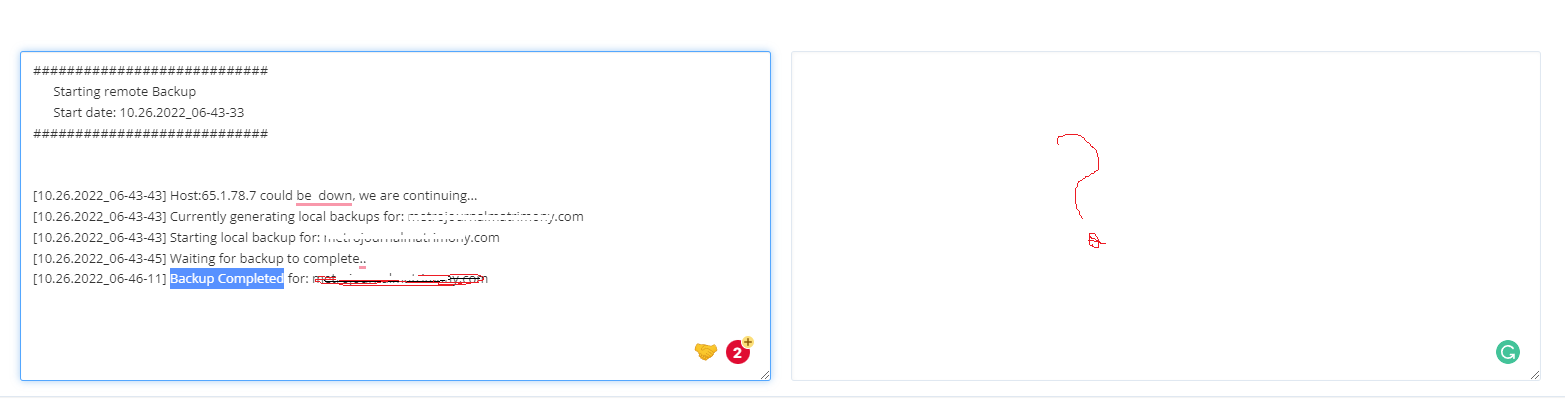
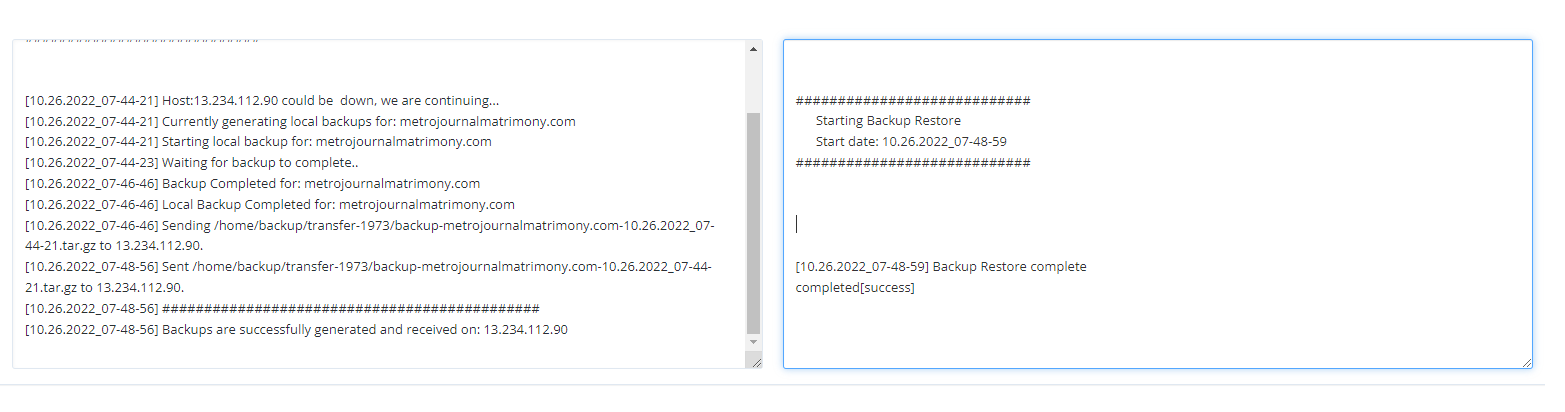
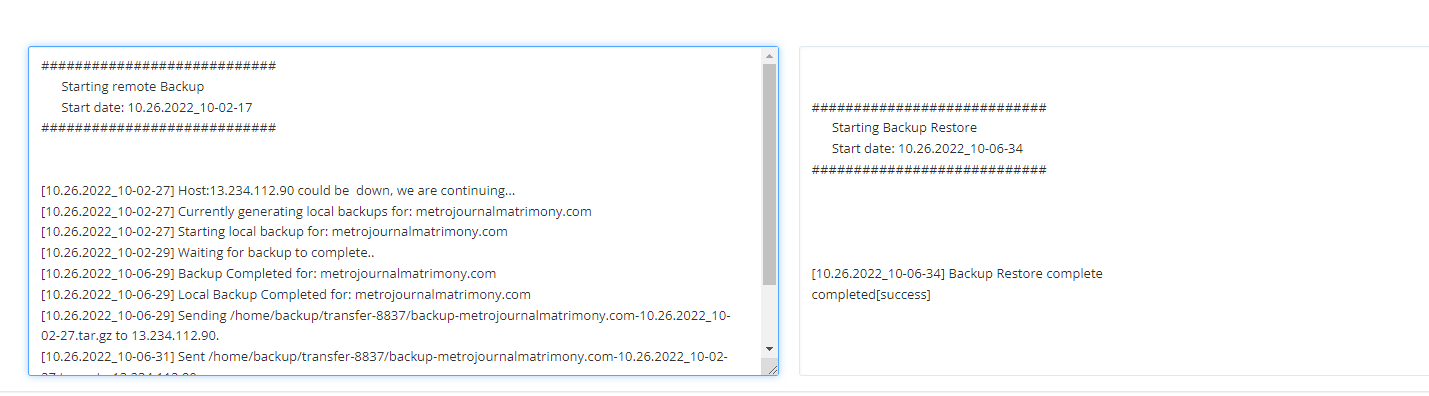
I thought this is a Remote Back up. So you restored a backup from a zipped folder in your local computer?
yes I am trying Remote Back up
You missed the first step which is Creating a Site.
You have to setup a website first before restoring a remote backup because think of it what are you restoring to if said website does not exist.
Please following this guide 3 - Restore backups from Remote Destination
Hi i am trying this
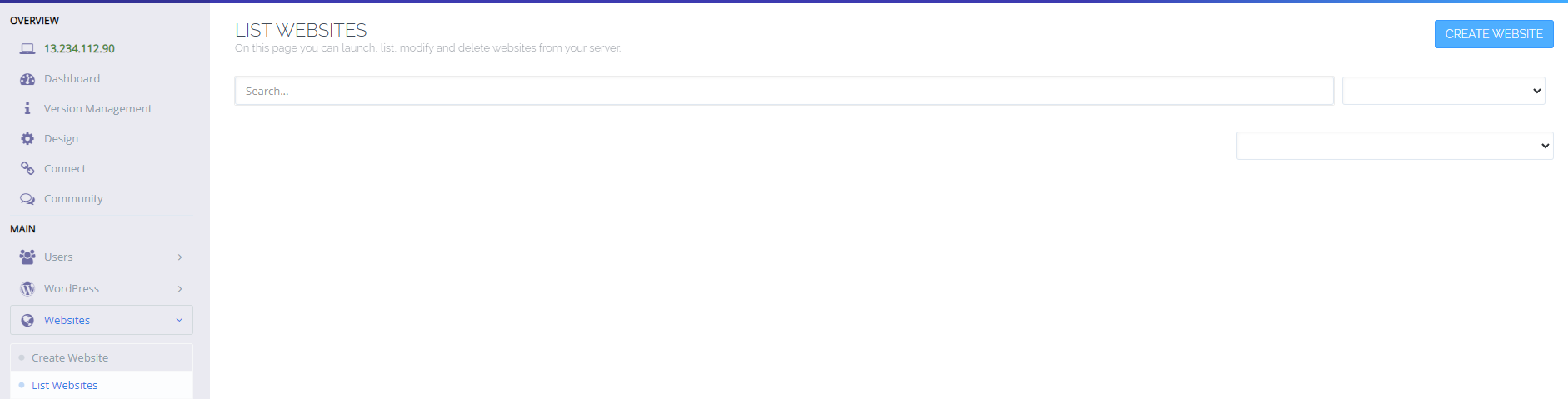
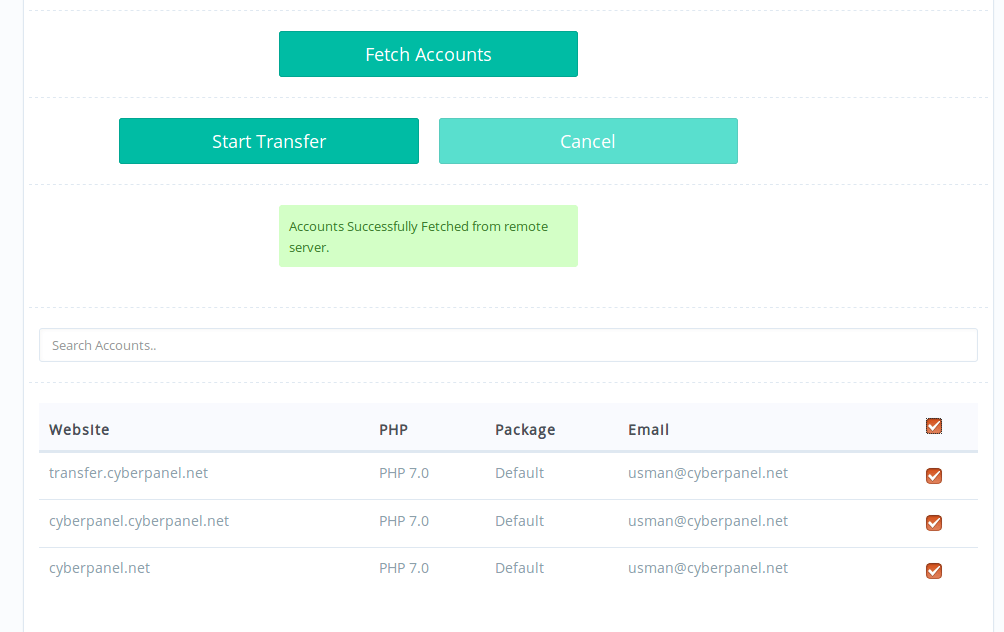
Do you see list of websites you have successfully migrated as seen here. Post screenshot here
Well bugs have not been addressed for Remote Transfer. Personally it has never worked for me. I use this method - 3 - Restore backups from Remote Destination where for your case:
/home/metrojournalmatrimony.com/public_html should exist after successfully creating said websiteWhere you are migrating from?
from another cyber panel
Say you have server A and server B. For you to backup and migrate from server A to server B metrojournalmatrimony.com should exist in server A first for you to do a backup of it.
Do you have metrojournalmatrimony.com on server A?
Yes in server A