Hi
I crated new os and installed cyberpanel in clean os last day
restored zip files from old host to cyberpanel but from file manager I got this error when I want to extract :
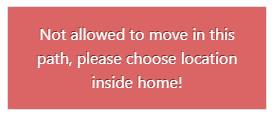
Not allowed to move in this path, please choose location inside home!
So with CLI I unzip the file and found somewhere that cyberpanel admin told to some other guy to use Fix Permissions
Now I upload another file from cyberpanel and want to unzip , again that problem and error
even I chose the Fix Permissions on that file , even the folder , and also rename the file name but still have problem and have no Idea to fix that , only cli can help.
Please tell me what I missed or did worng?
Closed[Solved]Not allowed to move in this path, please choose location inside home!
Found this document
Not sure this is the right way
That wasn’t worked
This is better
Please also mention from where to where you are moving?
@shoaibkk
in Directadmin I crate manually the public_html zip
Then I moved the zip file to cyberpanel and tried to unzip that and it show me the

Then I used the CLI command to unzip the file
now in my cyberpanel all permission should be drwxr-xr-x but in my cp permissions are like this : drwxr-x--- even I changed the theme manually in cli and cannot extract any zip file from cp.
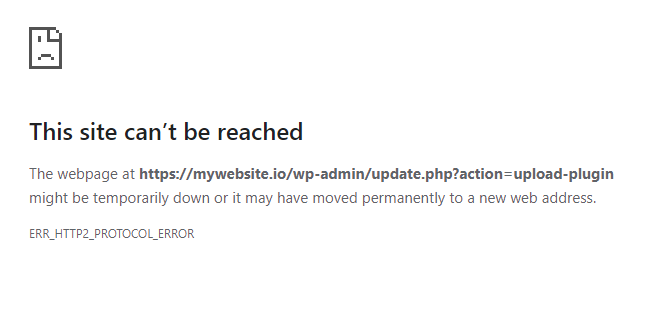
Also there is problem in WordPress that is related that above , can not upload the plugin or theme , it gives the error of

@ MyIDKaTePe
You didn’t find any useful solution for this ?
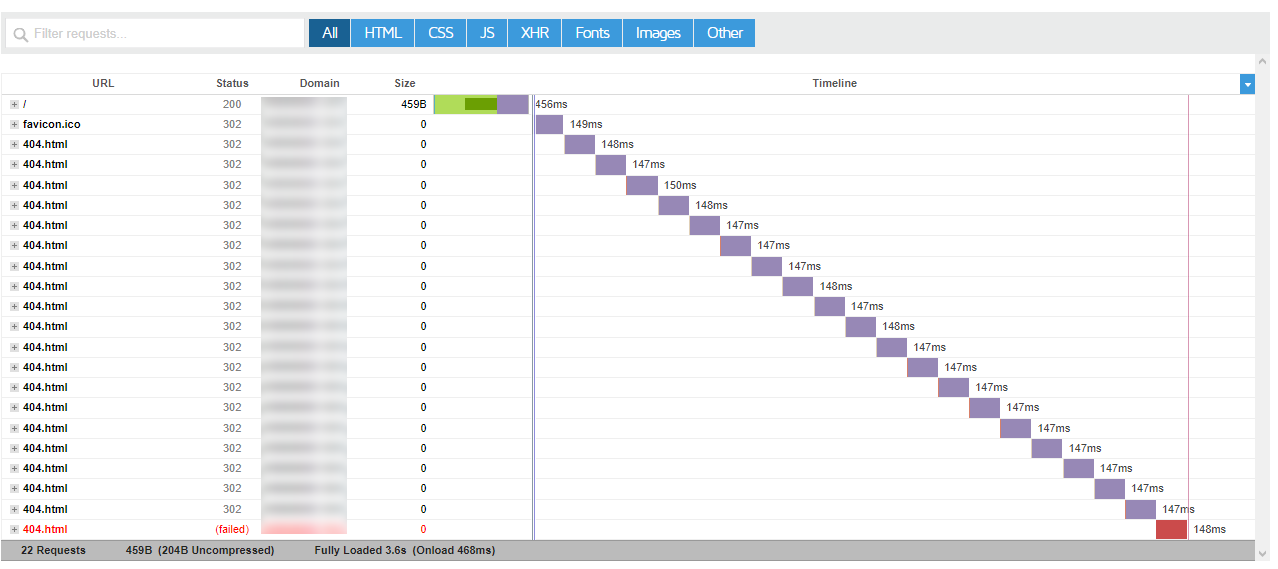
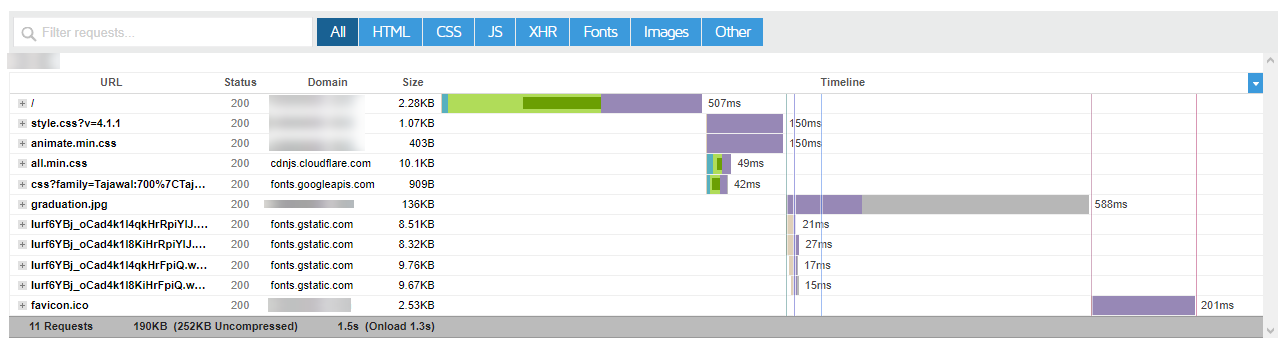
Now I facing new issue , gtmetrix show me the 300 request and many of them are belong to 404.html !
none
no solution yet
extract using MC with no problem
that mean FM plugin problem
The same issue here with a fresh installation on a VPS running Ubuntu 20.04 and CyberPanel 2.3.1. Hope the CyberPanel team fixes it soon.
What do you mean by MC, please?
@hadi060
Please cheek this link and test in your vps
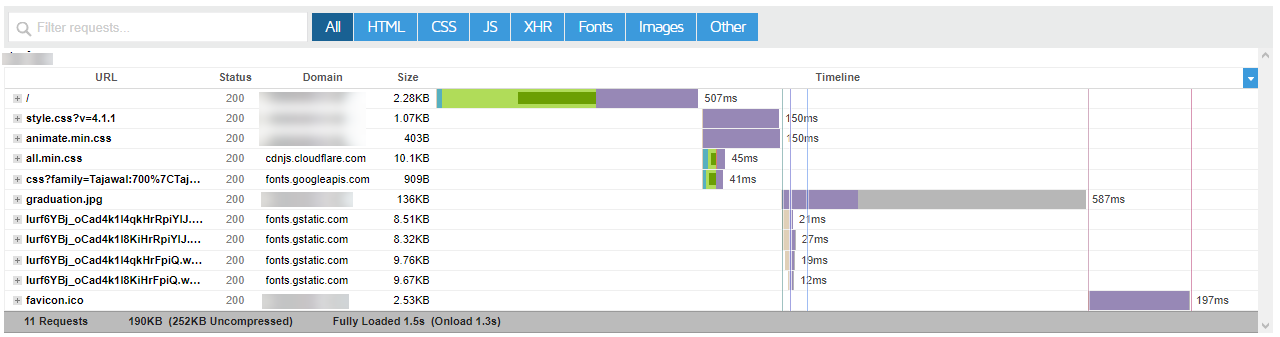
see if like the example , domain or subdomain have problems in gtmetrix or not
Thanks
But I don’t have any installed WordPress on it yet, I have just installed CyberPanel and configured it and tried to upload WordPress files to install it as I always prefer to do it manually, but I wasn’t able to continue because of this issue. I didn’t try to upload files using SSH or SFTP, as I don’t need to face problems after installing WordPress, so I was looking for a fix to the issue until I see it is a bug.
Thank you so much, this is the first time I know about it ![]()
PHP version ?
Wordpress version ?
many homework for dev
PHP 7.4 and WordPress 5.9.3 (Latest).
try php 8.0
then rstart php services and openlitespeed
because this is happen to me too
but not all domain ![]()
the 404 buggy ?
@MyIDKaTePe @hadi060 that is weird … ![]()
In our end , we test many things , in domains and subdomains , changing the php version , htaccess code , but still have problem…
Hello bro, one you start using the SSH commands to perform basic linux operations, you will start to love it for the speed of operations compared to the normal way.
For example, the extraction and compression of any large files using File manager or FTP or SFTP will take more time than with the SSH command operations.
Just refer these commands
Hello,
I do use commands but only when needed for large files for example, but with small ones I prefer to use File Manager, also, and most important, it is not good to force my clients to use commands to extract files because of this issue, that’s why it is a necessary to find the cause and fix it.
Yes, it has been notified and it will be fixed soon.
This permission problem and I tried to use CLI and fully fixed that but !!! site wont work anymore … so I used the [ Fix Permissions] then it changes to what is drwxr-x---
Now site is working but wordpress update , install new plugins or upload plugins not working and give me error.
It doesn’t make sense why this permission set to wrong one
For me, WordPress is working just fine, but I can’t extract compressed files using File Manager.
maybe the failure is not just at filemanager failed extract zip
but more than that
maybe dev need to rollback to 2-3 version before today ?
It is fixed, I pushed a patch → bug fix: https://community.cyberpanel.net/t/not-allowed-to-move-in-th… · usmannasir/cyberpanel@e39fbba · GitHub

thank you
i will test it
it’s look like you put update on php 8.1 too
nice… thank you

still same
you can see the clock… it just few sec ago
Can you clear your browser cache and try?
ok brb i will clear all
still same.
hold-on, there is something wrong with the code hassan did on root file manager, i will revert soon
sir, yes sir…
i still use the reguler Filemanager… so icant check it on root FM
Basepath was set wrong while hassan was working on root File manager, I’ve patched and tested on my end, upgrade, clear browser cache and try bug fix: https://community.cyberpanel.net/t/not-allowed-to-move-in-th… · usmannasir/cyberpanel@d325667 · GitHub
Also let me know if anything else in File manager is causing issue.
i wil upgrade and test now… please wait

all working… inside public… outsite public_html
zip internal file then unzip it = success
upload zip file then unzip = success
flawless fixing
i will try everything…
dont worry hahahaha
but reguler FM
still not have Root FM on my new server
After the update, the extract problem has been fixed now.
Thanks
all VPS Contabo and on Hetzner dedicated updated and all works fine again. thanks for the fast fix Cyberpanel Team : regards
Thank you CyberPanel team for the fast fix! It’s fixed here, too. Great work!