
MK
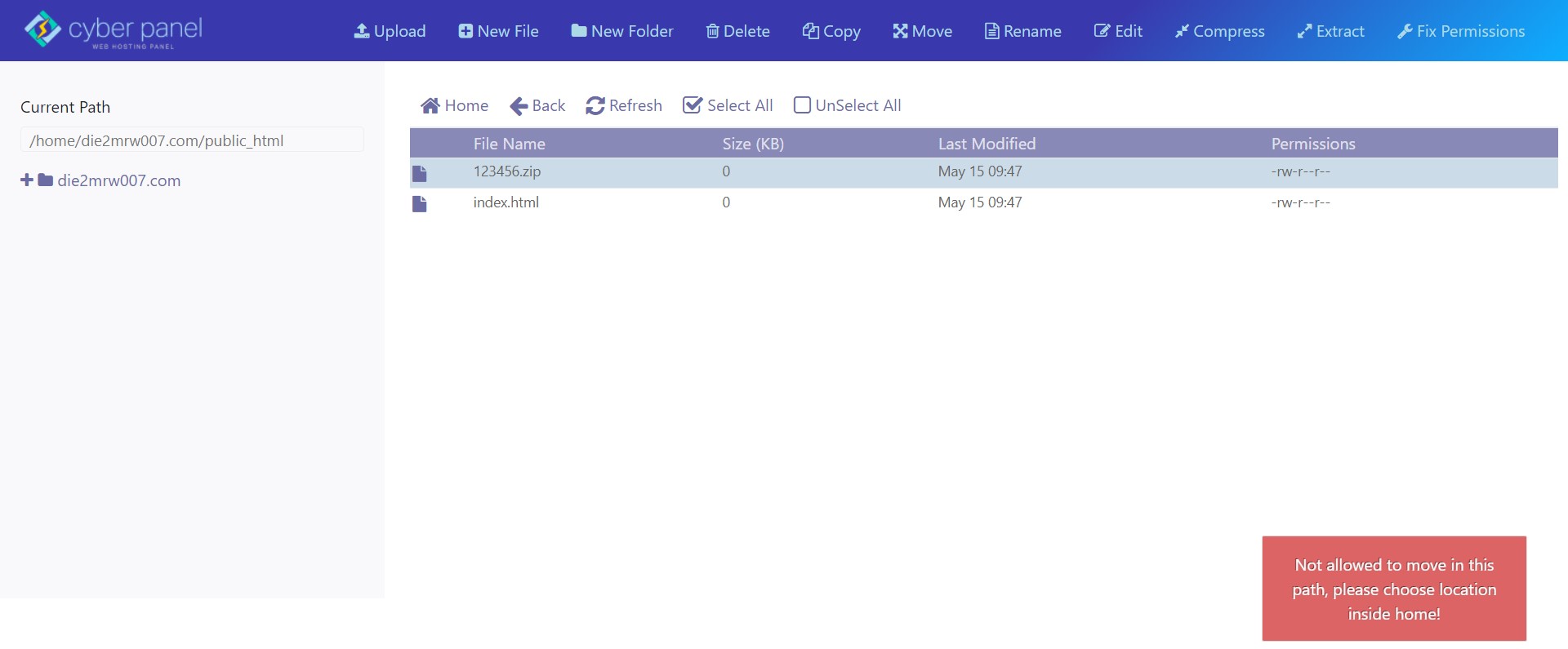
ClosedFilemanager Bug after last commit - Not Allowed To Move
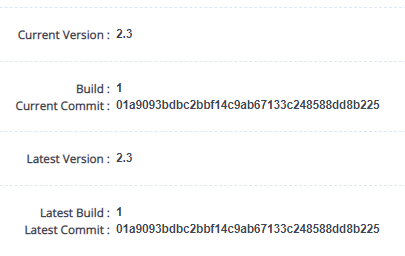
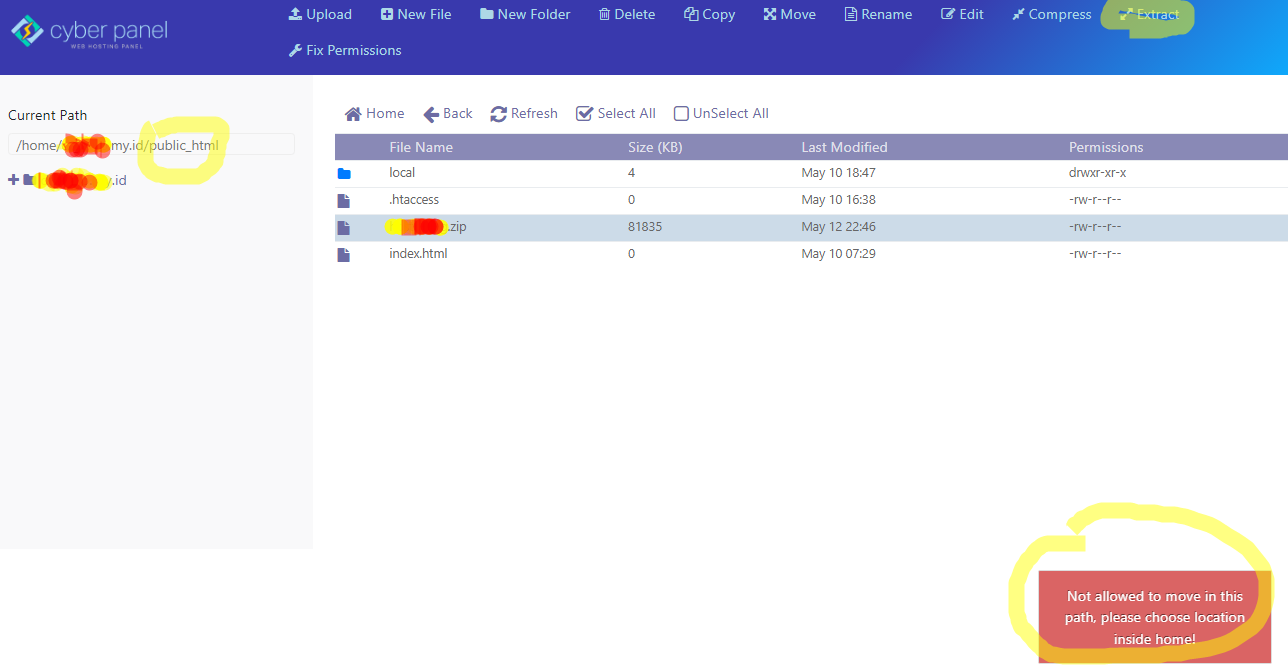
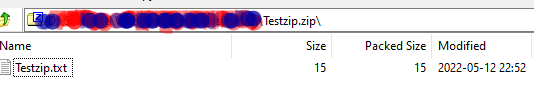
36 replies
sh
shoaibkk
#2
DId you try the fix permissions and then?
MK
i upload using filemanager
never set permission before
but yes… already check permission
upload using FTP client … failur to extract
but can extracted using terminal ssh unzip…
an
DId you try the fix permissions and then?
Yes I did , but there was no change made by fix permissions.
an
I have the same issue
TC
TCM
#6
I have the same error …
MK
then this is a bug
MK
NK
Will check and confirm today
NK
Nitesh Kunnath
#10
I just now compressed few files in zip, moved it to different folders and extracted. It all went fine without issues. I tried this on multiple servers with latest cyberpanel.
I couldn’t reproduce the mentioned issue here.
Could anyone send a video screen recording of the issue and send to me or here?
Dr
Dreamer
#11
I have same problem see screen recording. Tried on Digital Ocean and Vutr.
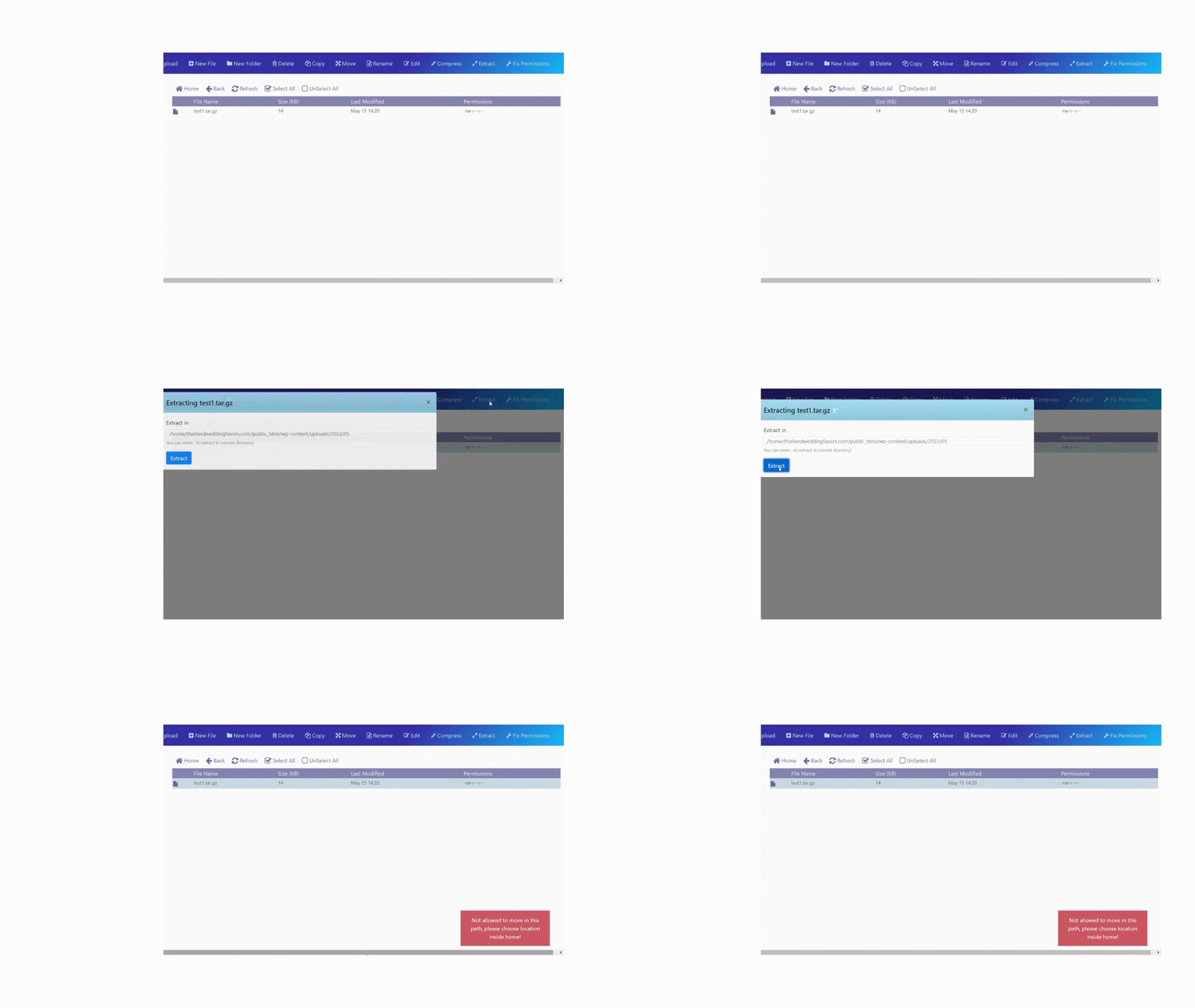
Very annoying I was trying migrate large website to cyberpanel and cant extract files.
NK
Nitesh Kunnath
#12
Again checked on servers hosted at Digitalocean and still couldn’t reproduce this error. Its working fine on my end.
Is it possible for you to come on teamviewer or anydesk? Teamviewer would be better.
fl
florevit.com
#13
@die2mrw007 : am on hetzner dedicated server am have same problem am think its when you upload zip and extract use example a backup and put in root it say wrong direction you need to put in home am think its happend when upload the zip its already wrong permission make so its fails to unzip it my idea
this changed after latest upgrade regards
MK
@die2mrw007 : video sent
this is happen to many user that use upgrade to new version
Dr
Dreamer
#15
I make you test server to play with. Just tested it wont give that same warning but it wont extract either.
I will pm credentials
an
antivirusadmin
#16
@MyIDKaTePe I installed the latest version of CyberPanel in clean linux , was not upgrade … stile have this problem…
an
antivirusadmin
#17
@die2mrw007
I can give you full access to the server , ssh , web …
But since you are hit and you do not talk to me and do not answer me, so I do not know you can help
Dr
Dreamer
#18
Actually now test server I send you credentials I can create same error.
Notice adblock chrome extension hide that error
MK
me too
i dont know what dev will do… that was one of many funcition needed by default hosting panel
an
antivirusadmin
#20
They will update soon, I hope so , Like before they are responsible for this CP and care about. but its about time.
Now we can just wait for response from authorities
MK
i still trust to cyberpanel rather than other freepanel
NK
Nitesh Kunnath
#22
@Dreamer I could reproduce this error on the test server you provided. I will have to check in detail about this.
Its weird that my cyberpanel installed servers doesnt give this issue with latest cyberpanel. Thats something weird and I am wondering where exactly the issue might be.
Will check and report back.
Dr
Dreamer
#23
NK
Nitesh Kunnath
#24
Yes, my opera browser has adblocker inbuilt and it didnt hide the error. I could see the error.
I was just saying that on my production servers with cyberpanel on latest version with ubuntu 20.4, I couldn’t reproduce this same error. Most of my production servers are hosted in amazon aws. I also have few servers in digitalocean but there too I didnt face this issue.
I wonder why is it specific to some setups.
Dr
Dreamer
#25
I read wrong first that you could not reproduce error.
Dr
Dreamer
#26
Let me know when you done, so I delete that server.
MK
so this bug is already noted ?
btw have you see my video ?
NK
Nitesh Kunnath
#28
@Dreamer You can delete the server.
Just a rough overlook on the codes at github, I found typo error in code. Maybe more to it.
@usmannasir can comment on this more.
NK
Nitesh Kunnath
#29
Until its fixed, you can extract files using SSH commands.
KP
Khun Puie
#30
I also got the same error on extracting the zip files on Hostinger VPS now. Can you help me on how I can proceed and extract at the moment?
Dr
Dreamer
#31
You can do SSH commands or if not familiar SSH then WinSCP program is easy option.
MK
agree
but this is temporary solution until developer fix the file manager
AT
Abdelhadi Touil
#33
The same issue here on a VPS (from Hetzner) running Ubuntu 20.04 and fresh CyberPanel 2.3.1. I’m using CyberPanel for nearly 2 years now and this is the first time I’m facing this issue. Certainly it is a bug in the latest release.
Ra
Ratingperson.com
#34
I also got a similar error on hetzner’s server. And still can’t unzip my files. Hope Admin can fix the error soon
om
omar mohammad
#35
I also got the same issue here
MK
what same issue ?
like what i post ?
u should upgrade to newest cyberpanel
MK
this bug is solved
upgrade your cyberpanel