
jo
You already installed CyberPanel and your clients are accessing your webmail through https://serverdomain.com/snappymail.
However, you want your users to easily remember the webmail link through a fully qualified domain name such as https://webmail.serverdomain.com.
Follow the following steps:
- Create a Website for the domain webmail.serverdomain.com
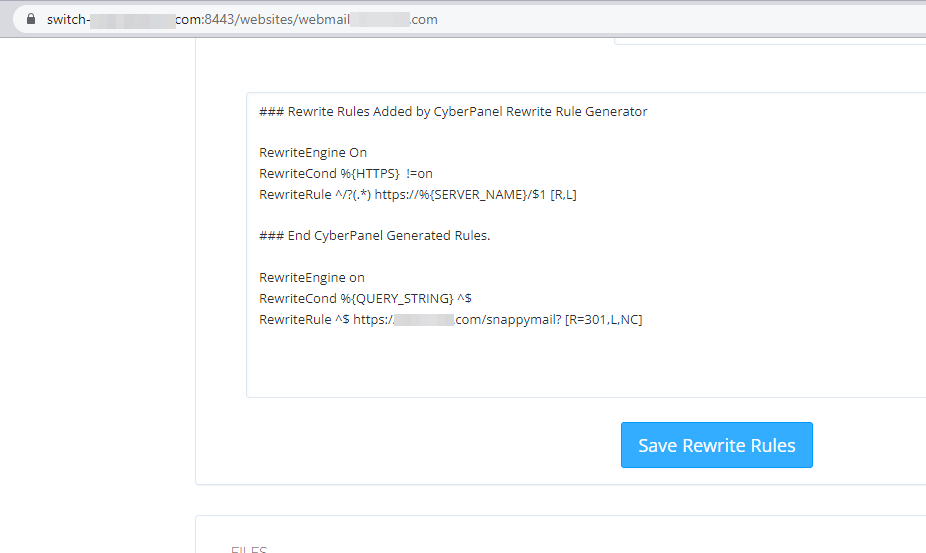
- Go to https://serverdomain.com/websites/webmail.serverdomain.com
- Under configurations click on Rewrite Rules
- Select a template: Force HTTP → HTTPS
You will end up with this result:
### Rewrite Rules Added by CyberPanel Rewrite Rule Generator

RewriteEngine On
RewriteCond %{HTTPS}  !=on
RewriteRule ^/?(.*) https://%{SERVER_NAME}/$1 [R,L]

### End CyberPanel Generated Rules.
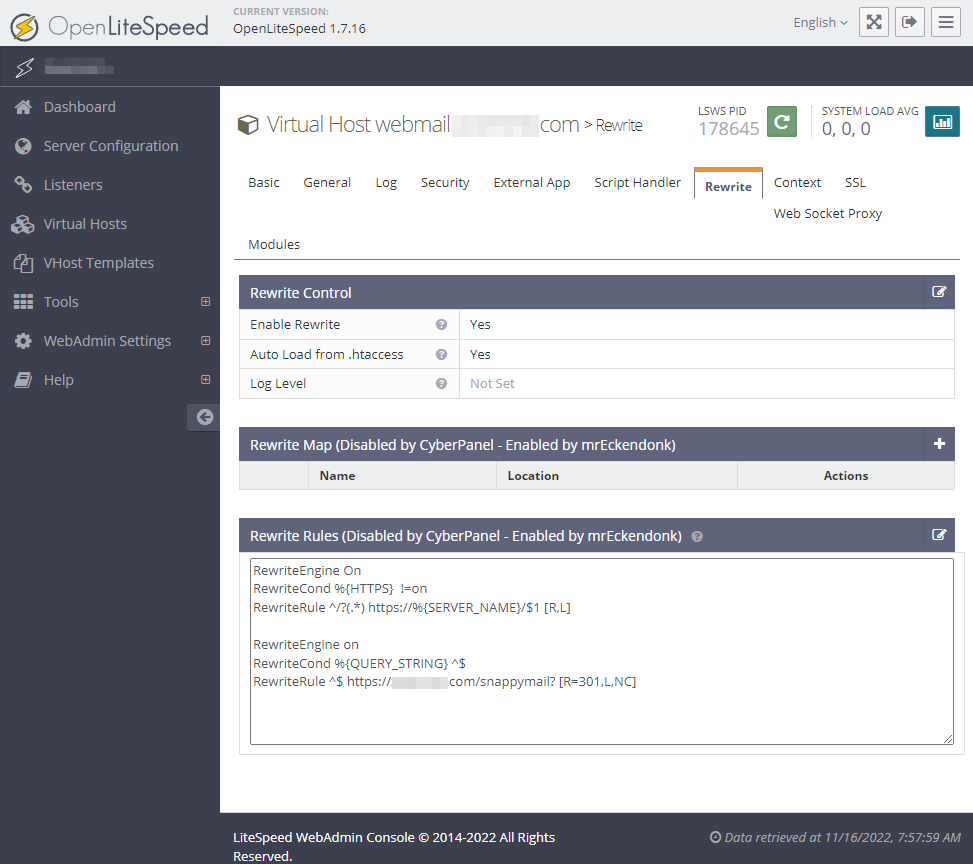
- Add a proxy rewrite for SnappyMail to webmail.serverdomain.com. The final result will be:
### Rewrite Rules Added by CyberPanel Rewrite Rule Generator

RewriteEngine On
RewriteCond %{HTTPS}  !=on
RewriteRule ^/?(.*) https://%{SERVER_NAME}/$1 [R,L]

### End CyberPanel Generated Rules.

RewriteEngine on
RewriteCond %{QUERY_STRING} ^$
RewriteRule ^$ https://serverdomain.com/snappymail? [R=301,L,NC]
Click on Save rewrite rules Now you can access webmail via https://webmail.serverdomain.com
Learn more:

 on Cloudflare.