Mi
Mikr
#1
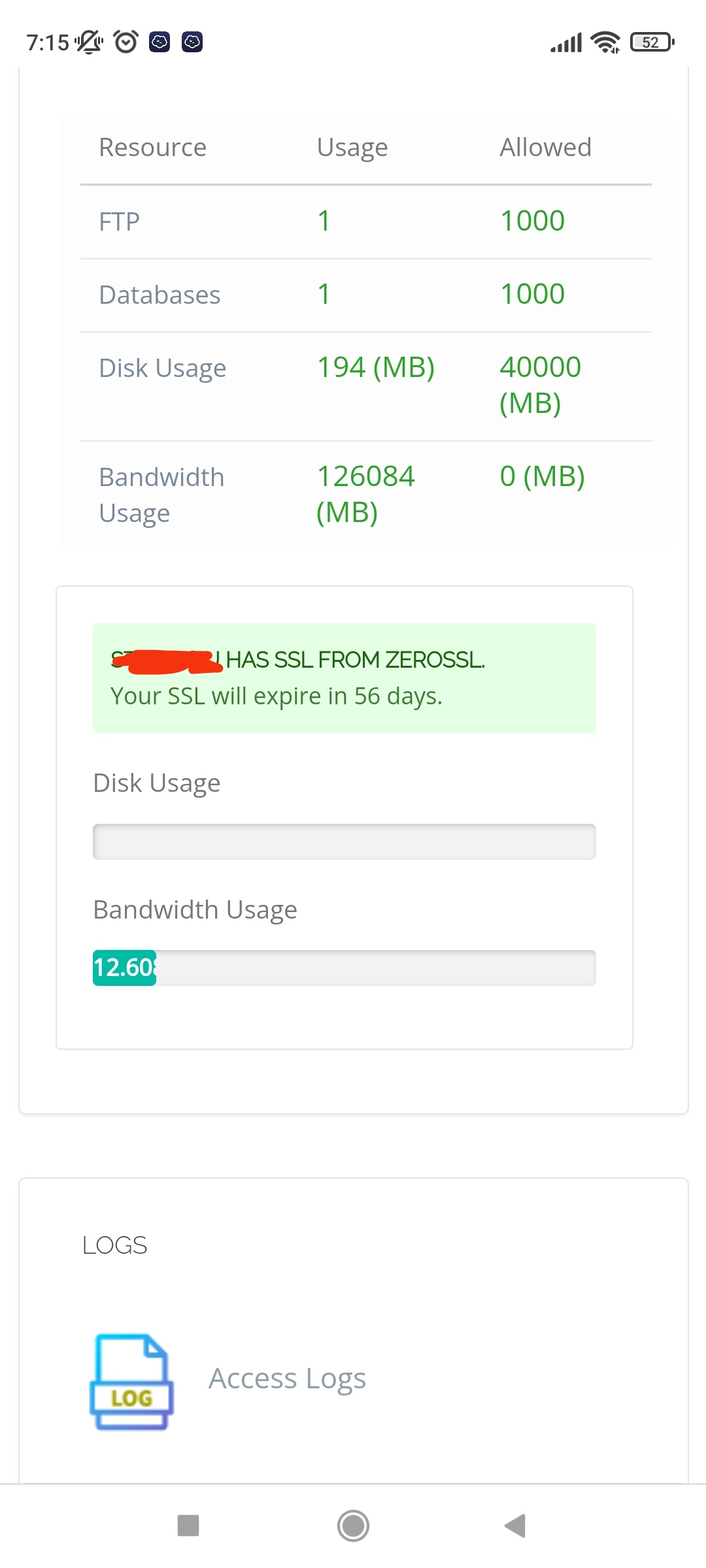
Hello guys, how can i reset the bandwith from a website?
 Community
Hello guys, how can i reset the bandwith from a website?
Welcome @Mikest Happy you are here
Run in ssh terminal
/usr/local/CyberCP/IncBackups/IncScheduler.py CalculateAndUpdateDiskUsage
What do you see on your dashboard now ?
Hello @josephgodwinke
Permission denied, when i run that command
Run as a sudo user or root
sudo /usr/local/CyberCP/bin/python /usr/local/CyberCP/IncBackups/IncScheduler.py checkDiskUsage
sudo: /usr/local/CyberCP/IncBackups/IncScheduler.py: command not found
Attempt
$ apt install sudo
$ usermod -aG sudo yourUSERNAME
Sudo works…the command you gived me is not working like
Other commands with sudo works
Kindly check the command you used its wrong. Paste as you see it here Reset bandwith - #5 by josephgodwinke
Sorry for misleading you. Earlier, that command recalculates disk usage. For you case its bandwidth. As seen here cyberpanel/IncScheduler.py at stable · usmannasir/cyberpanel · GitHub kindly run the command
/usr/local/CyberCP/bin/python /usr/local/CyberCP/IncBackups/IncScheduler.py CalculateAndUpdateDiskUsage
Did you restart lscpd
service lscpd restart
Is there a way to do it?
Any tips how to solve it?
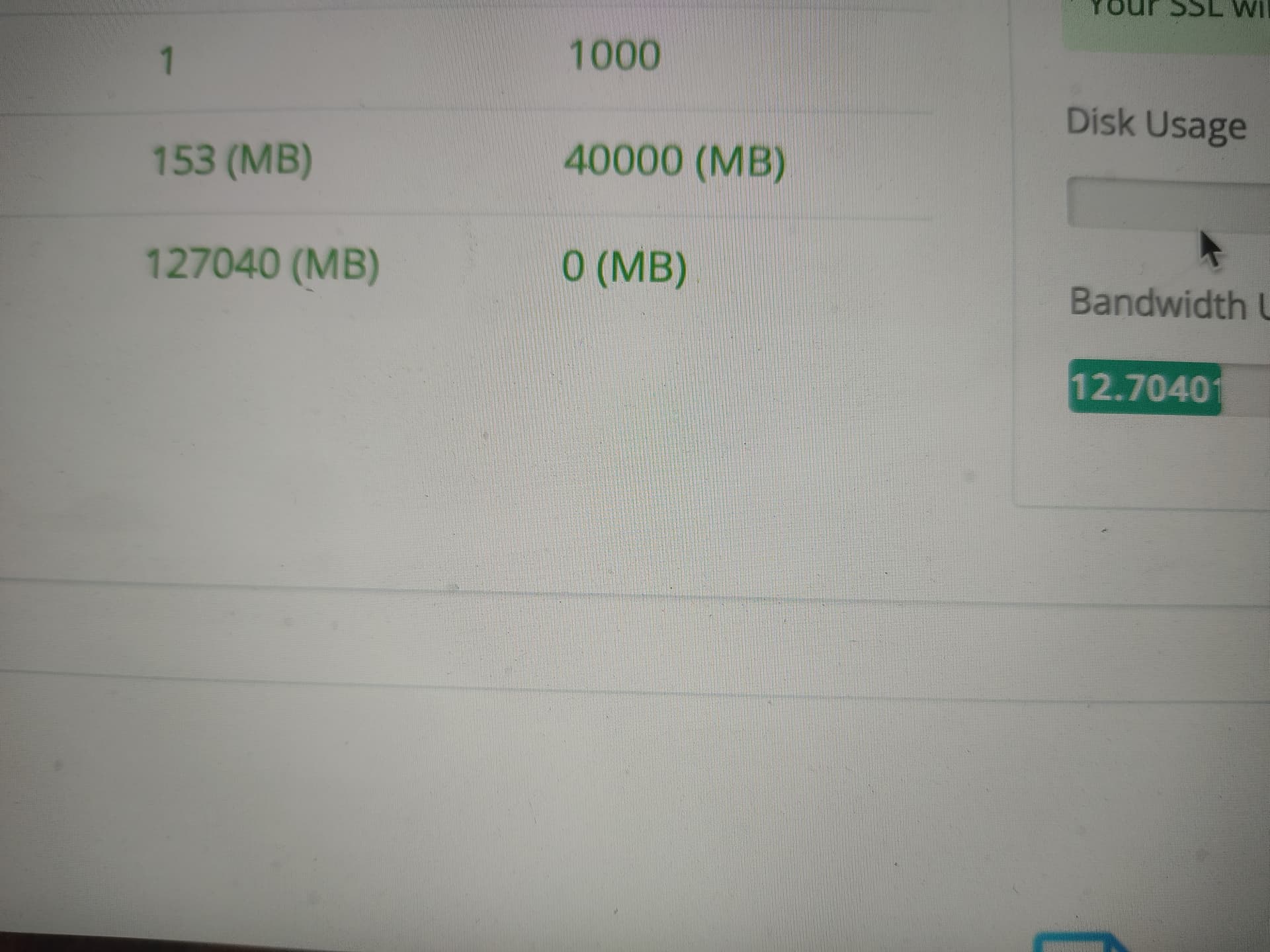
Hello again, please help to reset de bandwith, its almost hit the limit
Did you see this Reset bandwith - #15 by josephgodwinke
Hello, that is for the disk space, not for the bandwidth
After service lscpd restart - nothing changed.
Bandwidth setup to 0 in package, but i see limit 51% now , how to setup to unlimited? it’s looks like bug