CyberPanel Community

Email rejected by Zoho mail

Aj
Ajin #1

Hi,

when we send emails hosted by ZOHO we got error message.

Reporting-MTA: dns; bitzburg.in
X-Postfix-Queue-ID: D33CA2CE70A
X-Postfix-Sender: rfc822; info@bitzburg.in
Arrival-Date: Mon, 13 Mar 2023 14:09:39 +0530 (IST)

Final-Recipient: rfc822; ajin@bitzburg.com
Original-Recipient: rfc822;ajin@bitzburg.com
Action: failed
Status: 5.7.1
Remote-MTA: dns; mx.zoho.com
Diagnostic-Code: smtp; 541 5.7.1 Mail rejected due to antispam policy
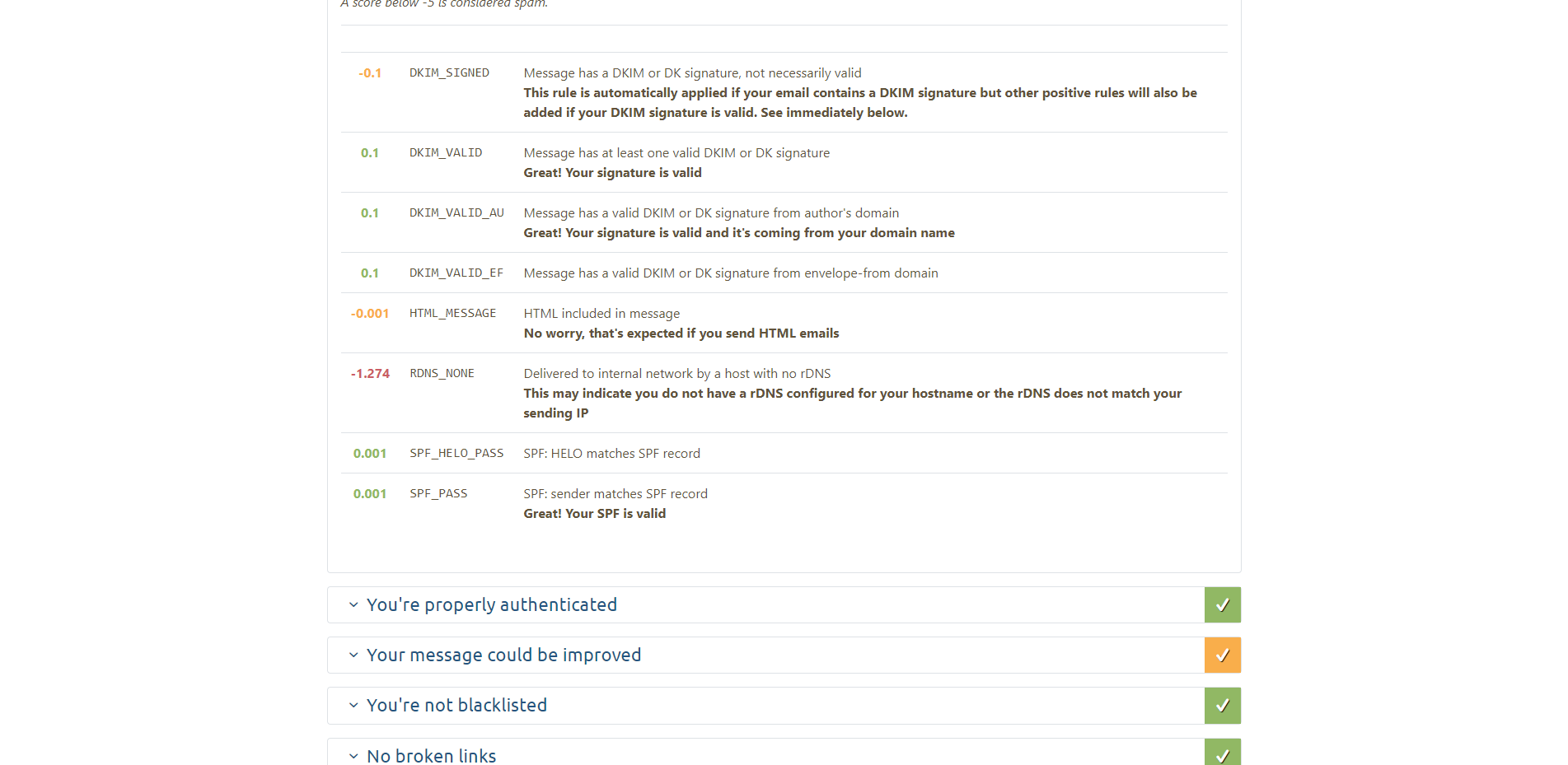

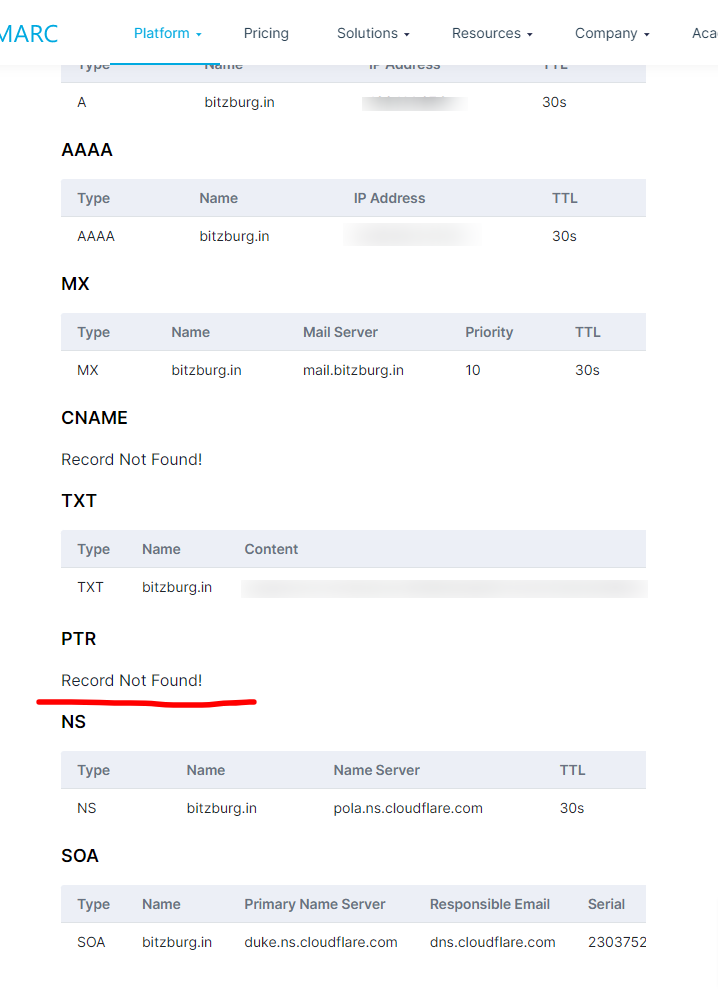
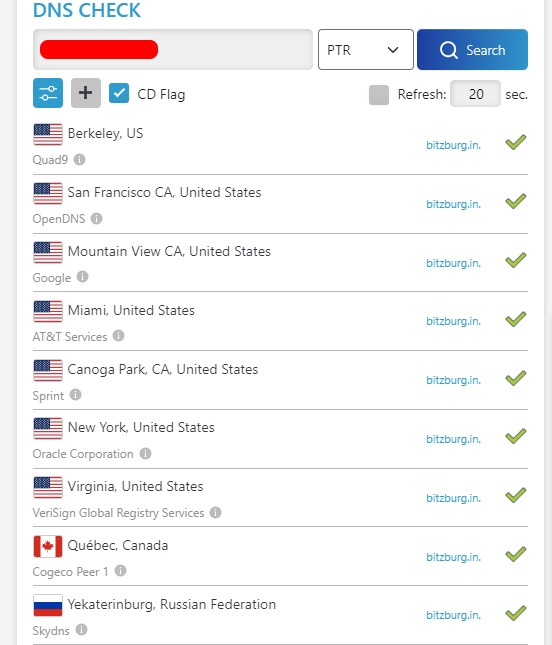
rDNS is properly Setup, But mail tester not showing properly.

we will get this issue after upgrade to 2.3 Version
20 replies
jo
josephgodwinke #2

Hello @ajinananth

This domain bitzburg.com does not have valid DKIM keys or none. Kindly create them for the domain by either creating a website or creating them manually
https://community.cyberpanel.net/t/how-to-manually-set-up-spf-dkim-and-dmarc-inside-cyberpanel/30666#installing-and-setting-up-opendkim-4

jo
josephgodwinke #4

What do you mean

Aj
Ajin #5

ajin@bitzburg.com mail is hosted in ZOHO.

info@bitzburg.in mail is hosted in our own server using cyberpanel.

When I send mail from info@bitzburg.in to ajin@bitzburg.com then the mail is rejected dut to “Mail rejected due to antispam policy”.

But when I send the mail from info@bitzburg.in to any other mail like gmail, its working

jo
josephgodwinke #6

This is all wrong. What you are trying to do is impossible. Check the documentation you can only handle email delivery though zoho or cyberpanel choose one - Configure Email Delivery - Zoho Mail Setup

if you have set up local email delivery settings in your previous host, the emails sent from your previous email server will be delivered internally, and will not be delivered to your Zoho mail accounts.

Aj
Ajin #7

I think you are not understand the problem,

Both domains are different one domain is .com another is .in

.com is hosted in zoho mail.
.in is hosted in cyberpanel.

I’m saying something@something.in is not sending mail to something@something.com

jo
josephgodwinke #8

Follow this guide to setup Achieve 10/10 Email score with CyberPanel! you need to setup rDNS ptr record for your mailserver etc. If you ran into issues kindly revert back here.

Aj
Ajin #9

This is configured properly, Kindly gothrough the first conversation, I have shared the screenshot of rDNS is properly configured, But in mail-tester.com, It says no rDNS configured.

It was working properly before. we received the emails before.
I think this issue cause after update to latest version.

jo
josephgodwinke #10

the rDNS is not configured correctly - mail.mailserver.com should be the correct ptr record

This happened exactly after you updated ?

sh
shoaibkk #11

who is your domian provider?

Aj
Ajin #12

godaddy is the domain provider

Aj
Ajin #13

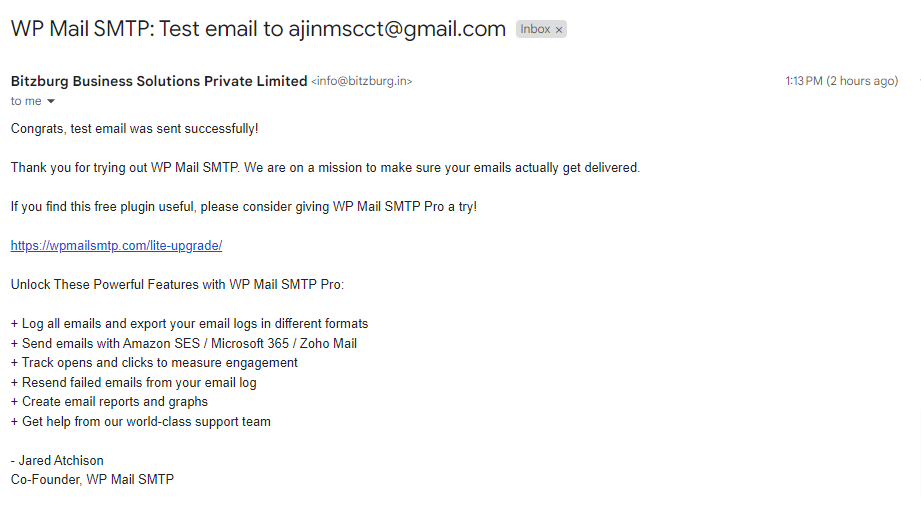
The emails are working but, its only not received by zoho mails. The other emal providers its working fine.

jo
josephgodwinke #17

Kindly follow my advice. You are going round in circles.

Aj
Ajin #18

But here they mentioned to set rDNS for domain name only right -

Aj
Ajin #20

Sorry for more questions,

right now i’m getting this error when i send to zoho hosted email

Reporting-MTA: dns; bitzburg.in
X-Postfix-Queue-ID: E8ACD2B537F
X-Postfix-Sender: rfc822; info@bitzburg.in
Arrival-Date: Wed, 15 Mar 2023 16:59:06 +0530 (IST)

Final-Recipient: rfc822; ajin@bitzburg.com
Original-Recipient: rfc822;ajin@bitzburg.com
Action: failed
Status: 5.1.1
Diagnostic-Code: x-unix; user unknown

Sign in to reply