Community

Closed Error activating Sieve

VN
Vinicius Nogueira #1

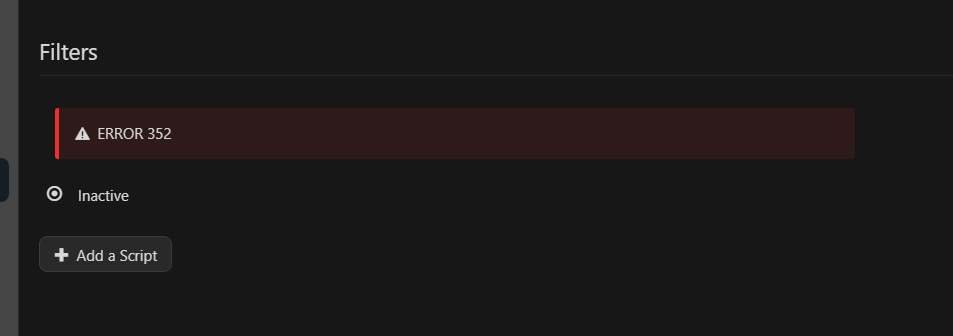
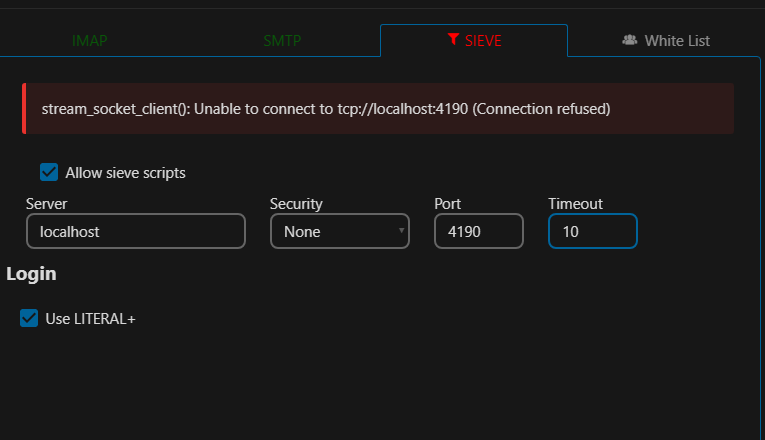
I get the following error when I try to activate sieve from the SnappyMail admin panel:

stream_socket_client(): Unable to connect to tcp://localhost:4190 (Connection refused)

This port is allowed by the firewall, but I don’t know why this is happening and I need to set up filters to redirect spam to the spam folder.
VN
Vinicius Nogueira #3

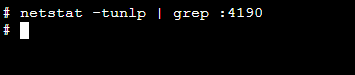
nothing happens
Screenshot 2025-04-02 133847

Tr
Troop #4

Since it’s not returning anything, that tells me your server does not have any services listening on that port. I would go through the steps in the page I referenced earlier to ensure you have everything configured properly if it’s applicable to your setup environment.

VN
Vinicius Nogueira #5

I did it! I forgot to add the following line:

protocols = imap pop3 lmtp sieve

Now it’s working, I’ll continue configuring.

Tr
Troop #6

Awesome! Glad you figured it out!

This topic is closed to new replies.