CyberPanel Community

Blank page on phpmyadmin

Va
Valentinh #1

Hi,

I did a fresh install of ubuntu 22 on a OVHCloud dedicated server.
I installed litespeed enterprise + cyberpanel from this command line :
sudo su - -c "sh <(curl https://cyberpanel.net/install.sh || wget -O - https://cyberpanel.net/install.sh)"

I did absolutely nothing else, and I get a blank page when I want to open phpmyadmin from cyberpanel.

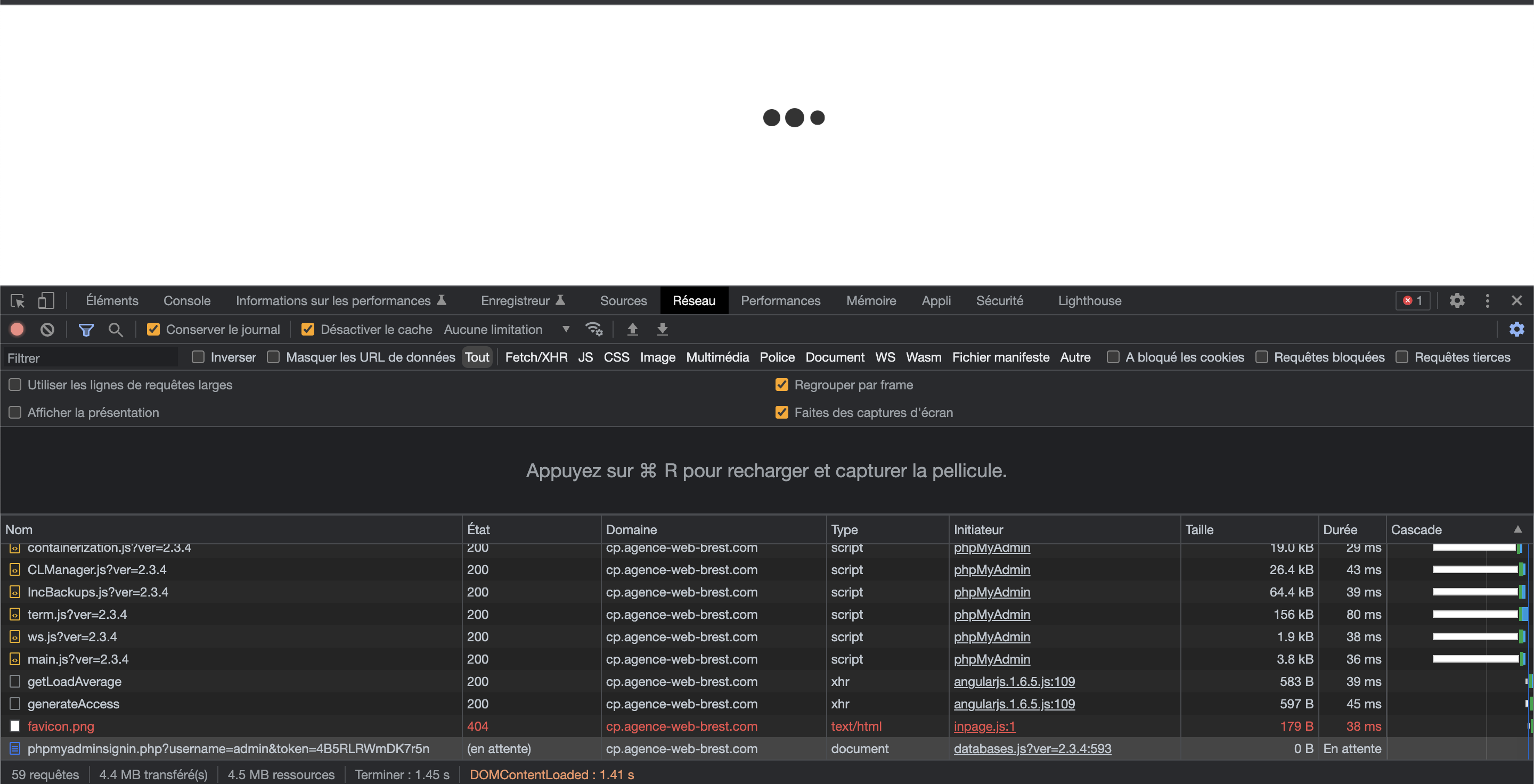
I can see with the chrome dev tools a file still waiting to load : domain.com:8090/phpmyadmin/phpmyadminsignin.php

I tried the solutions found on the forum, but none worked. Do you have any ideas?

Current Version: 2.3
Build: 4
Current Commit: 93bf01922d2f4a9cb52a375809f94e0ed293cc2a
Latest Version: 2.3
Latest Build: 4
Latest Commit: 93bf01922d2f4a9cb52a375809f94e0ed293cc2a
19 replies
jo
josephgodwinke #2

Welcome @Valentinh Happy you are here

Using ssh terminal confirm you have phpmyadmin and get phpmyadmin if you dont have it like this

# as root or sudouser
# does this folder exist ?
$ find /usr/local/CyberCP/public -name phpmyadmin
# no it does not
$ wget -cv https://raw.githubusercontent.com/josephgodwinkimani/cyberpanel-mods/main/phpmyadmin.zip -P /usr/local/CyberCP/public
$ cd /usr/local/CyberCP/public && unzip phpmyadmin

Go back and try to access phpmyadmin

Va
Valentinh #3

Hi @josephgodwinke,

Thank you for your response.

The folder actually exist

**ubuntu@VWC-UBUNTU**:**~**$ sudo find /usr/local/CyberCP/public -name phpmyadmin
/usr/local/CyberCP/public/phpmyadmin
/usr/local/CyberCP/public/phpmyadmin/vendor/phpmyadmin
jo
josephgodwinke #4
$ mv /usr/local/CyberCP/public/phpmyadmin /usr/local/CyberCP/public/phpmyadmin_old
$ wget -cv https://raw.githubusercontent.com/josephgodwinkimani/cyberpanel-mods/main/phpmyadmin.zip -P /usr/local/CyberCP/public
$ cd /usr/local/CyberCP/public && unzip phpmyadmin

Run this part

Va
Valentinh #5

I ran this section of code and then rebooted the server. But the problem is still here

jo
josephgodwinke #6

Confirm you have the same mysql passwords here for root /usr/local/CyberCP/CyberCP/settings.py, /etc/cyberpanel/mysqlPassword and from mysql console

Va
Valentinh #7

I checked and yes, passwords are the same

jo
josephgodwinke #10

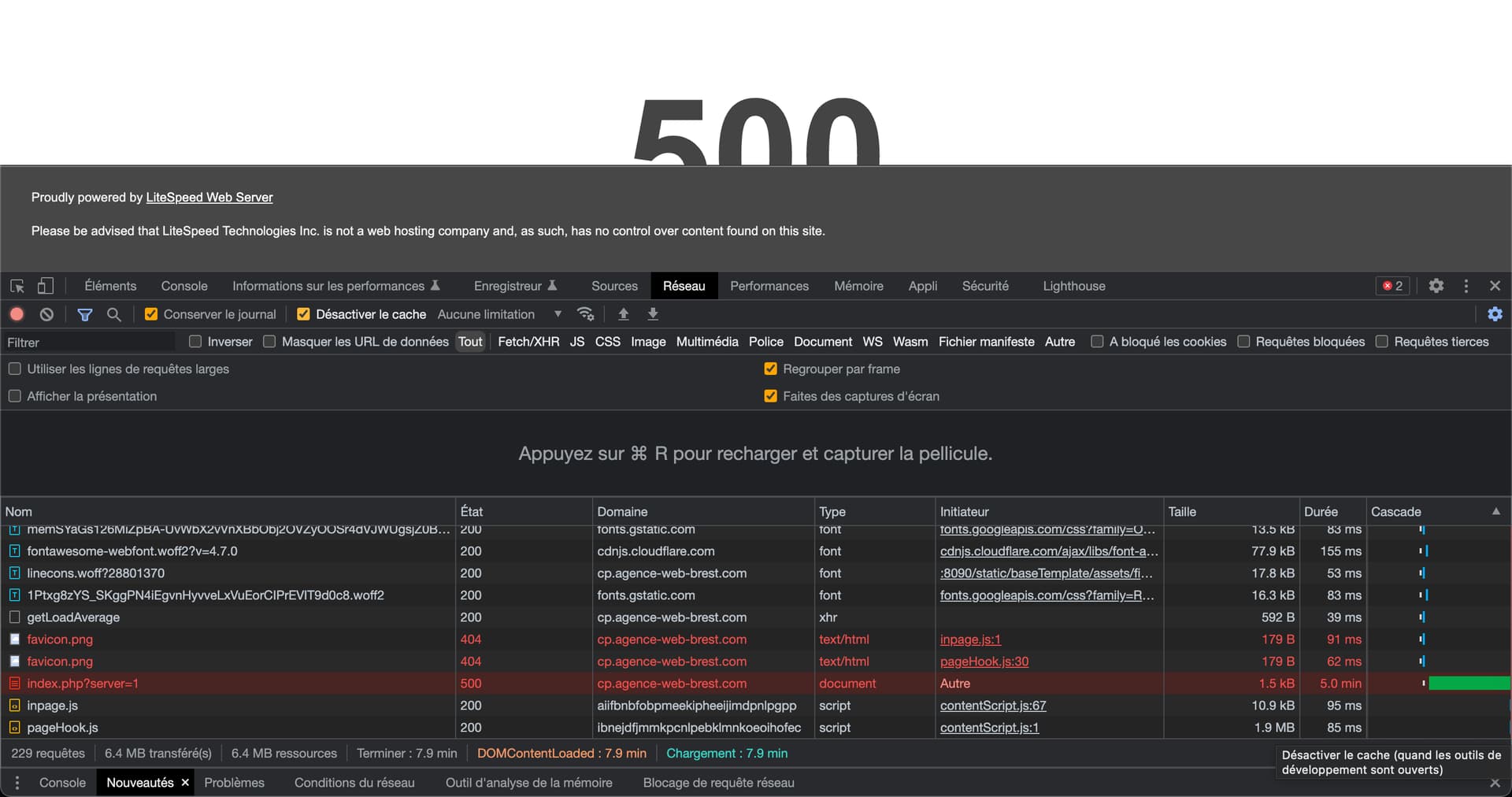
Log into your cyberpanel dashboard and go to this link http://domain.com:8090/phpmyadmin/index.php?server=1

jo
josephgodwinke #12

This seems like phpmyadmin via the phpmyadminsignin file cannot seem to get the token to execute an autologin or even a direct log in where it asks for a password and username.

I would ask you change root password Some Dont's After Installing CyberPanel!

Va
Valentinh #13

I changed the password for theses files :

/etc/cyberpanel/mysqlPassword
/usr/local/CyberCP/CyberCP/settings.py (rootdb password part)

and
sudo systemctl restart lscpd

But I still can’t access to phpmyadmin page :no_mouth:

Va
Valentinh #14

I did a test on a fresh install of Ubuntu 20, and it works.
What is wrong with Ubuntu 22 :sweat_smile:

AR
Amon RA #15

change
session.auto_start=1
to
session.auto_start=0

fixed for me

Ar
Arnas #17

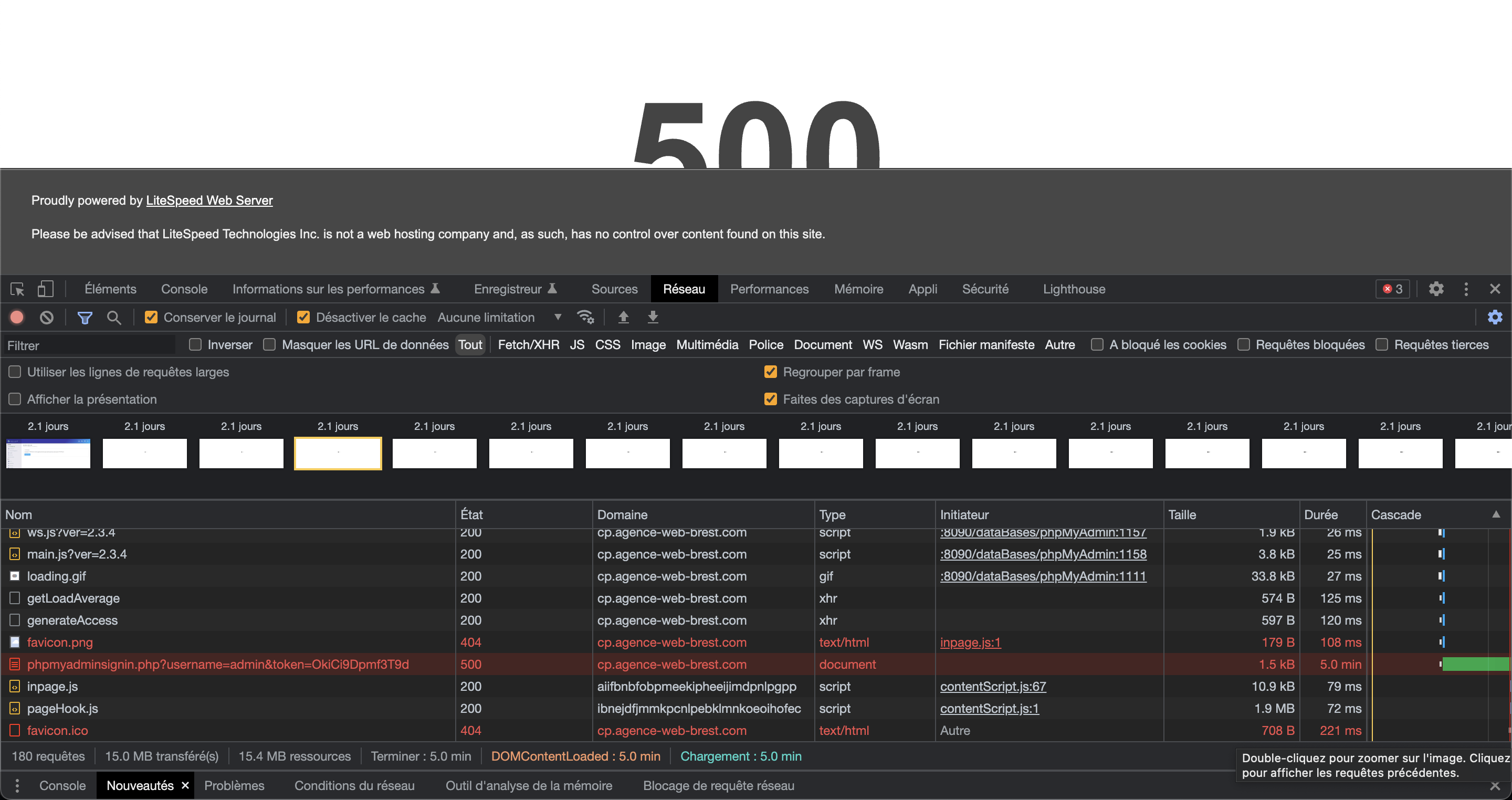
I have same issue loads for e few minutes and then returns 500 error. Same for phpmyadmin, same for ImunityAV. Any suggestions?

AN
Agus Nova #19

also solved for me

Ke
Keeftraum #20

this one worked for me. Still though cant login with phpMyAdmin Auto Login from Cyberpanel only phpmyadmin/index.php?server=1 endpoint works.

On CyberPanel; Auto login endpoint returns;
{“status”: 0, “createDBStatus”: 0, “error_message”: “type object ‘ProcessUtilities’ has no attribute ‘executionero’”}

Sign in to reply