CyberPanel Community

ClosedSSL Auto Change To Let's Encrypt Every Month

DB
Dewangga Bruri #1

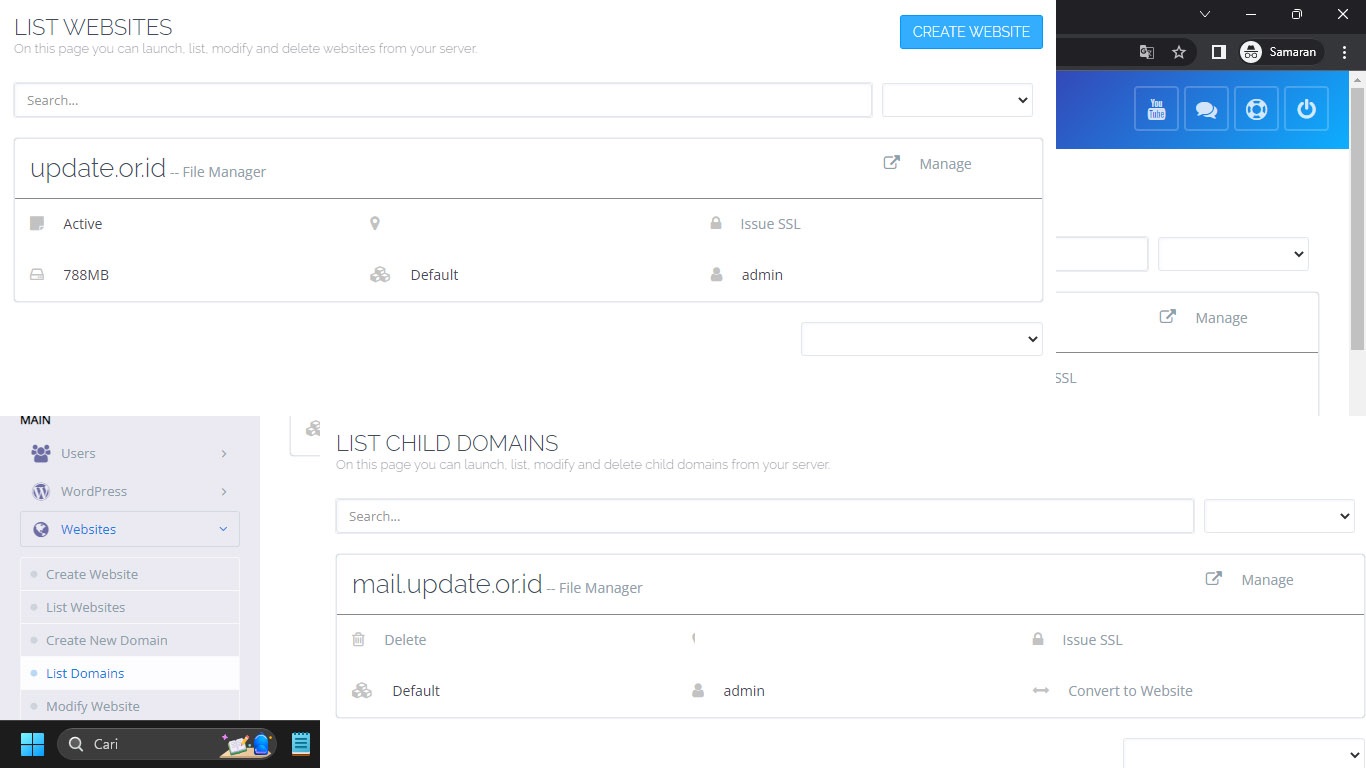
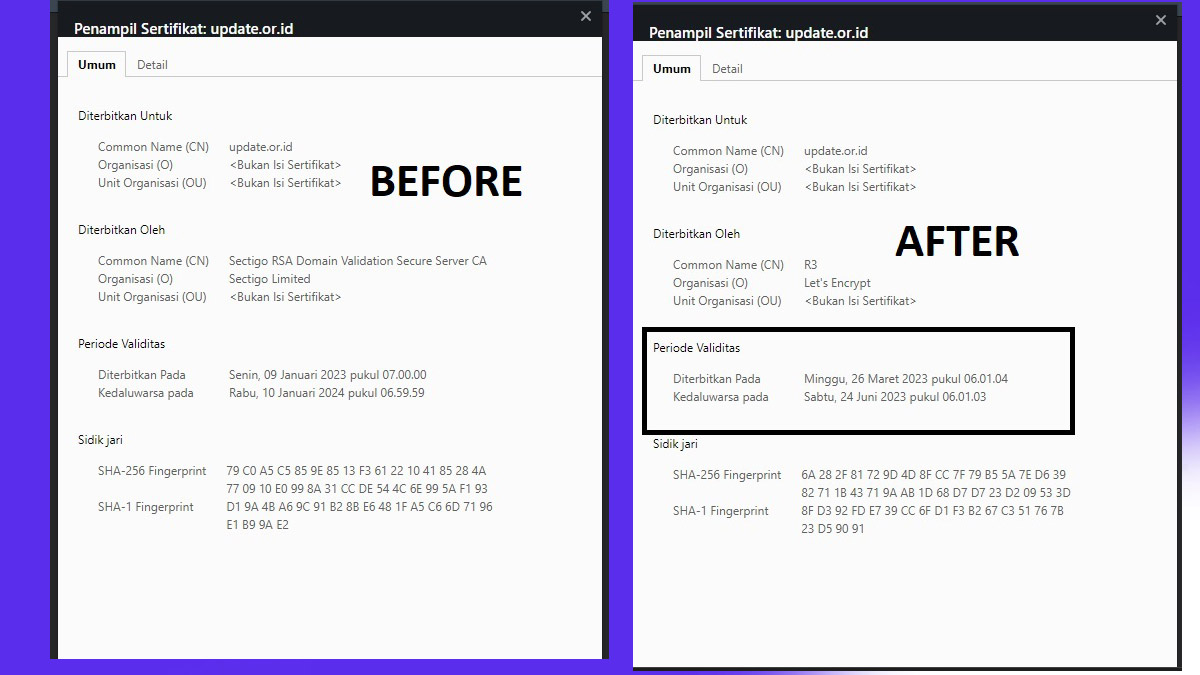
I use Sectigo SSL but every month it always changes to Let’s Encrypt and I have to manually re-enter Sectigo’s Cert & Key via cyberpanel.

Last event today from SSL Sectigo changed to Let’s Encrypt.

Previously I had followed the directions in the following article https://community.cyberpanel.net/t/website-ssl-is-self-signed-after-every-month/40569/4
is there a way to solve it?

specification:

  1. Cyberpanel 2.3.3
  2. LSWS
  3. Ubuntu 20.04
6 replies
jo
josephgodwinke #2

Hello @updateorid

What do you mean? You use a custom ssl ?

jo
josephgodwinke #4

Ok. Are you using Let’s encrypt for any other websites ?

jo
josephgodwinke #6

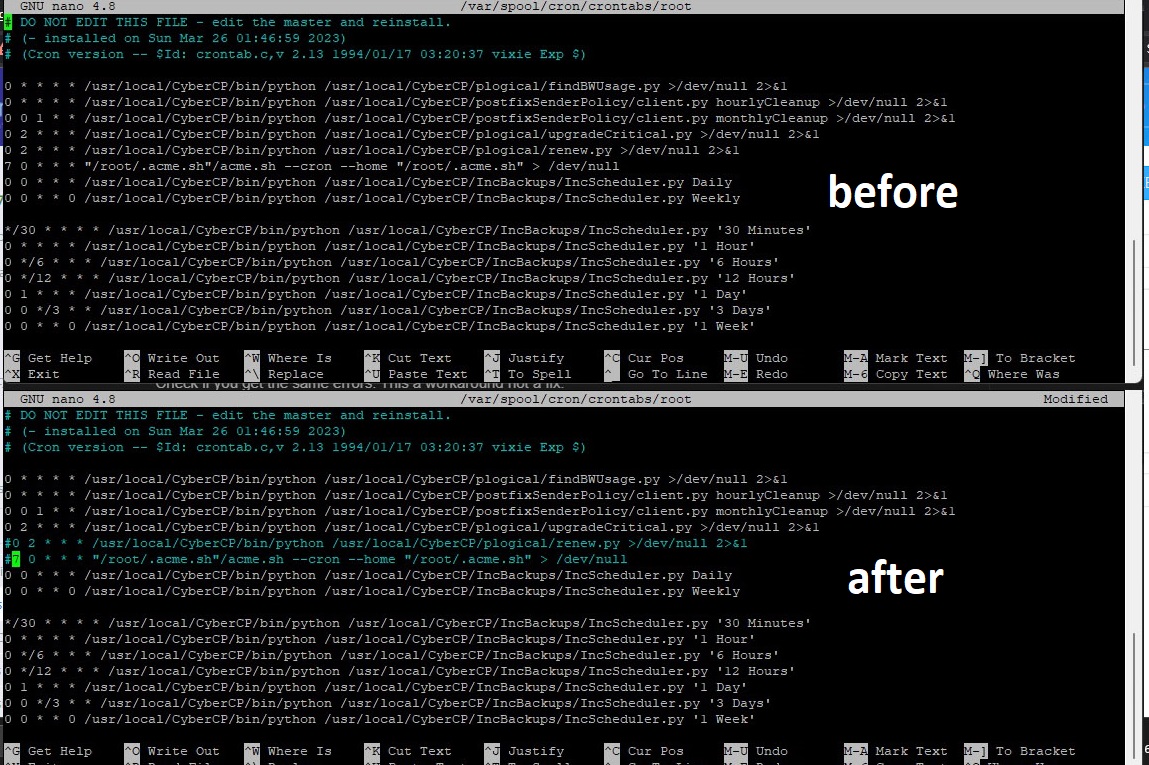
Run in ssh terminal

## nano for debian, vi for RHEL
$ nano /var/spool/cron/crontabs/root || vi /var/spool/cron/crontabs/root

and comment out

# 0 2 * * * /usr/local/CyberCP/bin/python /usr/local/CyberCP/plogical/renew.py >/dev/null 2>&1
# 7 0 * * * "/root/.acme.sh"/acme.sh --cron --home "/root/.acme.sh" > /dev/null

Check if you get the same errors. This a workaround not a fix.

Sign in to reply