sj
sophia jhon
#1
What kind of issue is that is not resolving, it makes my wordpress site slow
[NOTICE] [824] No request delivery notification has been received from LSAPI application, possible dead lock
 Community
What kind of issue is that is not resolving, it makes my wordpress site slow
[NOTICE] [824] No request delivery notification has been received from LSAPI application, possible dead lock
Hello @sophiajhondeveloper
Which server os is this ? e.g. Ubuntu 20.04
Which php version are you using for this website ? e.g. php 7.4
Are you using latest version of cyberpanel ?
Ubuntu : Is at latest 20.something
PHP: 8.0
Cyber panel Version :
Current Version: 2.3
Build: 3
Current Commit: eb9eafd4daef7b244fb590c830e3fb3a8d5818f6
This is a php process issue
It usually happens with some PHP script takes long time to finish, or have a bug causing an infinity loop. People keep refreshing that URL, all PHP worker processes are occupied by the long run script, cannot take new request any more. For some cases, increase the timeout or number of worker processes can help. The eventual fix is to fix the script. Usually it is not some thing can be taken care of automatically by web server.
Can you try this
# deletes php 8.0 session folders and recreates them
$ killall lsphp
$ rm -rf /var/lib/lsphp/session/lsphp80; mkdir -p /var/lib/lsphp/session/lsphp80; chmod 1733 /var/lib/lsphp/session/lsphp80
Then increase Max Connections to the maximum number of concurrent LSPHP processes you want to allow by:
PHP_LSAPI_CHILDREN= the maximum number of concurrent LSPHP processes you want to allow.service lsws restartreference
How to get https://SERVER_URL:7080/ admin username and passwords? while installing i have just setup the cyberpanel , now when access this url i don’t know the openlitespeed password where do i get this and how ?
Run
## reset my admin password
$ cd /usr/local/lsws/admin/misc
$ ./admpass.sh
Choose username and password.
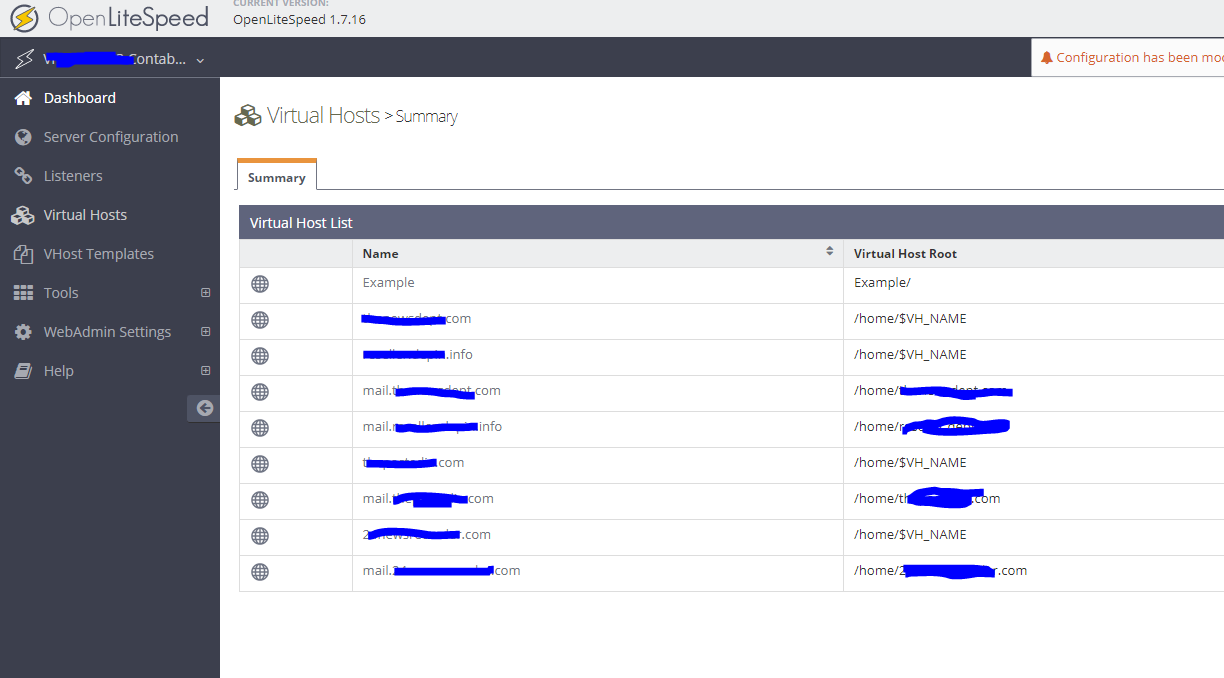
I can’t find 1. Configuration → Server → PHP
2. PHP Handler Defaults and click Edit
in this can you give me the screenshots ?
Check again for OLS steps Possible dead lock [LSAPI application] - #8 by josephgodwinke
Do you have any idea how much bit port of server is needed if you traffic of 15000-25000 per day ? and which server is best for it?
That depends with the provider. You should contact your provider’s support to better understand how they charge you vs what they offer
Throttling is different for all providers there is no general answer for this.
Has your issue been resolved so far ?
I have tired your given instruction but that’s not solved yet , it still giving me this error
No request delivery notification has been received from LSAPI application, possible dead lock.
Which kind of websites are you running?
Are they built froma framework like Laravel, WordPress or ?
Are they running latest versions ?
There seems to be a php process choking the system
WordPress Only
Yes the all sites are running latest 6.1.1 versions ,
and all plugins are updated
How to check which process is choking it ?
Turn on debugging for OLS How to turn on Extensive Debug logs in OpenLiteSpeed!
Then run
$ ps aux | grep lsphp80
## run lighweight debugger for "hanging" processes
$ strace -p <PID_PROCESS>
Post your /usr/local/lsws/logs/error.log in the meantime
Run in ssh terminal or vnc tool