ch
chupy1991
#1
 Community
Happy New Year @chupy1991
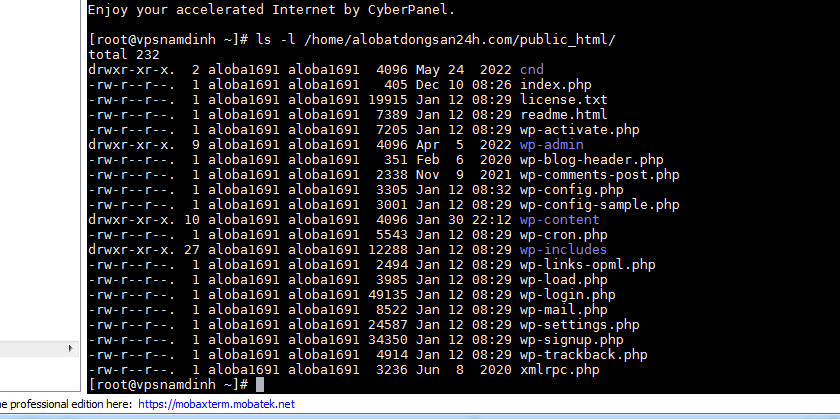
Try the following in ssh terminal
$ ls -l /home/mycoolwebsite/public_html
Post screenshot here
Run
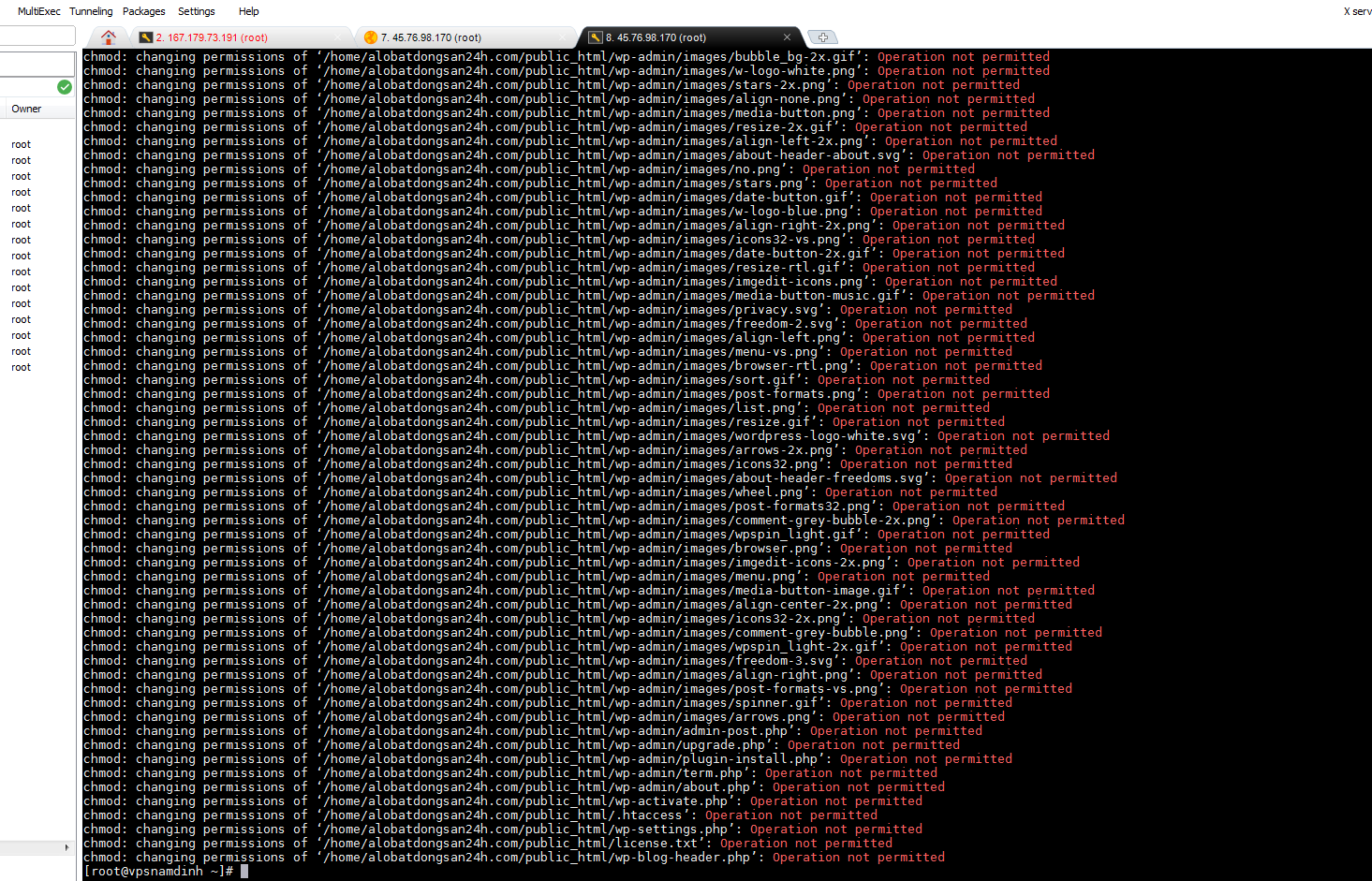
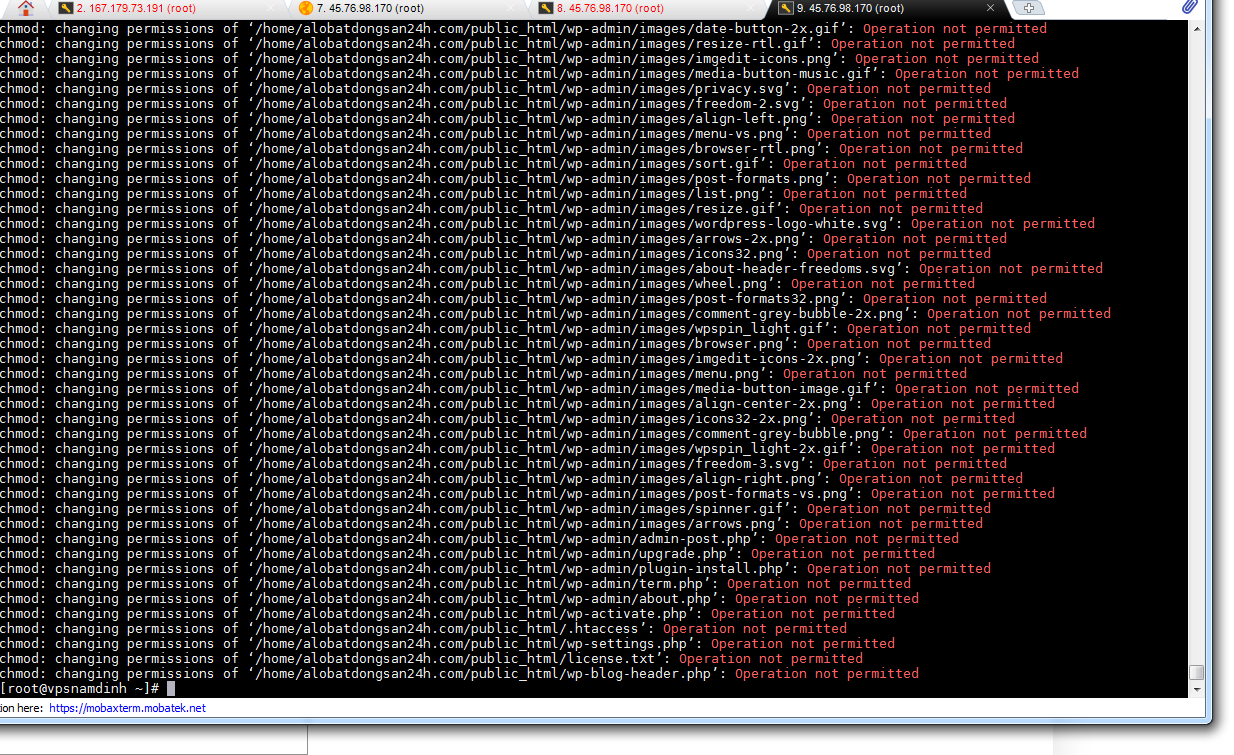
$ chmod -R 777 /home/mycoolwebsite/public_html
Run
## change the user ownership of all files within the WWW folder
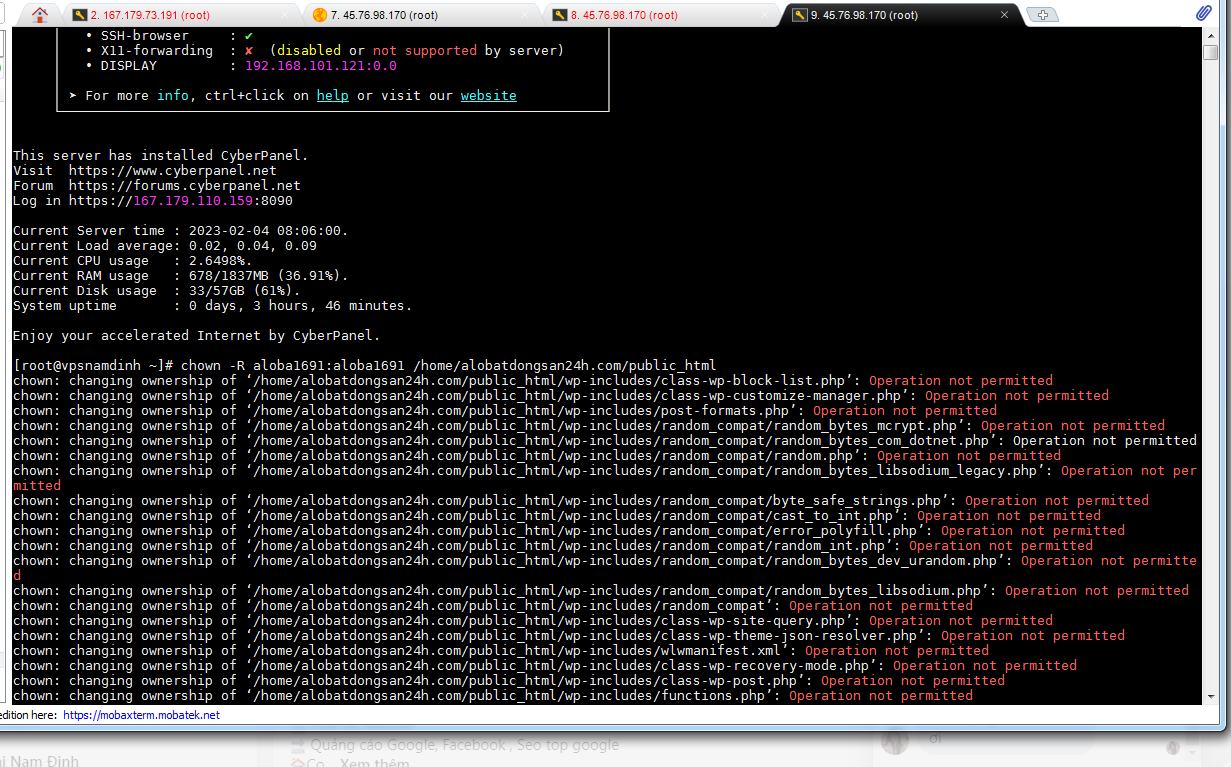
$ chown -R aloba1691:aloba1691 /home/mycoolwebsite/public_html
$ chmod -R 777 /home/mycoolwebsite/public_html
assumption is you are a sudo user or root
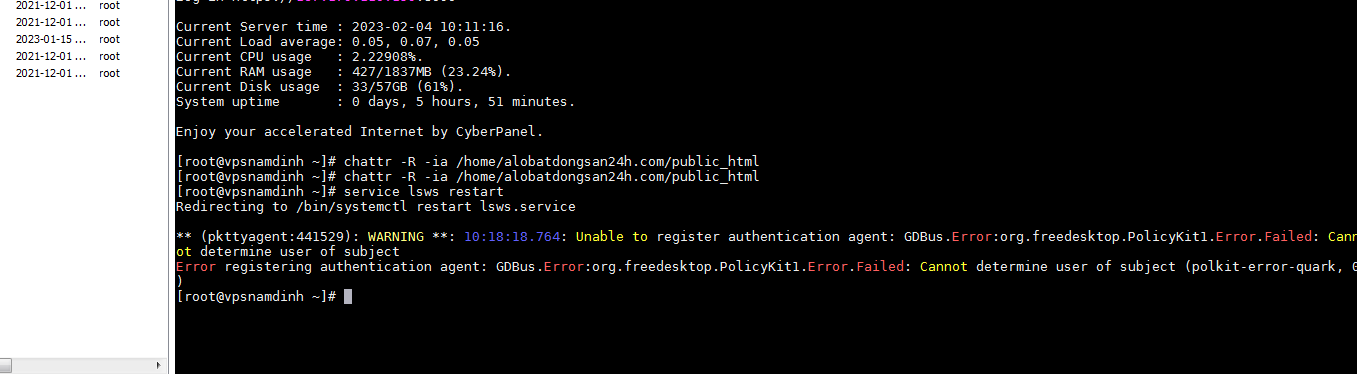
Let’s clear/unset immutability attribute
# a flag lists all contents, i flag for files which cannot be modified (immutable)
$ chattr -R -ia /home/mycoolwebsite/public_html
I was able to delete the files using the above command
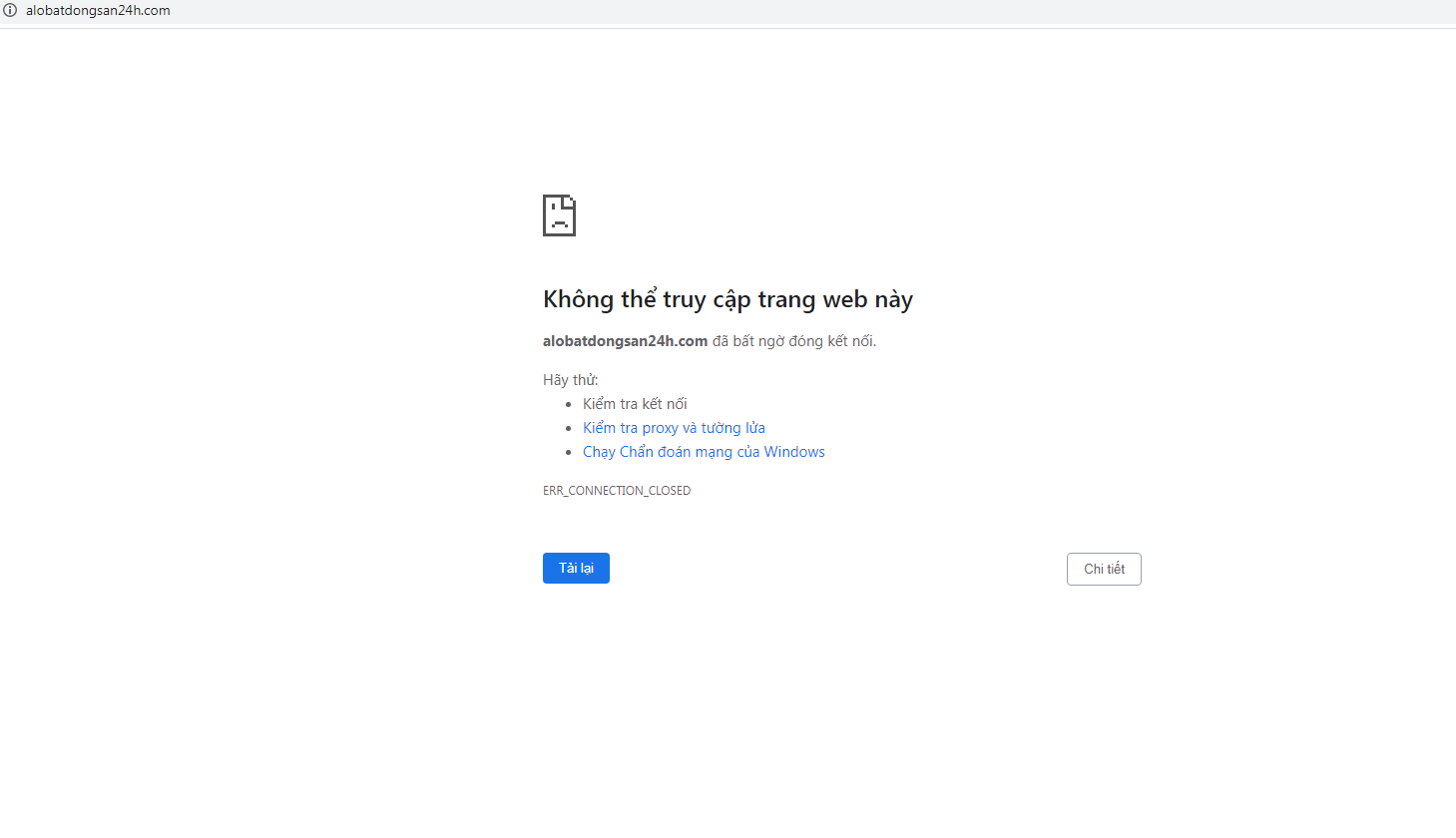
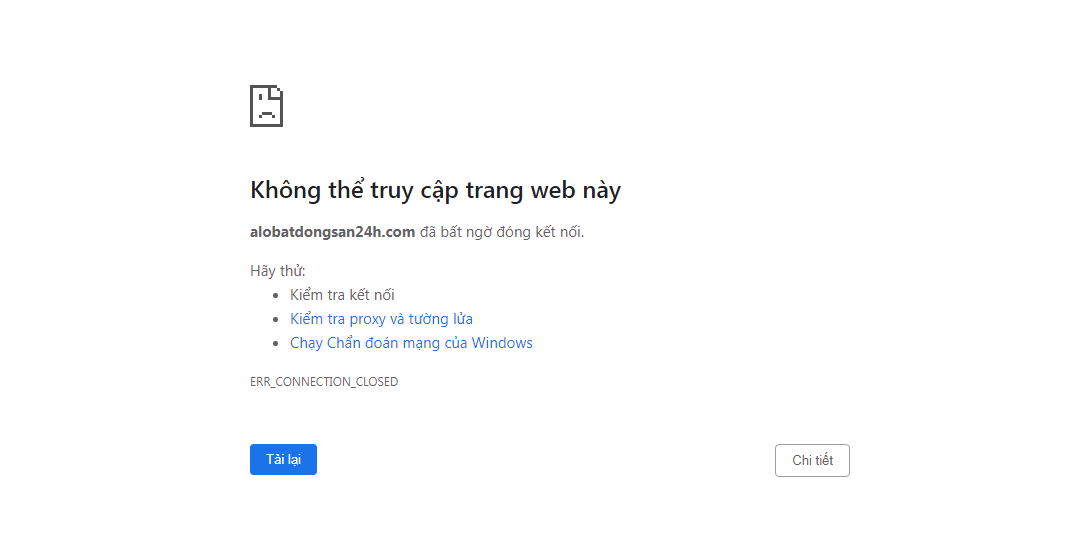
But I don’t understand why my website is still not accessible
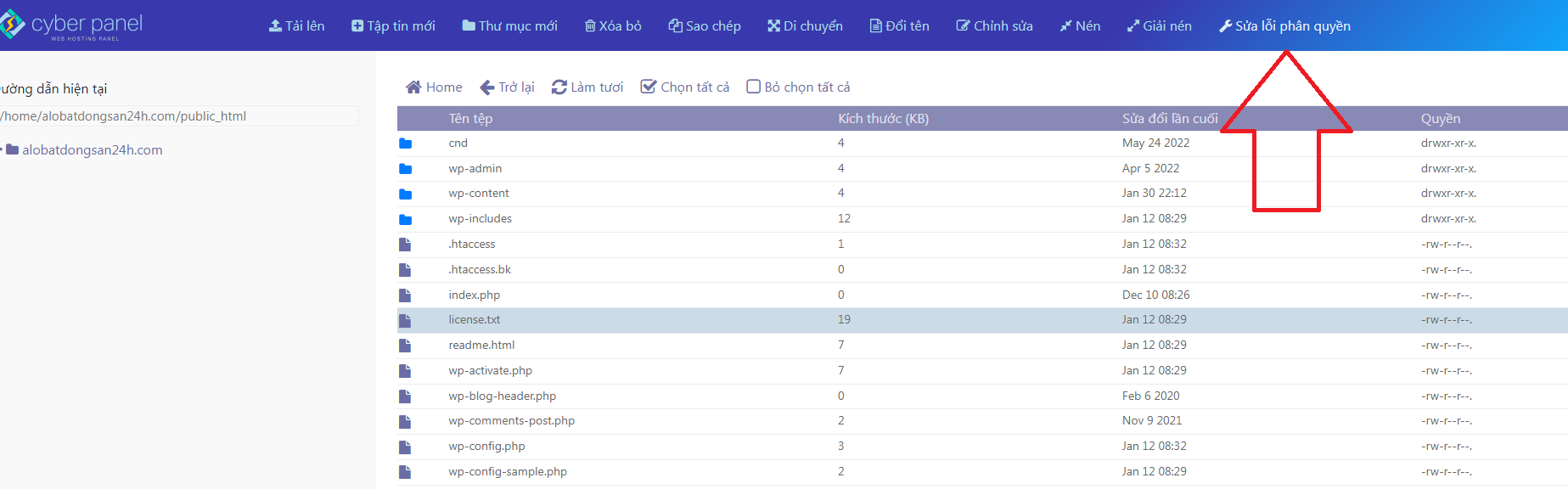
Can you click Fix Permissions and see if it works.
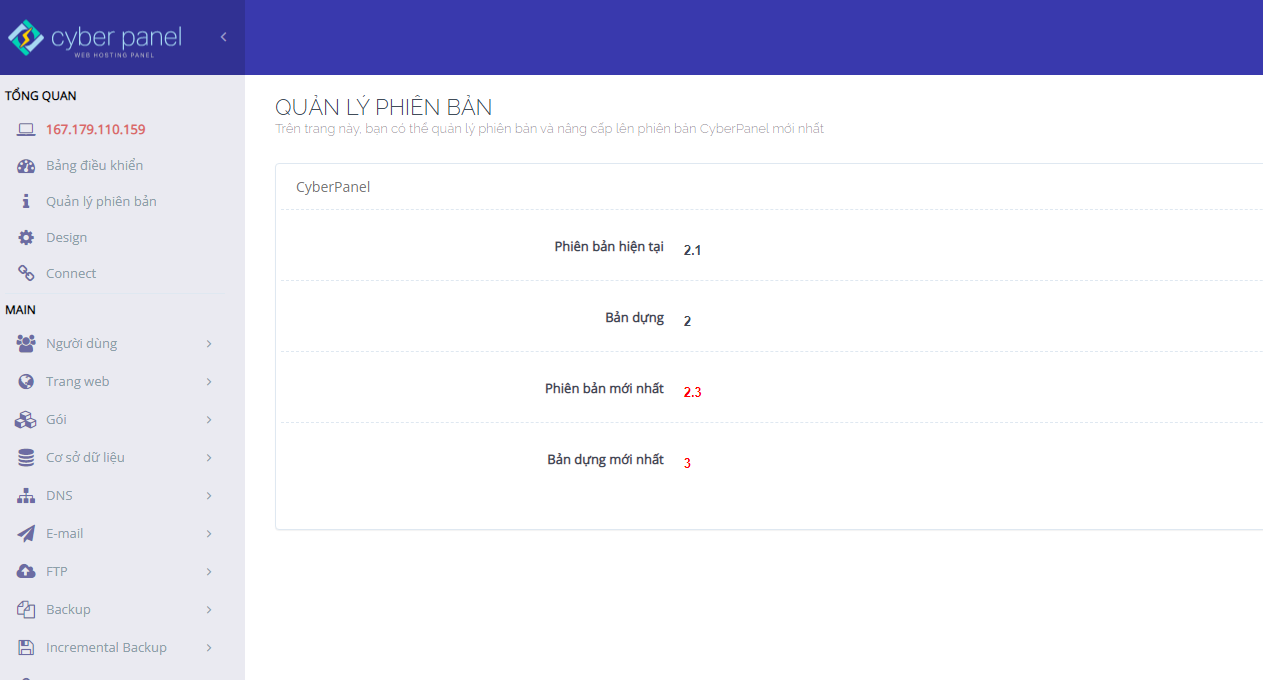
Which version of cyberpanel are you using ?
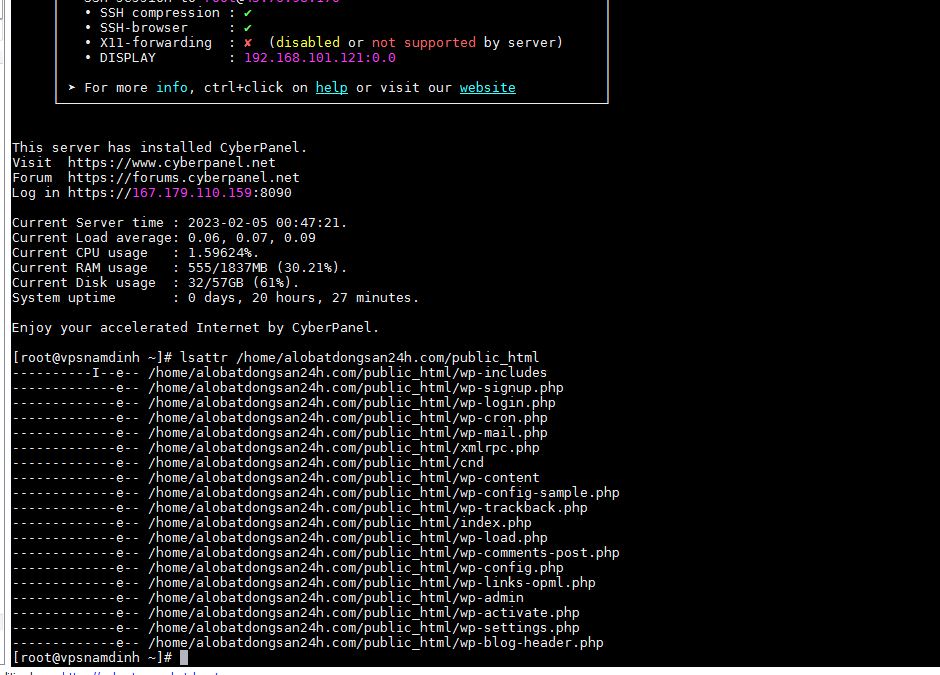
Check if immutable directory
$ lsattr /home/mycoolwebsite/public_html
immutable files will look like this
----i--------e-- /home/mycoolwebsite/public_html/wp-config.php
help help 
Seems no files are immutable but just to be sure
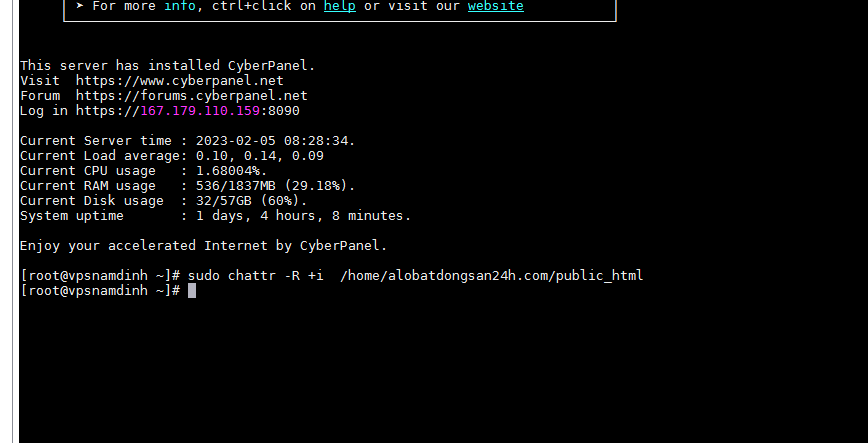
To remove the immutable flag, we can only use chattr with the - operator:
sudo chattr -R -i /home/mycoolwebsite/public_html
Try delete a file what is the result
Psst I made a mistake on the command here I got 1 error like this. can't access website + delete files : permission error - #16 by josephgodwinke try again
Deactivate your CDN, or use VPN instead
This topic is closed to new replies.