Community

Pinned Community Generated CyberPanel Themes

RM
Rana Muhammad Usman Nasir #1

Hi,

Since CyberPanel now allows you to add custom CSS code. I’ve seen great work from community. I am creating this thread to officially list them here.

How to Install

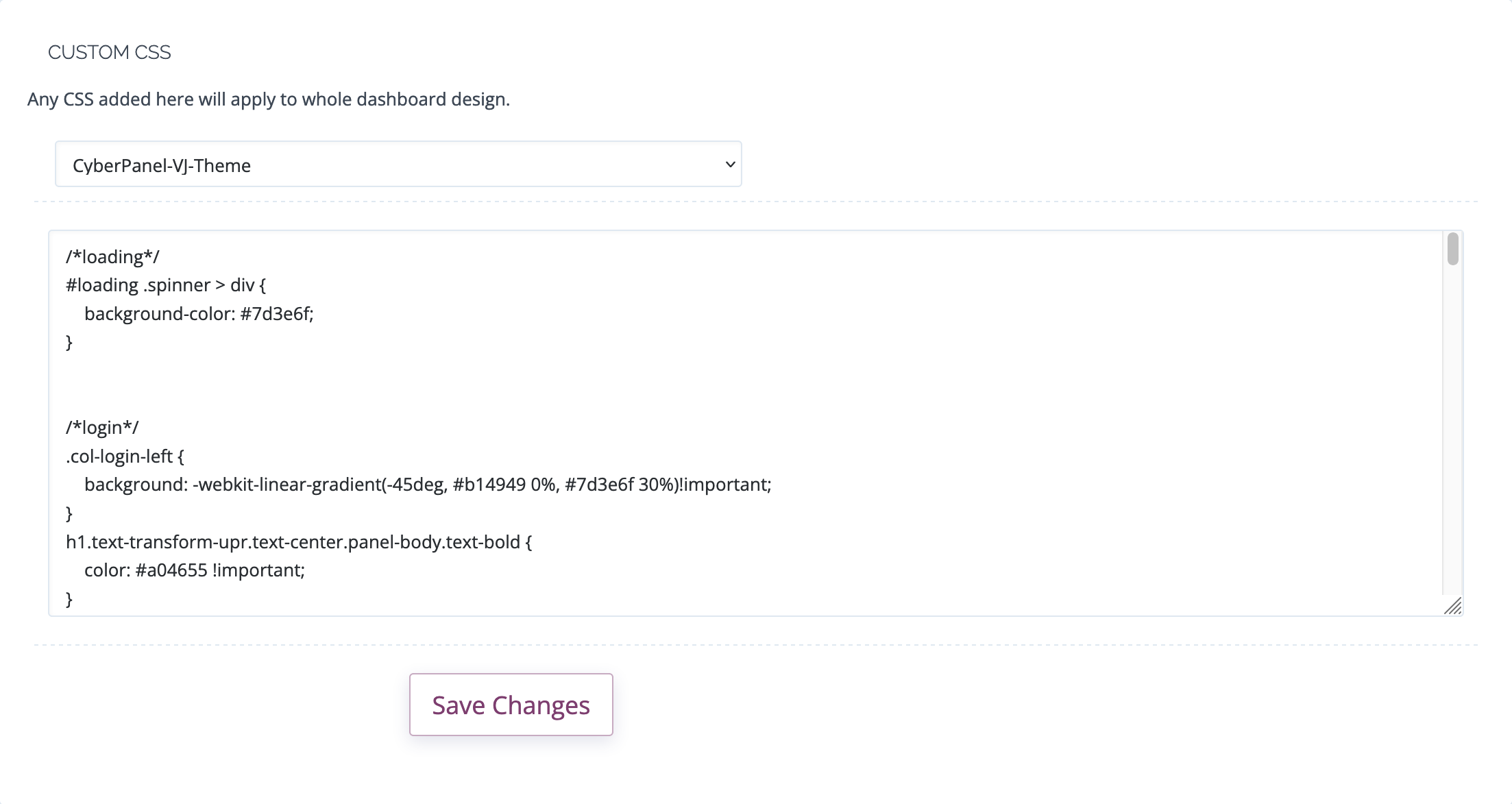
  • Go to CyberPanel > Design
  • Paste the contents of css to the text area.
  • Save.

Themes

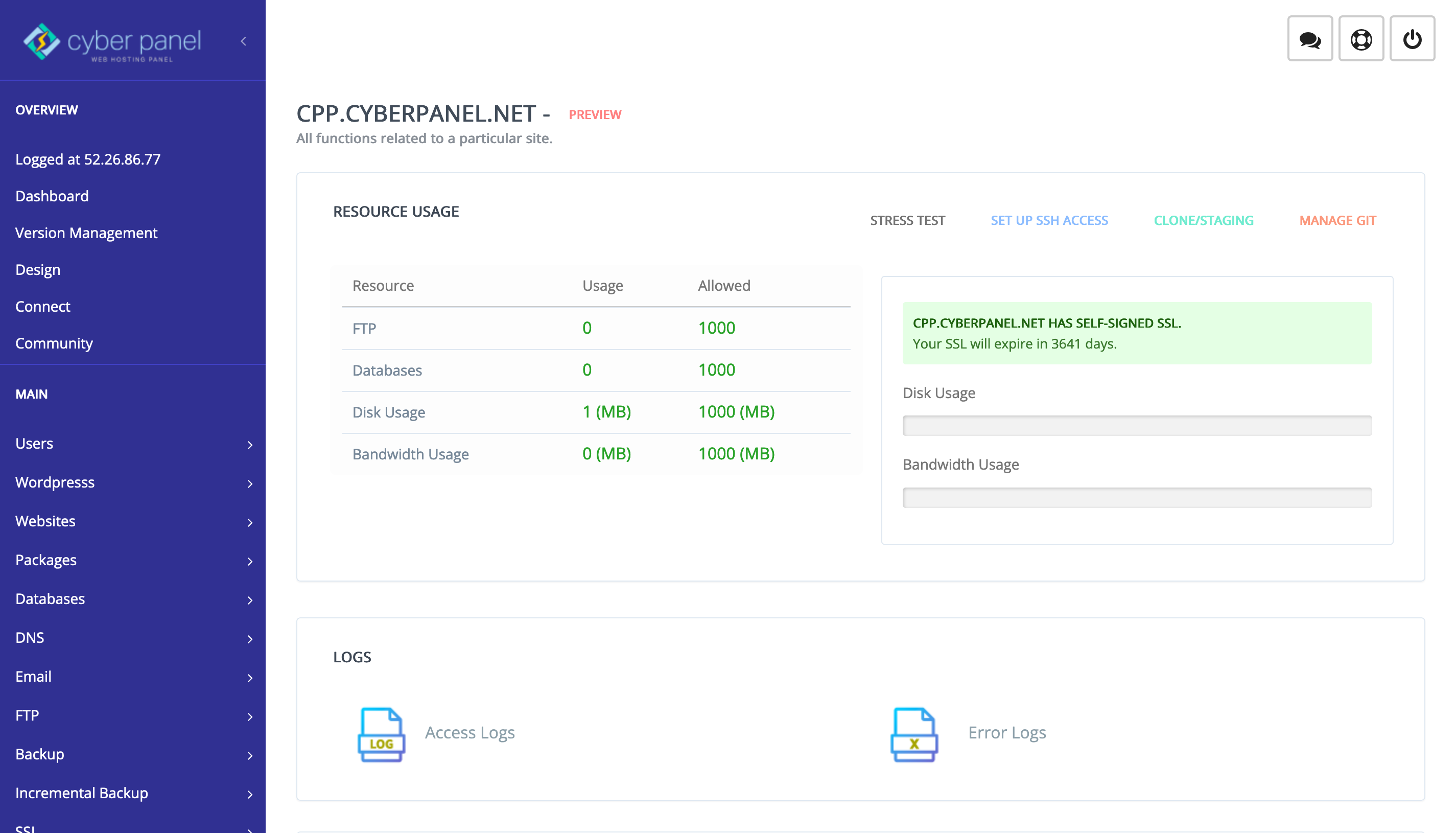
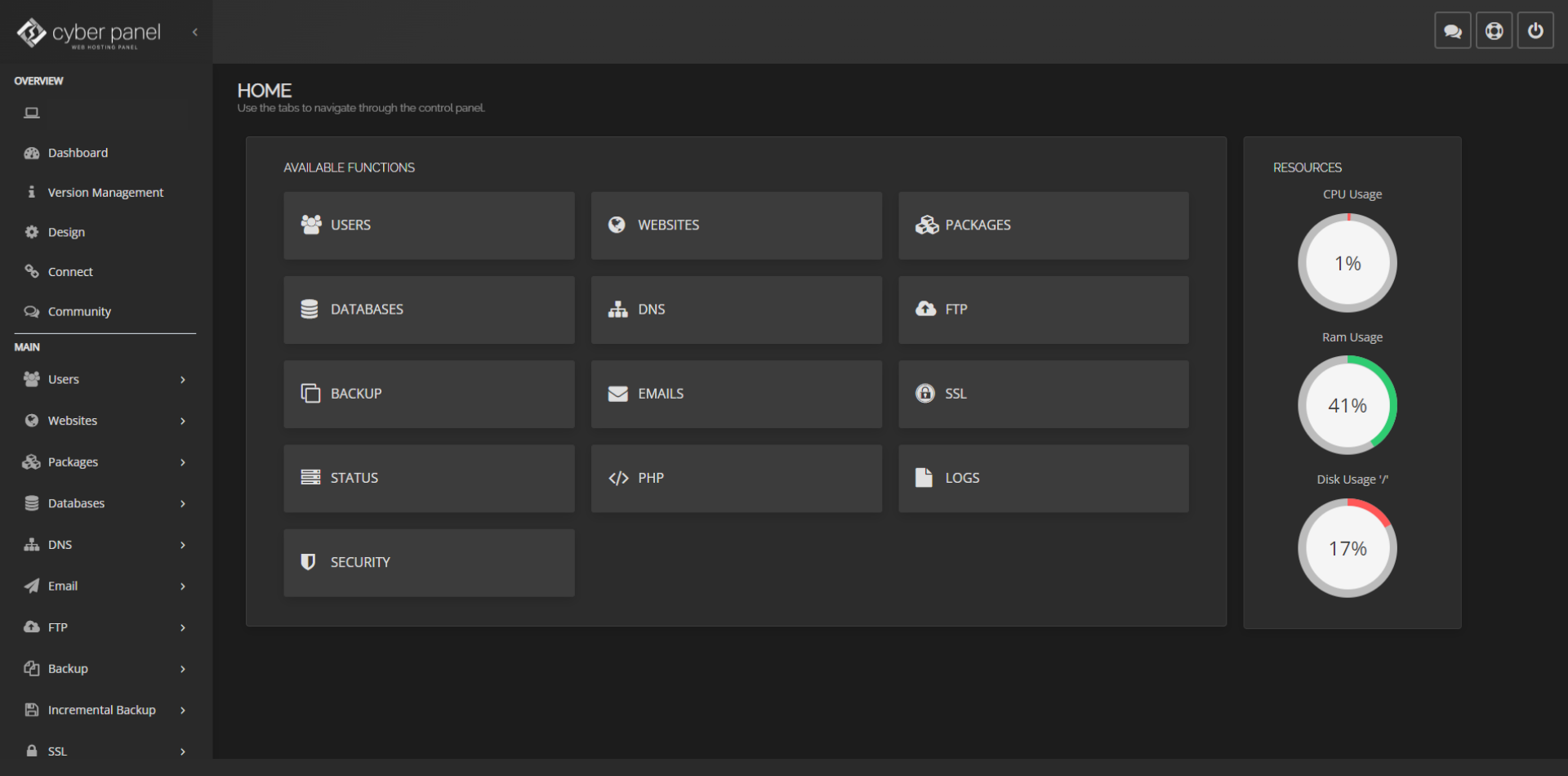
  1. By SlddevGitHub - Slddev/CyberPanel-Themes: CyberPanel Themes for everybody!
  2. By BrugmanGitHub - Brugman/cyberpanel-dark-theme-plus: A Dark Theme for CyberPanel.

Want to add your own theme

  1. Clone this repo: GitHub - usmannasir/CyberPanel-Themes: CyberPanel Themes for everybody!
  2. Create a folder and name it anything, must be unique.
  3. Inside the folder create design.css and paste your css in there.
  4. Create pull request.
  5. Then notify here we will merge the pull request after review.

If you find anything else add in comments and we will update the main thread.

Thanks.
RM
Rana Muhammad Usman Nasir #7

Looks good. If you want I can add it to official CyberPanel selector/repo.

1
VJ
VJRanga #8

Thank you. Yes, I am happy to add it.

VJ
VJRanga #10

Thank you. I updated it a bit. I hope to keep it up to date with future CyberPanel updates.

RM
Rana Muhammad Usman Nasir #11

So for these are the best themes. I’ve added rest of them in CyberPanel too.

VJ
VJRanga #12

Thank you @usmannasir. I hope we can add a theme to the file manager area in future updates.

ko
kooler #13

I think gaussian theme should be made default on install. As the first time i installed CP i saw it as a wannabe WHM but after exploring it for a couple of days, I realized how powerful YET user friendly it is, my views changed.

Mi
Michael #15

I am very happy with the dark theme CSS options you have provided, but its nice to see some alternatives.

MK
Mirza Khadnezar S [sick] #17

love it … paste here please the code if you allowed us (or me)

Mi
Michael #20

I will test it for you :joy: and give you some feedback.

Mi
Michael #23

I have been using true-dark-theme or i-dark-theme since I had eye surgery.

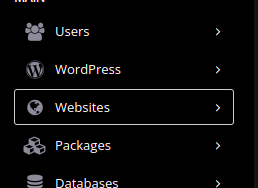
While I appreciate the effort you put into your theme, for me the sidebar mouseover is difficult to see which option is active, so I cannot use it. I am not a CSS guru, so I dont know how to ge this effect.

image

If you can give me the code to add, I would be happy to use it.

VJ
VJRanga #24

I updated the repo.

Sign in to reply