hu
huuthi95
#1
 Community
Please help me, thanks so much
I am also facing same problem limit doesn’t increase.
I did all on here
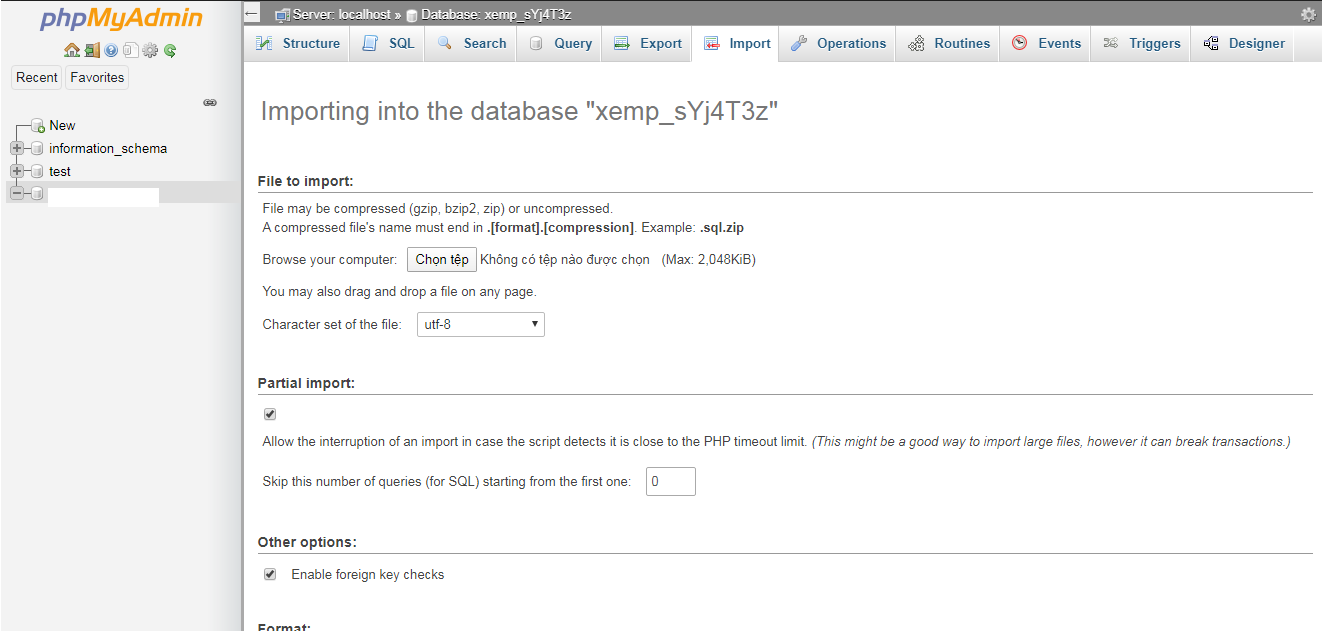
and its still 2mb
I did it for php 7.3 few minutes ago as attached screenshots below.
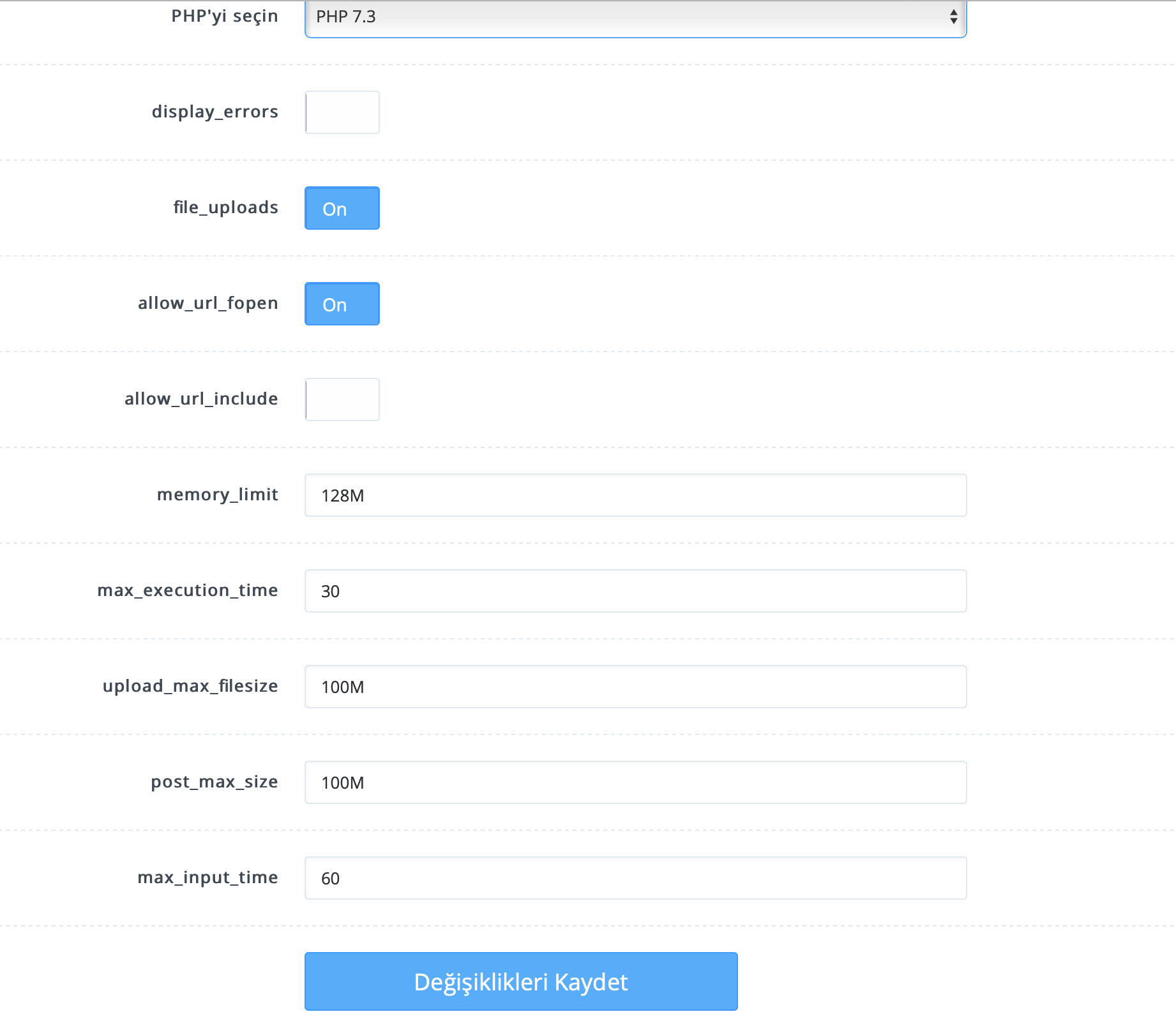
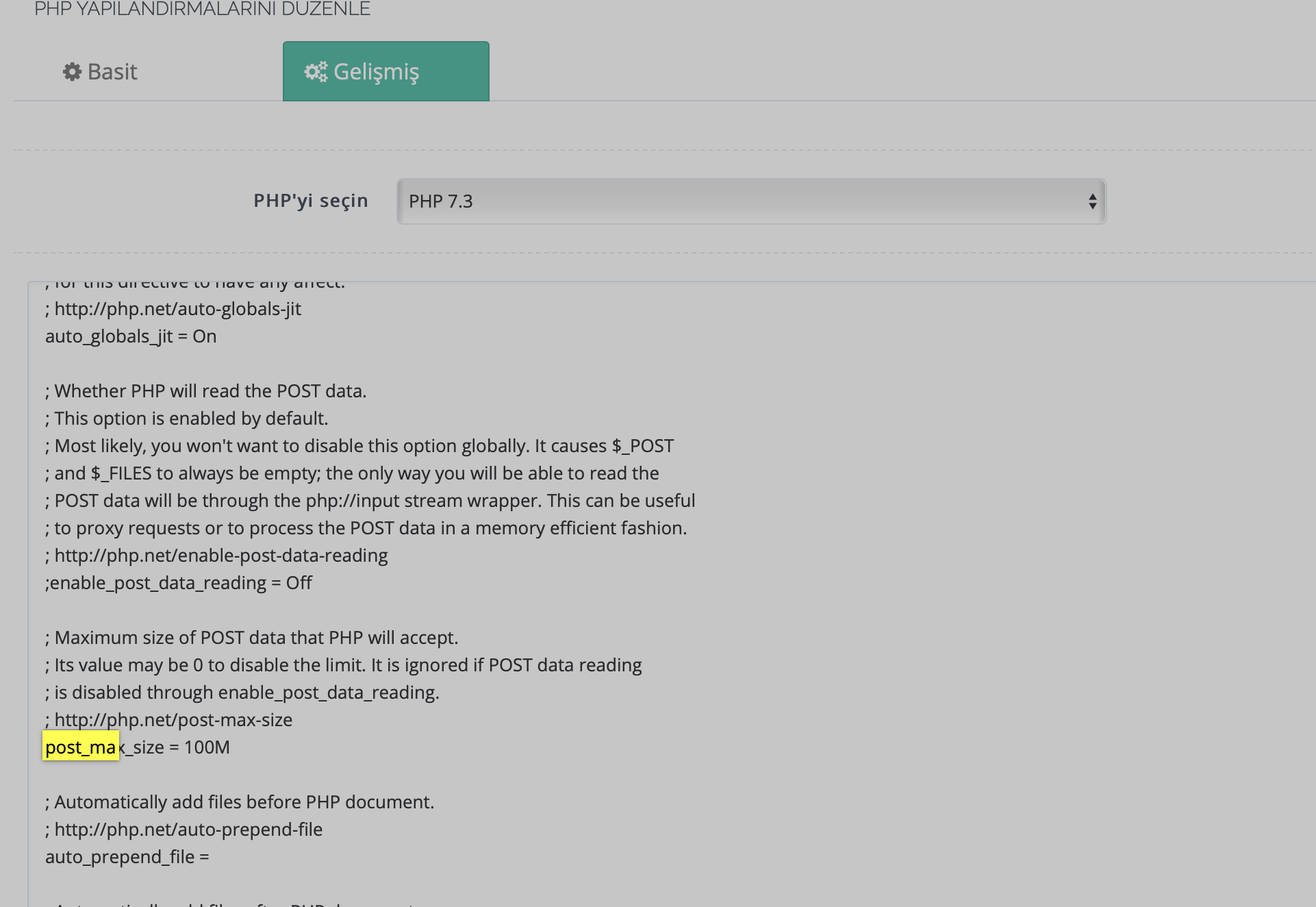
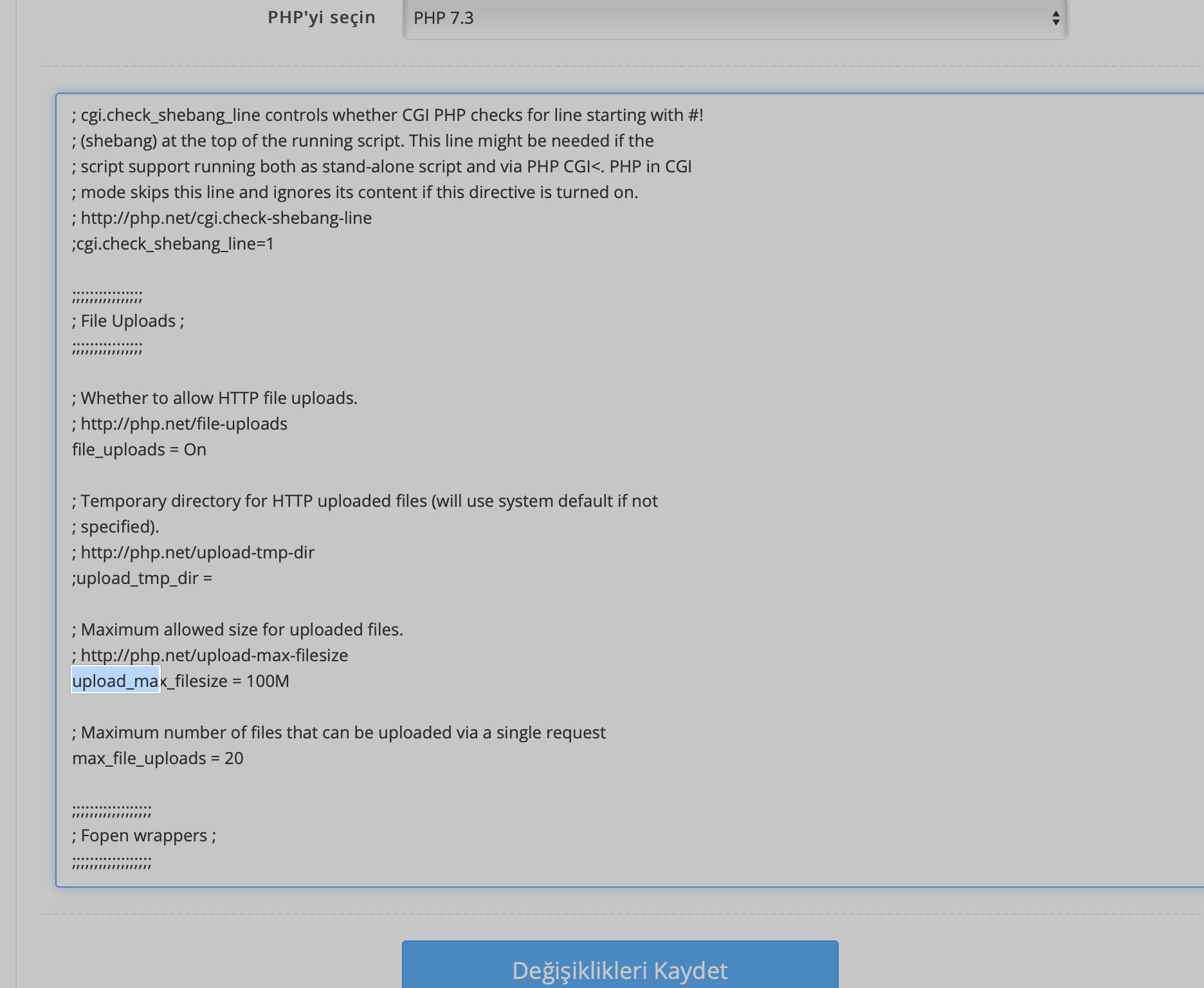
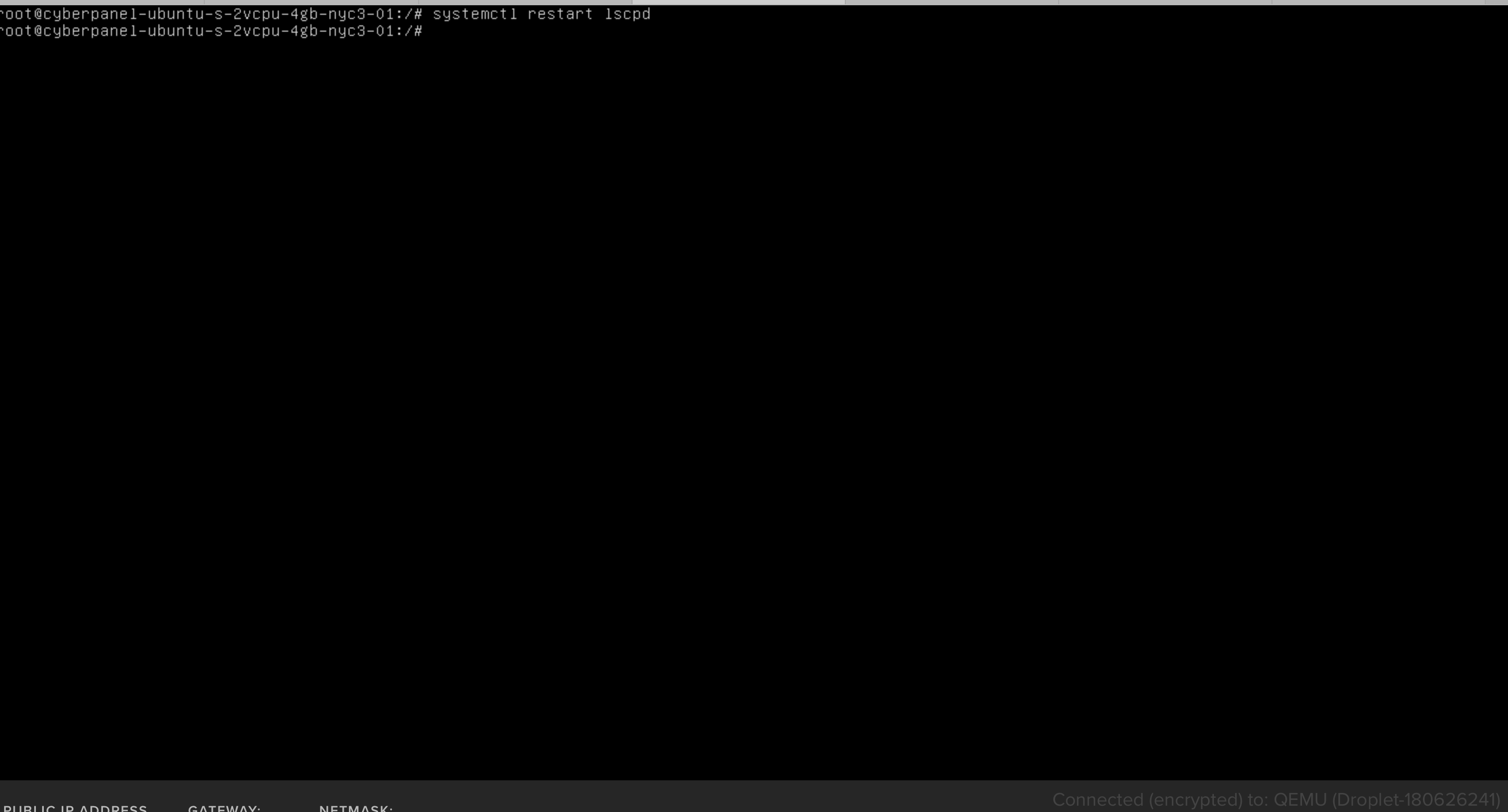
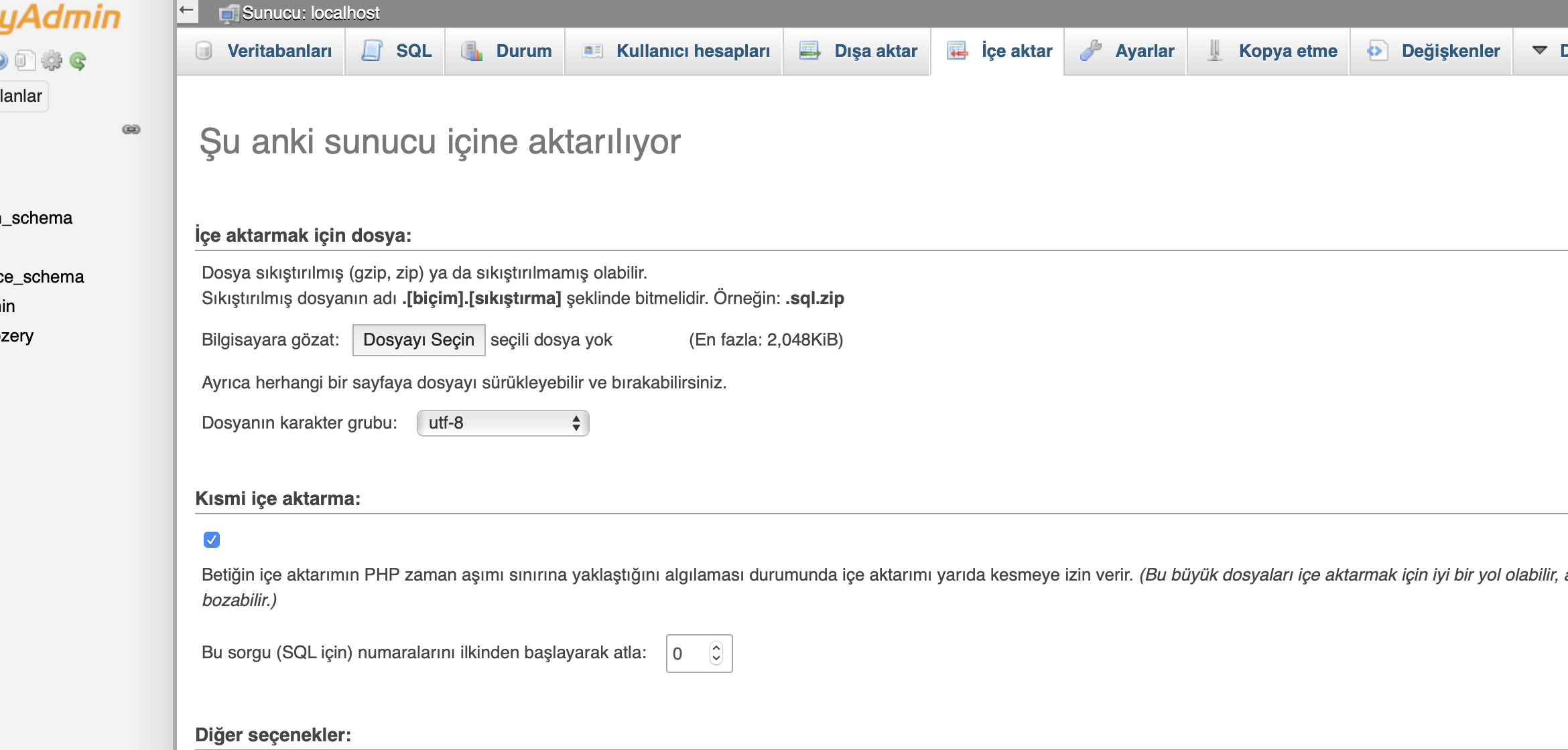
Whats wrong?
If using the PHP Config edit tool in CP, why does it not do the necessary restarting of the PHP process? Wouldn’t that be the logical way to do it? Rather than the user having to hit the command line and do it themselves?
i restored lsws using command /etc/init.d/lsws restart
I killed php using command killall php
Still no luck php upload limit doesn’t increase
Can you give me command for killing php process on openlitespeed
right now, i have same problems & can not fix it . i try to restart service & change setting for all php version but can not
i try to edit php.ini at root folder & kill all php . it’s working now
I had the same problem as well. Only after rebooting the hardware it started to work.
At the end which are the commands to solve this issue? 
Hi anyone managed to increase the upload size?
try
killall lsphp
I had the same issue, no amount of changes to php.ini and rebooting would increase the upload size and I could not import my database. I suggest a more sensible default value of say 64mb would be better.
Fortunately it is quite simple to import a database by ssh. Just upload mysql file to home folder via filemanager or ftp (/home/yourdomain.com) then log into ssh and change directory with cd /home/yourdomain.com then run this command.
mysql -p -u user_name database_name < file.sql changing the values to that of your mysql database, press enter and you will be prompted for your mysql user passwd press enter again job done.
I take your point but 2mb may as well be 0mb as no one is going to import a database smaller than 2mbs. As for imports larger than 64 Mbs, they are better done by ssh anyway as you would probably hit the php timeout with average broadband upload speeds.
On CP admin, go to edit PHP Configurations and change values for php7.2
(that version it’s used by phpmyadmin on CP2.0)
@huuthi95 said:
Similar title, why my PHP upload size doesn’t increase althought i have edit in PHP config step by step:
4 - Change Upload Limit for phpMyAdmin - 08 - Server - CyberPanel Community
I’m using PHP version 7.0Error Image:
https://i.imgur.com/UmZld9G.png
https://i.imgur.com/pNW8kcT.png
I achieved. After increasing the PHP limits, I simply ignored the import field label. I kept waiting for the error to happen, but it didn’t. My database is over 200MB and has been successfully imported. I also read on a DEV blog that phpMyAdmin version 5.1 is not as compatible with Php 7.4. So I assumed a bug in the import field label would be the least I should expect. Good luck.