
MU
Hello,
I recently set PHP to version 8.3 on my CyberPanel server. To verify, I created an index.php file with the phpinfo() function, and when accessed via browser, it correctly shows that PHP 8.3 is installed and active.
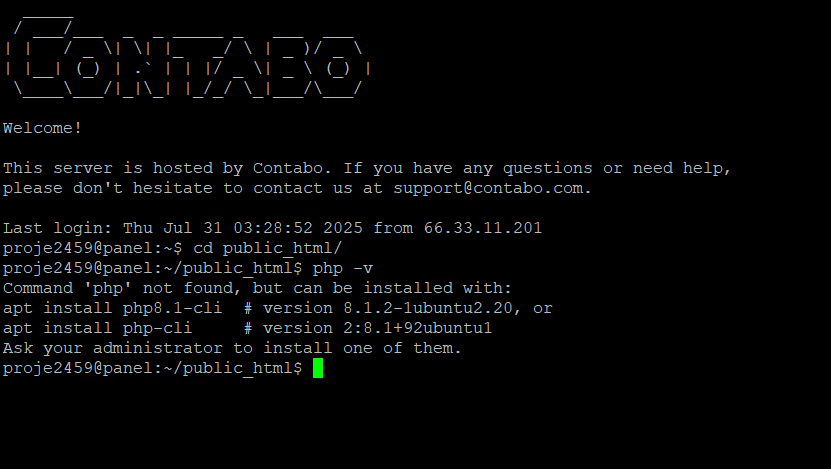
However, when I try to run php -v or execute any PHP script from the terminal/CLI, I encounter an error or a different PHP version is shown.
Is there a way to ensure the terminal uses PHP 8.3 as well? How can I make sure both the web server and CLI are using the same PHP version?
I also followed the instructions in this guide for deploying a Laravel application on CyberPanel:
 How to deploy a Laravel project on CyberPanel
Thanks in advance!