CyberPanel Community

Closed[BUG] DKIM Signature verification failed

14 replies
ab
abdulrafey #2

I am also facing the issues the dkim
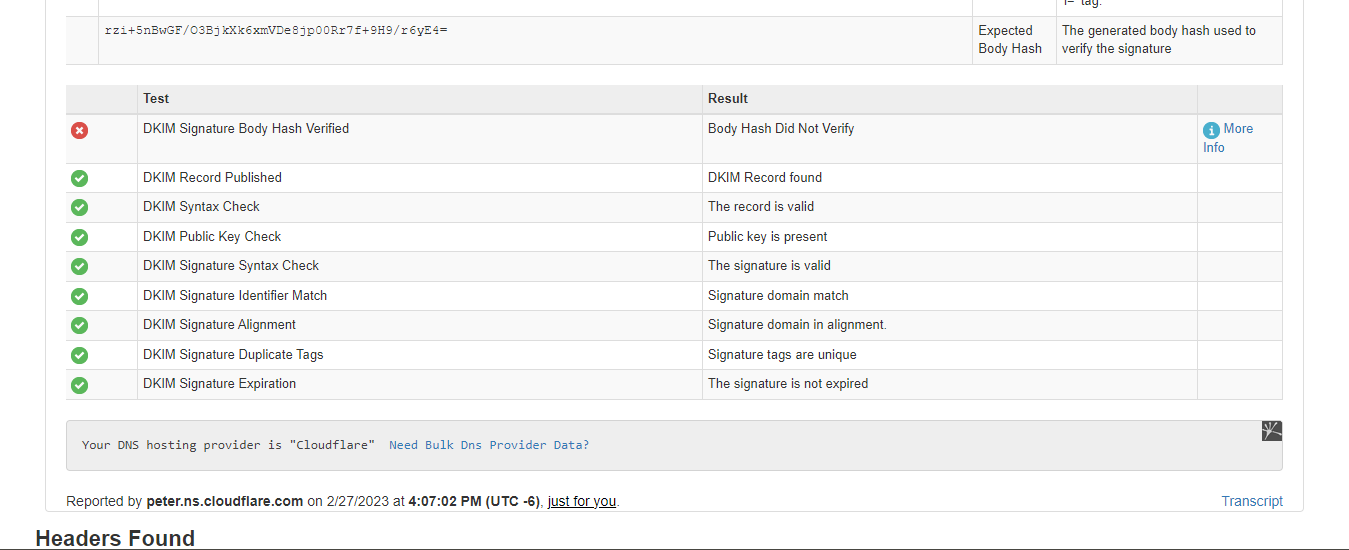
error DKIM Signature Body Hash Verified
anyone have any idea about that @usmannasir

jo
josephgodwinke #5

@Master3395 @abdul545

The issue you are all having is DKIM signature Body hash not verified indicating that you are using third party applications to send emails which change the composition of the email body.

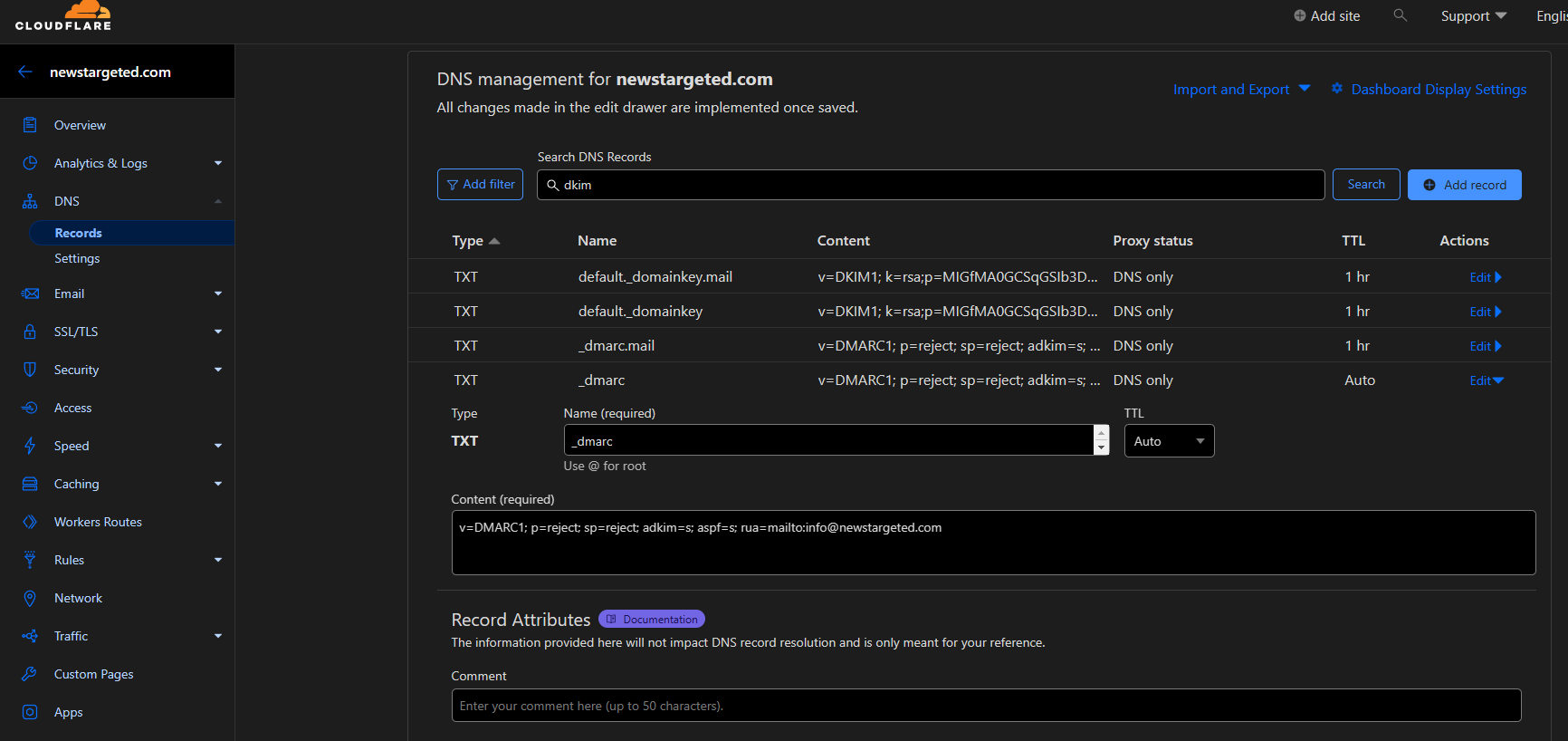
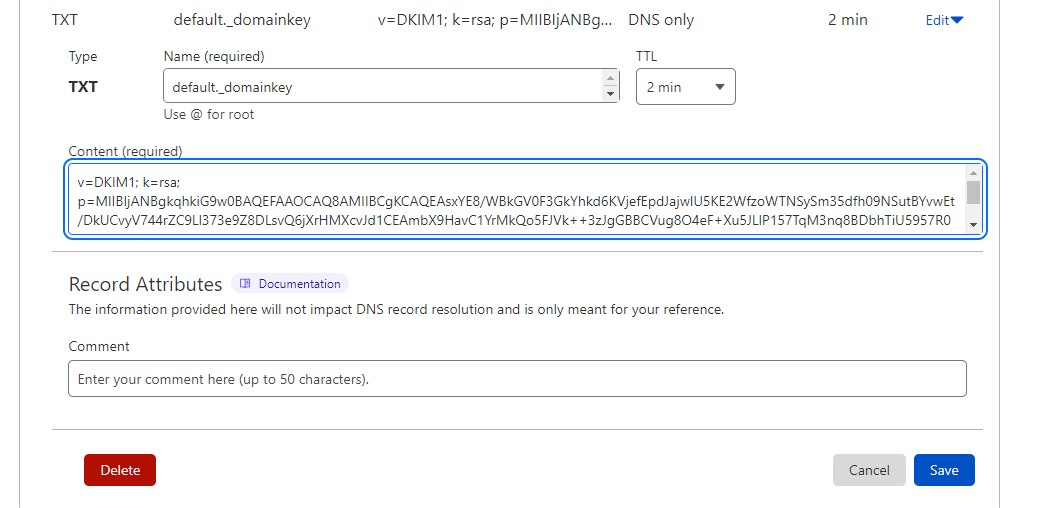
First check if your DKIM records are correct on cloudflare also try sending an email through snappymail to hotmail and see if you get same result

ab
abdulrafey #6

Bro I am sending emails through snappymail
and Bro if I send emails through mail wizz or snappy mail I got the same dkim signature body hash issue

jo
josephgodwinke #7

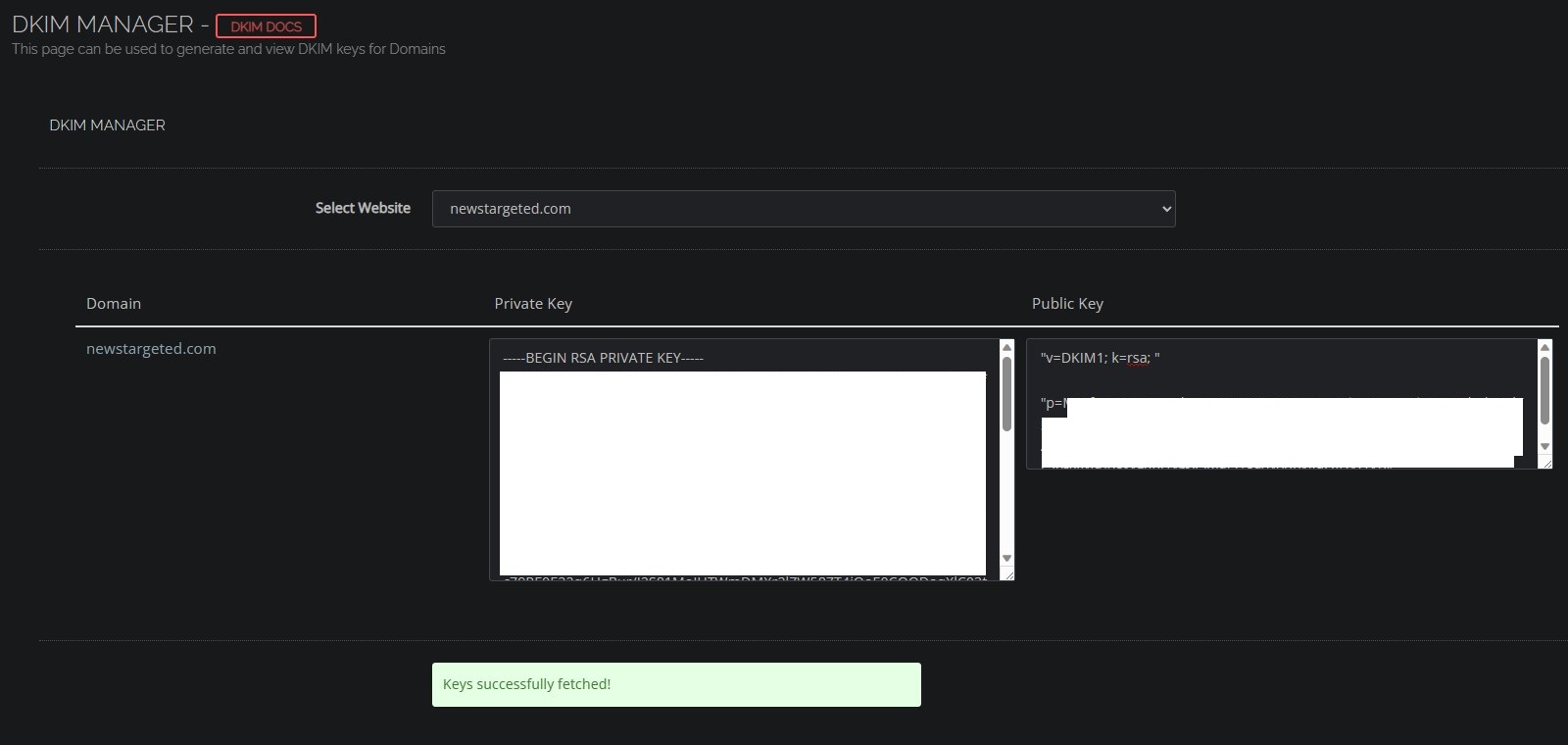
Can you generate new DKIM Keys and try again? Make sure to change DKIM record on your dns manager - cf

ab
abdulrafey #8

ok my dear brother thanks for your help

jo
josephgodwinke #10

You sent the email using snappymail ?

Ma
Master3395 #14

I gave up on trying to find a solution.
I had to get my ISP to give me advice on blacklisting from Microsoft, so I got that working.
But sadly DKIM does not work with CyberPanel anymore.

I have asked for support lately, but all they said was this:

De
Denny #19

I’m facing the same issue running latest Cyberpanel Version on Ubuntu 22.04.3 LTS.
The opendkim.conf looks like this, so it looks like your provided solution:

# Socket for the MTA connection (required). If the MTA is inside a chroot jail,
# it must be ensured that the socket is accessible. In Debian, Postfix runs in
# a chroot in /var/spool/postfix, therefore a Unix socket would have to be
# configured as shown on the last line below.
Socket  inet:8891@localhost
#Socket                 inet:8891@localhost
#Socket                 inet:8891
#Socket                 local:/var/spool/postfix/opendkim/opendkim.sock

PidFile                 /run/opendkim/opendkim.pid

Any ideas on that?

Thanks!

Sign in to reply