
Backup does not appear in CyberPanel’s Restore Website section

I make backups using CyberPanel’s tool, My backups are safe and stored correctly in /home/backup, but CyberPanel is not listing them for restore.
even after clearing cache, restarting services, and confirming correct permissions—this confirms the issue is a CyberPanel bug or a deeper problem with its backup detection logic. From the CyberPanel error logs, there is a relevant entry: “Domains matching query does not exist.. [179:prepMeta]” I re_assigned domain and restarting sevices still not make any changes.
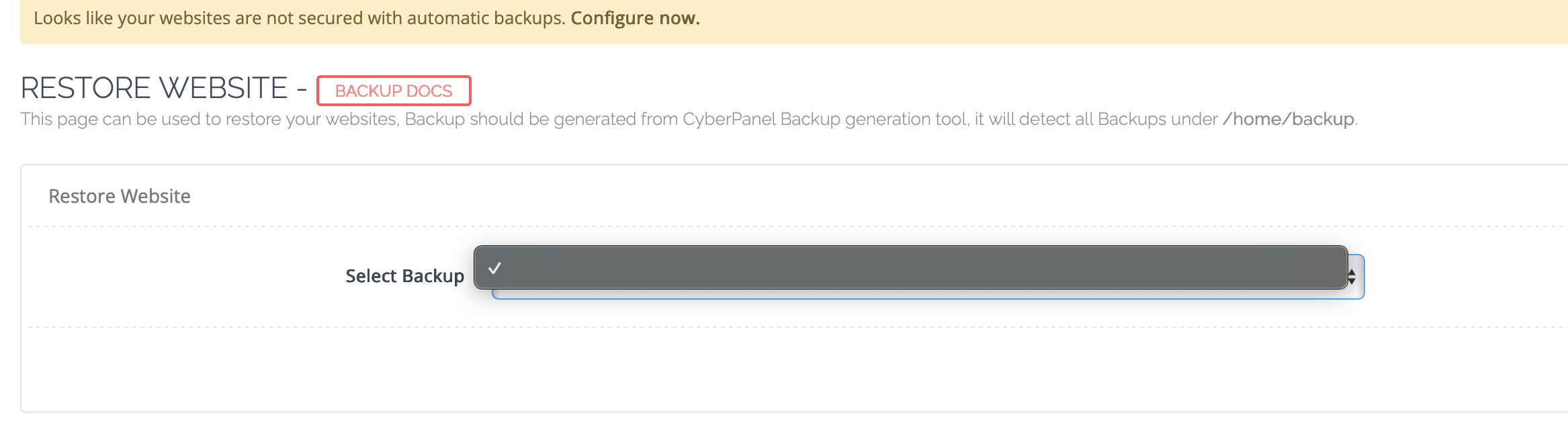

When you create a backup, regardless of the directory you choose, it will be listed as /home/backup/dayname/backup.zip. So, you will still need to move it outside the /dayname directory if required.

Thanks for replying. The backups are in the home/sitename.com/backup directory. I created a new folder in home/backup, but I want to be able to copy the backup files outside of that folder.

Hellooo CyberPanel Team, knock knock! It’s been 3 days with no response. Is anyone available to assist, or are you still reviewing the issue?

It’s been 6 days without a proper solution to resolve this issue—looking for someone who can provide clear answers.!!!

I have been awaiting assistance for over 26 days, but it appears that no one has taken notice. Is it acceptable for me to remove Cyberplanel from my server entirely, despite my negative behaviour, in order to fix a minor bug issue?

Please do not copy the file from file manager use sftp or ssh to move file from the webiste directory to /home/backup