opened 07:42PM - 06 Nov 25 UTC
OpenLiteSpeed fails to start due to missing `libcrypt.so.2` library on Ubuntu 22….04
**Description:**
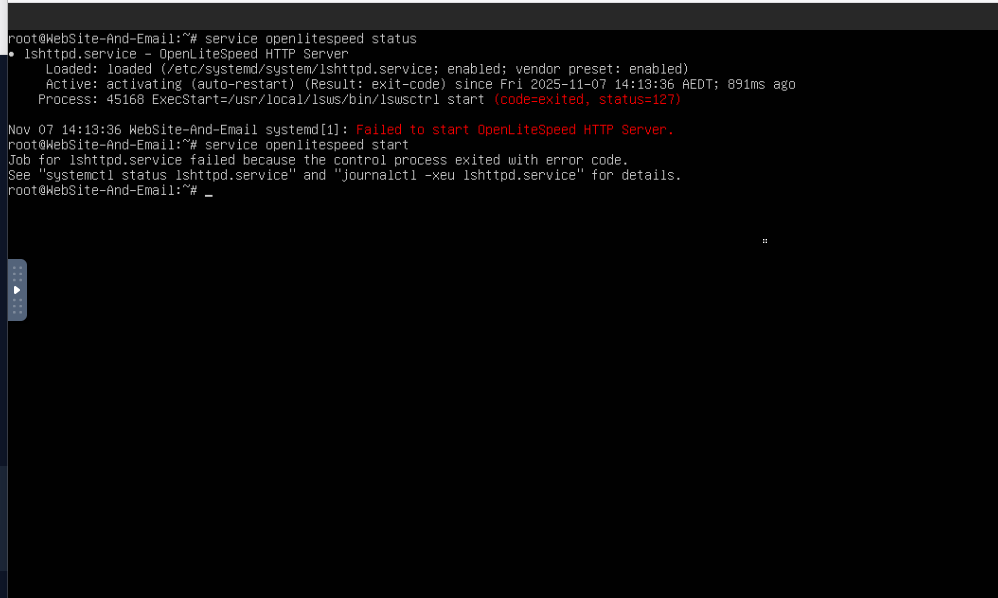
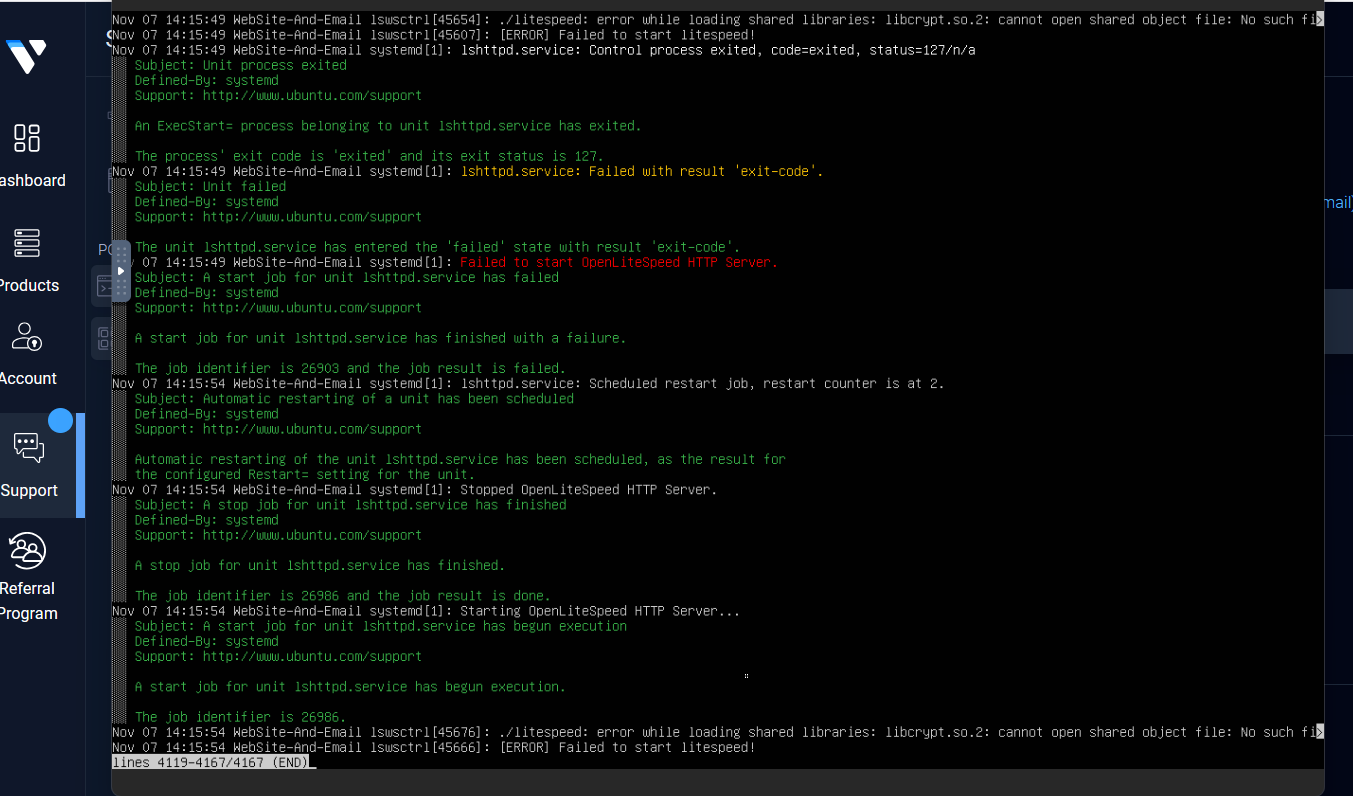
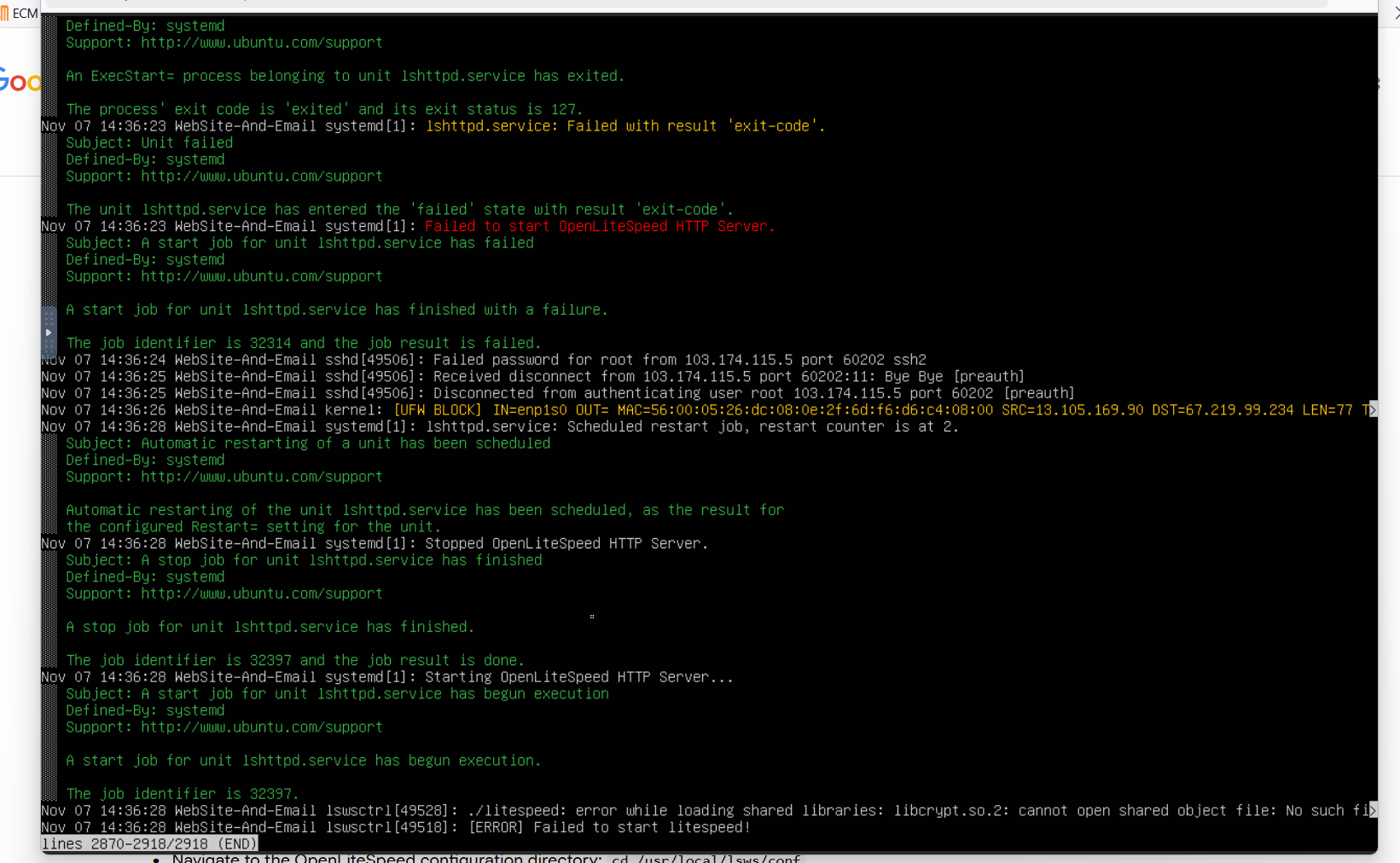
After installing CyberPanel on a fresh Ubuntu 22.04 LTS system, OpenLiteSpeed fails to start. The following error appears when running `lswsctrl restart` or during CyberPanel installation:
```
[11.06.2025_19-37-59] #########################################################################
[11.06.2025_19-37-59] Running /usr/local/lsws/bin/lswsctrl restart failed. Running again, try number 2
[11.06.2025_19-37-59] #########################################################################
./litespeed: error while loading shared libraries: libcrypt.so.2: cannot open shared object file: No such file or directory
[ERROR] Failed to start litespeed!
```
**Steps to Reproduce:**
1. Install CyberPanel on Ubuntu 22.04 LTS (clean installation).
2. Run `systemctl restart lsws` or `lswsctrl restart`.
3. Observe that the service fails to start with the above error.
**Expected Behavior:**
OpenLiteSpeed should start normally after CyberPanel installation.
**Actual Behavior:**
The binary fails to start because `libcrypt.so.2` cannot be found on the system.
**Environment:**
* OS: Ubuntu 22.04 LTS x64
* CyberPanel Version: latest (fresh clone)
* LiteSpeed Version: OpenLiteSpeed 1.7.x
* Python Version: 3.10
* glibc Version: 2.35
**Possible Cause:**
The OpenLiteSpeed binary included with CyberPanel seems to be linked against `libcrypt.so.2`, which is not available by default on Ubuntu 22.04. It only provides `libcrypt.so.1` from `libxcrypt`.
**Temporary Workaround:**
Manually creating a symlink allows OpenLiteSpeed to start, but this is not a safe or permanent fix:
```
ln -s /usr/lib/x86_64-linux-gnu/libcrypt.so.1 /usr/lib/x86_64-linux-gnu/libcrypt.so.2
```
**Suggestion:**
Include the correct `libxcrypt` dependency in the CyberPanel installation or rebuild OpenLiteSpeed with proper linkage for Ubuntu 22.04.