
CyberPanel Community

How to disable 2FA

Ja
Jake #1

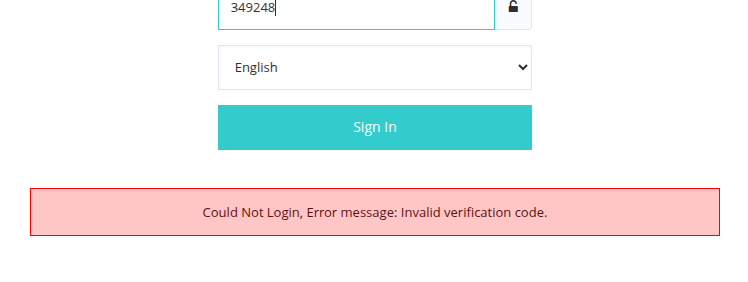
I’m experiencing a bug with the 2FA (two-factor authentication) feature in CyberPanel. Even after updating to the latest version, I’m still unable to log in successfully with 2FA enabled.

Could you please advise how I can disable 2FA in order to regain access to my account? Any guidance or workaround would be greatly appreciated.
2 replies
Tr
Troop #2

If you’re able to SSH into your server, run the following commands:

1. Run this 1st:

mysql_password=$(cat /etc/cyberpanel/mysqlPassword)

2. Run this second:

mysql -u root -p"$mysql_password" cyberpanel -e “UPDATE loginSystem_administrator SET twoFA = 0, secretKey = ‘None’ WHERE loginSystem_administrator.id = 1;”

  1. You “should” then be able to login without 2FA enabled.
Ja
Jake #3

Great, thank you very much.

Sign in to reply