Ca
Carlos
#1
 Community
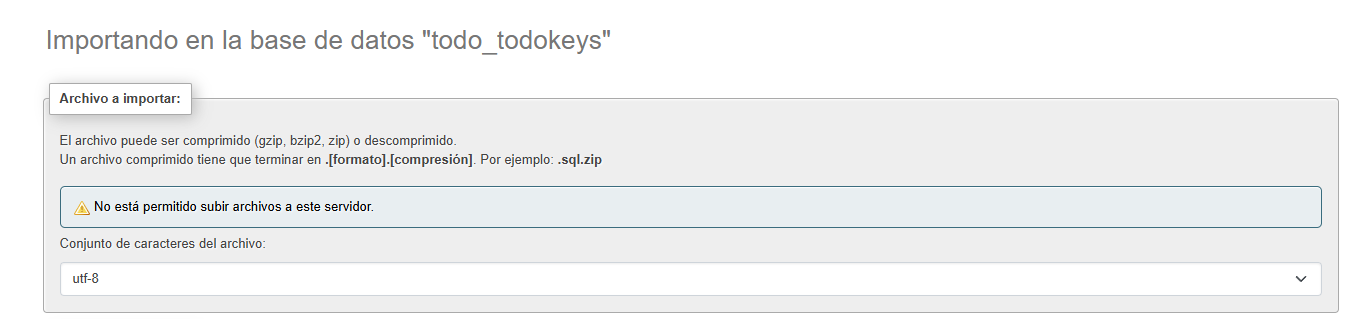
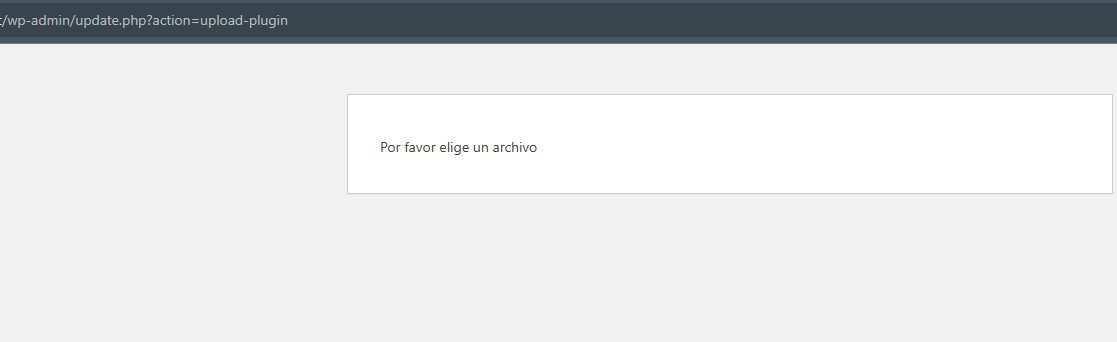
From the CyberPanel interface, go to Databases and sign in to phpMyAdmin to determine the PHP version in use. Then, under the PHP tab in CyberPanel, open Edit PHP Configs and adjust the maximum file size for that PHP version.
Through CyberPanel, go to Websites > List Websites, select the website where you encountered the error, and then open File Manager. In the File Manager, click the Fix Permissions link located at the top right. This process will take some time to complete. The duration will depend on the number of files in the site. You do not need to click it multiple times to repeat the same operation.