CyberPanel Community

Error Upgrade + Access Cyberpanel Admin

SA
Santiago Aristizabal #1

Hello colleagues, how are you?

Try doing several things to restore hacked Cyberpanel servers and here are these steps:

1-Update Cyberpanel:

sh <(curl https://raw.githubusercontent.com/usmannasir/cyberpanel/stable/preUpgrade.sh || wget -O — https://raw.githubusercontent.com/usmannasir/cyberpanel/stable/preUpgrade.sh)

2-Clean hacked server:

wget -qO- https://raw.githubusercontent.com/managingwp/cyberpanel-rce-auth-bypass/refs/heads/main/kinsing-cleanup.sh | bash

3-Clean hacked server:

wget -O- https://raw.githubusercontent.com/shbs9/CPupgradebash/refs/heads/main/withusd.sh | bash

wget -O- https://raw.githubusercontent.com/shbs9/CPupgradebash/refs/heads/main/lamafix.sh | bash

wget -O- https://raw.githubusercontent.com/shbs9/CPupgradebash/refs/heads/main/ubuntufix.sh | bash

4-Another hacked server cleaning step:

grep "Watchdog Monitor Service" /etc/systemd -r
grep "network-monitor" /etc/systemd -r
grep "watchdog-monitor" /etc/systemd -r

chattr -i -a /etc/cron.d/*
chattr -i -a /etc/cron.hourly/*
chattr -i -a /var/spool/cron/root

rm -rf /etc/cron.d/root
rm -rf /etc/cron.hourly/oanacroner

sudo apt update -y
sudo apt-get install chkrootkit rkhunter clamav clamtk fail2ban -y

getent group root
userdel -r username

locate authorized_keys

/root/.ssh/authorized_keys
/usr/share/man/man5/authorized_keys.5.gz

grep auto_prepend_file /usr/ -r

sudo firewall-cmd --permanent --remove-port=8090/tcp
sudo firewall-cmd --permanent --remove-port=7080/tcp

sudo firewall-cmd --permanent --remove-rich-rule='rule family="ipv6" port port="8090" protocol="tcp" accept'
sudo firewall-cmd --permanent --remove-rich-rule='rule family="ipv6" port port="7080" protocol="tcp" accept'
sudo firewall-cmd --permanent --remove-rich-rule='rule family="ipv4" source address="0.0.0.0/0" port port="7080" protocol="tcp" accept'
sudo firewall-cmd --permanent --remove-rich-rule='rule family="ipv4" source address="0.0.0.0/0" port port="8090" protocol="tcp" accept'

sudo iptables -I INPUT 6 -m state --state NEW -p tcp --dport 8090 -j ACCEPT
sudo iptables -I INPUT 6 -m state --state NEW -p tcp --dport 7080 -j ACCEPT

mkdir /var/quarantine
sudo clamscan -r --infected --move=/var/quarantine --exclude-dir=/sys --exclude-dir=/proc --exclude-dir=/dev /

grep 'filename' /etc -r

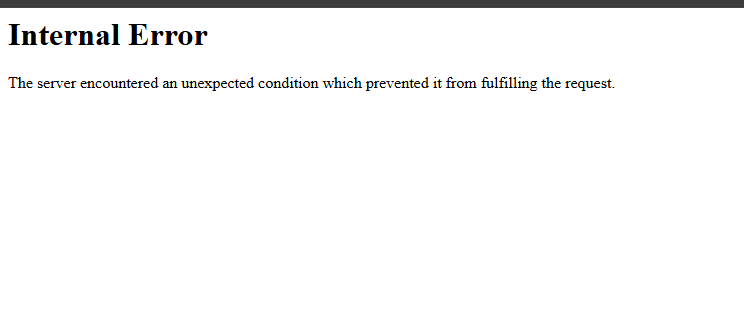
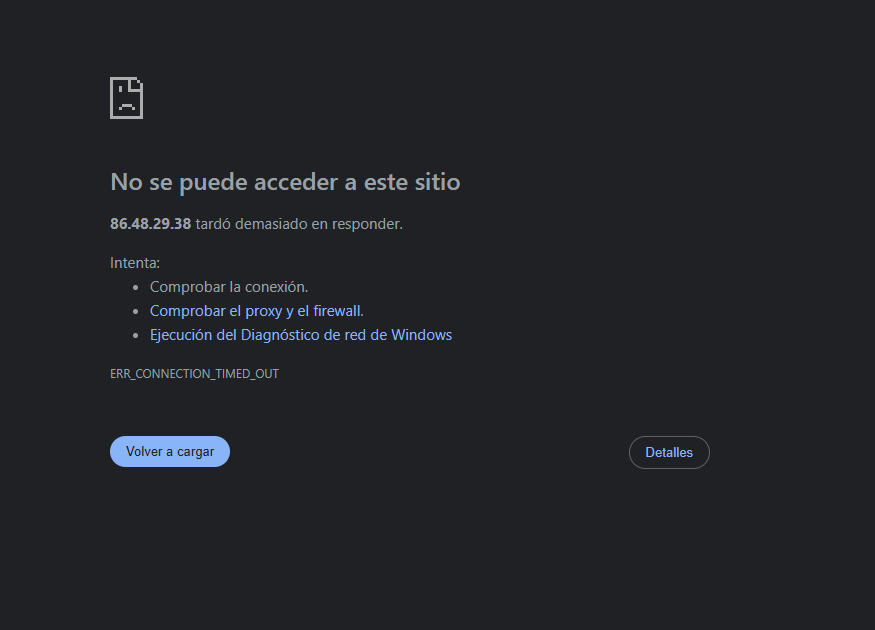
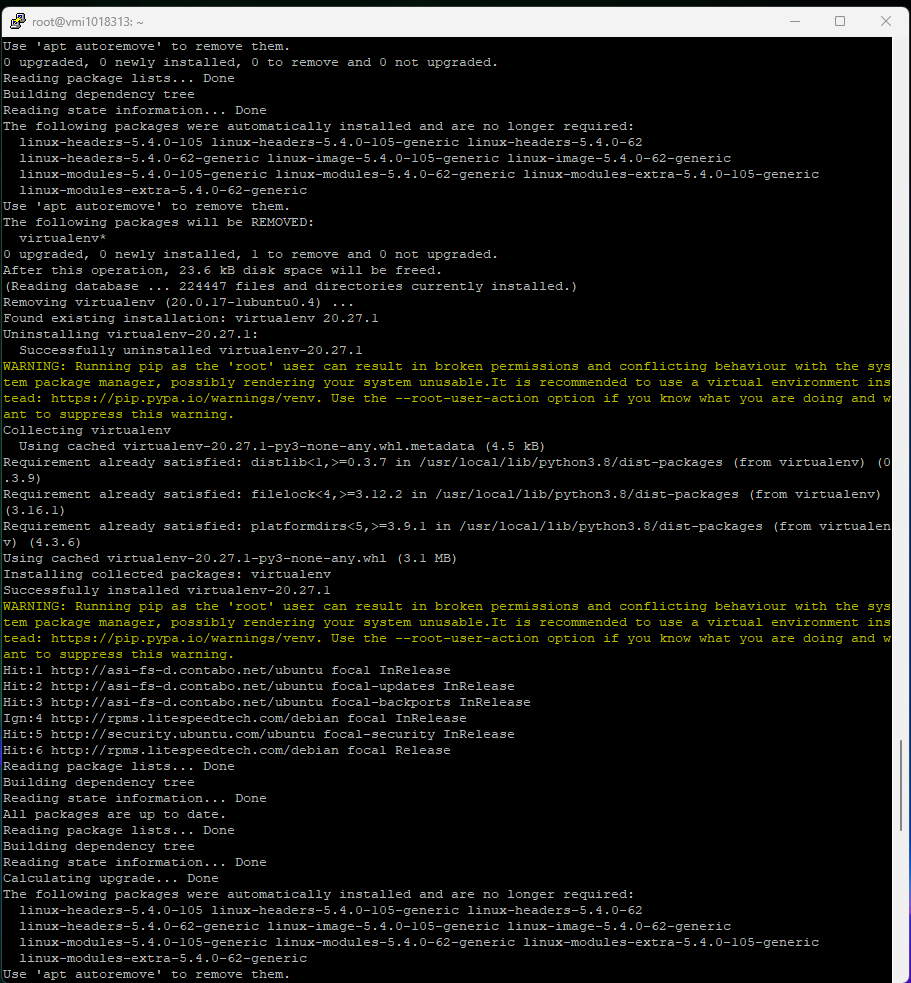
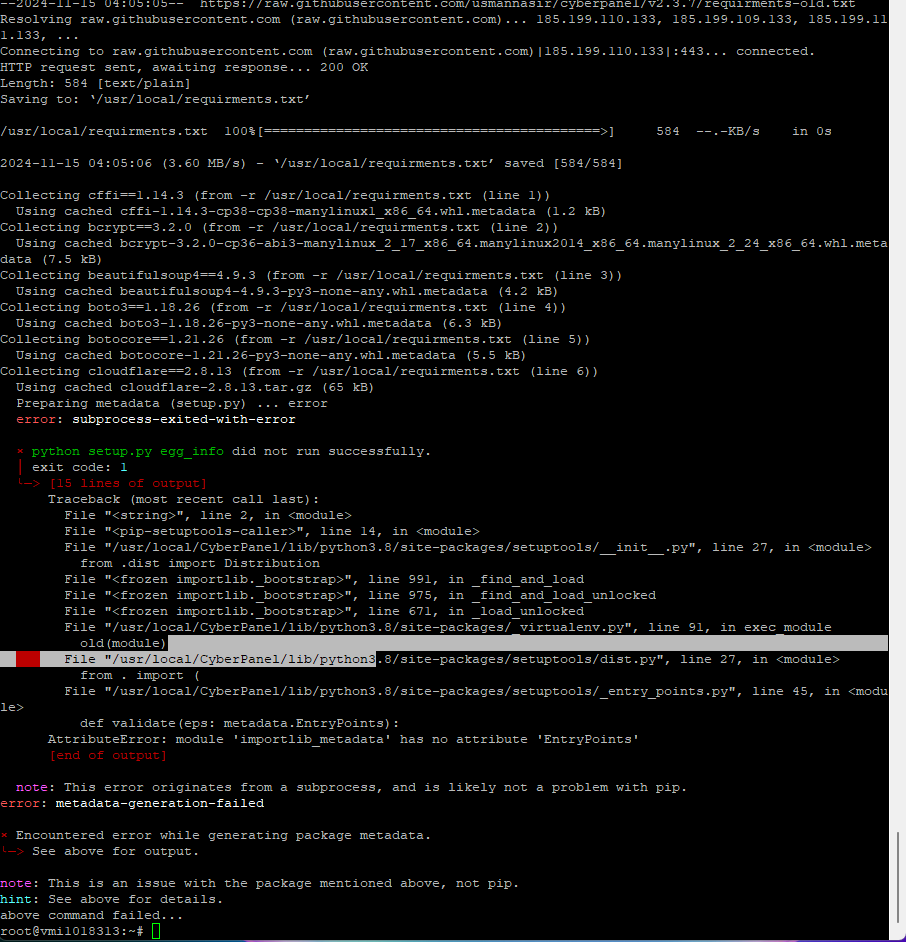
On some servers I was able to recover access to Cyberpanel, on others, it occurred that when updating Cyberpanel “step 1 of my list” the errors came out of the additional screens and after doing all 4 steps to access the cyberpanel sale connection error or internal server error.

Could you help me? It’s an Ubuntu 20.04 server, I need to update the cyberpanel and then access the cyberpanel from the browser to download backups and go to the new server.

Screenshots:
Many thanks!
19 replies
LT
Luveedu Team #5

Do you have SSH Access?

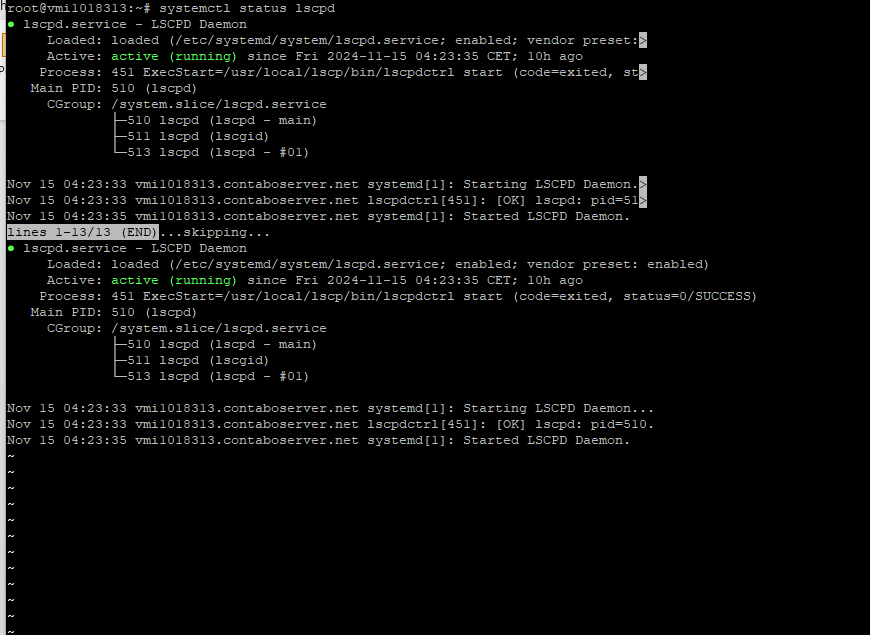
then run systemctl status lscpd and share ss?

SA
Santiago Aristizabal #7

I hope you can help me urgently, there are like 3 servers that I need to recover and I can’t enter the admin of the cyberpanel, but the web is loaded and I have SSH access. I tried at all!!

LT
Luveedu Team #8

Have you tried this?

SA
Santiago Aristizabal #10

I’ve been following the steps that indicated me and finished correctly, the server and the web are online, but I can’t update Cyberpanel to version 2.3.8 and I’m also accessing the admin of the cyberpanel with the port :8090 This VPS is connected Ubuntu 20.04

Help me urgently, please, I really need to get a backup, format servers and mount it from scratch in Ubuntu 22.04 and upload the sites to the air. I’m worried.

SA
Santiago Aristizabal #11

Activate Python debug mode and I got this error, could you help me?

ModuleNotFoundError at /
No module named 'databases.mysqlOptimizer'
Request Method:	GET
Request URL:	https://<IPSERVER>:8090/
Django Version:	3.1.3
Exception Type:	ModuleNotFoundError
Exception Value:	
No module named 'databases.mysqlOptimizer'
Exception Location:	/usr/local/CyberCP/databases/views.py, line 11, in <module>
Python Executable:	/usr/local/CyberCP/bin/python
Python Version:	3.8.10
Python Path:	
['',
 '/usr/local/CyberCP/bin',
 '/usr/local/CyberCP',
 '/usr/local/CyberCP/lib/python38.zip',
 '/usr/local/CyberCP/lib/python3.8',
 '/usr/local/CyberCP/lib/python3.8/lib-dynload',
 '/usr/lib/python3.8',
 '/usr/local/CyberCP/lib/python3.8/site-packages',
 '/usr/local/CyberCP',
 '/usr/local/CyberCP',
 '/usr/local/CyberCP',
 '/usr/local/CyberCP',
 '/usr/local/CyberCP',
 '/usr/local/CyberCP',
 '/usr/local/CyberCP',
 '/usr/local/CyberCP',
 '/usr/local/CyberCP',
 '/usr/local/CyberCP',
 '/usr/local/CyberCP',
 '/usr/local/CyberCP',
 '/usr/local/CyberCP',
 '/usr/local/CyberCP',
 '/usr/local/CyberCP',
 '/usr/local/CyberCP',
 '/usr/local/CyberCP',
 '/usr/local/CyberCP',
 '/usr/local/CyberCP',
 '/usr/local/CyberCP',
 '/usr/local/CyberCP',
 '/usr/local/CyberCP',
 '/usr/local/CyberCP',
 '/usr/local/CyberCP',
 '/usr/local/CyberCP',
 '/usr/local/CyberCP',
 '/usr/local/CyberCP',
 '/usr/local/CyberCP',
 '/usr/local/CyberCP',
 '/usr/local/CyberCP',
 '/usr/local/CyberCP',
 '/usr/local/CyberCP',
 '/usr/local/CyberCP']
Server time:	Sat, 16 Nov 2024 07:27:37 +0000
LT
Luveedu Team #12

DM Bro. And share the IP to check this.

SA
Santiago Aristizabal #14

I thank my friend Ariyan who connected in a meeting with me to try to solve the problem, but we did not achieve it, I will need support directly from Cyberpanel, I will send an email to see if you can support me.

Many thanks Ariyan for your inverted time, you are the best.

LT
Luveedu Team #15

Thank You for it. The issue is in the package meta data. I have tried the ubuntufix script still not worked. You can always connect with cyberpanel team and mention them that you tried the ubuntufix script also.

SA
Santiago Aristizabal #16

Thanks again, I have no way to thank you. Incredible everything you did and without any self-interest. You are the best.

SA
Santiago Aristizabal #17

I contacted Cyberpanel support and they helped me solve the problem. I appreciate the great community and the leaders. Thank you very much for everything!

LT
Luveedu Team #18

Have you asked them? what was the error?

SA
Santiago Aristizabal #19

I didn’t ask exactly but they helped me solve it, thank you very much!

Sign in to reply