CyberPanel Community

ClosedRemote Backup (Import websites) import everything but database

JS
Jesus Segnini #1

Hi amazing community,

I just followed the remote backup guide in order to migrate sites between cyberpanel installations, in resume:

  1. Set API to ON.
  2. Set SSH port on both server to 22
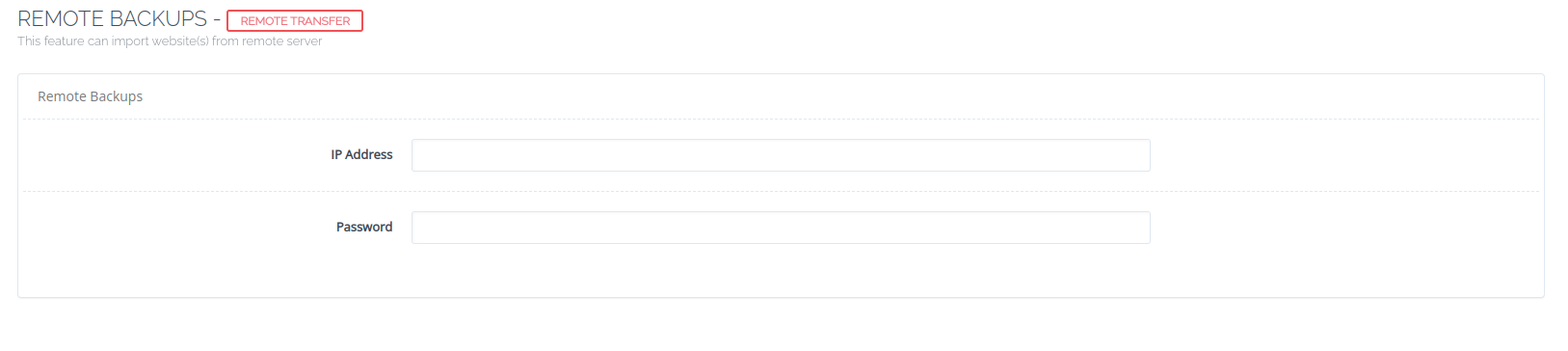
  3. Went to Backup → Remote Backup and put remote IP and password.
  4. Fetch all remote sites, pick one or two and start the process.
  5. Wait until finish, no error.
  6. Checked site: created, all files and permissions ok.
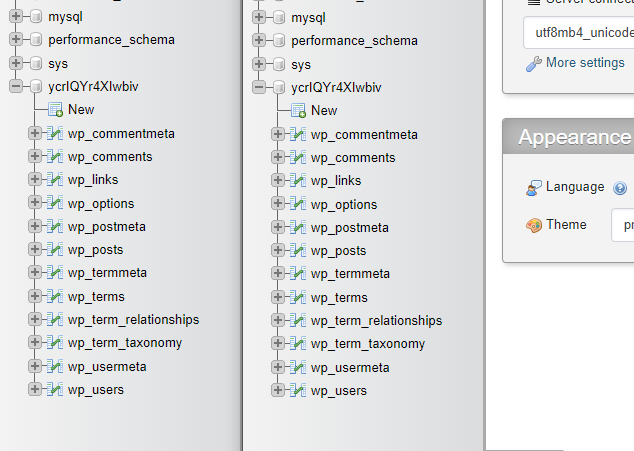
  7. Checked database: created, empty, no tables - only database with permissions.

Investigating, unziped backup tar.gz and the .sql seems empty:

May be there is a problem with backup script or permissions, but anything else seems to work, can you help me to fix it?

I am using this version on both servers:

Current Version: 2.3
Build: 5
Current Commit: c97df70156acd8d6a005d7b10e9f6a0aaf900c23
14 replies
sh
shoaibkk #3

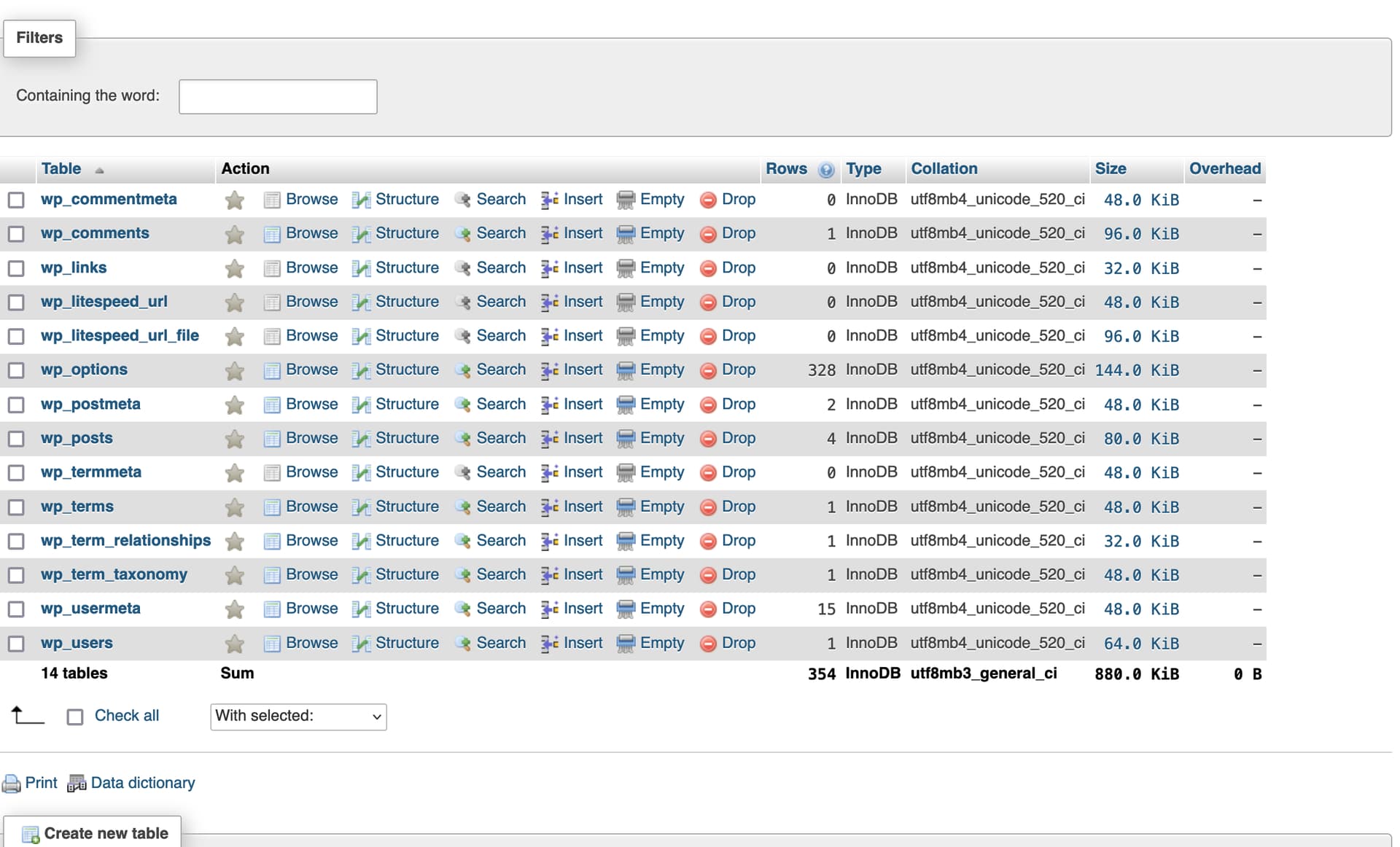
not seems an issue just tried to reproduce
image

JS
Jesus Segnini #4

And what could be the problem? I’ve done it about seven times and all with the same result.

JS
Jesus Segnini #6

Please tell me the path of the logs and whether it should be on the source server or the new one. A Greeting

JS
Jesus Segnini #8

Thanks, there was nothing regarding the backup at the main log: /home/cyberpanel/error-logs.txt

And there is no related issue at anywhere on both machines, the only clue we have is that .sql file is 0 bytes, is totally empty inside the backup .tar.gz so the problem must be when dumping the databases every single time I execute the remote backup process.

JS
Jesus Segnini #10

Thanks, the error is the following:


mysqldump: Got error: 1130: “Host ‘127.0.0.1’ is not allowed to connect to this MariaDB server” when trying to connect
[03.15.2024_15-08-52] Database: medu_medusascaribecould not be backed! [createDatabaseBackup]
[03.15.2024_15-08-52] Failed to create database backup for medu_medusascaribe. This could be false positive, moving on.

This happen with every site I try to import

seems like a db permission/configuration problem, but is default as installed.

Thanks for your help

JS
Jesus Segnini #11

My bad, I did a modification on my.conf disabling dns resolve, this was causing the issue. Thanks a lot for your support!

JS
Jesus Segnini #13

I hope this too. Only have to comment this line or delete it from my.conf at /etc/mysql/mariadb.conf.d/50-server.cnf

skip-name-resolve=ON

to

#skip-name-resolve=ON
JS
Jesus Segnini #14

@usmannasir by the way, what happen if my pc suspends while migrating from one server to another? the site said that i have to refresh but I can’t see the progress anymore:

but if I see the log at remote origin, I can see it continue packaging and sending the backup:

[03.18.2024_13-00-06] invalid literal for int() with base 10: '[19/Dec/2023:09:25:49' [calculateBandwidth]
[03.18.2024_13-00-08] list index out of range [calculateBandwidth]
[03.18.2024_13-00-09] invalid literal for int() with base 10: '/xmlrpc.php' [calculateBandwidth]
[03.18.2024_13-04-03] habbi--------open file:/home/cyberpanel/remote_port
[03.18.2024_13-04-25] This backup file is run
[03.18.2024_13-04-25] Domains matching query does not exist.. [179:prepMeta]
[03.18.2024_13-04-25] /home/usabankbranches.com/backup/
[03.18.2024_13-04-25] /home/usatest.com/backup/backup-usatest.com-03.18.2024_13-04-25

Also, on destination server I can see the backupo folder increase in size and .tar.gz’s from sites that are being backup - there are more than 100 sites on this migration, want to know if they can finish at background or should I start from beginin.

Thanks again.

RM
Rana Muhammad Usman Nasir #15

It is recommeded to keep the PC connected, backup may run in background but I recommend to keep pc connected.

Sign in to reply