SM
Unable to Add New Server wisecp.
 Community
Unable to Add New Server wisecp.
Hello @mehdiakram
What error do you get
I have the same issue and all is correct
Here a short info:
We have a Cisco ASA firewall - a switch - and Mikrotik router…
The firewall takes from the router the local ips routes the local ip to the static ip
and makes all ports availble which all works.
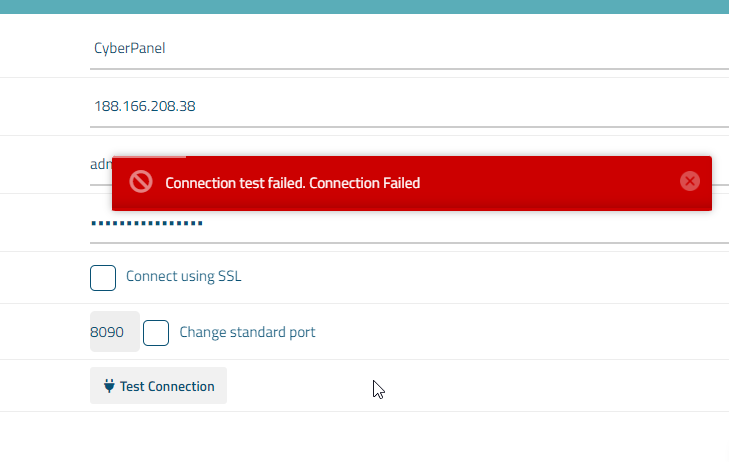
the issue starts the you try to add the server ip Static ip to Wisecp you get no connection (timeout) but the cyber panel runs on that ip which is strange and wisecp can not connect to the server over the static ip.
What works is the local ip lets say 198.168.78.5 adding the server, but there are issues one can create a customer in wisecp, add the domain, but in cyber panel only a user is created and not the website.
Also, you get no connection made to root access or panel… i know the ports are open and working…
and have no idea whats the issue 
any help is greatly appricated…
Robert
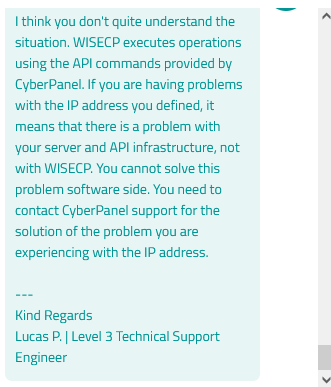
really need a solution on this please help!!!