ra
rashad
#1
 Community
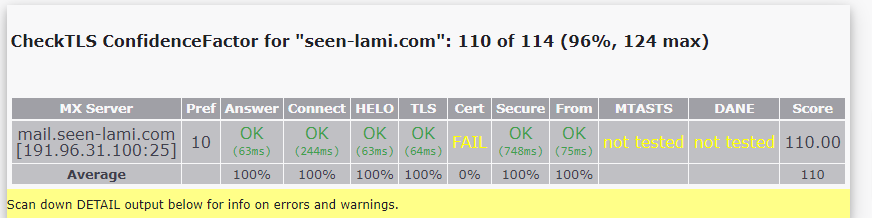
this is checktls details ,
CheckTLS ConfidenceFactor for “seen-lami.com”: 110 of 114 (96%, 124 max)
| MX Server | Pref | Answer | Connect | HELO | TLS | Cert | Secure | From | MTASTS | DANE | Score |
|---|---|---|---|---|---|---|---|---|---|---|---|
| mail.seen-lami.com | |||||||||||
| [191.96.31.100:25] | 10 | OK | |||||||||
| (61ms) | OK | ||||||||||
| (290ms) | OK | ||||||||||
| (177ms) | OK | ||||||||||
| (62ms) | FAIL | OK | |||||||||
| (887ms) | OK | ||||||||||
| (226ms) | not tested | not tested | 110.00 | ||||||||
| Average | 100% | 100% | 100% | 100% | 0% | 100% | 100% | 110 |
Scan down DETAIL output below for info on errors and warnings.
Now you can test MTA-STS for your domain too!
Checking seen-lami.com from www12-azure.checktls.com(V03.71.00) at 2023-07-28T12:00:21Z:
| seconds | lookup | result | |
|---|---|---|---|
| [000.000] | DNS LOOKUPS | ||
| [000.001] | SEARCHLIST | 104.131.108.216,134.209.169.224,1.1.1.1,8.8.8.8,67.207.67.3 | |
| [000.013] | MX | (10) mail.seen-lami.com | |
| [000.022] | MX:A–>mail.seen-lami.com | 191.96.31.100 |
seconds test stage and result
[000.000] Trying TLS on mail.seen-lami.com[191.96.31.100:25] (10)
[000.061] Server answered
[000.351] <‑‑ 220 localhost ESMTP Postfix
[000.351] We are allowed to connect
[000.351] ‑‑> EHLO www12-azure.checktls.com
[000.528] <‑‑ 250-localhost
250-PIPELINING
250-SIZE 30720000
250-ETRN
250-STARTTLS
250-AUTH PLAIN
250-AUTH=PLAIN
250-ENHANCEDSTATUSCODES
250-8BITMIME
250-DSN
250 CHUNKING
[000.528] We can use this server
[000.529] TLS is an option on this server
[000.529] ‑‑> STARTTLS
[000.590] <‑‑ 220 2.0.0 Ready to start TLS
[000.590] STARTTLS command works on this server
[000.726] Connection converted to SSL
SSLVersion in use: TLSv1_3
Cipher in use: TLS_AES_256_GCM_SHA384
Perfect Forward Secrecy: yes
Session Algorithm in use: Curve X25519 DHE(253 bits)
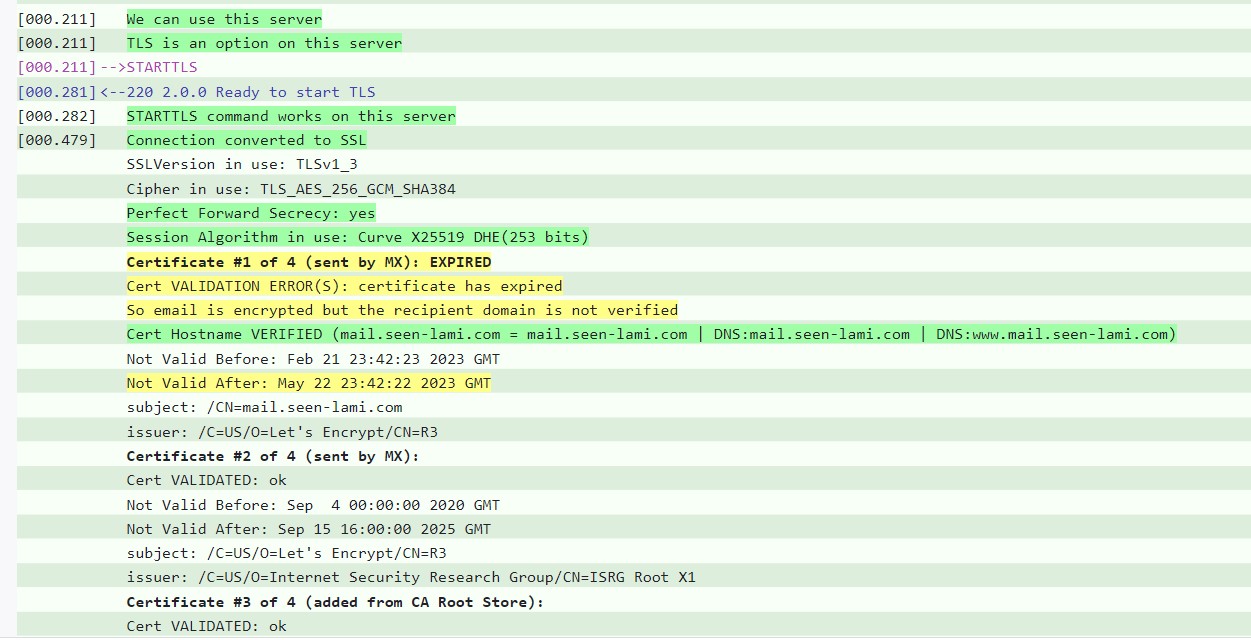
Certificate #1 of 4 (sent by MX): EXPIRED
Cert VALIDATION ERROR(S): certificate has expired
So email is encrypted but the recipient domain is not verified
Cert Hostname VERIFIED (mail.seen-lami.com = mail.seen-lami.com DNS:mail.seen-lami.com DNS:www.mail.seen-lami.com)
Not Valid Before: Feb 21 23:42:23 2023 GMT
Not Valid After: May 22 23:42:22 2023 GMT
subject: /CN=mail.seen-lami.com
issuer: /C=US/O=Let’s Encrypt/CN=R3
Certificate #2 of 4 (sent by MX):
Cert VALIDATED: ok
Not Valid Before: Sep 4 00:00:00 2020 GMT
Not Valid After: Sep 15 16:00:00 2025 GMT
subject: /C=US/O=Let’s Encrypt/CN=R3
issuer: /C=US/O=Internet Security Research Group/CN=ISRG Root X1
Certificate #3 of 4 (added from CA Root Store):
Cert VALIDATED: ok
Not Valid Before: Jun 4 11:04:38 2015 GMT
Not Valid After: Jun 4 11:04:38 2035 GMT
subject: /C=US/O=Internet Security Research Group/CN=ISRG Root X1
issuer: /C=US/O=Internet Security Research Group/CN=ISRG Root X1
Certificate #4 of 4 (sent by MX):
Cert VALIDATED:
Not Valid Before: Jan 20 19:14:03 2021 GMT
Not Valid After: Sep 30 18:14:03 2024 GMT
subject: /C=US/O=Internet Security Research Group/CN=ISRG Root X1
issuer: /O=Digital Signature Trust Co./CN=DST Root CA X3
[000.825] > EHLO www12-azure.checktls.com 250-localhost
[000.887] <
250-PIPELINING
250-SIZE 30720000
250-ETRN
250-AUTH PLAIN
250-AUTH=PLAIN
250-ENHANCEDSTATUSCODES
250-8BITMIME
250-DSN
250 CHUNKING
[000.887] TLS successfully started on this server
[000.887] > MAIL FROM:test@checktls.com 250 2.1.0 Ok
[001.113] <
[001.113] Sender is OK
[001.113] > QUIT 221 2.0.0 Bye
[001.177] <
also i can receive from icloud email but when i tried to send to icloud email i received Undelivered Mail Returned to Sender😰
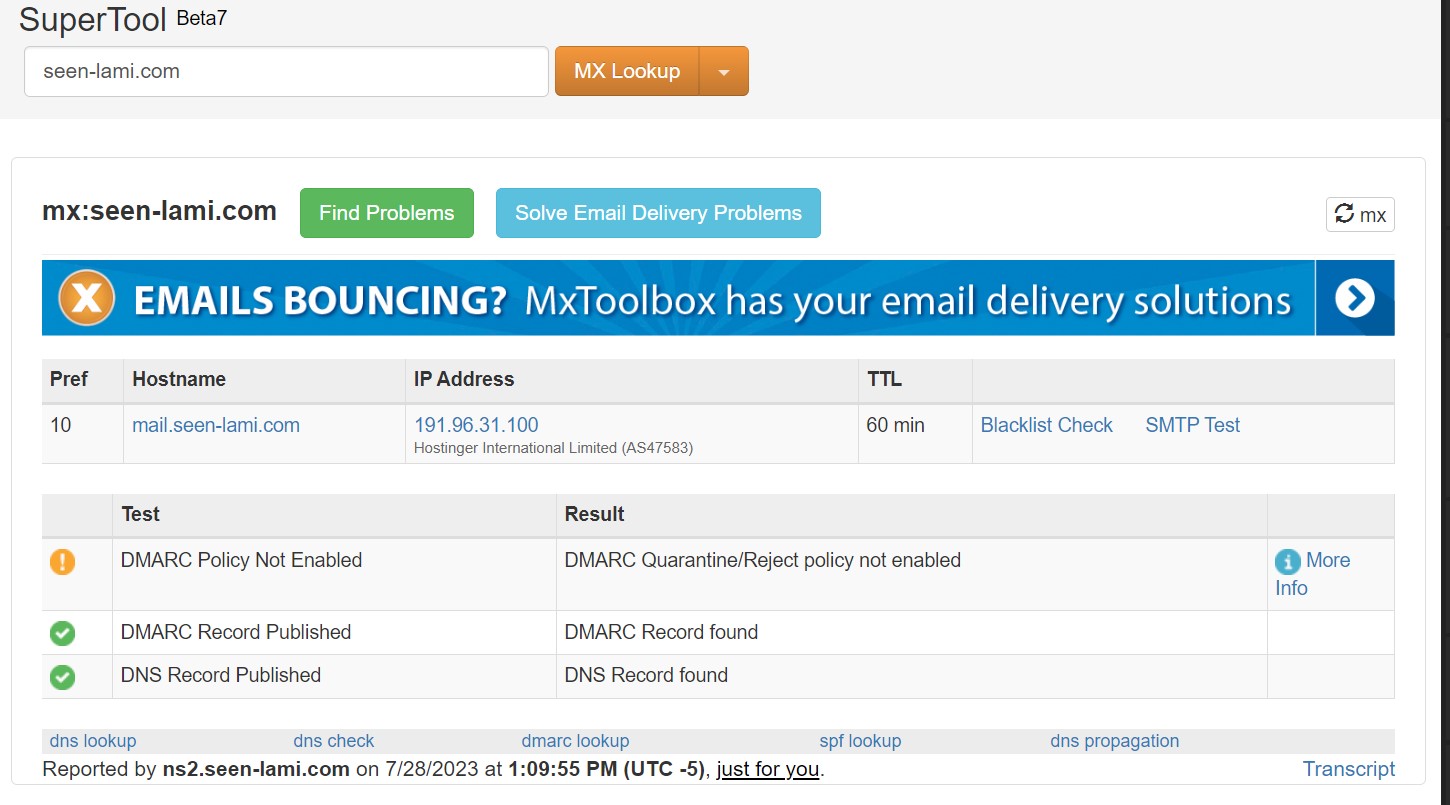
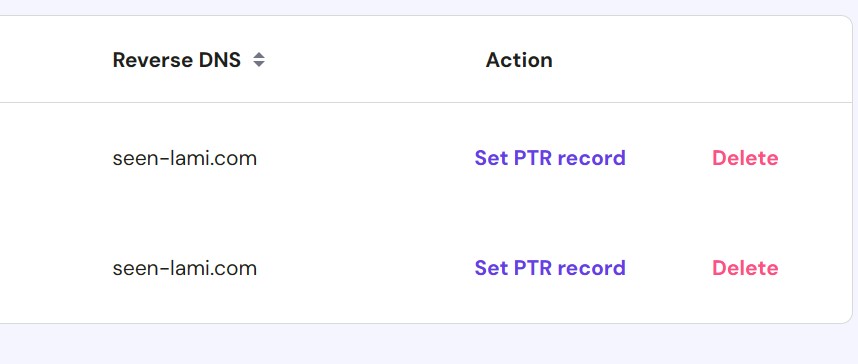
Make sure you have rDNS (PTR) DMARC, DKIM, SPF, MX properly configured
Also, use mxtoolbox.com to know what’s missing.
Set PTR record for both IPv4 and IPv6. Also, make sure you are not using an IP as hostname.
Hello @ahmed1001
Error here is pretty clear
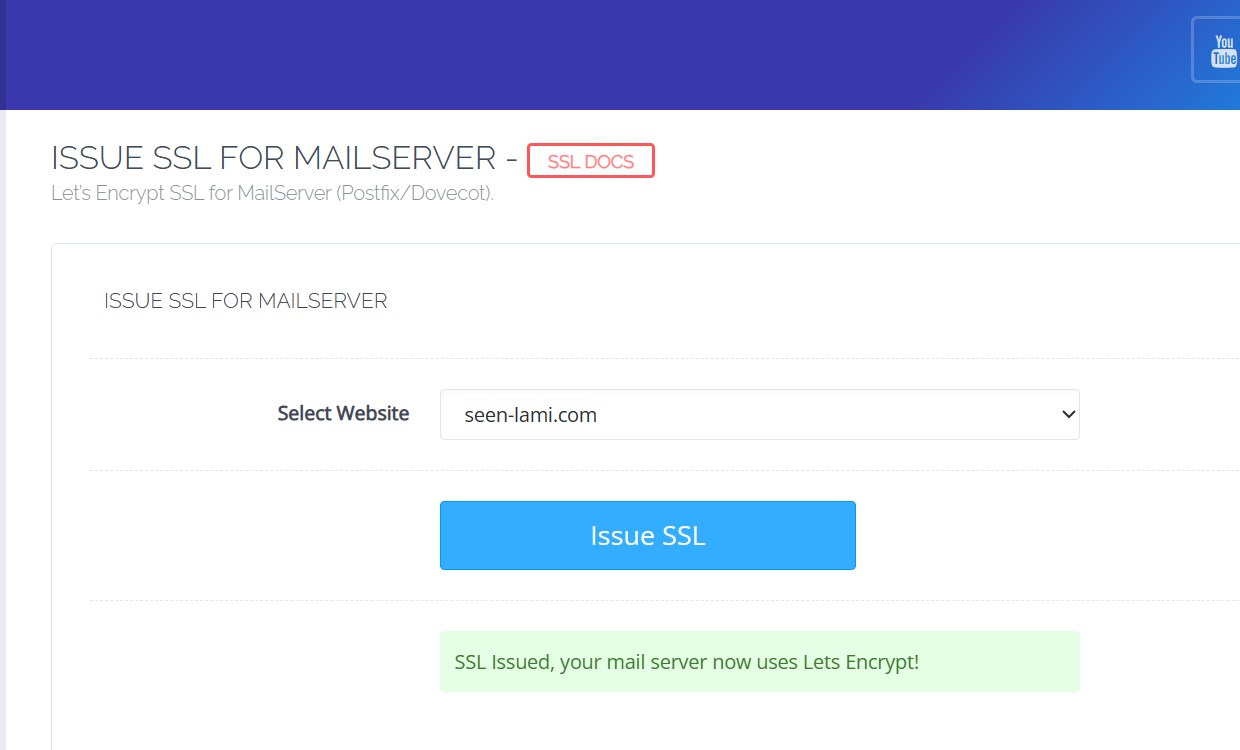
SSL Certificate is expired. Issue a new mail server ssl certificate using cyberpanel dashboard
The quotes of the value should be removed. In most cases your domain key will return invalid.
There are two things to fix here:
To remove “DST Root CA X3”
/root/.acme.sh/acme.sh --set-default-chain --preferred-chain “ISRG” --server letsencrypt
You then want to reissue the certificates for mail.seen-lami.com so the new certificate will exclude that store.
Secondly:
check /etc/postfix/main.cf
smtpd_tls_cert_file = some/path/to/cert.pem
smtpd_tls_key_file = some/path/to/key.pem
Mave sure both point directly or indirectly to /etc/letsencrypt/live/mail.seen-lami.com/fullchain.pem and /etc/letsencrypt/live/mail.seen-lami.com/privkey.pem respectively. You can use symlinks if required.
restart postfix
Rerun test and thank me later.