CyberPanel Community

Cyberpanel PHP path problem

Al
Alex #1

Hi great community.

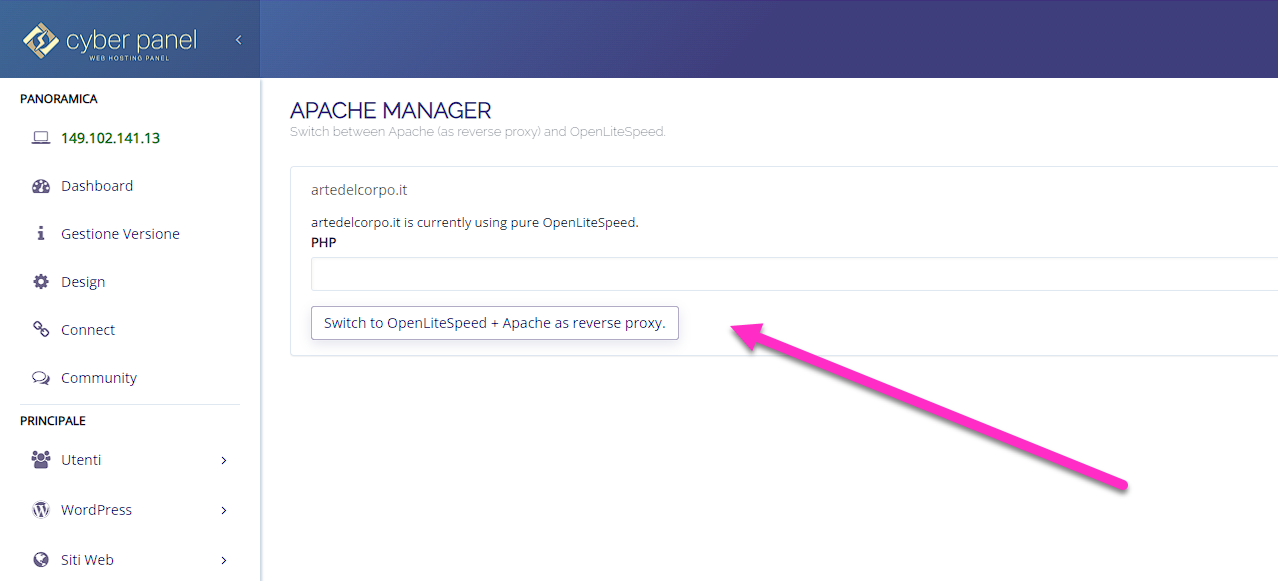
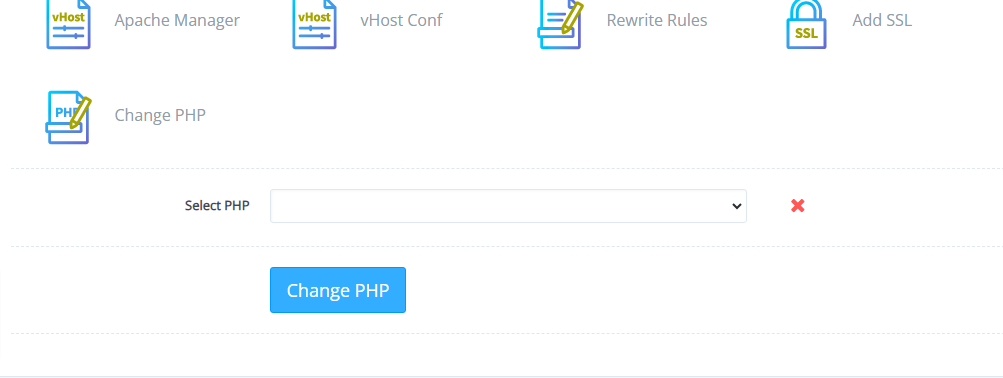
I’ve searched the threads but haven’t found anything that could help me. I’m not very experienced and I’m trying to learn more about Ubuntu. I installed Cyberpanel and everything works except the PHP changes. If I change the php features in the Cyberpanel panel I don’t see them on the site. I did in info.php which tells me the php is in another path.

Configuration File (php.ini) Path /etc/php/8.0/fpm
Loaded Configuration File /etc/php/8.0/fpm/php.ini
Scan this dir for additional .ini files /etc/php/8.0/fpm/conf.d

It shouldn’t be here:
/usr/local/lsws/lsphpXX/etc/php.ini

or in a similar path?

I can’t solve.
Thanks everyone for the help
4 replies
jo
josephgodwinke #2

Welcome @alebed Happy you are here

Check if you have a different php installed. We recommend you install cyberpanel in a clean installed os (no webservers, no databases, no php, no dns services, no ftp services)

Make sure you are using the correct php on your website manager.

Al
Alex #3

Thanks for Reply… I’ve used a clean installation of Contabo VPS and I’ve installed Cyberpanel at first.
But afterthat the default php path is:

/etc/php/8.0/fpm

If I choose another version of php under site settings nothing change… The strange thnig is that if I change php version under site settings panel, the php changes but the path is always:

/etc/php/XXX/fpm

Sign in to reply