Ze
Zer01ne
#1
 Community
Welcome @Zer01ne Happy you are here
Please include which version of cyberpanel you are using as instructed here How to ask for assistance?
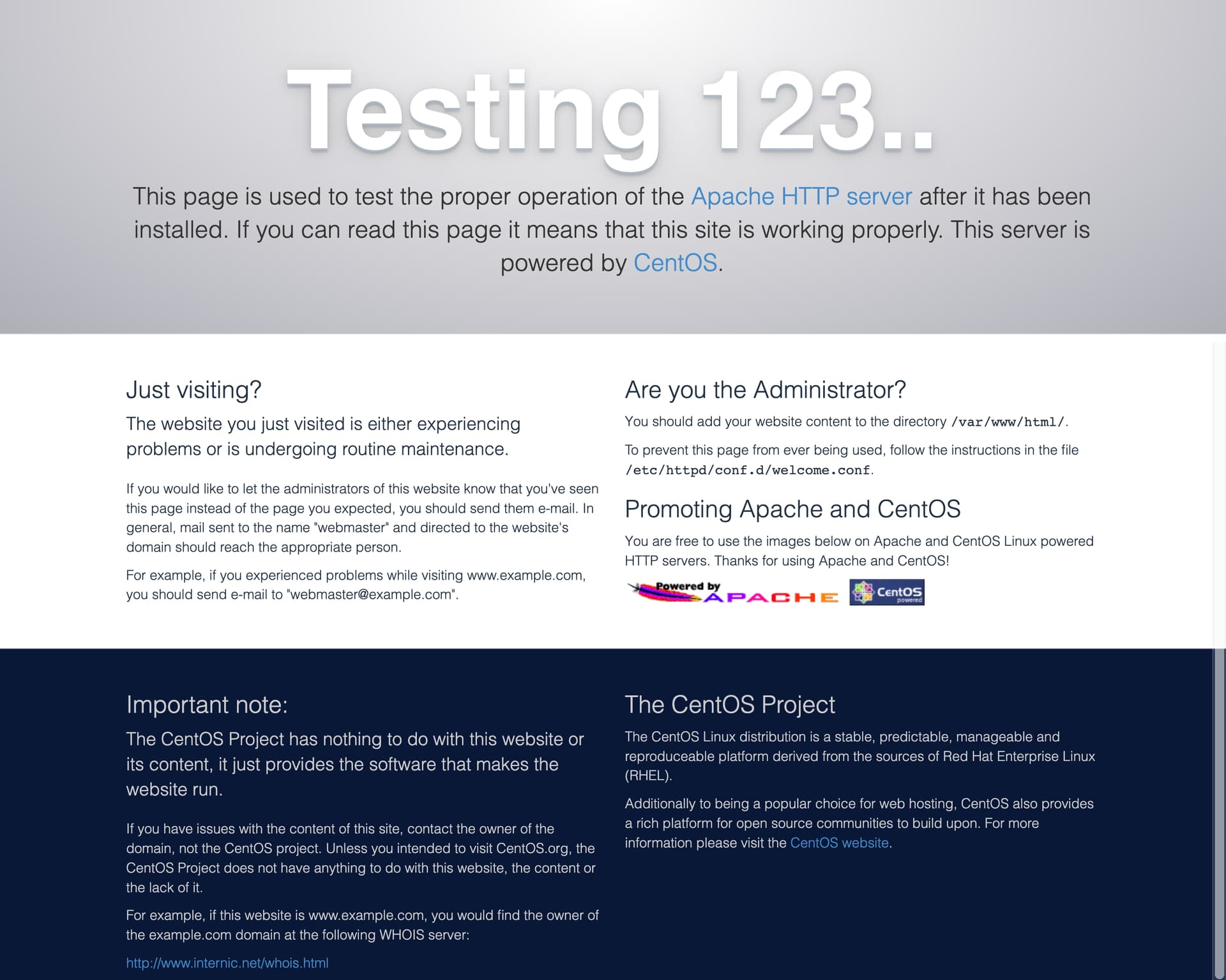
To answer your question uninstall apache seems its installed. Always perform a cyberpanel installation on a clean os
Current Version:  2.3
Build:  4
Current Commit:  479582a7b9b193690909c9215e2df3546dd05727
Latest Version:  2.3
Latest Build:  4
Latest Commit:  479582a7b9b193690909c9215e2df3546dd05727
Have you chcked if apache is installed /usr/local/apache/bin/httpd -v
It uninstalled that but I can’t test it for this issue Can't Delete or add a domain CyberPanel - #5 by josephgodwinke
What do you mean?
I mean it was installed and I uninstalled Apache.
Done and did check from different country with a different browser, still same.
As there’s no directory for it so there is no files.
cat: /home/*****.com/public_html/.htaccess: No such file or directory
Uninstall it
Make sure there is No mysql/mariadb No ftp server No powerdns before a clean installation. Contact your server provider for more information about this.
Thanks the problem is resolved