Ta
Tadeusz
#1
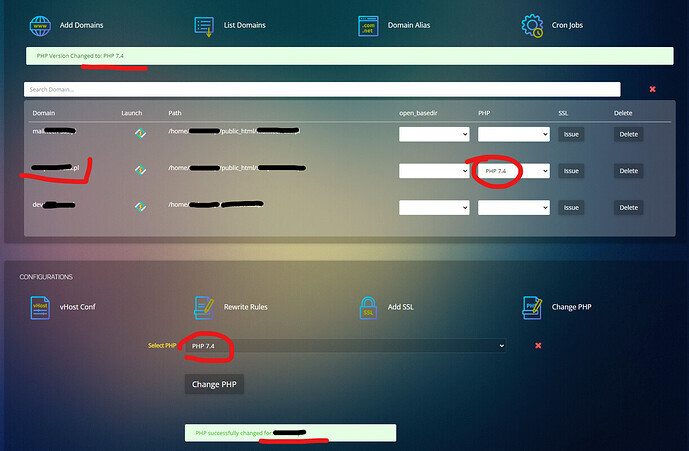
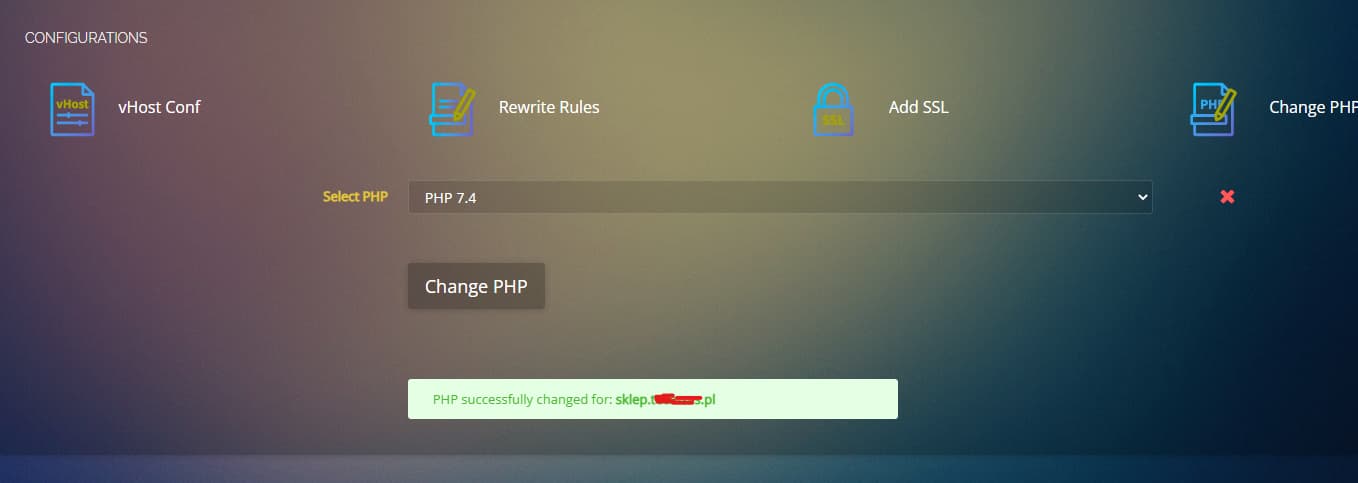
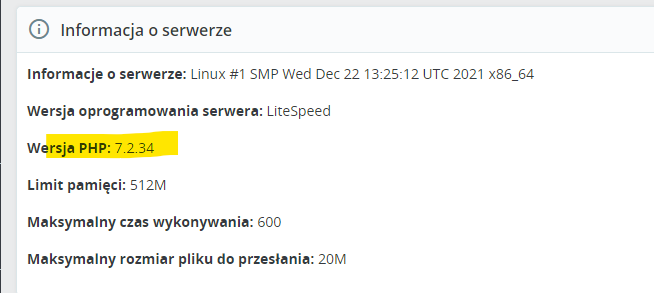
I can’t change PHP
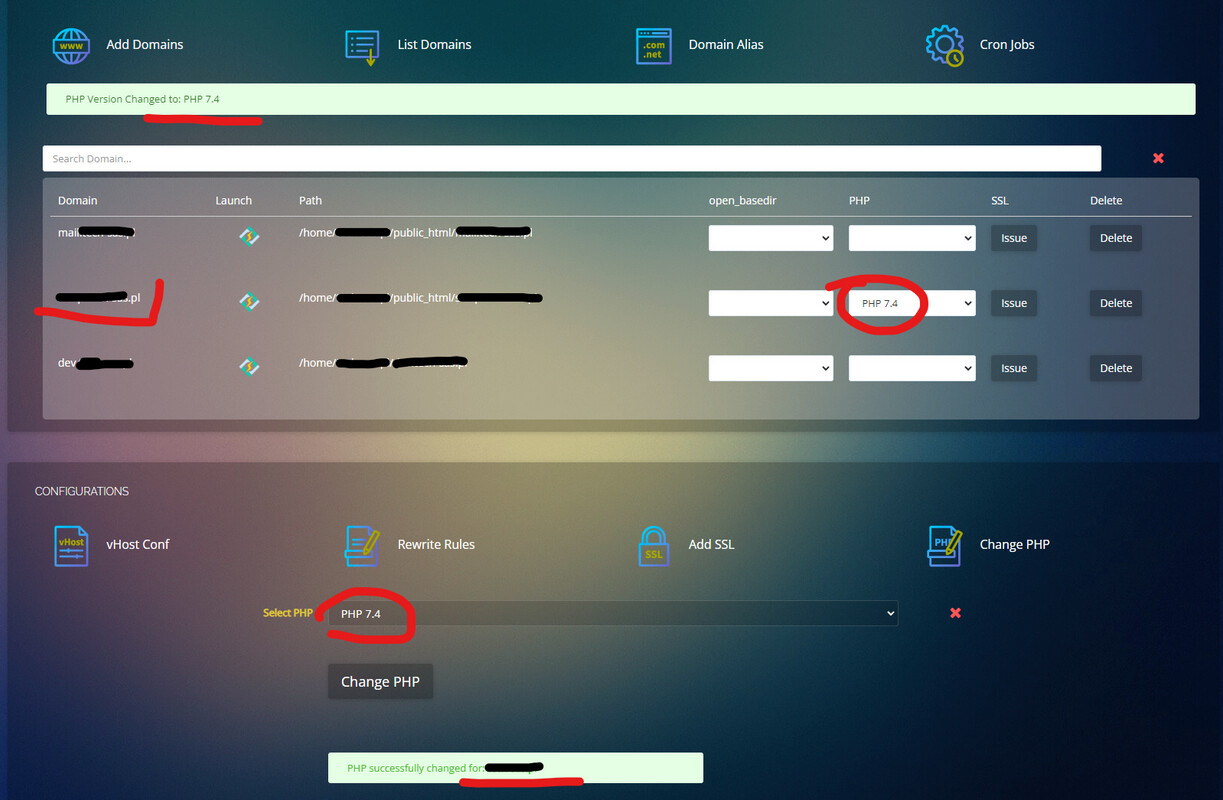
CP 2.3.4
Centos 8
i try
killall lsphp
systemctl restart lsws
reboot etc. Nothing happend.
In my Prestashop i steel see PHP 7.2.34
<VirtualHost *:80>

    ServerName xxx.pl
    ServerAlias www.xxx.pl
    ServerAdmin xxx@gmail.com
    SuexecUserGroup xxx4749 xxx4749
    DocumentRoot /home/xxx.pl/public_html
    Alias /.well-known/acme-challenge /usr/local/lsws/Example/html/.well-known/acme-challenge
    CustomLog /home/xxx.pl/logs/xxx.pl.access_log combined
    AddHandler application/x-httpd-php74 .php
    <IfModule LiteSpeed>
        CacheRoot lscache
        CacheLookup on
    </IfModule>

</VirtualHost>

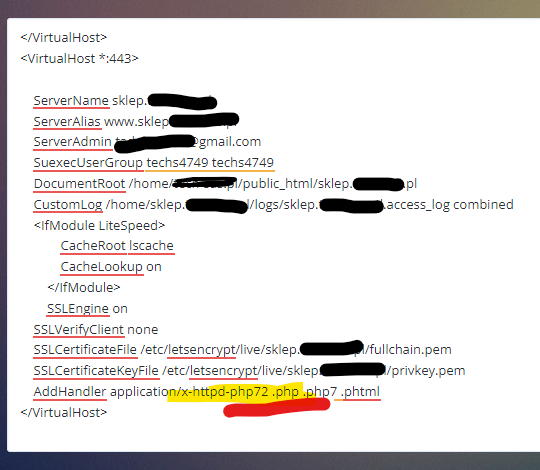
<VirtualHost *:443>

    ServerName xxx.pl
    ServerAlias www.xxx.pl
    ServerAdmin xxx@gmail.com
    SuexecUserGroup xxx4749 xxx4749
    DocumentRoot /home/xxx.pl/public_html
    CustomLog /home/xxx.pl/logs/xxx.pl.access_log combined
    <IfModule LiteSpeed>
            CacheRoot lscache
            CacheLookup on
        </IfModule>
        SSLEngine on
    SSLVerifyClient none
    SSLCertificateFile /etc/letsencrypt/live/xxxs.pl/fullchain.pem
    SSLCertificateKeyFile /etc/letsencrypt/live/xxx.pl/privkey.pem
    AddHandler application/x-httpd-php74 .php
</VirtualHost>