li
liufunyu
#1
 Community
Hello @liufunyu
# start here copy line bleow me
rm -f /var/lib/lsphp/session/lsphp71/* && rm -f /var/lib/lsphp/session/lsphp72/* && rm -f /var/lib/lsphp/session/lsphp73/*
# then copy line below me
rm -f /var/lib/lsphp/session/lsphp74/* && rm -f /var/lib/lsphp/session/lsphp80/* && rm -f /var/lib/lsphp/session/lsphp81/*
Basically run nano /etc/my.cnf use the keyboard shortcut CTRL+W to search for skip-name-resolve and comment it out. Restart mariadb systemctl restart mysqld
Stop using Redis and opt for Memcached for caching and persistence key storage if you are using it
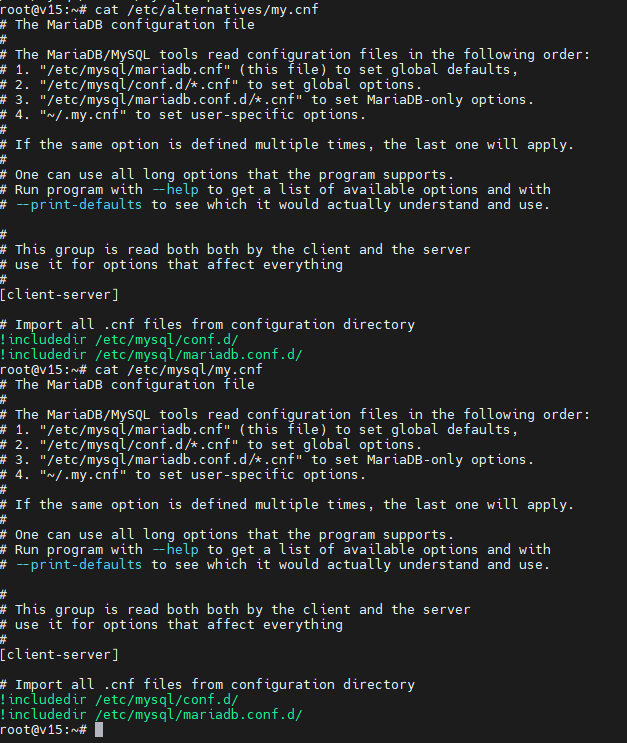
Excuse me , I don’t know why I don’t have “my.cnf” file.
And how to stop Redis or where to adjust it?
Could you give me some links to study, thank you very much.
Go to https:/SERVER_URL:8090/manageservices/manageApplications and uninstall Redis
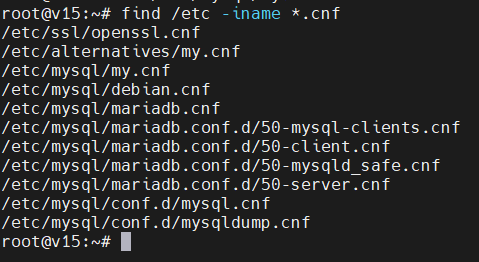
Run this in terminal to look up your mariadb config file find /etc -iname *.cnf use terminal editor to edit it. If you dont find any then run cyberpanel upgrade script
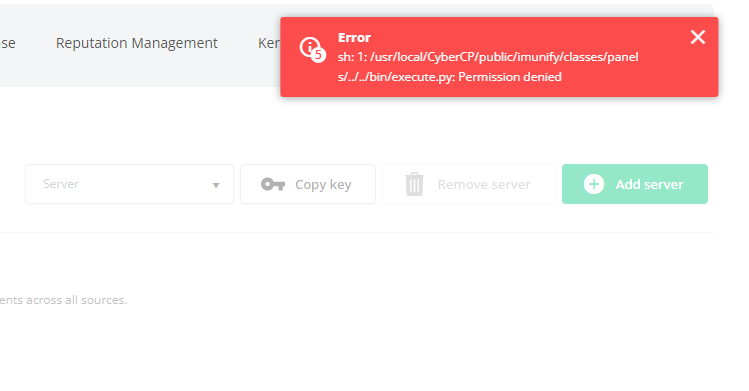
Run chmod +x /usr/local/CyberCP/public/imunify/bin
You want to edit /etc/mysql/conf.d/mysql.cnf

You mean I have to edit /etc/mysql/conf.d/mysql.cnf ?
but it is nothing in it.
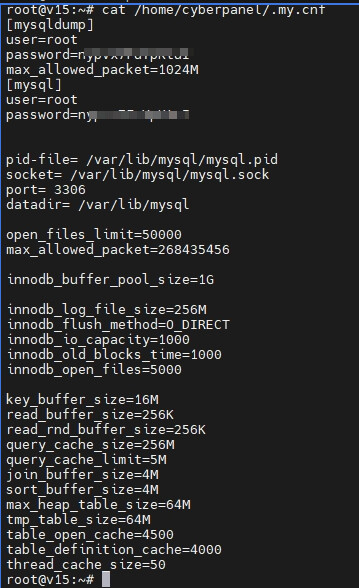
Yes or better yet create a new file here /home/cyberpanel/.my.cnf and add the values as instructed in MariaDB / MySQL Tweaks As Default & Option
Yes. You should probably reboot the server
OKOK, thank you so much !
I found the problem is I didn`t delete my sites on Kinsta hosting after I moved all my sites to Cyberpanel.
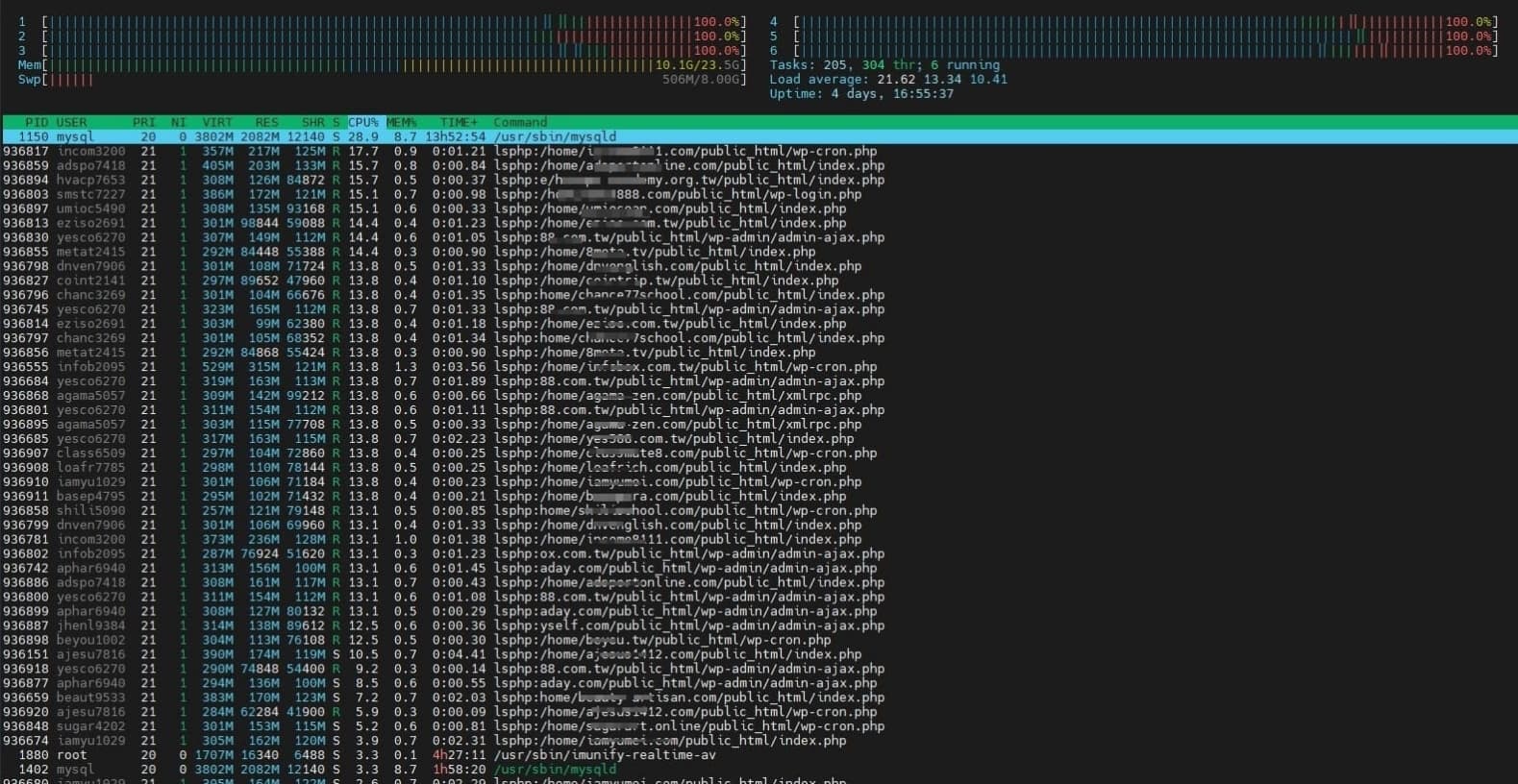
And Kinsta’s BOT monitor access all my sites every 2 minutes at the same time.
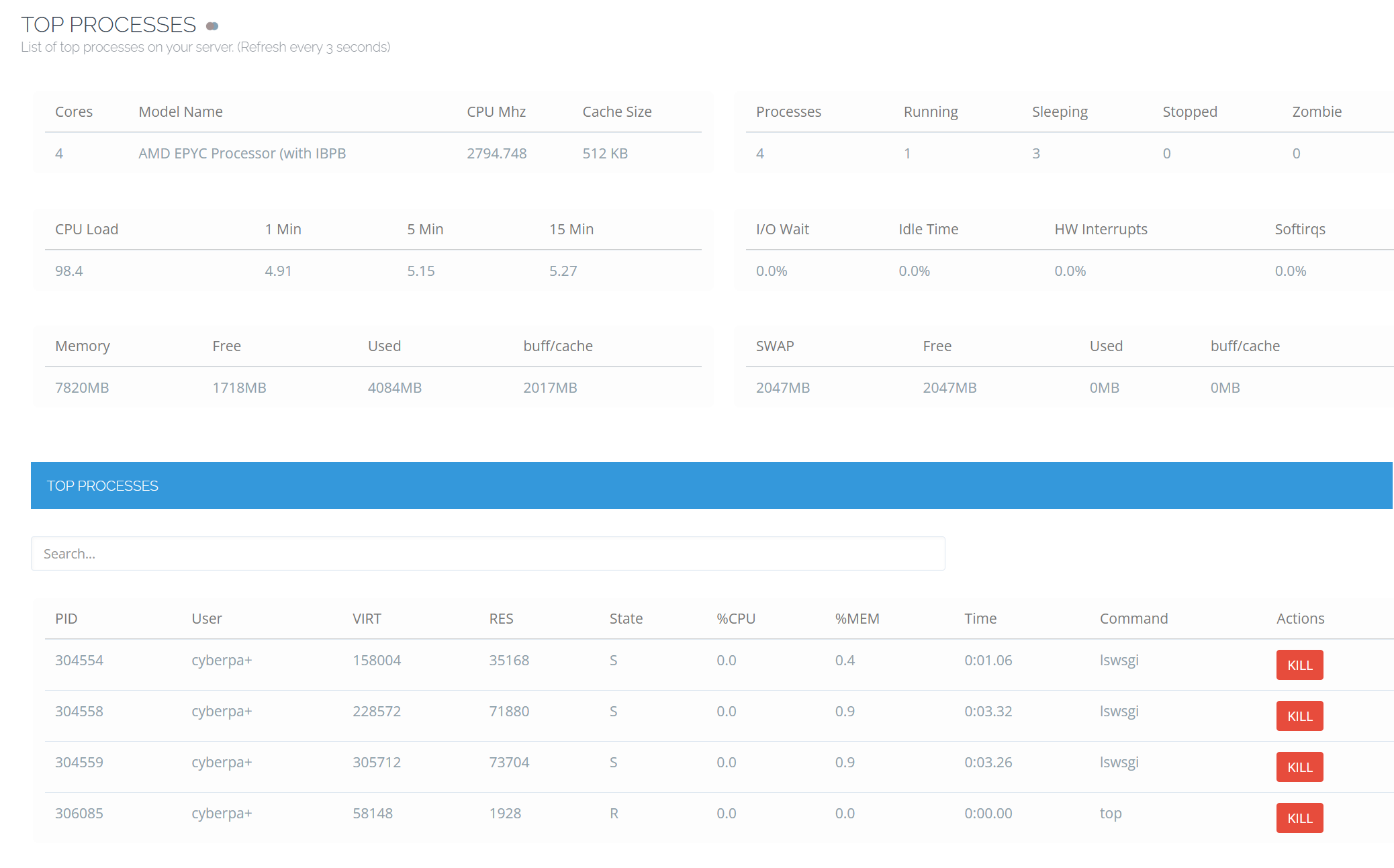
It cause the CPU 100% , when I delete all sites in Kinsta, that’s no CPU loading problem now!