Ал
Александр
#1
 Community
Welcome @aleksandr Happy you are here
There is no issue with File Manager buit-in editor on current version of cyberpanel. Actually from version 2.3.2 there has not been any issue with slavonic writing system. Kindly run an upgrade or help us understand what you tried and an issue rose up
some special later are issue in normal editor use mirror one
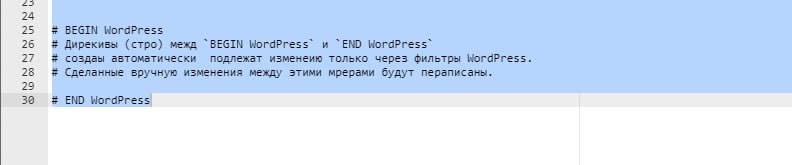
I use Current Version: 2.3, I just open any file that contains a mix of Russian and English and this problem occurs. I asked my friends to test this as well and they got the same disappearance of Russian and Ukrainian letters.
I tried to update the panel to the latest version and got this message:
Seems something wrong with upgrade, please check…
After the second dusting:
###################################################################
CyberPanel Upgraded
###################################################################
I probably just have the latest stable version and the problem is present in it.
I recorded a video of the error: You can clearly see the letter disappearing (click to play)
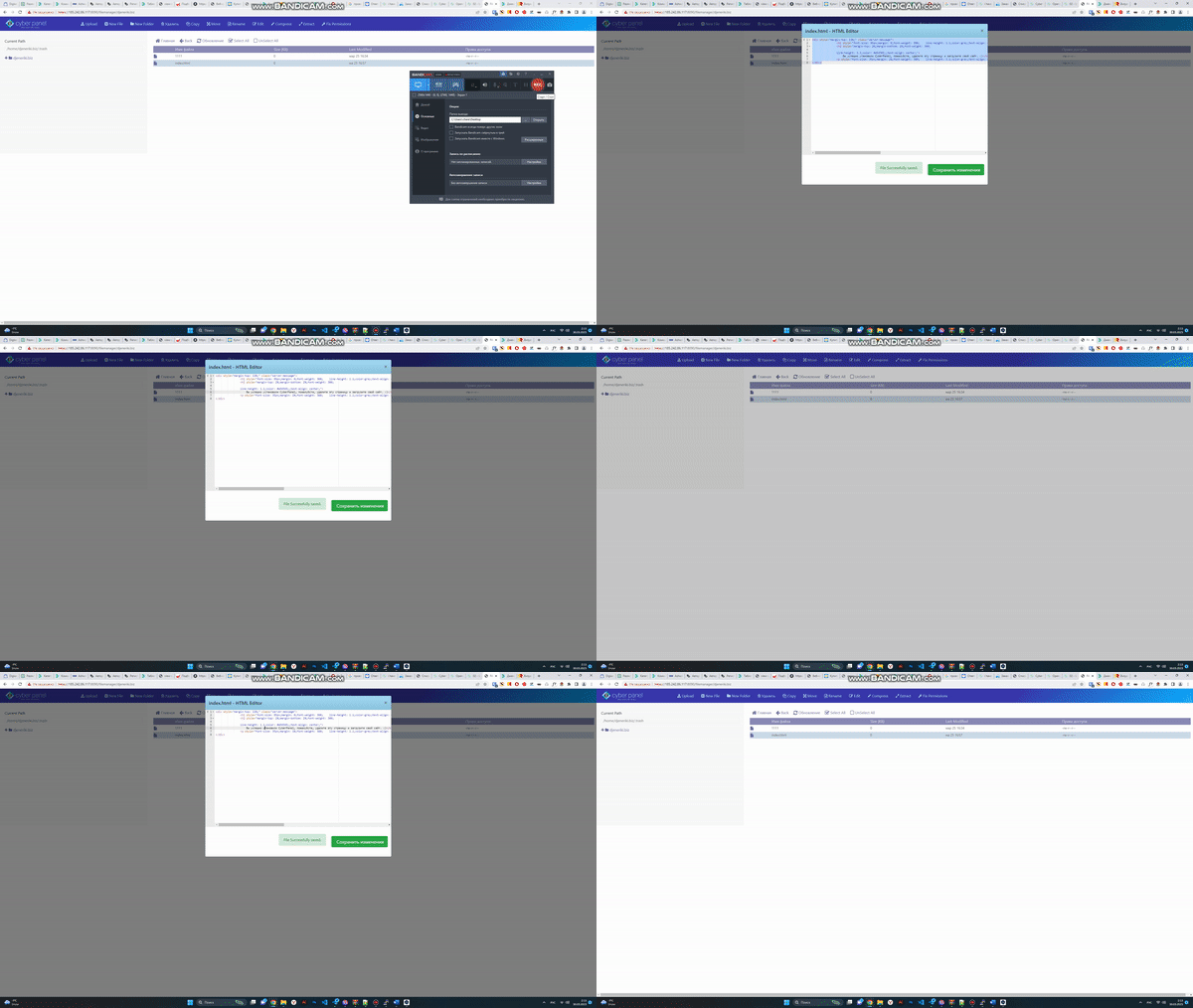
I once again asked friends to install this panel, they have exactly the same error, we all use Ubuntu 20.4. I also tried adding the Russian language and its variations in the Ubuntu system itself. The error persists.
The problem remains, there is no solution. I do not know how to be, I hoped very much on the developers.