ki
kim
#1
 Community
Welcome @baokim2701 Happy you are here
Do not use special characters for filenames.
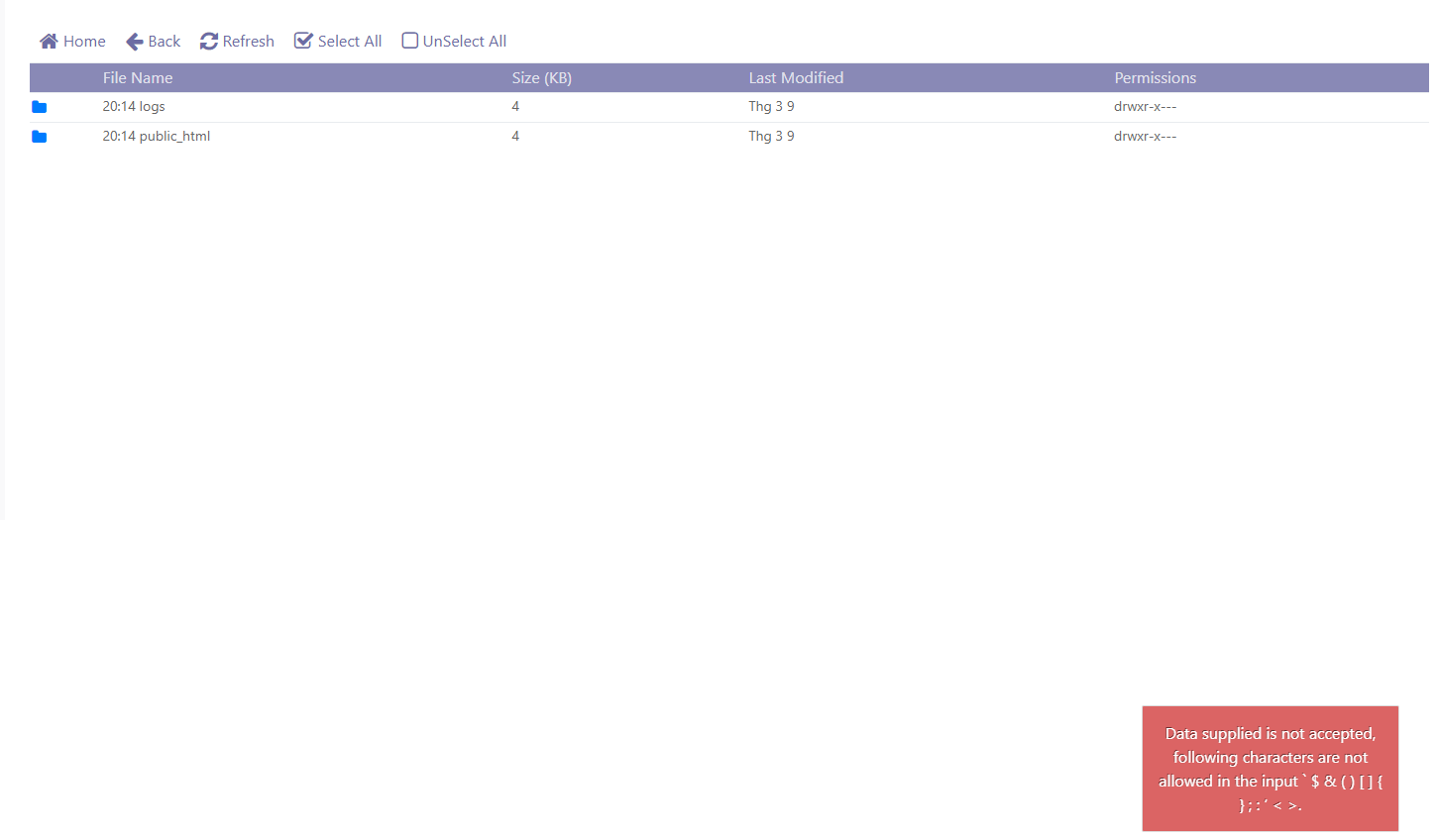
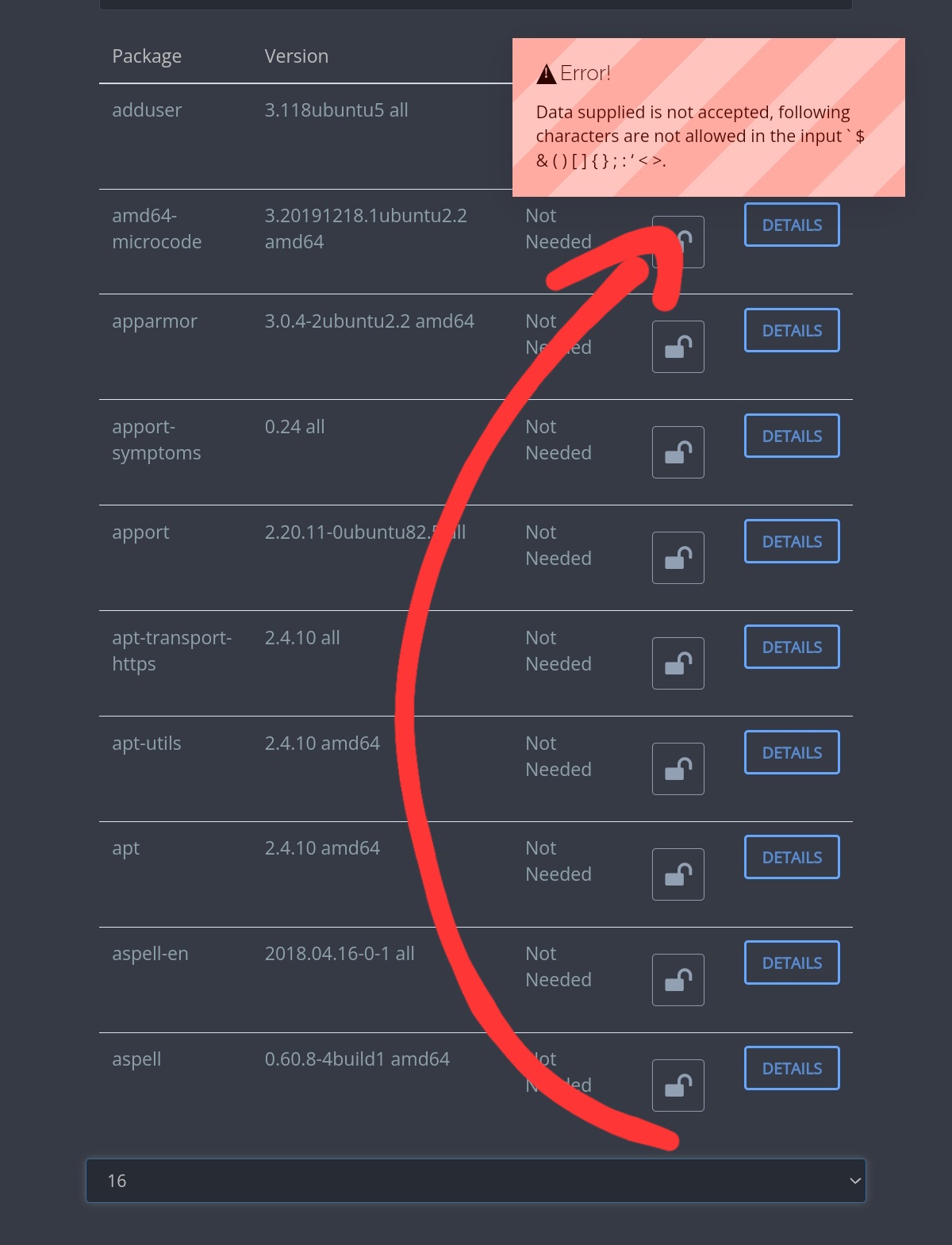
thanks josephgodwinke for responding to my question. I don’t manually create files with special characters, after installing the website, I went to the file manager and saw it by default. When I click on that folder, it doesn’t work, and shows the warning as shown.