
IS
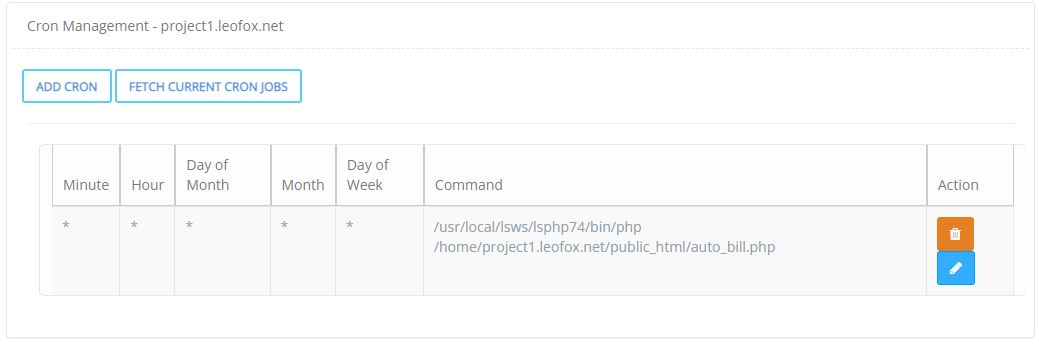
Setup a cronjob for php file
jo
Welcome and Happy New Year @ishant
See this Setup a cronjob for a php file - #8 by josephgodwinke
IS
* * * * * root /usr/bin/wget -O - https://website.com/export-txt.php >> /home/mydomain.com/public_html/output.txt
I can’t understand what does it mean?
plz help me @josephgodwinke
jo
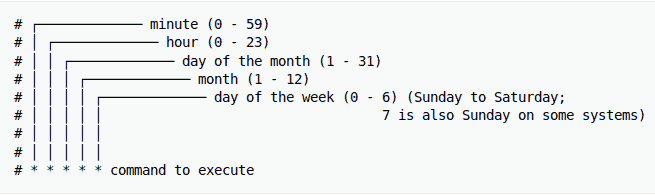
/usr/bin/wget -O - will retrieve content from your url, get as a file and print the result on STDOUT which we save to a sink /home/mydomain.com/public_html/output.txt
IS
output.txt is automatically build
jo
You can create it. This file can be any name you prefer. Well some developers do not put sinks for their cronjobs but it the ideal way to catch errors and exceptions
IS
but in case of cron on the other cpanel you can only use your php file not other file
jo
Have you tested and it has failed ?
IS
No, now i will go through it.
IS
Ishant Sharma
#10
jo
josephgodwinke
#11
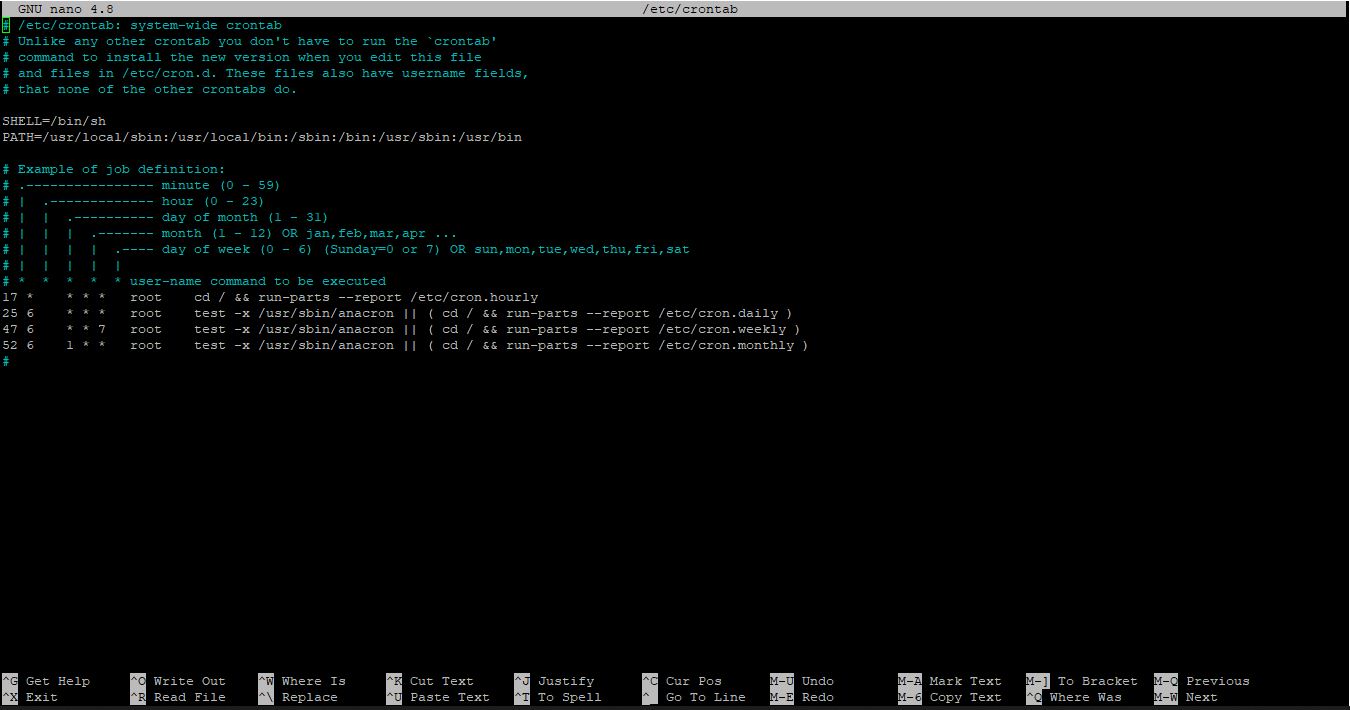
You have not read this part
IS
Ishant Sharma
#12
i have to add after the * * * * * root /usr/bin/wget -O - https://website.com/export-txt.php >> /home/mydomain.com/public_html/output.txt
=> website.com is my website domain and export-txt.php is my php file
home/mydomain.com/public_html/output.txt => mydomain.com is also my domain
jo
josephgodwinke
#13
Do you see the expected results ?
IS
Ishant Sharma
#14
-bash: /home/project1.leofox.net/public_html/output.txt: Permission denied
i got this
jo
josephgodwinke
#15
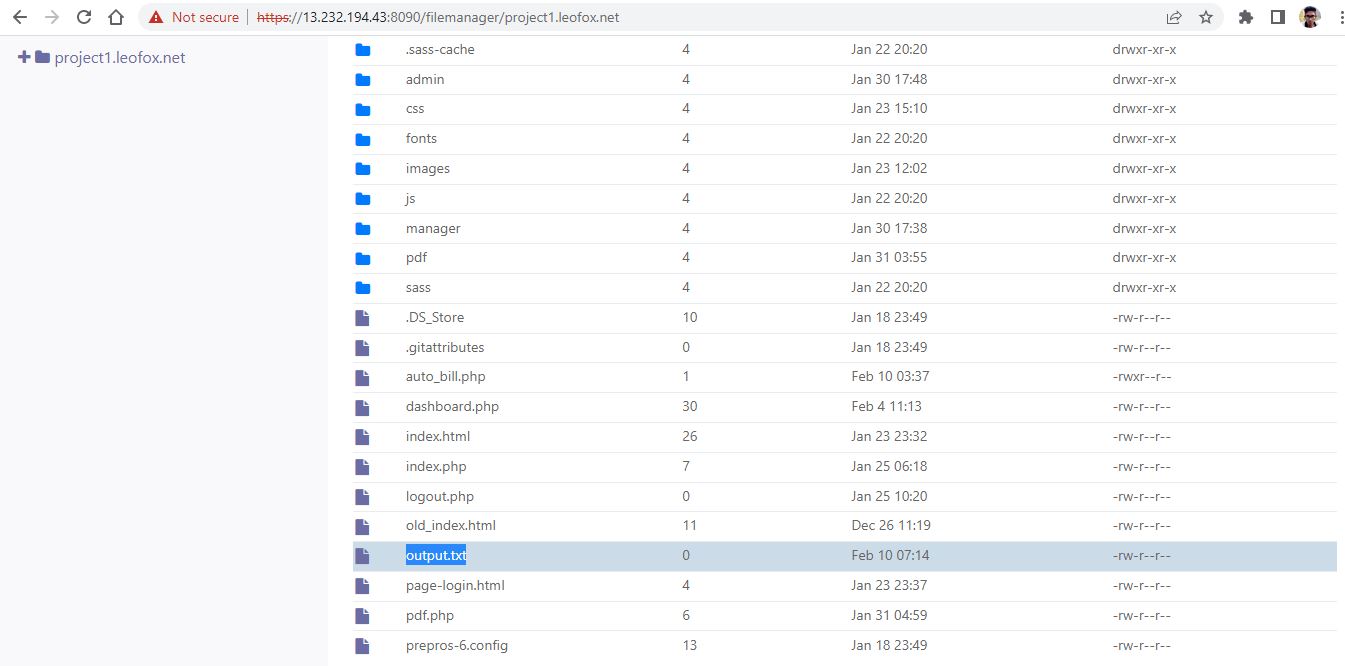
Did you create that output.txt file on documentroot via file manager ?
IS
Ishant Sharma
#16
yes, i do.
IS
Ishant Sharma
#17

IS
Ishant Sharma
#18
jo
josephgodwinke
#19
As you see the file has permissions rw–r–r change them to 777 and try again