Da
David
#1
 Community
What’s the error response.
Have you used the default password. 1234567?
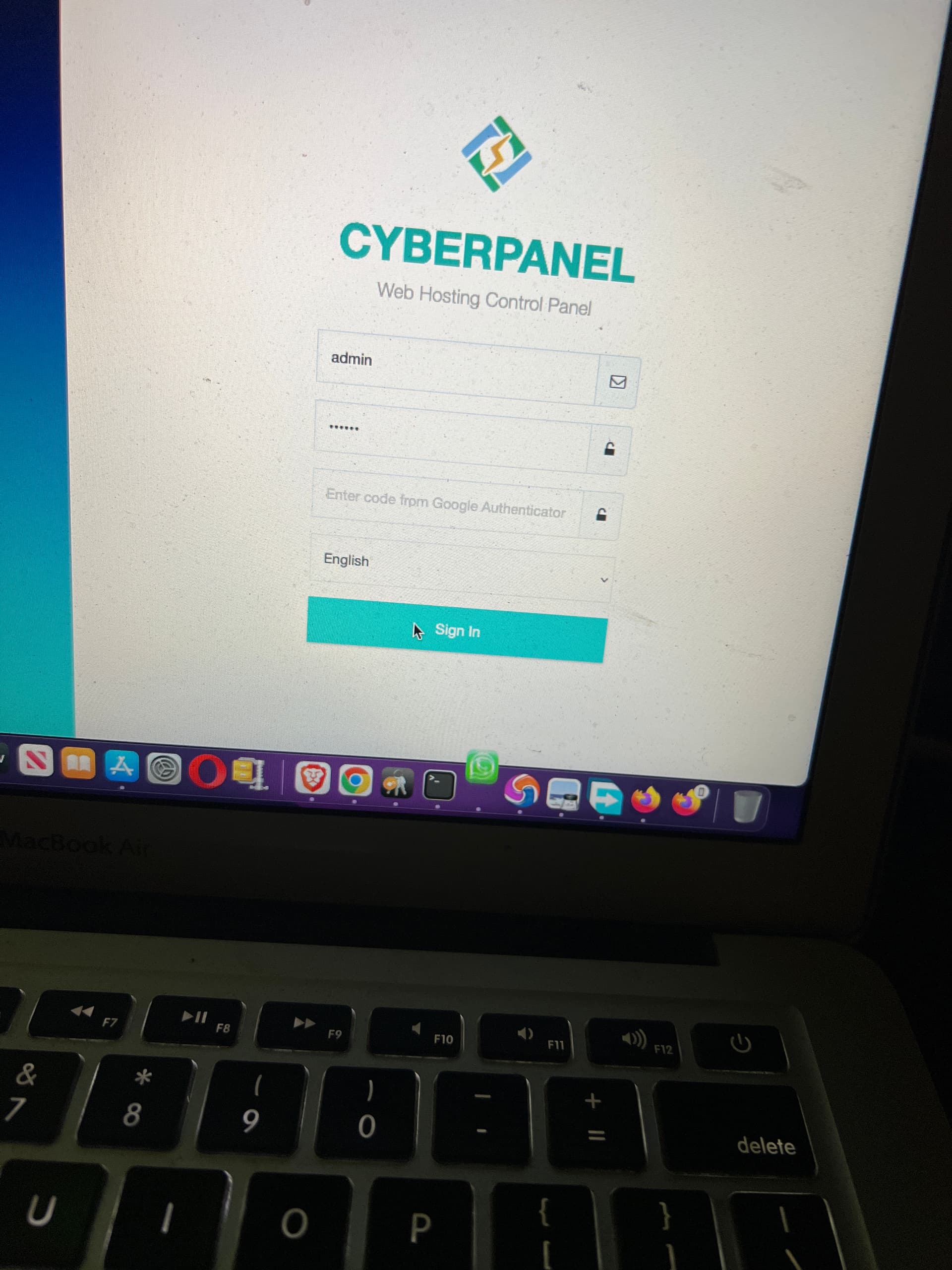
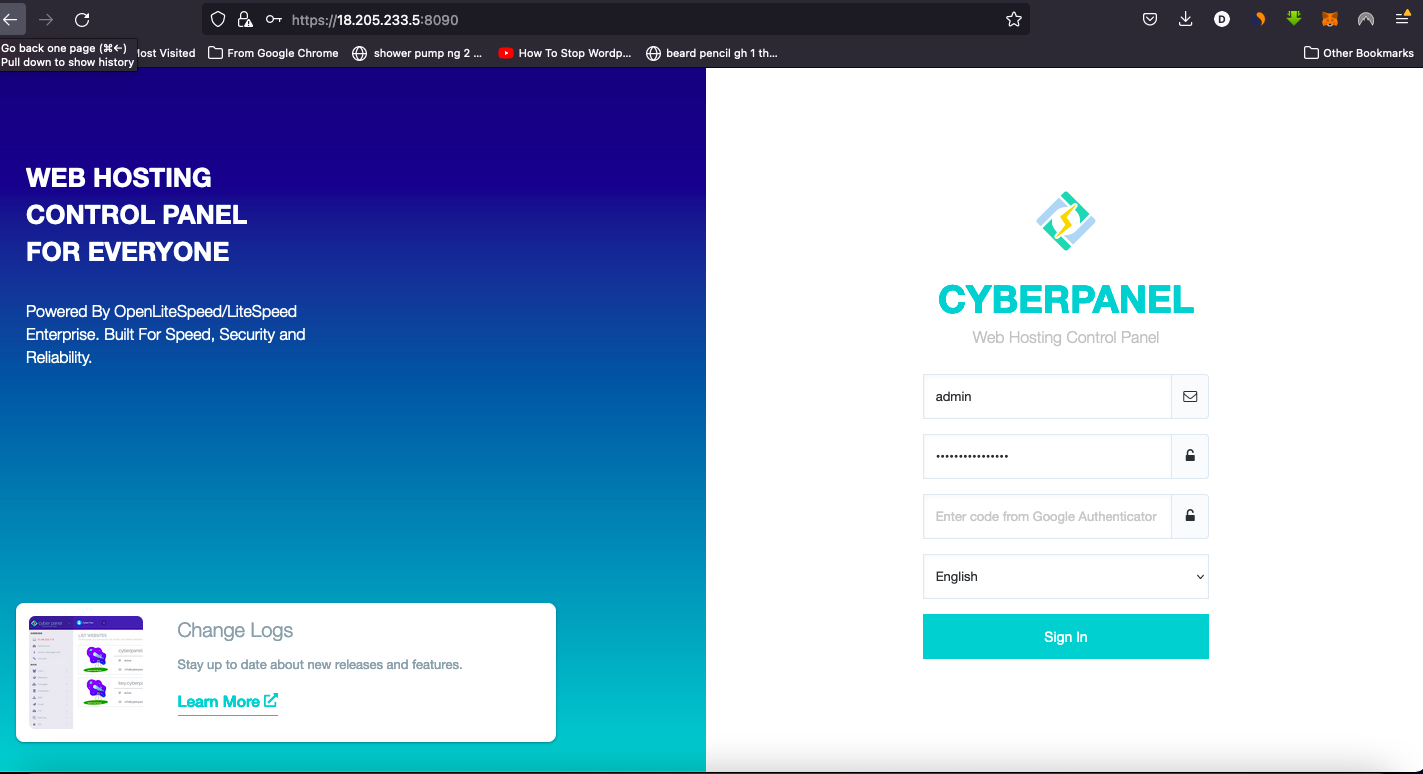
yes I’ve tried that, the problem is nothing happens after putting my user name and password
doesn’t show anything after clicking on sign in, its like its locked or something. what could be the reason for this?
May be it is compromised.
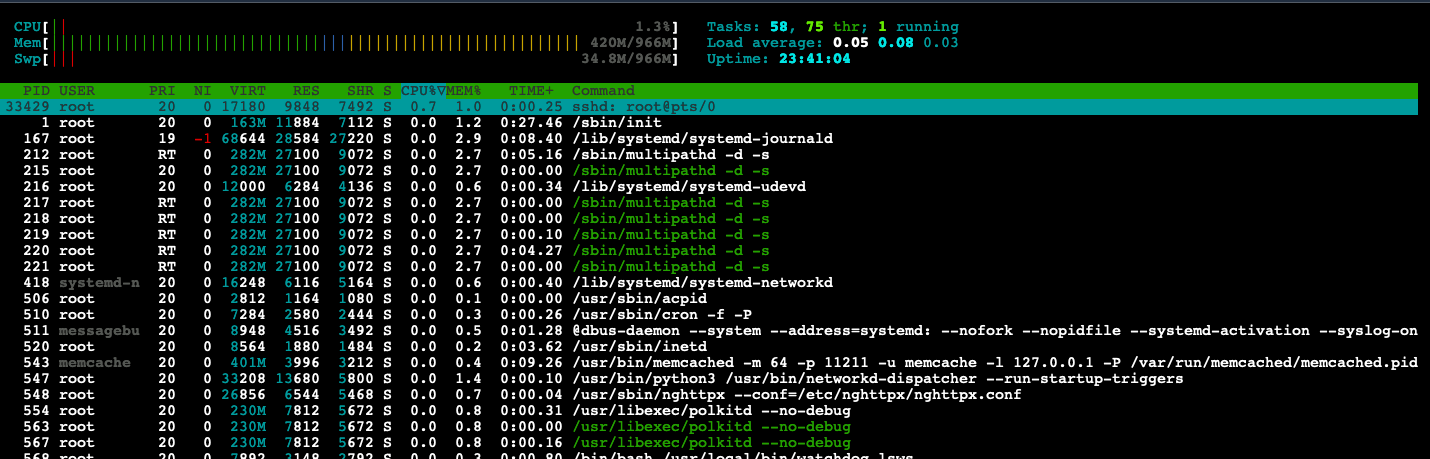
Run htop command and share screenshot here.
i’m pretty new at this…
i made two separate installations, one using ubuntu and the other using the normal aws installation. (followed youtube tutorials for both)
so please how do i run htop command?
Open ssh terminal and just run
htop
Reset admin password using this in your terminal
adminPass
always use strong password.
Clear browser cache and then try
Alright thanks, will do that immediately
i tried this- adminPass newpassword
but i got permission denied.
login as root user and then try
hi, got this error while installing a fresh cyberpanel on a new VPS server…
git clone GitHub - usmannasir/cyberpanel: Cyber Panel - The hosting control panel for OpenLiteSpeed has failed for 49 times
Wait for 3 seconds and try again…