
ar
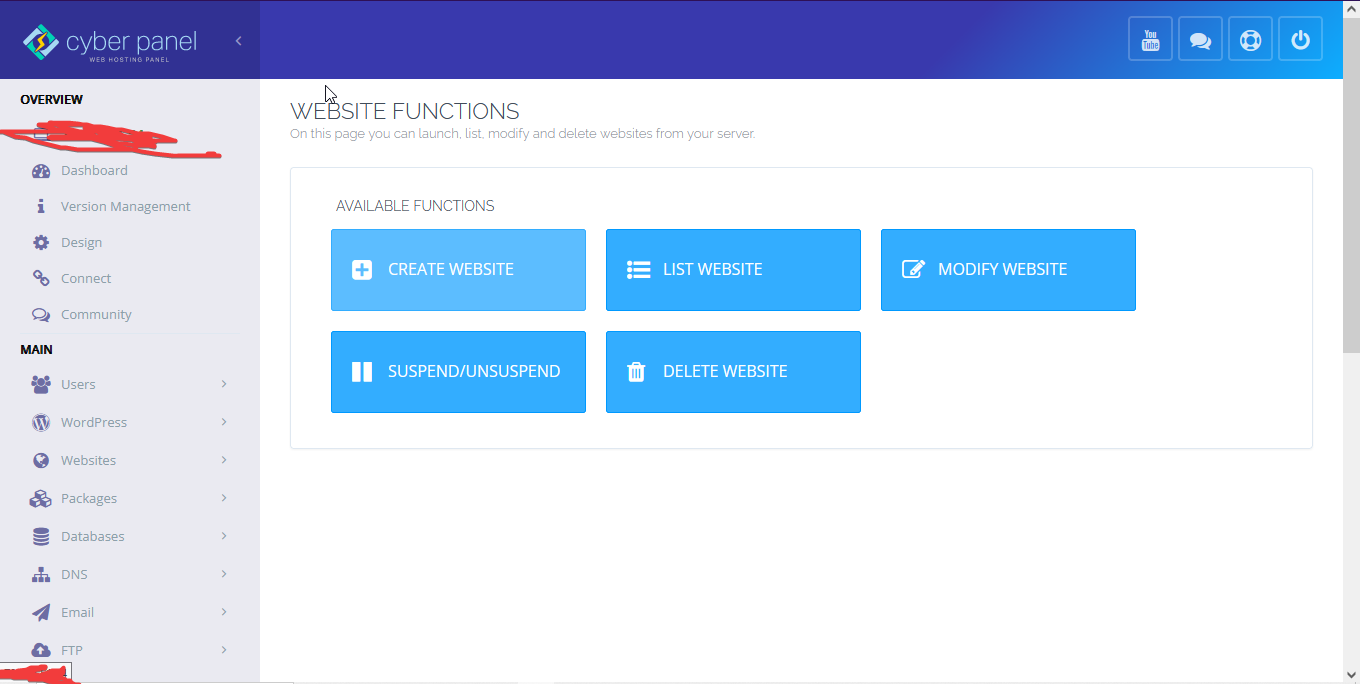
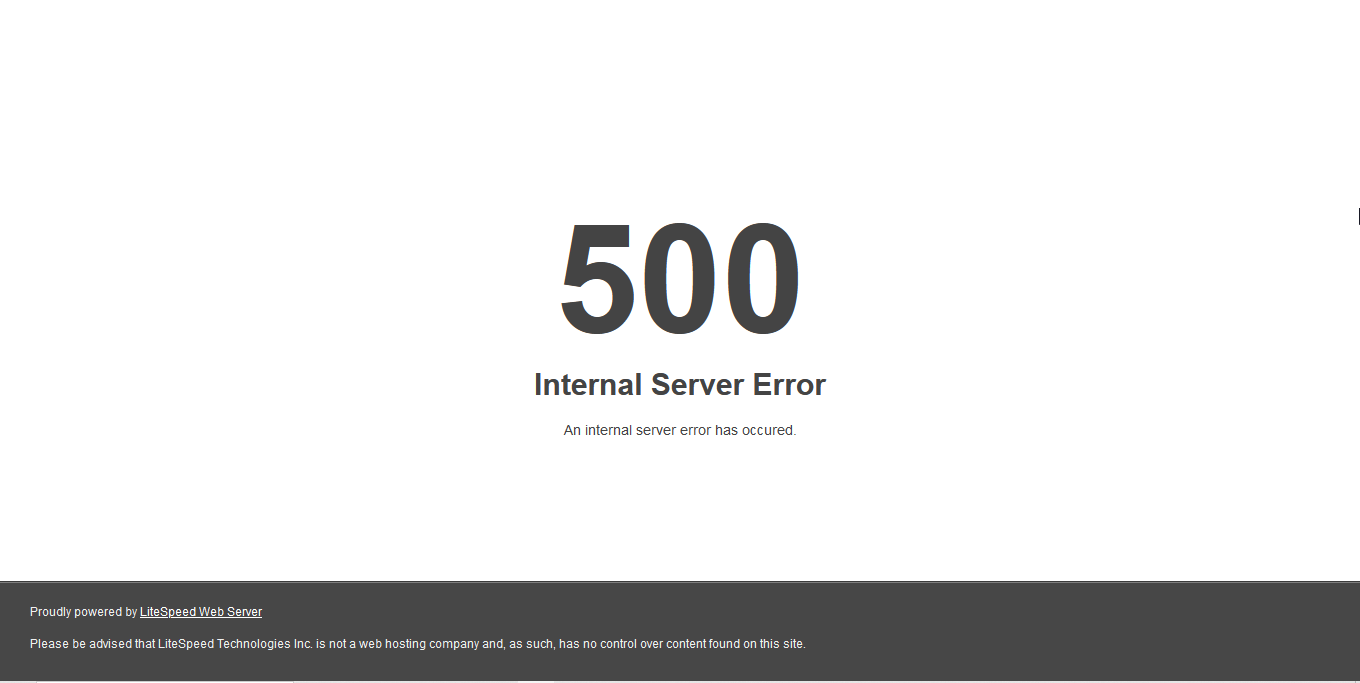
Create website internal server error
jo
Hello @arianramianpour Happy you are here
TIme to upgrade your copy
sh <(curl https://raw.githubusercontent.com/usmannasir/cyberpanel/stable/preUpgrade.sh || wget -O - https://raw.githubusercontent.com/usmannasir/cyberpanel/stable/preUpgrade.sh)
If using a sudo user rather than root, try this:
sudo su - -c "sh <(curl https://raw.githubusercontent.com/usmannasir/cyberpanel/stable/preUpgrade.sh || wget -O - https://raw.githubusercontent.com/usmannasir/cyberpanel/stable/preUpgrade.sh)"
If symptoms persist enable dynamic logging Troubleshooting CyberPanel - Docs - CyberPanel Community and CyberP debug logs Troubleshooting CyberPanel - Docs - CyberPanel Community in summary:
Run
nano /usr/local/CyberCP/CyberCP/settings.py
find DEBUG = False and change it to DEBUG = True and then do systemctl restart lscpd
And then redo what you are doing and you will get the reason for 500 Error.
ar
okay i did update still getting error
did
`nano /usr/local/CyberCP/CyberCP/settings.py`

find `DEBUG = False` and change it to `DEBUG = True` and then do `systemctl restart lscpd`

And then redo what you are doing and you will get the reason for 500 Error.
no error
checked logs also no error
still when i click on create website it loads for ever
jo
Which server os are you using?
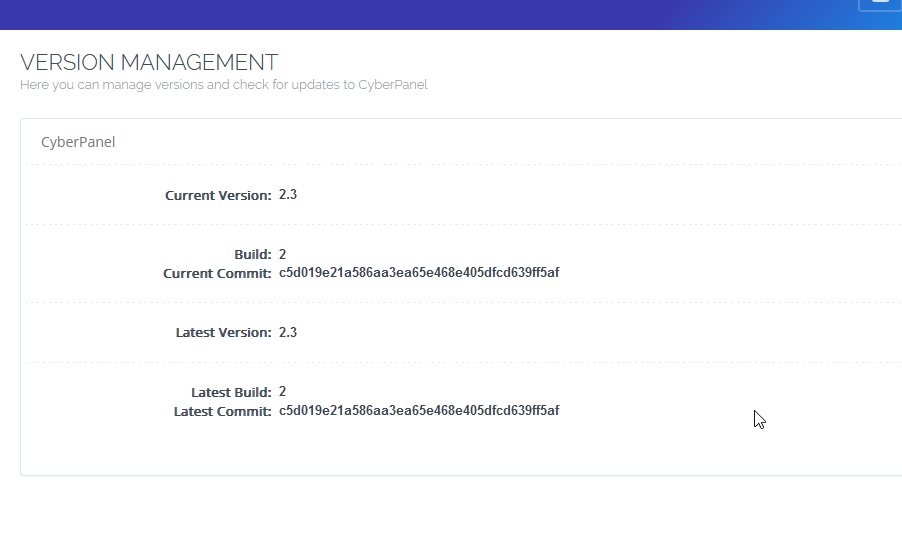
Also post a screenshot of https://SERVER_URL:8090/base/versionManagment
ar
jo
There is definitely something wrong you should probably check mariadb settings for cyberpanel are correct if there is no errors displayed for django side of cyberpanel. The easiest method would be MySQL optimization on CyberPanel - Docs - CyberPanel Community if you are not interested in their services you can do it manually by optimizing your mysql installation
OR (workaround)
Use the CLI to create your website
cyberpanel createWebsite --package Default --owner admin --domainName mytestdomain.org --email support@cyberpanel.net --php 8.1