CyberPanel Community

I can't access HTTP pages

An
Andres #1

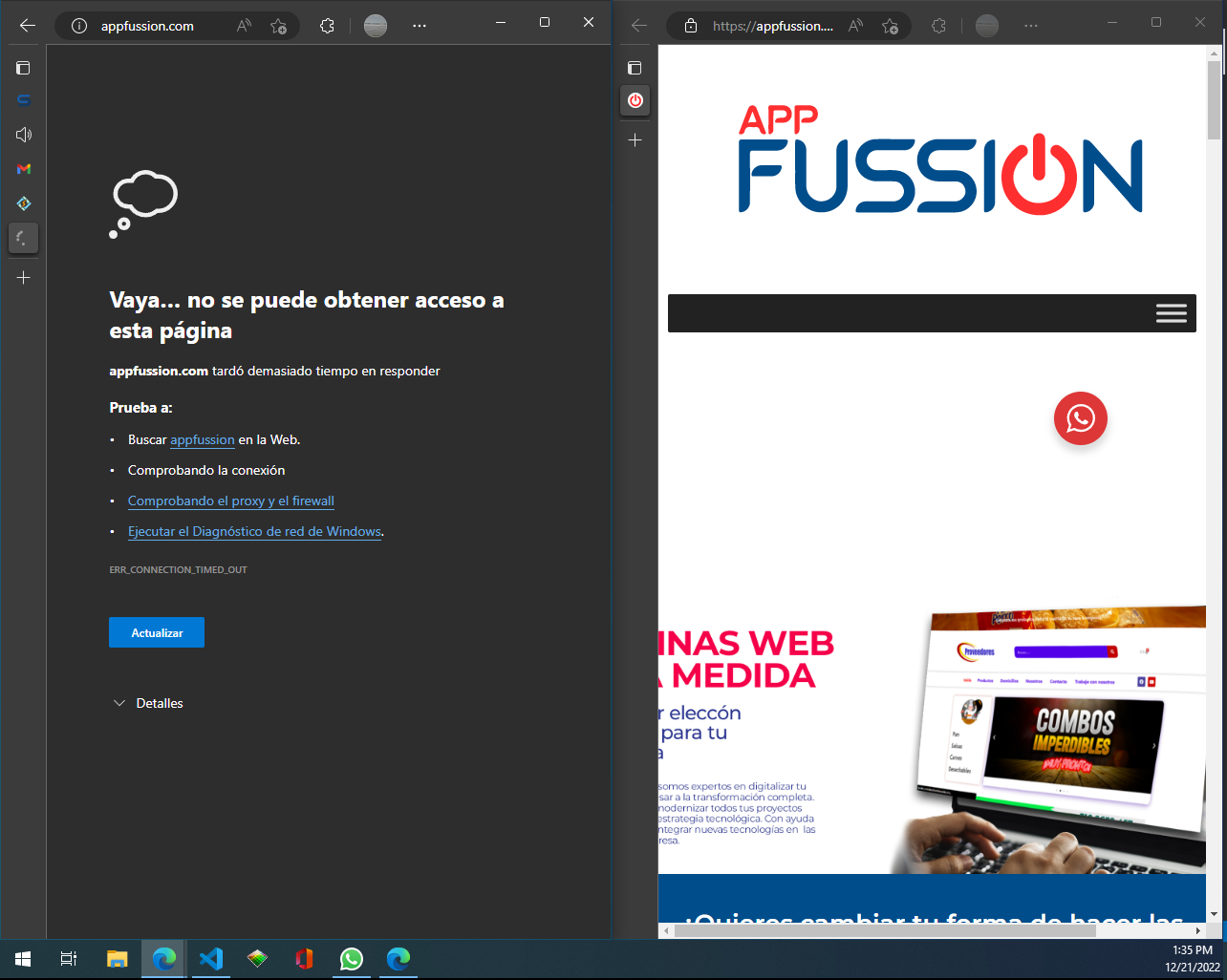
When I installed cyberpanel I could access the websites from http or https, but from one moment to another, I can’t access via http, how can I solve this?

I already verified and port 80 is open and working correctly.

The operating system is Ubuntu server 20.04

Thank you.
17 replies
jo
josephgodwinke #2

Welcome @andres900902 Happy you are here

Post a screenshot of the error you get when you visit the website

jo
josephgodwinke #4

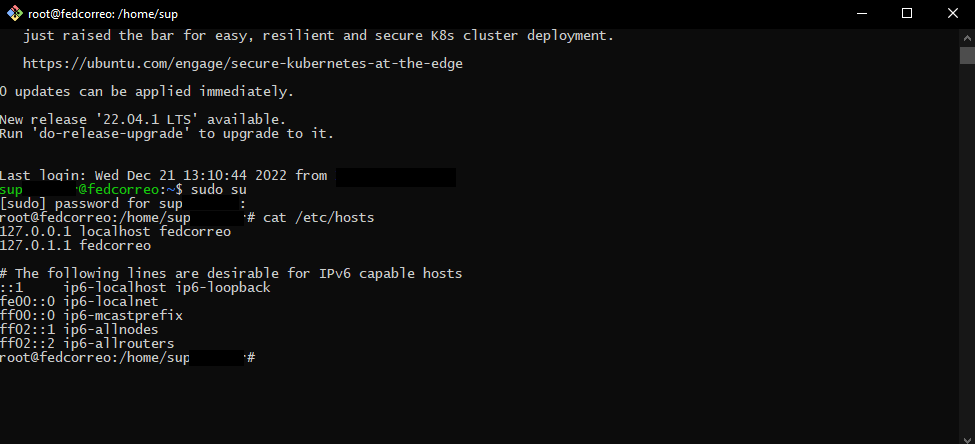
Check your hosts file

cat /etc/hosts

Increase the memory limit of your website

define( 'WP_MEMORY_LIMIT', '800M' );
jo
josephgodwinke #6

Wait website loads up with https but not with www. That is what i have seen. Is this the issue?

An
Andres #7

Yes, is this the issue.

jo
josephgodwinke #8

You need to create a CNAME record for www on your DNS manager at https://cliente.hostgator.com.br/

An
Andres #9

but it doesn’t matter if I put the www or not, it depends if I enter with http or https

jo
josephgodwinke #10

If its https/http issue did you check if you are not forcing ssl in your wordpress website?

  1. Check your wp-config - comment out the ssl directive
  2. check .htaccess - comment out all ssl directives
An
Andres #11

at this moment yes, it is forcing http to https

An
Andres #12

but the strange thing is that I have several sites that are not developed with wordpress and still the same thing happens.

jo
josephgodwinke #13

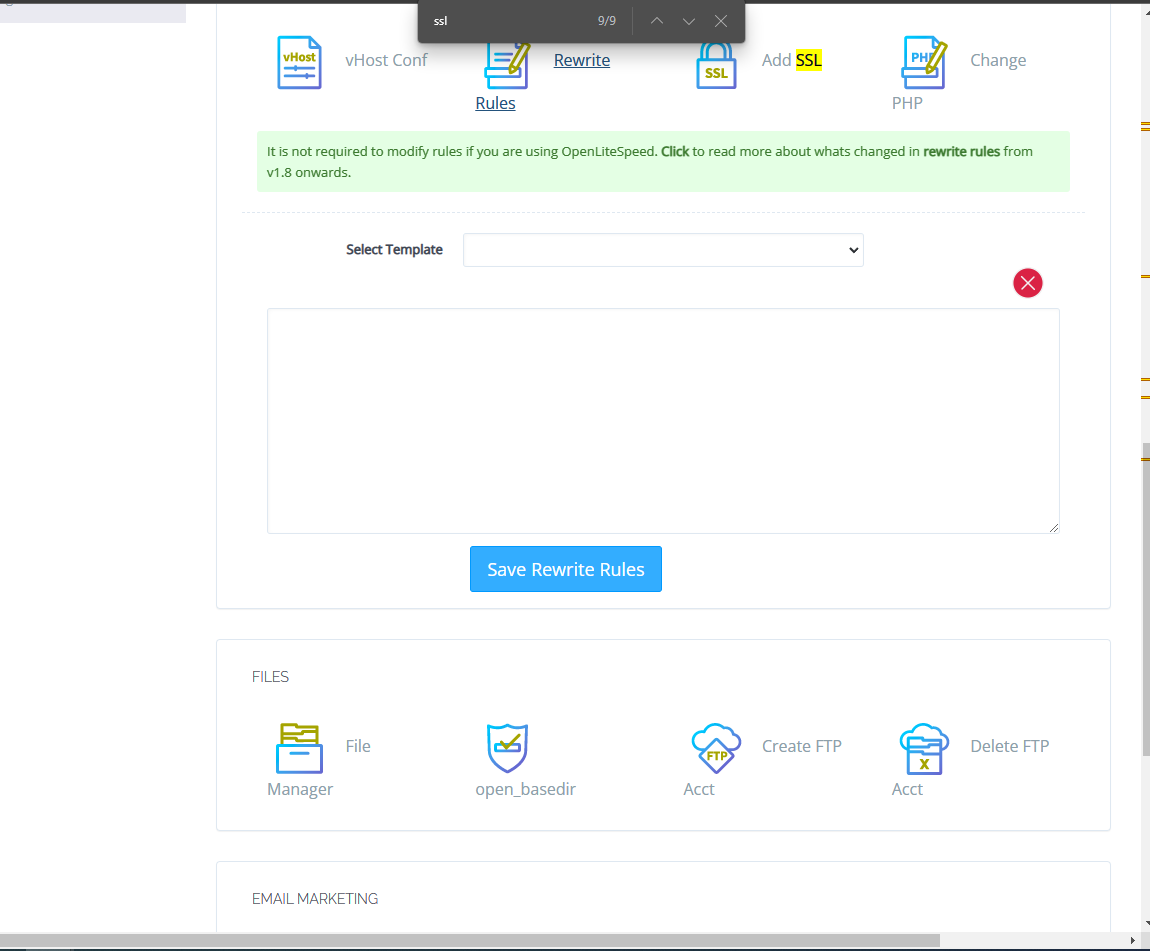
Checkout if you have rewrite rules

jo
josephgodwinke #15

Log into wordpress? You can restart the server

An
Andres #16

I’ll try restarting and see what happens.

Thanks, now I’m commenting.

An
Andres #17

It does not work.

And I just realized that locally, that is to say from the console with the wget command, if it brings up http pages from the same server, and if it works, which makes me think that ubuntu is not allowing external connection via port 80, but I don’t know why. where else to check

jo
josephgodwinke #18

Wrong it does. Assuming you have a local copy of your wordpress website and do not need your mailboxes tied to that domain delete the website completely and setup a new website with that domain. Do not add ssl please

Sign in to reply