CyberPanel Community

My backup schedule Not working and I Set a cyberpanel Cron Job but Nothing Works

rn
ruwan nissanka #1

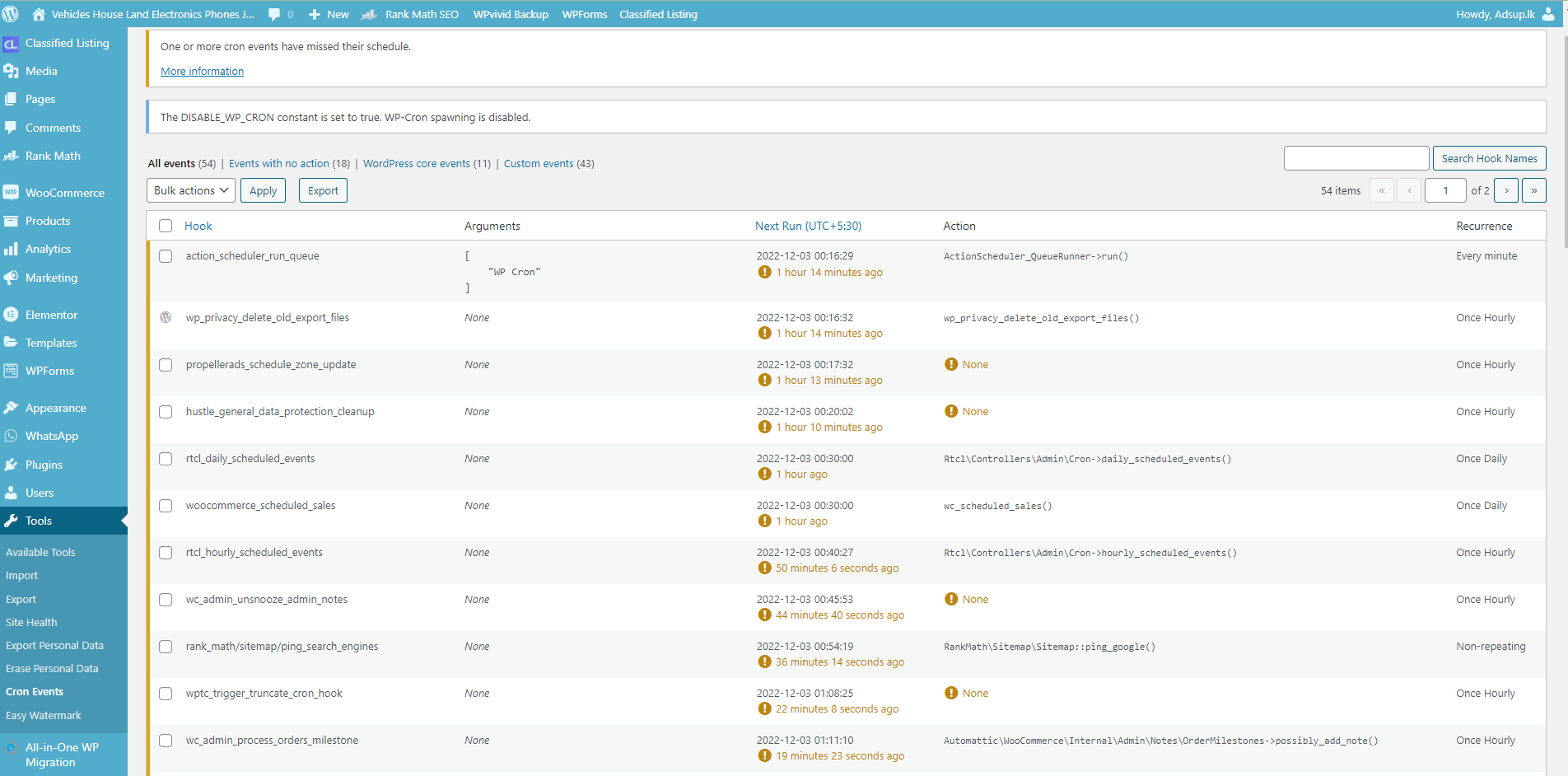
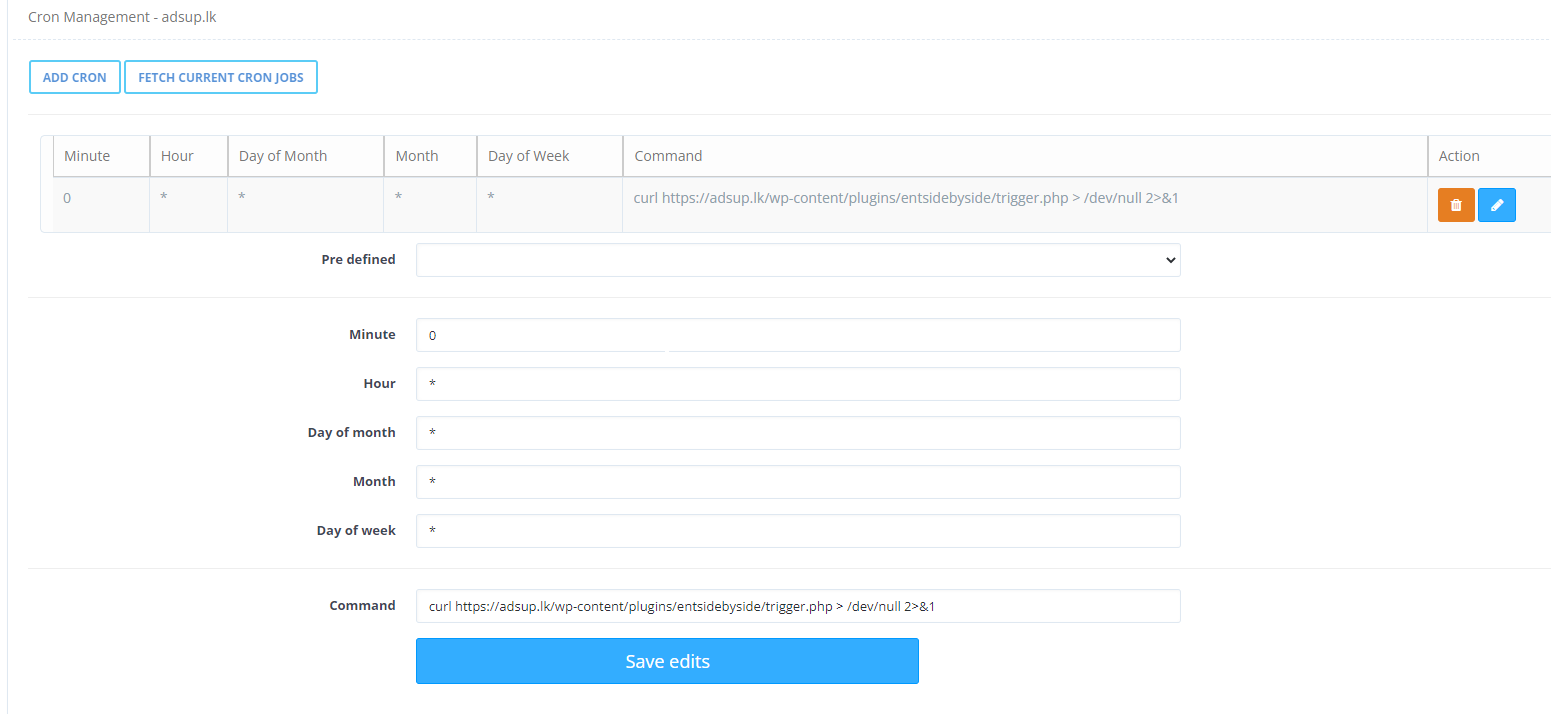
I noticed that my backup plugin was not working, so I checked my events and schedule with the WP Control Plugin, and it was not working, according to my understanding. so I disableed wordpress native cron and add new cron with help of page : I Set a Cron Job but Nothing Works
To be completely honest, I know very little about this code. I need to run my backup plugin every 4 hours. Therefore, if someone can help me, it would be a great help.
5 replies
jo
josephgodwinke #2

Hello @ruwan Happy you are here

wp cron jobs aren’t actual cron jobs therefore for you to run them as actual cronjobs on CYberP start by disabling cronjobs in wordpres if you have identified that they actually do not run.

Add to wp-config.php:

/** WP-Cron has been disabled **/
define('DISABLE_WP_CRON', true);

On cyberpanel:

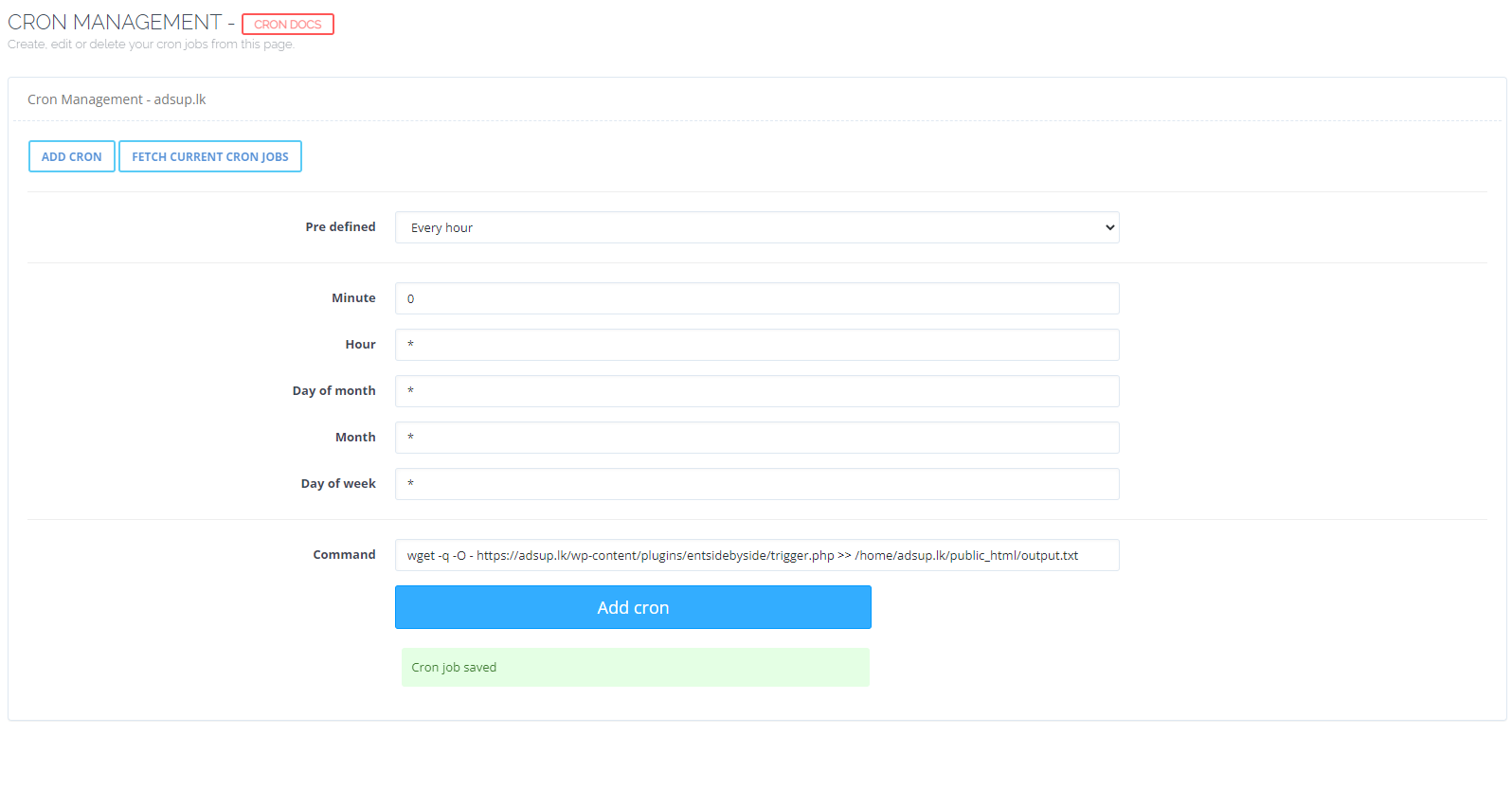
wget -q -O - https://adsup.lk/wp-content/plugins/entsidebyside/trigger.php >> /home/adsup.lk/public_html/output.txt
# or
php https://adsup.lk/wp-content/plugins/entsidebyside/trigger.php  >> /home/adsup.lk/public_html/output.txt

Actually if you run curl https://adsup.lk/wp-content/plugins/entsidebyside/trigger.php there should be an expected output that it works before you create a cronjob.

rn
ruwan nissanka #3

[quote=“josephgodwinke, post:2, topic:38570”]
wget -q -O - https://adsup.lk/wp-content/plugins/entsidebyside/trigger.php >> /home/adsup.lk/public_html/output.txt
[/quote] Thank you for replying to me to help … I define(‘DISABLE_WP_CRON’, true); This code already added… If i add corn job like this is that ok?

jo
josephgodwinke #4

Have you checked to see if it is running as expected try run it every sec

rn
ruwan nissanka #6

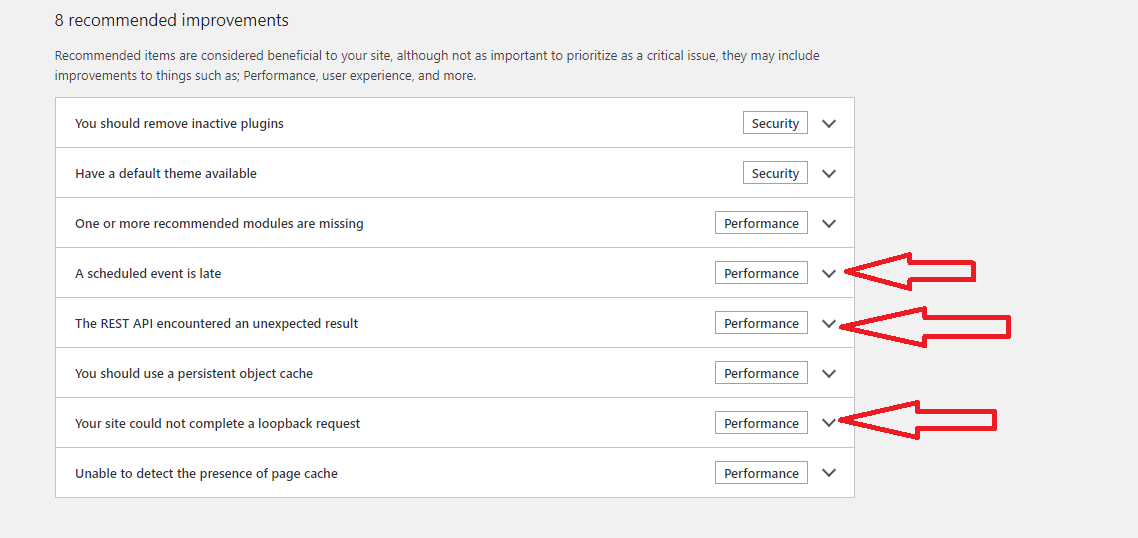
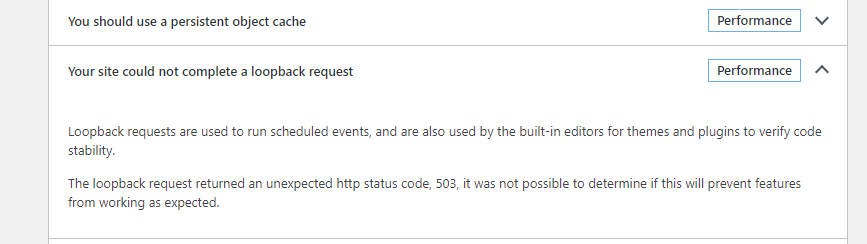
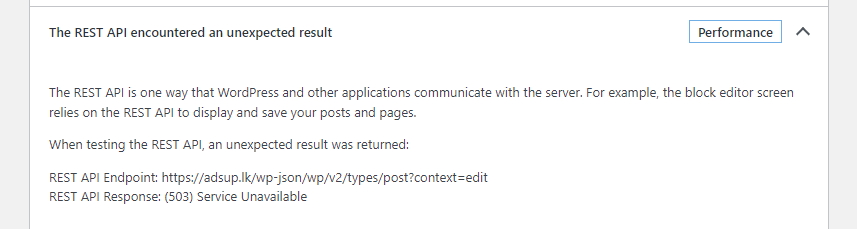
After I bypassed the Cloudflare Proxy, these 3 health suggestions are gone…

Sign in to reply