fs
fsi
#1
 Community
Hello @fsi Happy you are here
You need to create a symbolic link to whichever version you need e.g.
ln -s /usr/bin/php /usr/local/lsws/lsphp74/bin/php
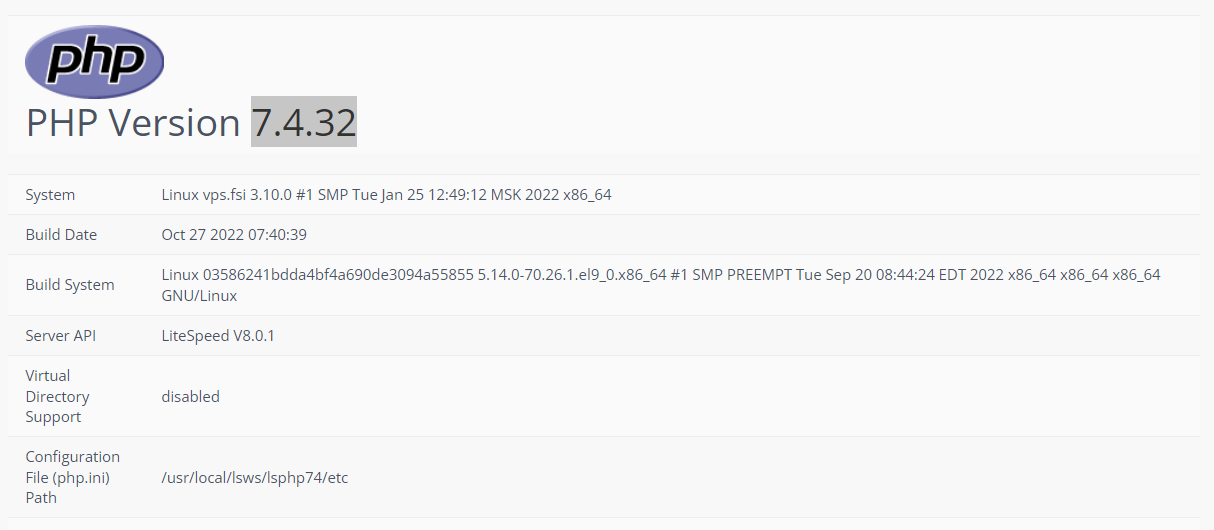
This sets default php for CyberPanel installation as 7.4.32
the link is already created
cp -f /usr/local/lsws/lsphp74/bin/php /usr/bin/ and restart php
It does not work friend, the site is using PHP 7.4 but the commands given in the terminal are interpreted by an older version of PHP, it seems to me that cyberpanel is forcing the system to use a different version in the terminal than the version that is set as default on the site
Run
sh <(curl https://raw.githubusercontent.com/tbaldur/cyberpanel-mods/main/phpmod.sh || wget -O - https://raw.githubusercontent.com/tbaldur/cyberpanel-mods/main/phpmod.sh)
won’t this command harm the other applications I have on my server?
I just want the PHP in the terminal to change to version 7.4 because in the terminal it’s like 7.1 but I want to keep each web application running like it is today, with the php configured by the cyberpanel
INFO: the php symbolic link already points to php74
Then it means this is solved and you have php 7.4 as default on terminal