
Community

Closed This site can’t be reached

MA
Malik Aamir Ali #1

Hi Every one
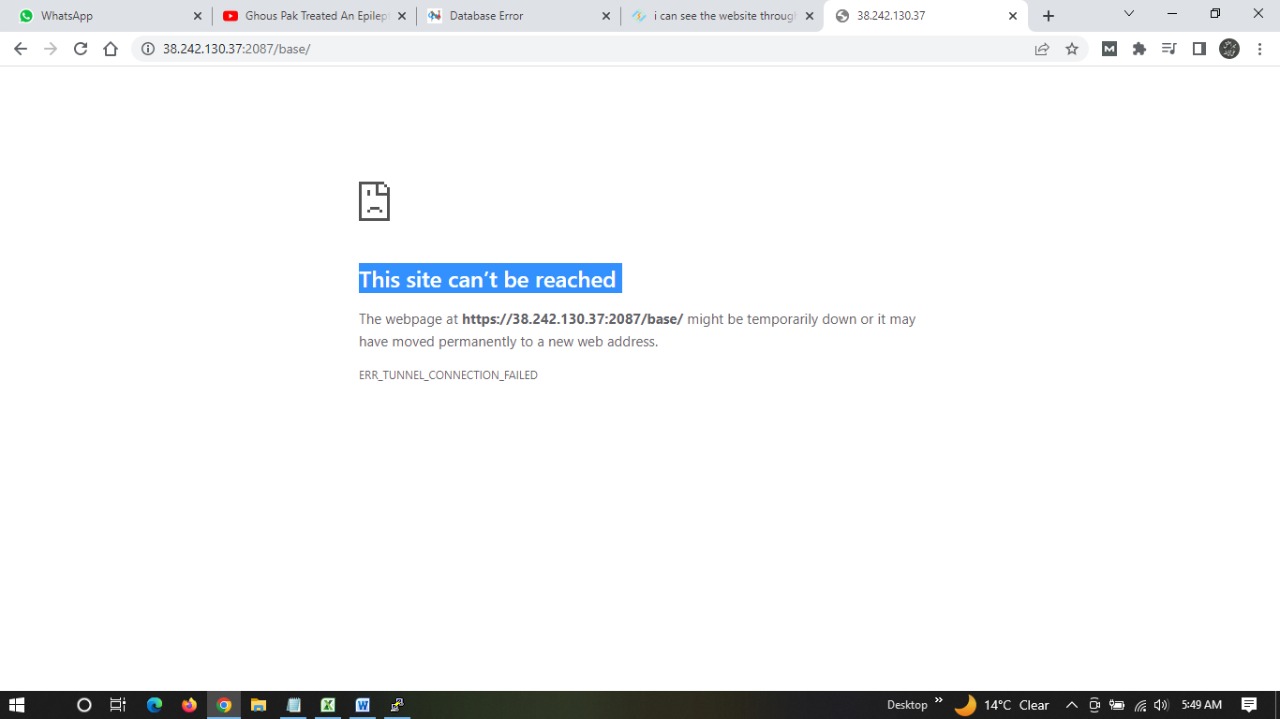
This site can’t be reached

The webpage at https://38.242.130.37:2087/base/ might be temporarily down or it may have moved permanently to a new web address.

ERR_TUNNEL_CONNECTION_FAILED
after update
sh <(curl https://raw.githubusercontent.com/usmannasir/cyberpanel/stable/preUpgrade.sh || wget -O - https://raw.githubusercontent.com/usmannasir/cyberpanel/stable/preUpgrade.sh)

then error shwoing

2022-11-13 01:41:29 (14.6 MB/s) - ‘upgrade.py’ saved [108900/108900]

Traceback (most recent call last):
File “/usr/local/CyberPanel/lib/python3.6/site-packages/MySQLdb/init.py”, line 18, in
from . import _mysql
ImportError: libmariadb.so.3: cannot open shared object file: No such file or directory

During handling of the above exception, another exception occurred:

Traceback (most recent call last):
File “upgrade.py”, line 14, in
import MySQLdb as mysql
File “/usr/local/CyberPanel/lib/python3.6/site-packages/MySQLdb/init.py”, line 24, in
version_info, _mysql.version_info, _mysql.file
NameError: name ‘_mysql’ is not defined
above command failed…

MA
Malik Aamir Ali #2

systemctl stop firewalld
sudo systemctl stop firewalld

firewall-cmd --add-service=ftp
firewall-cmd --add-service=http
firewall-cmd --add-service=https
firewall-cmd --zone=public --add-port=8090/tcp
after same issue

MA
Malik Aamir Ali #3

sudo yum update
sudo service lsws restart
yum -y update && yum -y upgrade
reboot
same error

This site can’t be reached

MA
Malik Aamir Ali #4

Error establishing a database connection

few site showing error
few site active
hi ever one any solution

NK
Nitesh Kunnath #5

your mysql server maybe down. Please check the same.
Are you able to login to cyberpanel?

Check if your server storage is not full.

MA
Malik Aamir Ali #6
          total        used        free      shared  buff/cache   available

Mem: 7.6G 367M 5.0G 562M 2.3G 6.4G
Swap: 2.0G 0B 2.0G

Current Disk usage : 47/47GB (100%). storage full, any solution

NK
Nitesh Kunnath #7

Run this command in ssh and see which folder is using the highest storage

du -hsx /* | sort -rh | head -10

Then see what files are consuming more storage and if its cache related or temporary files, you can remove those to free up space.

This topic is closed to new replies.