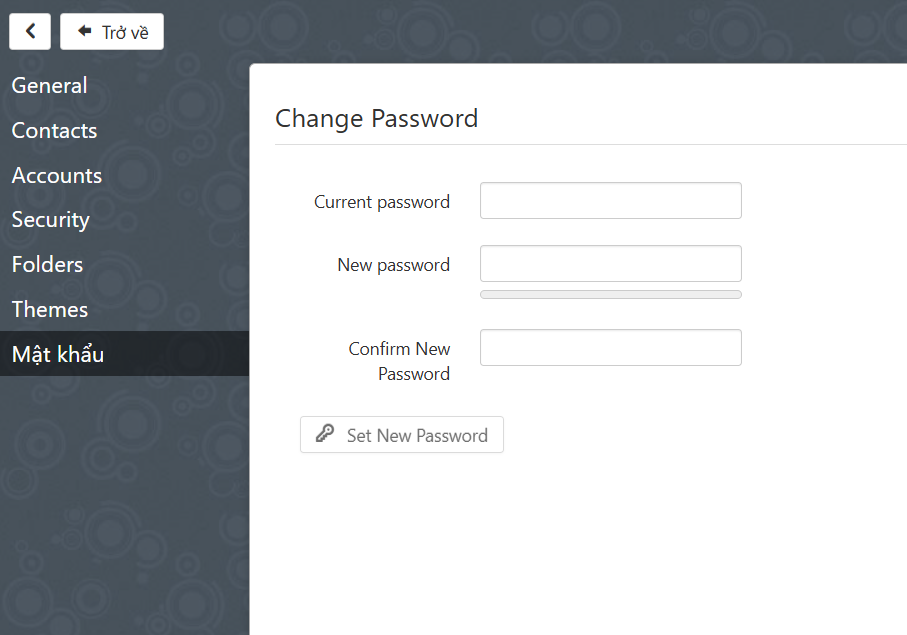
CyberPanel uses Snappymail and the ChangePassword feature (now re-implemented as plugin) was removed from core.
However, you can install Change Password plugin which adds change password capability to webmail.
Install the Change Password plugin
- Run in SSH Terminal
$ cd /usr/local/lscp/cyberpanel/rainloop/data/_data_/_default_/plugins && wget https://github.com/josephgodwinkimani/cyberpanel-mods/raw/main/change-password.zip && unzip change-password.zip && rm -f change-password.zip
-
Login to SnappyMail as admin
https://SERVER_URL/snappymail/?admin -
Go to
https://SERVER_URL/snappymail/?admin#/packagesactivate Change Password plugin -
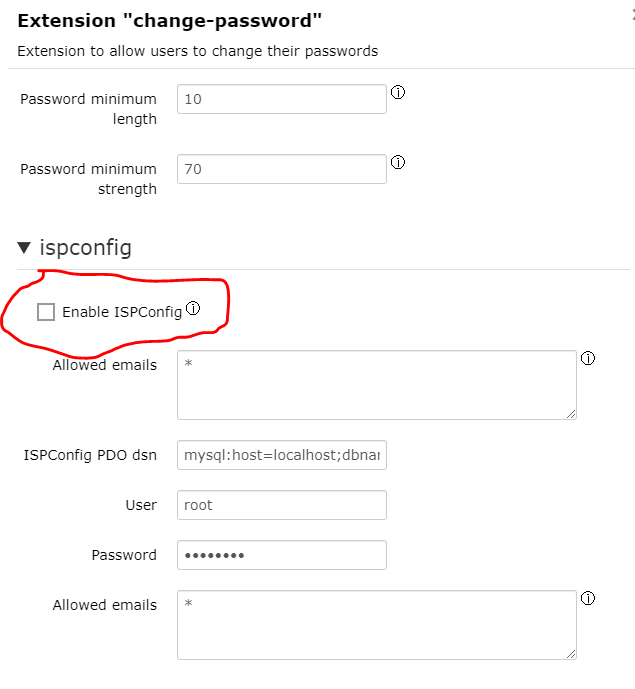
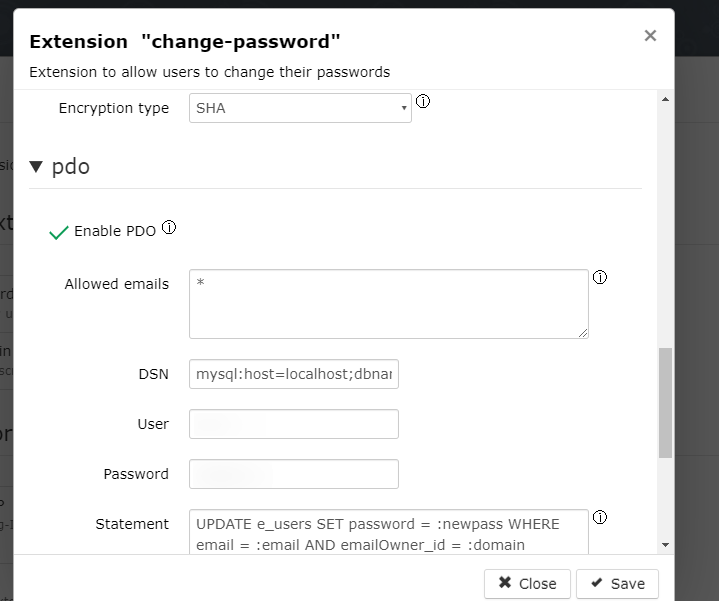
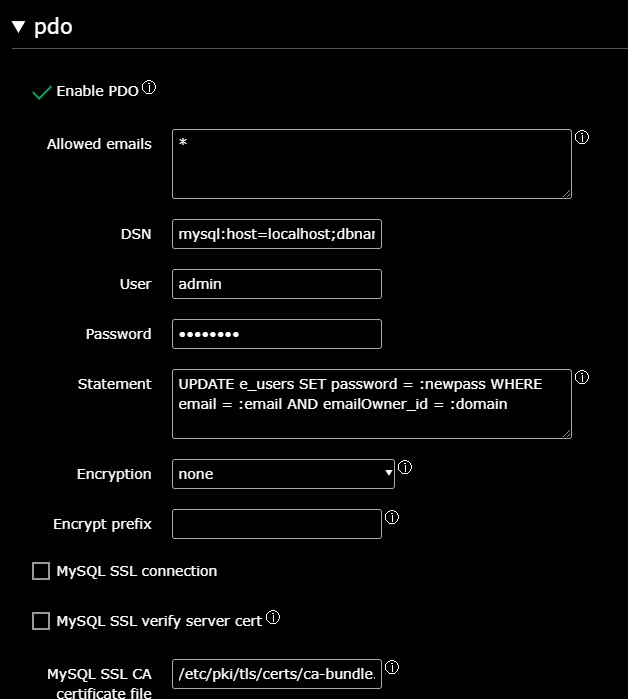
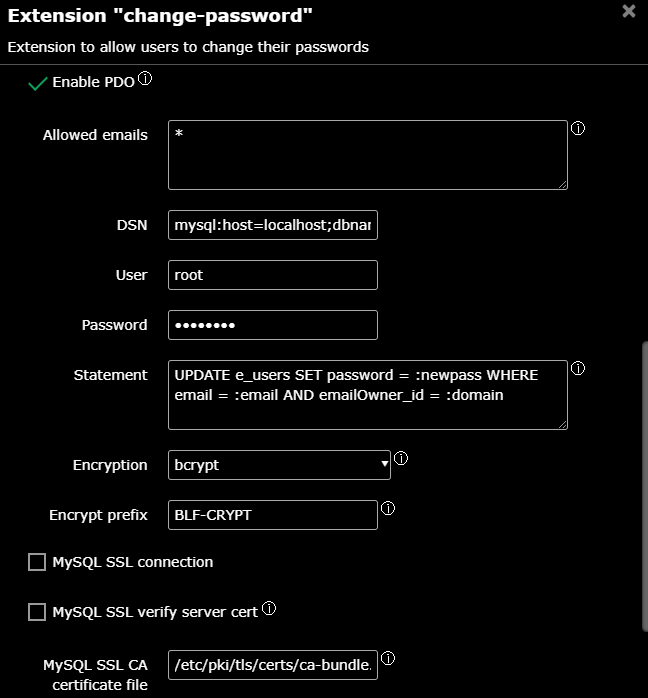
Press the gear icon besides the title of plugin and add the mariadb root and password from
nano /usr/local/CyberCP/CyberCP/settings.pyCTRL+W (search for)DATABASES = -
Change mysql statement to
UPDATE e_users SET password = :newpass WHERE email = :email AND emailOwner_id = :domain -
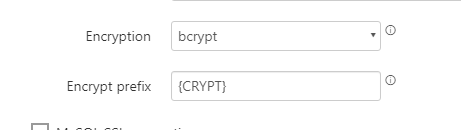
Under Encrypt options
In what way do you want the passwords to be encrypted?choose bcrypt and prefix as{CRYPT}(Optional encrypted password prefix, like {ARGON2I} or {BLF-CRYPT} or {SHA512-CRYPT}) -
Change DSN from
mysql:host=localhost;dbname=snappymail;charset=utf8tomysql:host=localhost;dbname=cyberpanel;charset=utf8
Now the plugin is ready to activate. Activate it and test it will a mailbox user.