Community

SSL certificate error

lu
lucas #1

Install the certificate correctly. You could only enter my certified website by searching for “https://freedomk.art” if you searched as “freedomk.art” or “www.freedomk.art” it opened as a non-secure site, that is, without certification. What I did was make a new rule and add these two lines of code that redirect the traffic from http to https.

RewriteCond %{SERVER_PORT} ^80$
RewriteRule .* https://%{SERVER_NAME}%{REQUEST_URI} [R=301,L]

now the secure site does not open directly for me, not even searching for “https://freedomk.art” I mean, it always opens it without certification, but in the cyber panel it appears that I have more than 3700 days with the active certificate
si
si668p #2

same here

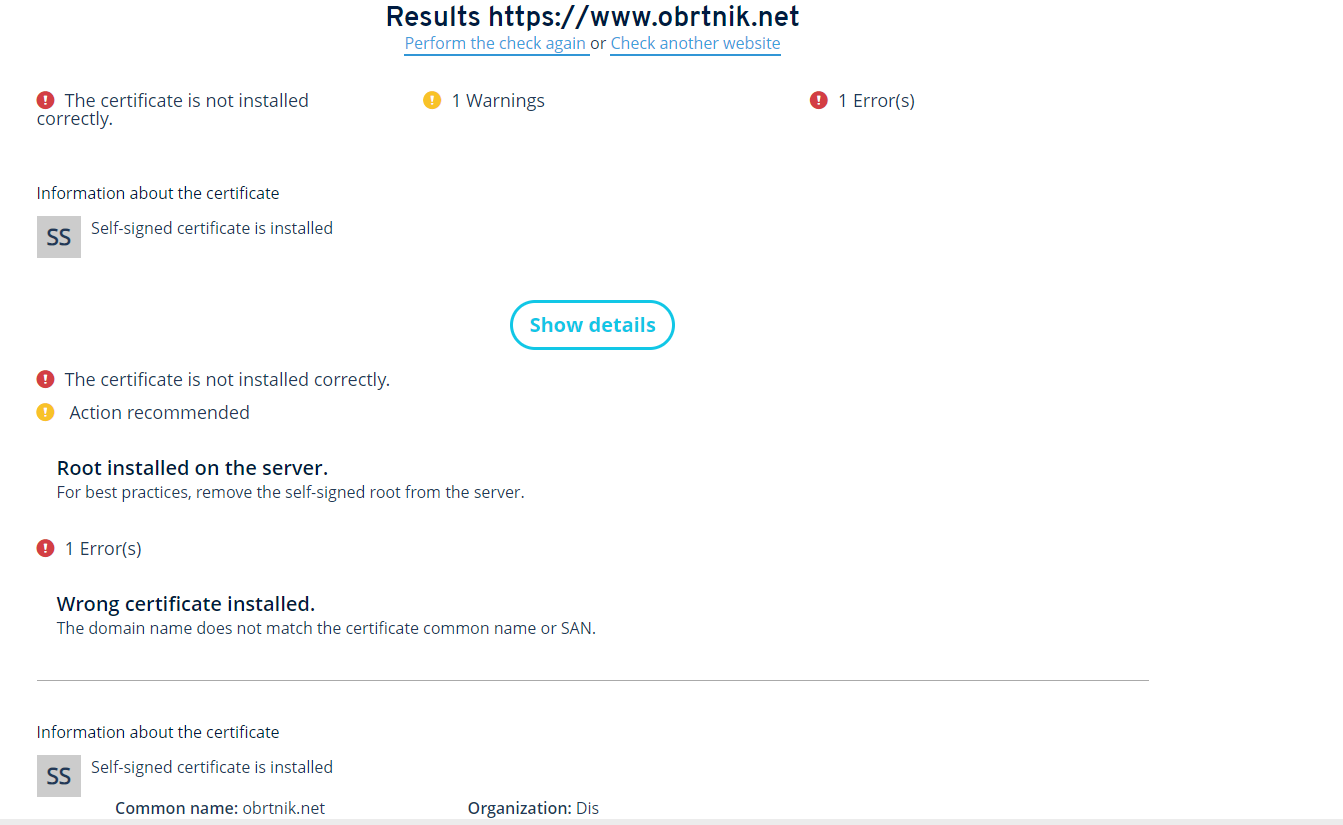
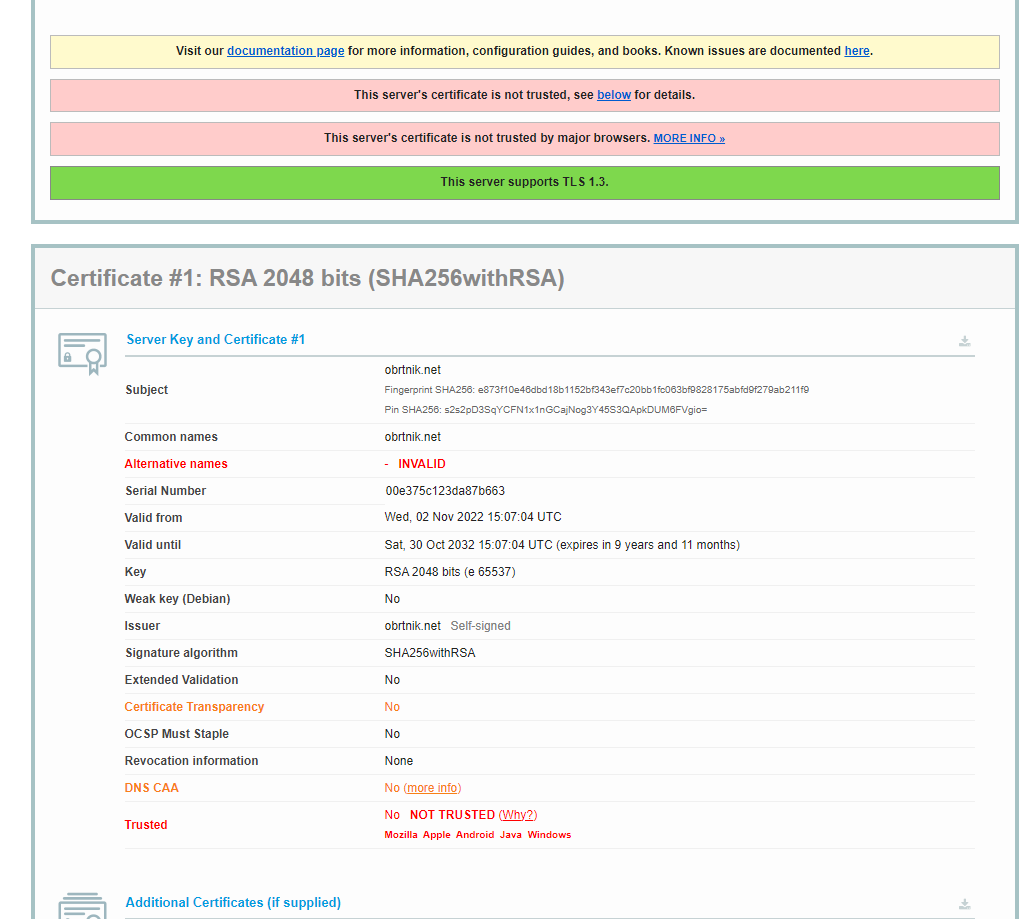
NET::ERR_CERT_AUTHORITY_INVALID

si
si668p #4

i want to share results but cannot…this forum wont let me

jo
josephgodwinke #5

Take a screenshot and upload it here or just copy paste what you see

lu
luckyrajpurohit #6

The issued SSL is self-signed SSL. Run the SSL command with --debug option.
You can copy SSL command from /home/cyberpanel/something.log.

If you will have successfully issue an SSL restart the webserver by “service lsws restart” command otherwise check the reason of not accessing file written by SSL command

jo
josephgodwinke #8

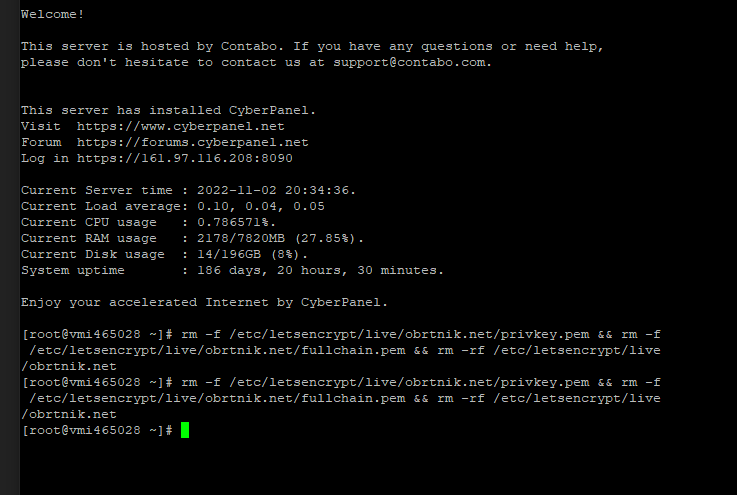
Let’s remove the ssl certificate

$ rm -f /etc/letsencrypt/live/obrtnik.net/privkey.pem && rm -f /etc/letsencrypt/live/obrtnik.net/fullchain.pem 

and reinstall it through CyberPanel:

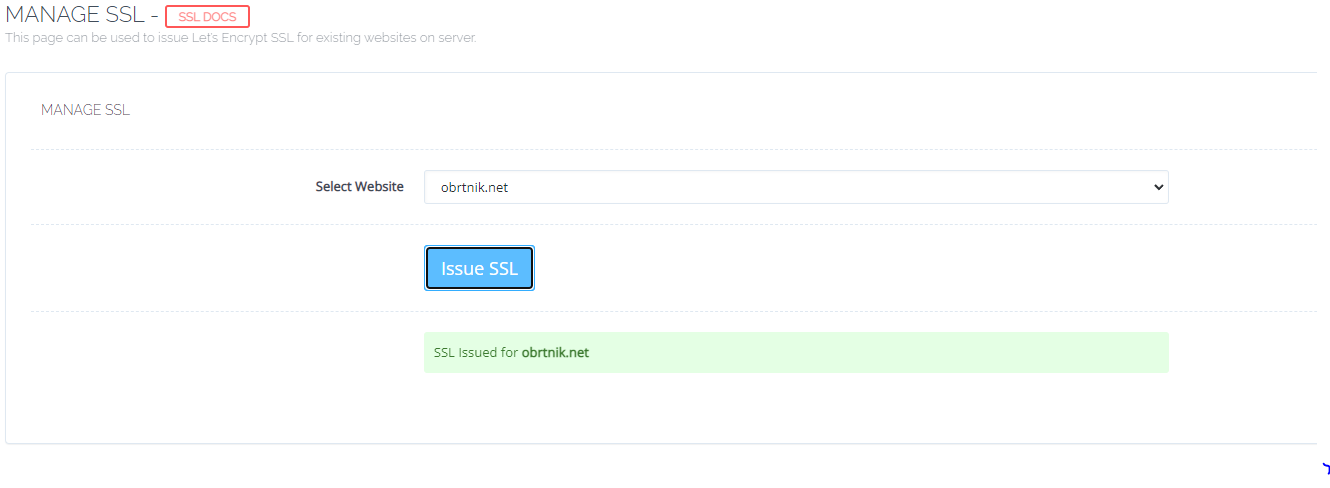
  1. Go to https://SERVER_URL:8090/manageSSL/manageSSL
  2. Choose obrtnik.net
  3. Click on Issue SSL
si
si668p #9

removal does not work

jo
josephgodwinke #10

What is the error on your terminal

si
si668p #12

its on centos 7

jo
josephgodwinke #13

Run ls /etc/letsencrypt/live/

si
si668p #14

image

jo
josephgodwinke #20

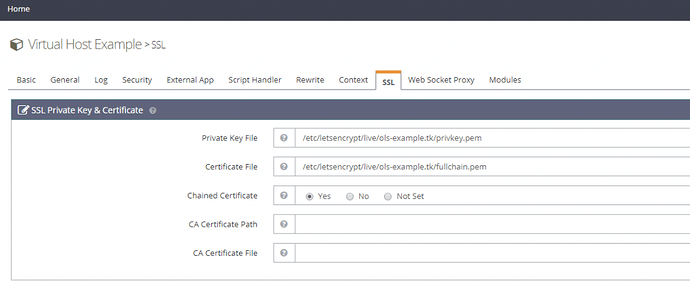
You need to remove private keys and certificates at the Virtual Host Level


Then you delete all private keys and certificates for respective website and hostname from server:

$ rm -f /etc/letsencrypt/live/obrtnik.net/privkey.pem && rm -f /etc/letsencrypt/live/obrtnik.net/fullchain.pem

$ rm -f /etc/letsencrypt/live/server.obrtnik.net/privkey.pem && rm -f /etc/letsencrypt/live/server.obrtnik.net/fullchain.pem

$ rm -f /etc/letsencrypt/live/mail.obrtnik.net/privkey.pem && rm -f /etc/letsencrypt/live/mail.obrtnik.net/fullchain.pem

Then resissue the CyberPanel way:

  1. Go to https://server.obrtnik.net:8090/manageSSL/sslForHostName
  2. Choose obrtnik.net
  3. Click on Issue SSL

do the same for hostname: https://server.obrtnik.net:8090/manageSSL/sslForHostName

Sign in to reply