
Ak
Closed Server Error (500) - No Access To 8090 Panel

jo
Hello @stay, Happy to have you
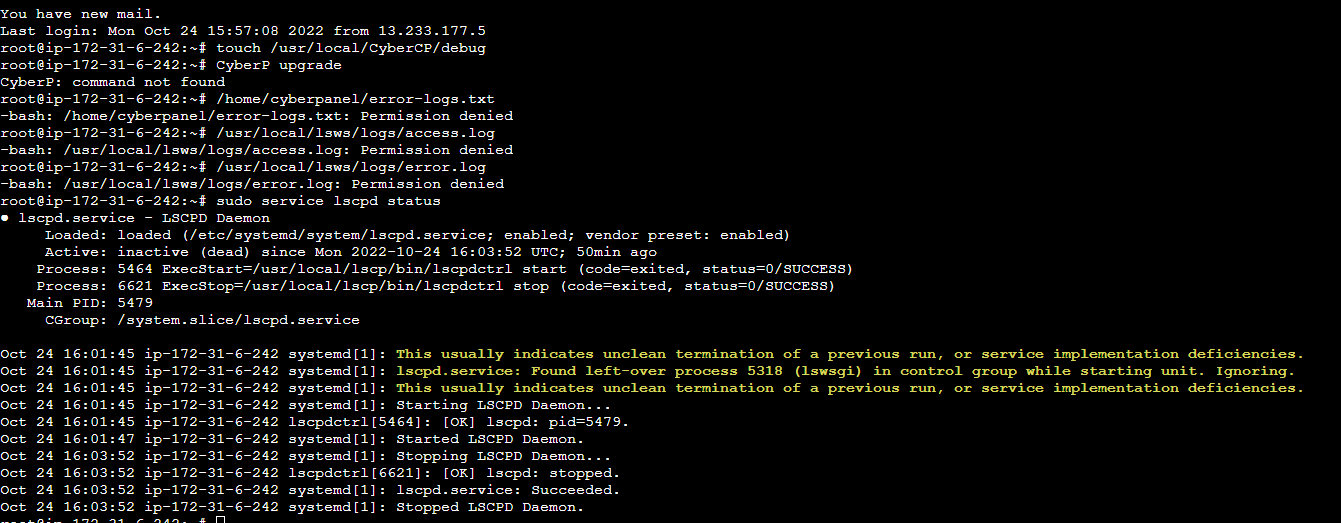
- Run command touch /usr/local/CyberCP/debug, this will start generating more debug logs
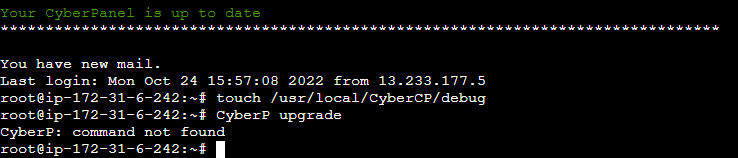
- Run CyberP upgrade
- Post the contents of your
/home/cyberpanel/error-logs.txt,/usr/local/lsws/logs/access.logand/usr/local/lsws/logs/error.log - Post the contents of the service status:
$ sudo service lscpd status
Ak
jo
Try upgrade the installation by running this command:
sh <(curl https://raw.githubusercontent.com/usmannasir/cyberpanel/stable/preUpgrade.sh || wget -O - https://raw.githubusercontent.com/usmannasir/cyberpanel/stable/preUpgrade.sh)
Ak

jo
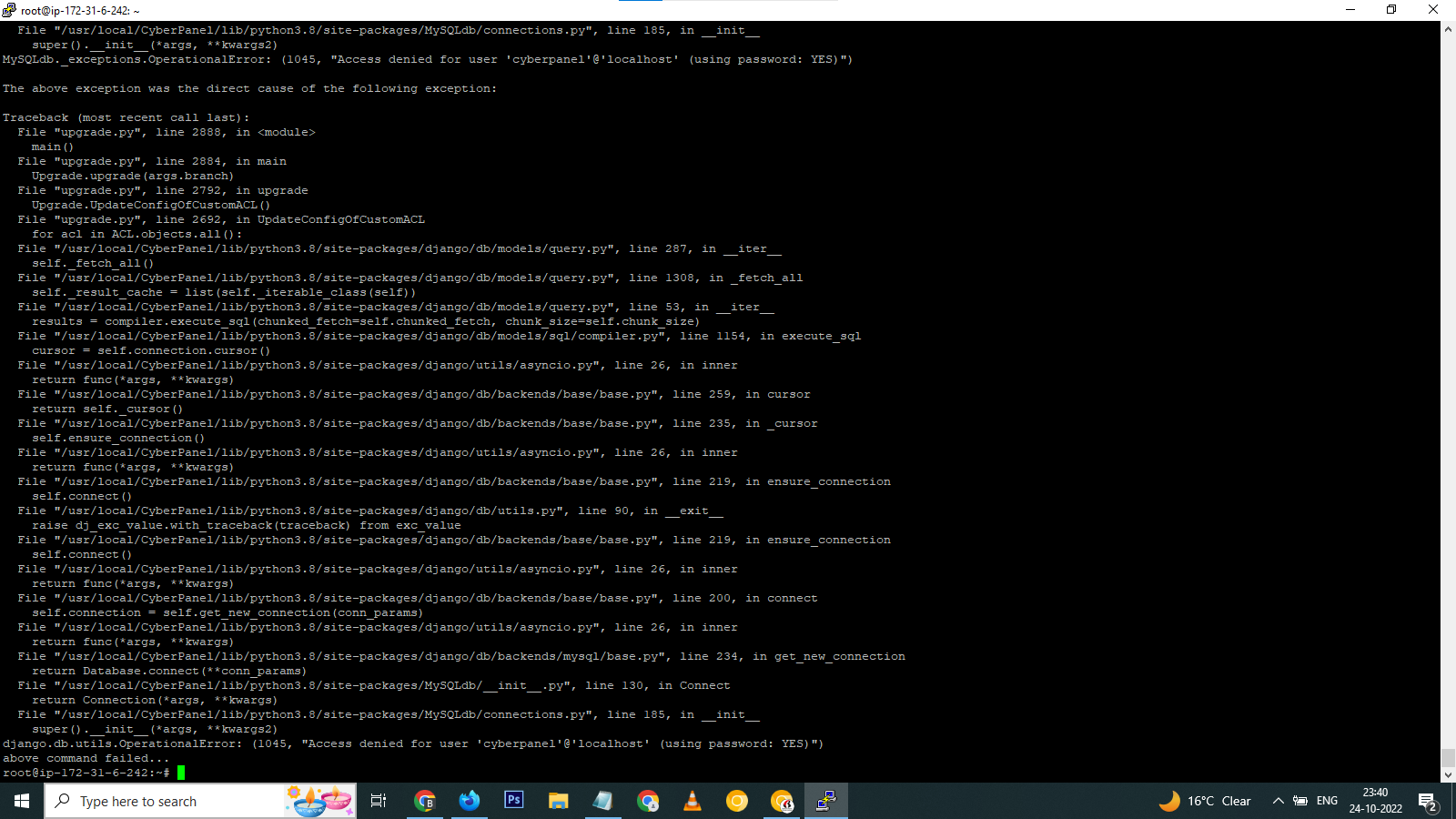
Seems like upgrade bash file cannot find your cyberpanel password. To change cyberpanel password, use this:
mysql -u root -p
Login to mysql root using the root password you will see here - /etc/cyberpanel/mysqlPassword
once logged in, you can use this command to change cyberpanel password
ALTER USER 'cyberpanel'@'localhost' IDENTIFIED BY 'NEW_USER_PASSWORD';
The output will show something like this
Query OK, 0 rows affected (0.00 sec)
Run systemctl restart lscpd && sh <(curl https://raw.githubusercontent.com/usmannasir/cyberpanel/stable/preUpgrade.sh || wget -O - https://raw.githubusercontent.com/usmannasir/cyberpanel/stable/preUpgrade.sh)
Ak
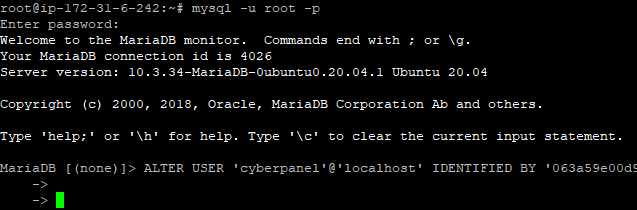
After running the password change command i didn’t get any output
jo
Run the command with semi-colon at the end:
ALTER USER 'cyberpanel'@'localhost' IDENTIFIED BY 'NEW_USER_PASSWORD';
Ak
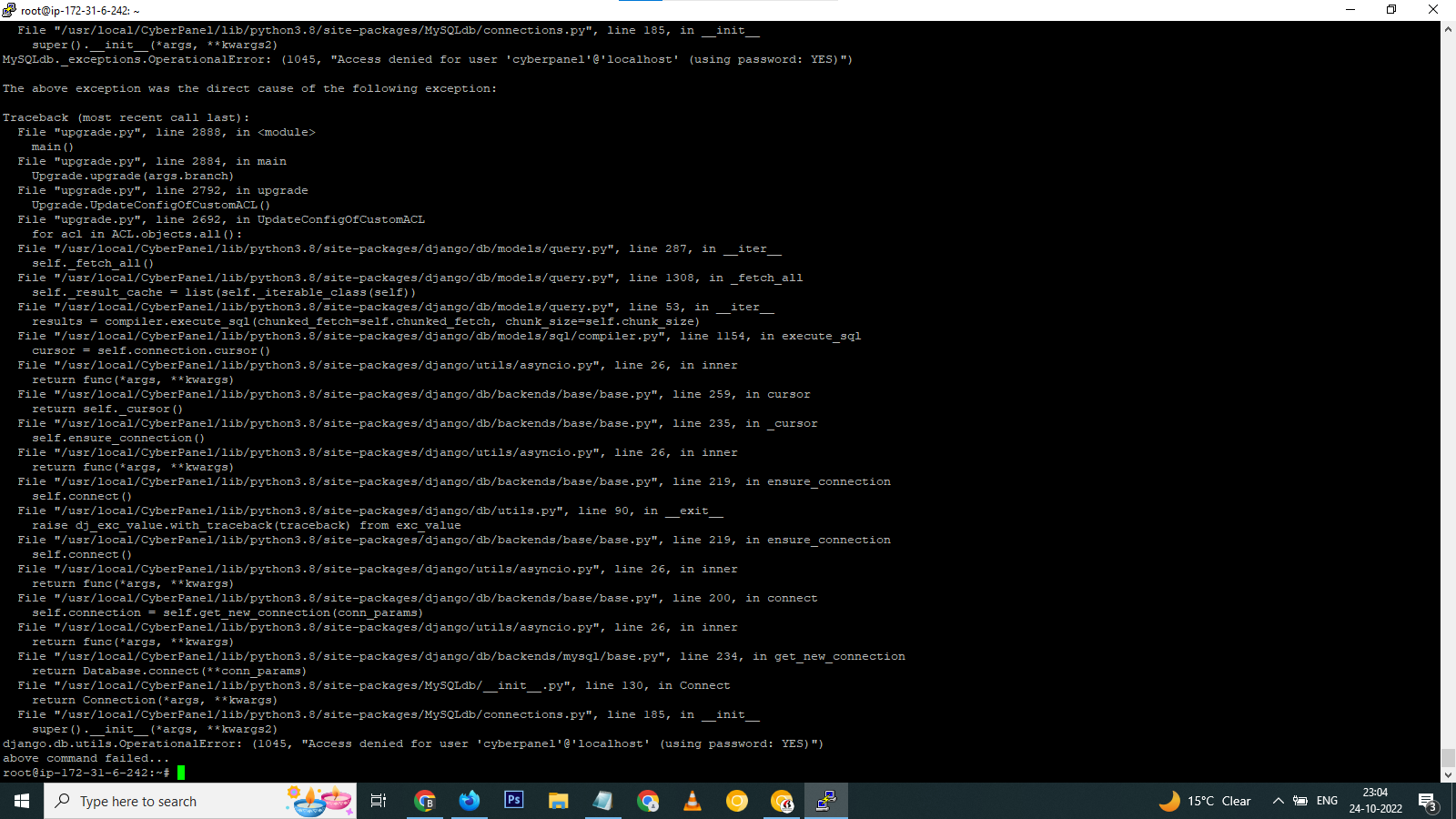
After changing root password and running the update command. Still getting this same error. You can use anydesk for access the server and find the error.
I think after few more messages, then I’m not allowed to reply any more and I’m facing this issue from morning but still not able to find the issue.
I have a request you to find any way to resolve the issue.
jo
josephgodwinke
#10
Before that real quick run this command and post contents here: nano /usr/local/lsws/logs/error.log
Ak
Abhishant kumar
#11

jo
josephgodwinke
#12
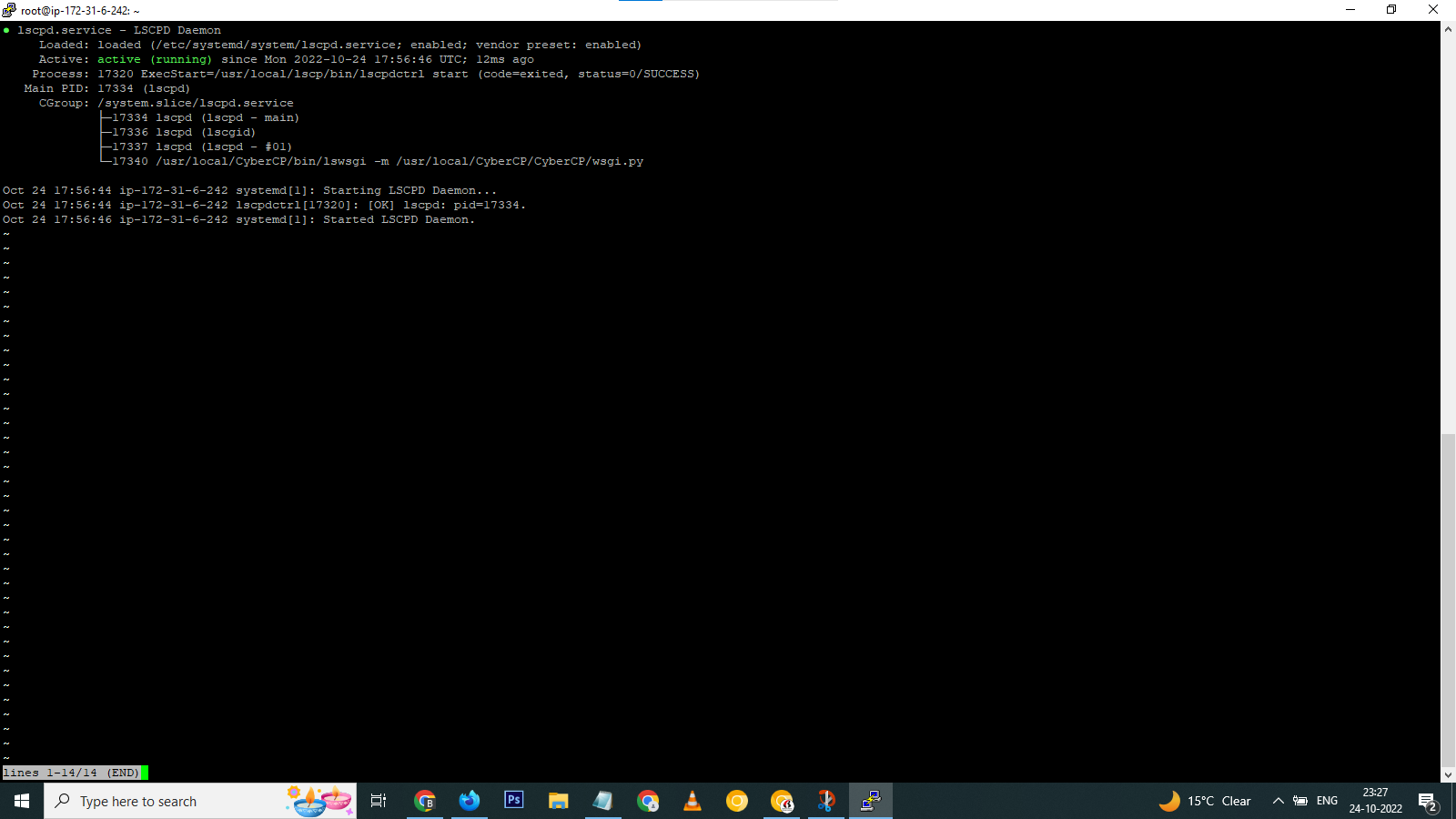
Try start the Cyberpanel service
service lscpd restart && service lscpd status
Ak
Abhishant kumar
#13
jo
josephgodwinke
#14
Good news! Run sh <(curl https://raw.githubusercontent.com/usmannasir/cyberpanel/stable/preUpgrade.sh || wget -O - https://raw.githubusercontent.com/usmannasir/cyberpanel/stable/preUpgrade.sh)
Post the result here
Ak
Abhishant kumar
#15
jo
josephgodwinke
#16
Use the same password you used above to change MySQL cyberpanel password
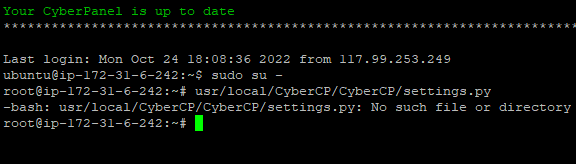
Run this command nano /usr/local/CyberCP/CyberCP/settings.py
CTRL+W paste this DATABASES =
Change the password under this line:
DATABASES = {
    'default': {
        'ENGINE': 'django.db.backends.mysql',
        'NAME': 'cyberpanel',
        'USER': 'cyberpanel',
        'PASSWORD': 'changethispassword',
        'HOST': 'localhost',
        'PORT':''
    },
Finally run systemctl restart lscpd
Ak
Abhishant kumar
#17
jo
josephgodwinke
#18
I updated the post. Start over
Ak
Abhishant kumar
#19

jo
josephgodwinke
#20
Run nano /usr/local/CyberCP/CyberCP/settings.py
This topic is closed to new replies.