CyberPanel Community

Update Redis from 5.0.3 to the latest 7.0.4

Ma
Master3395 #1

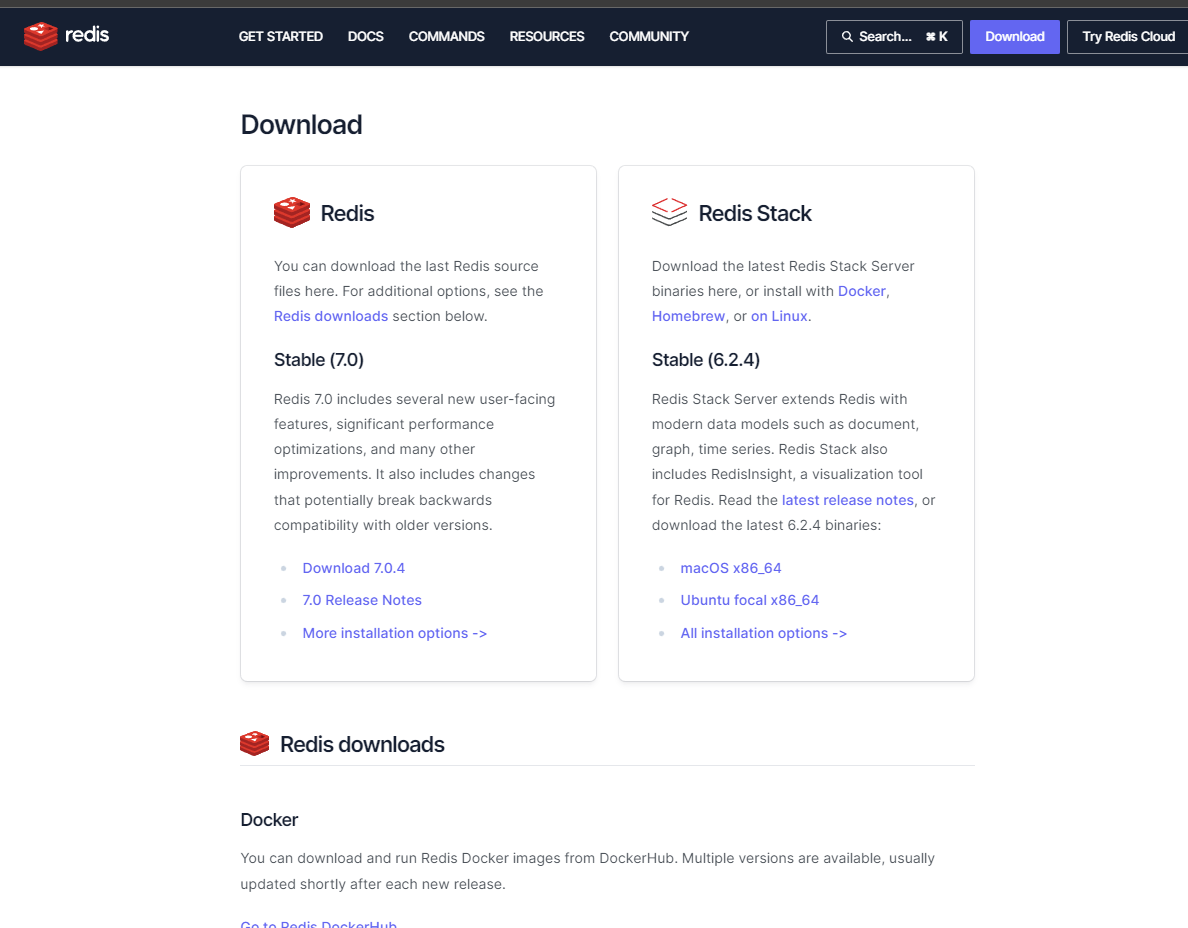
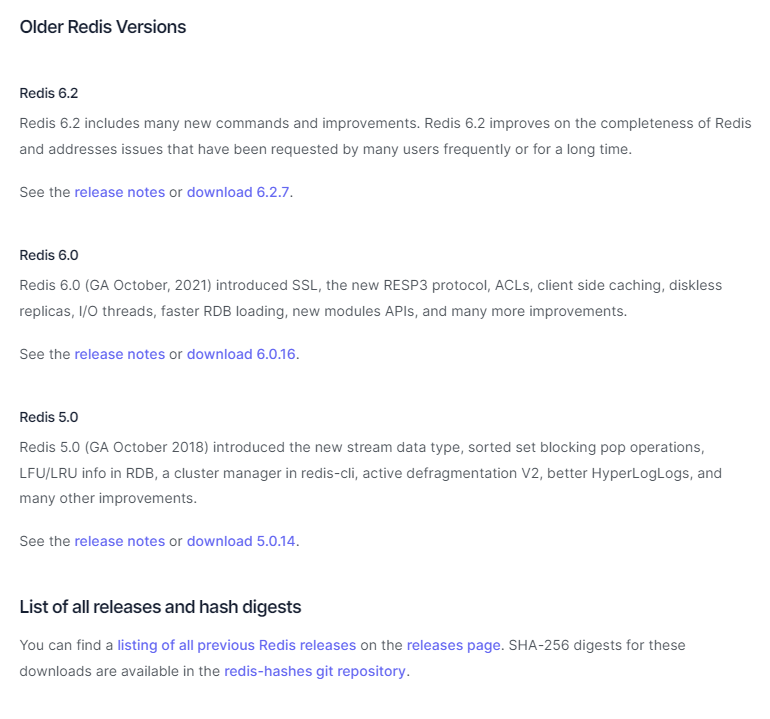
At this time the current Redis version below is quite out of date.
It should be updated to the latest if possible.
Redis server v=5.0.3 sha=00000000:0 malloc=jemalloc-5.1.0 bits=64 build=14b81d825631ff0c
10 replies
sh
shoaibkk #2

Cyberpanel dev team will check this

Ma
Master3395 #4

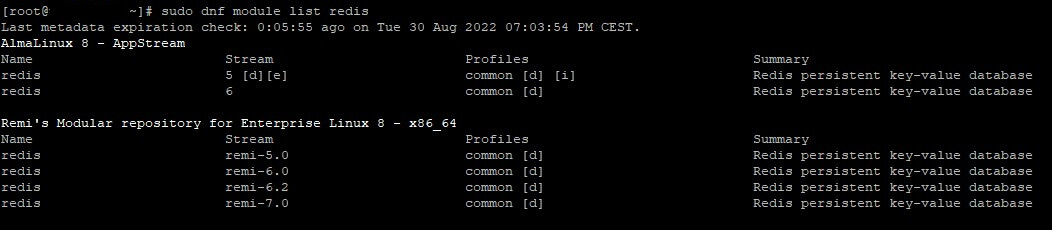
That instruction does not work with AlmaLinux 8.6
Tutorial around the internet tells me to uninstall redis and install latest.

tb
tbaldur #6

DISCLAIMER: Not tested at all

To v6, repos, almalinux 8.6:

systemctl stop redis && \
dnf module reset redis -y && \
dnf module enable redis:6 -y && \
dnf install redis -y && \
systemctl start redis

To v7, source, almalinux 8.6 (reboot to properly refresh the new bin files):

systemctl stop redis && \
wget https://download.redis.io/redis-stable.tar.gz && \
tar -xzvf redis-stable.tar.gz && \
cd redis-stable && \
make -j && \
make install -j && \
reboot
Ma
Master3395 #7

I might have found an easier way for 6 at least.

It would insinuate that you already installed redis from CyberPanel*

dnf module reset redis
dnf install @redis:6
sudo dnf module enable redis:6
dnf distro-sync
redis-server -v
Restart project(s) you use redis in.
tb
tbaldur #8

Good finding, using remi repo you can then do this for redis 7:

dnf module enable redis:remi-7.0
dnf upgrade
Ma
Master3395 #9

This seems to be the working upgrade way on Almalinux 8.6

dnf module reset redis
sudo dnf install https://rpms.remirepo.net/enterprise/remi-release-8.rpm -y
dnf module enable redis:remi-7.0
dnf upgrade
systemctl restart redis
Ni
Nick #10

Would you mind adding these instructions to the Doc that I linked to above? It is a “wiki post” meaning that anyone can make edits

Ma
Master3395 #11

Any update on this?
It’s been almost 1 year.
Yes i know there are workarounds.

Sign in to reply