mr
mrad
#1
 Community
You upload files using filezilla / winscp?
If so, click on that “fix permissions” button and try again
You have updated version of panel? Old version had problem backup wiped out site when disk was full.
I didn’t upload any files oand want only to fix the websites issue
I’m using the latest version of cyberpanel
Any other suggestions?
Have any error log?
Hello, did you find a solution? i have the same problem
I am facing the same issue. Can someone help me out. My 200+ websites are affected. Any hint can help.
Are you able to SSH?
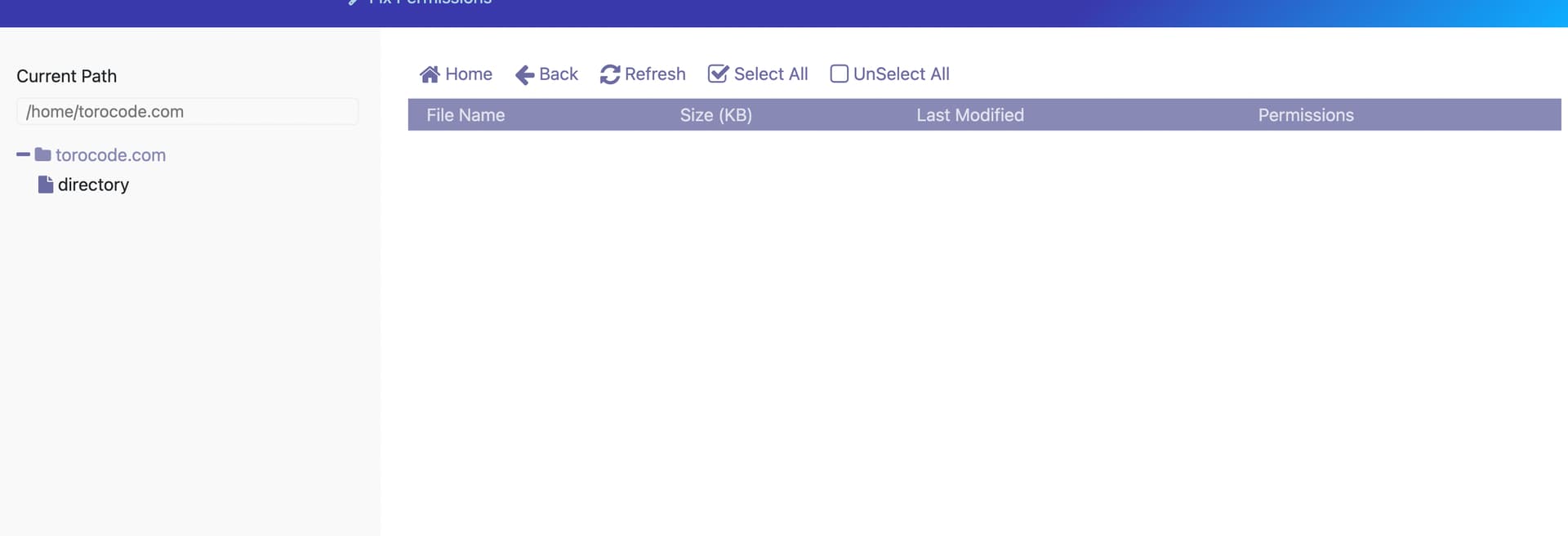
I found one temporarily fix. The temp fix is to delete the website, and re-create the website again and then the file manager shows. (If someone is following what i said, please make sure that you do have backup of that domain with database).
All of my websites does not show file manager but if i delete a domain manually and add new domain then i am able to see the file manager and upload files.
Possible for you to join me via AnyDesk to solve the issue? Currently 200+ sites are affected. I do not want to manually delete and add sites one by one as it’s very time consuming task.
I can access the server files/file manager files with FTP. Yes able to SSH.
Hey did you try updating Cyberpanel?
Yes, already updated a few days ago. But update only fixed the current security issue but not the file manager issue.